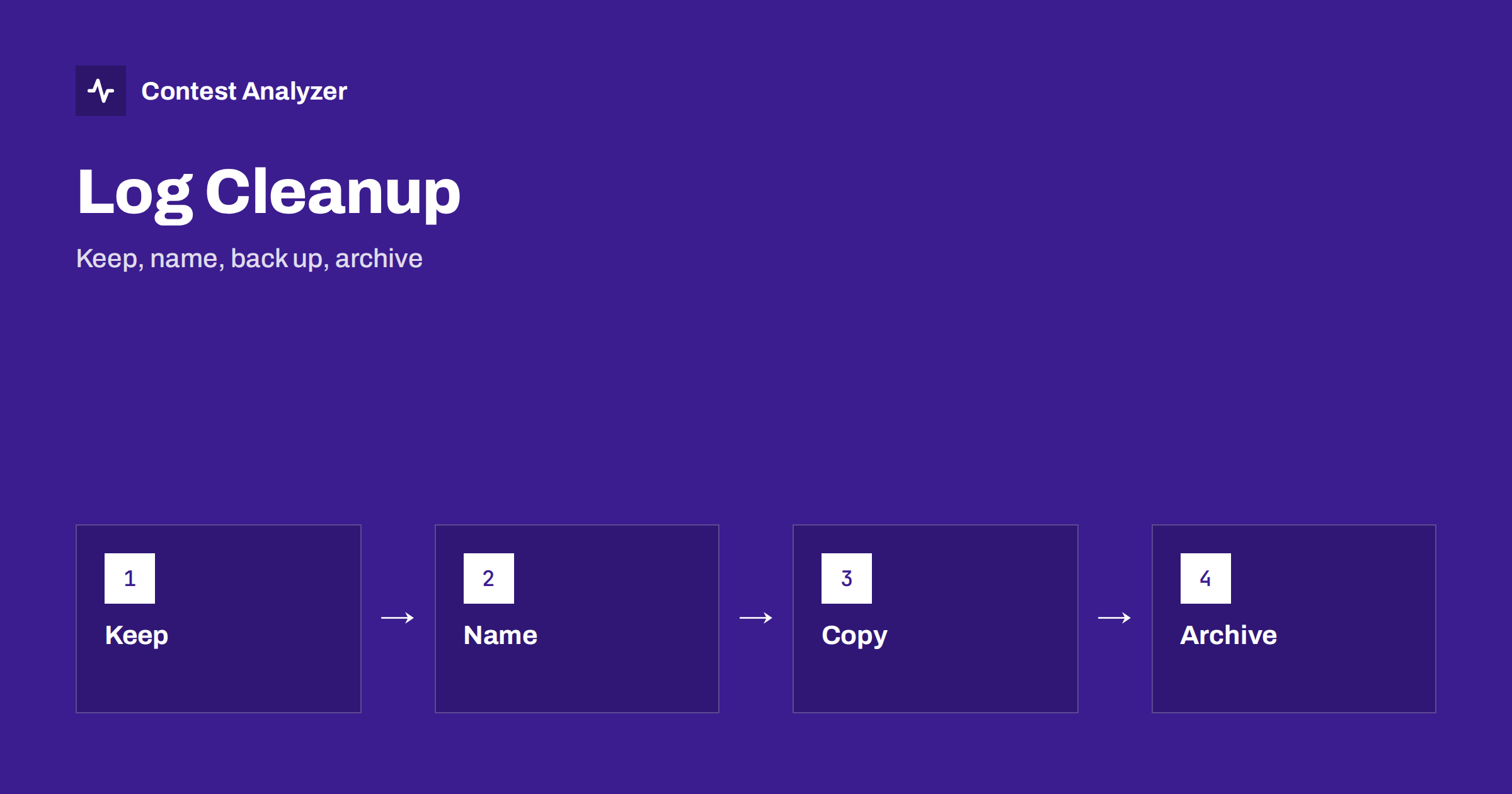
Short answer: After the final submission, the work is not over: the files from the contest are valuable for years. Keep the original Cabrillo, the corrected one that you submitted, the logger’s own database, your audio and your notes. Give them clear names, copy them to at least two places and write a short note that explains what each file is. Then clean the logger so that it is ready for the next contest.
Why this step is worth the time
Once the log has been sent in, it is tempting to close the program and forget about it. But the log has a second life. It is the base of your year-on-year comparison, the evidence if the organiser asks a question, the material for your notes and the source of a future analysis. Files from several years, kept in order, are far more useful than a single file that you can no longer find. A lost or overwritten log cannot be recovered.
The article on your post-contest review routine describes what to check in the log, and keeping copies of your contest log explains the general idea of copies. This article gives a step-by-step routine for the clean-up itself.
What to keep
Keep five kinds of material. First, the original Cabrillo file exactly as exported by the logger, before any changes. Second, the corrected Cabrillo that you submitted, if different. Third, the native database or file of the logger, with all QSOs, notes and settings. Fourth, the audio recordings, if you made them, together with a note of the start time. Fifth, your own notes: the paper or text files with comments, conditions, problems and the soapbox text. Do not delete the original because the corrected one exists; they serve different purposes.
Also keep the confirmation from the organiser, usually an e-mail or a web page showing that the log was received. Save it as a PDF or as a text file next to the log. If a question arises later about whether and when you submitted the log, this confirmation answers it. The article on how to submit a contest log describes the usual forms of confirmation.
Naming and folders
Use a simple system of folders and file names that you will understand in five years. A good pattern is a folder per year and per contest, such as 2026-CQWW-CW-callsign, and within it subfolders for the log, the audio and the notes. A file name should contain the contest, the year, your callsign and the type, for example original or corrected. Avoid names such as log-final-2 or newest, which become meaningless quickly. Use only characters that all systems accept, and avoid spaces if you may upload the file somewhere.
The same names will be useful when you upload files for analysis. For the services that ask you to choose the contest and the year, a clear name helps you pick the right file. The article on Cabrillo file names, encoding and line endings lists the common problems with names and formats.
Copies in more than one place
A single copy is not a backup. Copy the folder to at least two places that fail independently, for example an external drive and an online storage service, or two drives in different rooms. If your logs are important to you, keep one copy away from the shack. Check from time to time that the copies can be opened. A backup that has never been tested might not work when you need it.
Audio files are large, so plan the space. A whole contest recording can take many gigabytes, depending on the format. The articles on recording the whole contest and setting up audio recording discuss formats and storage. If space is limited, keep the audio for the QSOs that you marked as doubtful, and delete the rest only when you are sure that you will not need it. When in doubt, keep it.
Clean the logger
Now prepare the logging program for the next time. Export what you need, then clear or archive the contest database as the program allows, so that the next contest starts with an empty log and no old QSOs that could create false dupes. Keep the configuration, the message macros and the settings, but note any changes you made during the contest. If you updated the country file or other reference data, record the date. The article on logger settings to check before a big contest lists what to confirm before the next event.
Remove temporary files and test entries from the folders. Make sure that the corrected log is not accidentally imported back into the next contest. A clean start is a small act of discipline that prevents some odd problems, such as a dupe warning for a station that you worked a year ago.
Write a short note
Put a plain text file in the folder that explains what is there. Include the contest, the date, the category, the claimed score, the number of QSOs, the operators and the station set-up, as well as the date of submission and any problems. Add the final score and the place when the results come out. A note of ten lines now will save an hour of guessing later. It is the first thing to read when you come back to the folder in two years.
If you check your log with a service, note what was changed in the corrected file. Contest Analyzer lets you edit calls, zones, time and frequency in the report and download a corrected Cabrillo. It checks every callsign and every zone against official license databases and several independent reference sources, and it supports year-on-year comparison with your own logs, so well-kept files make that comparison easy. Serial numbers are not checked.
Privacy and sharing
A log contains your callsign, your times on the air and the callsigns of the stations you worked. Think about who may see it. Do not put it on a public page unless you wish to, and take care with cloud storage and sharing links. The service mentioned above keeps your log private, and your log and your callsign are never shown to other users. In your own storage, set the access rights to match your wishes.
A twenty-minute checklist
Here is a short routine that you can follow in the days after each contest. First, confirm that the submission was received and save the confirmation. Second, copy the original Cabrillo, the corrected Cabrillo and the logger database into the folder for the contest. Third, move the audio files and the notes into the same folder. Fourth, rename anything with a vague name. Fifth, write the note file. Sixth, make the two copies and open one file from each copy to check that it works. Seventh, clean the logger and set it up for the next contest. Eighth, add the contest to your calendar for next year, with the date and the deadline.
Do it while the contest is still fresh. Most of the work is moving and naming files, and it is much easier when you remember what each file is. Waiting a month turns a twenty-minute routine into a puzzle. If you operate often, keep the routine as a printed list near the computer.
Once a year, do a small review of the whole archive. Check that the older folders are still readable, that the formats can be opened by current software and that the copies are in place. Disks fail and formats change, and an annual check is a cheap way to avoid a sad discovery. Remove duplicates that serve no purpose, but never delete the originals. A tidy archive is a pleasure to use and a record of the progress you have made as a contester.
When something goes wrong
Even a careful routine can fail, and it is useful to know what to do. If a file is damaged, try the second copy first, and then look in the logger’s own backup folder, which many programs fill automatically. If the Cabrillo was overwritten, you can export it again from the logger database, provided the database is intact. If the audio is incomplete, use what remains and write a note about the missing part. If you cannot find a file, look at your submission e-mail or web confirmation, which often contains the log as an attachment.
The lesson from each such incident belongs in the note file. Next time you will know which copy saved you, and which habit failed. A short entry such as copy on the external drive was damaged, the online copy was fine is enough to remind you why two places matter. Treat every small loss as a cheap lesson, and improve the routine before a more important file is at risk.
Related reading
- Protect Your Contest Log: Backups During the Contest
- Same Contest, Two Years: What Really Changed?
- Train With Your Old Logs: Replay Hours and Study Your Errors
The bottom line
Keep the original, the corrected log, the database, the audio and your notes; name them clearly; copy them to two places; clean the logger; and write a short note. An hour of order after each contest makes every later analysis easier.
FAQ
Should I delete the original Cabrillo?
No. Keep it next to the corrected one. They serve different purposes.
How many backups do I need?
At least two copies in different places, and an occasional test that the files open.
How long should I keep logs?
As long as you want to compare years or answer questions. Disk space is cheap compared with lost history.
Can I delete the audio?
Only when you are sure you will not need it. Consider keeping at least the clips of doubtful QSOs.