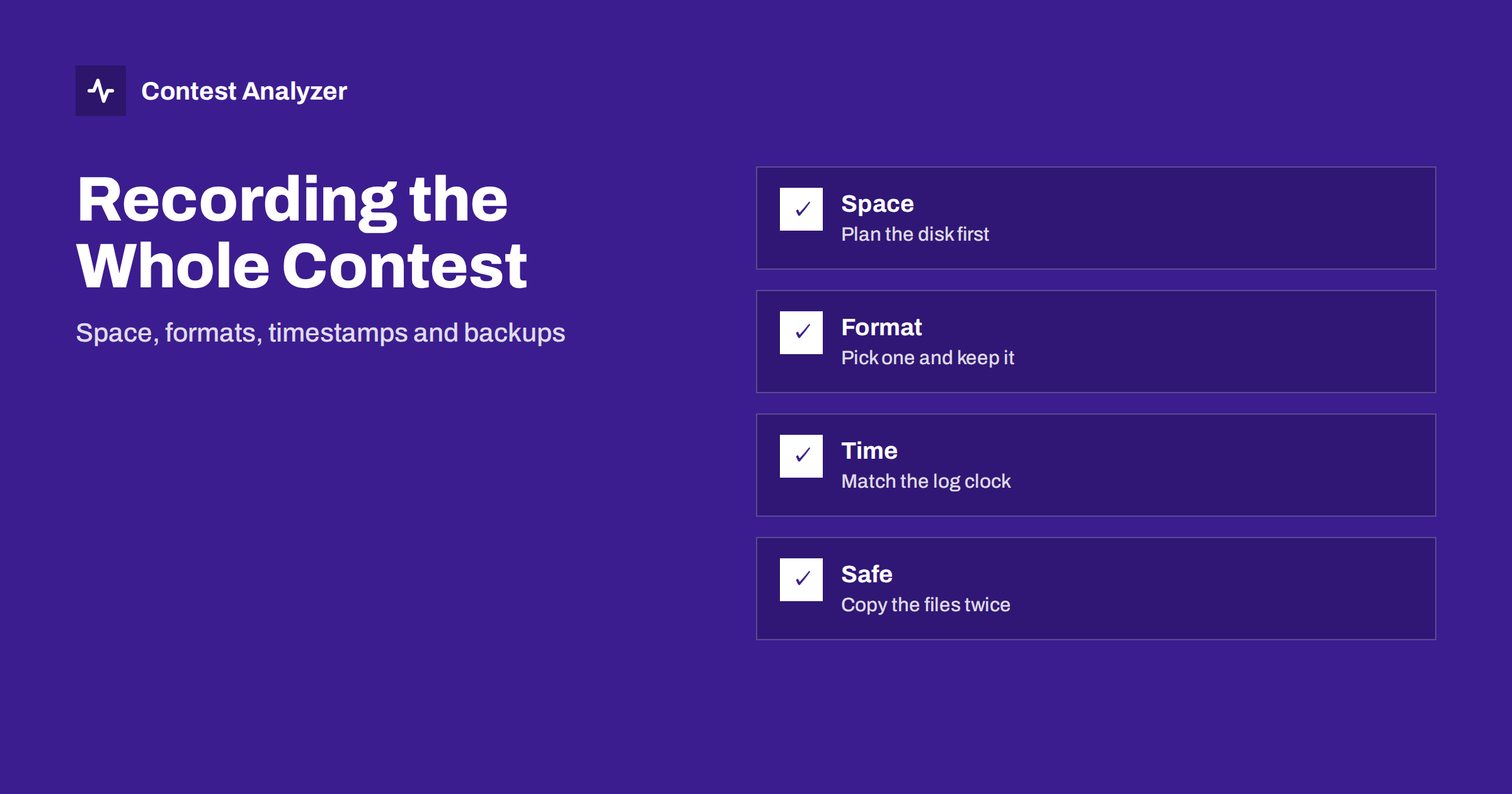
Short answer: Recording the whole contest costs little and gives you the best evidence for checking your log afterwards. Choose a format that gives clear speech without huge files, make sure the recording clock matches the logger clock, split the recording into manageable files and copy them to a second drive soon after the contest. Do not wait until something goes wrong to find out that the recording did not start.
Why record everything
A contest log is built from thousands of short decisions made under pressure. Some of them will be wrong, and you will not know which. The audio recording is the only record of what you really heard, and it lets you settle every doubtful QSO calmly after the contest. Instead of guessing which call was right, you go to the time, listen and correct the log. The articles on audio recording setup for contests and using audio to fix log errors describe the practical use.
Recording is also a learning tool. When you listen to your own operating, you hear how clearly you sent the exchange, how often you asked for repeats and where your attention dropped. Many contesters improve more from an evening of listening to their own recording than from reading advice. The only requirement is that the recording exists, so the first job is to make recording reliable.
How much space do you need
The size of the recording depends on the format, the sample rate and the number of channels. A contest weekend is about two days, so a simple calculation is enough: multiply the size of one hour by the number of hours you plan to record. Test with a ten-minute recording and read the file size, and then scale it up. Uncompressed audio at a high sample rate in stereo can reach tens of gigabytes for a full weekend, while a compressed speech format can stay at a small fraction of that.
Do not forget the free space on the system disk. If the recording program writes to the same disk as the logger, a disk that fills up can stop both. A good rule is to record to a separate drive or at least a separate partition with room to spare, and to check the free space before the start. Look at it again on the second morning, because a recording that stopped at night because of a full disk is a very annoying surprise.
Choosing a file format
For checking callsigns you do not need studio quality. You need clear speech or clear CW tones, and files that your player can open without problems years later. A common choice is an uncompressed format at a moderate sample rate, which is safe and simple but large. Another is a lossless compressed format, which keeps the quality and halves the size. A lossy format at a reasonable bit rate is the smallest, and it is usually good enough for voice, but test it with CW and RTTY before you rely on it, because some lossy encoders handle steady tones in a way that is less clear.
Whatever you choose, use the same format for the whole contest and keep a short note of the settings. The note should include the sample rate, the number of channels and which receiver is on which channel. If you use two receivers, the guidance on the notes on stereo audio for two receivers explains how to keep them apart.
Timestamps that match your log
A recording is useful only if you can find the moment of a QSO in it. The logger stores a UTC time for each QSO, and the recording software stores either a start time or a running time. The simplest way to connect them is to start the recording at a known time and to write that time down, or to let the software put the real clock time in the file names. If you split the recording into files of fixed length, the name of each file should show the start time in UTC.
The clock of the computer matters here. If the clock is wrong by a minute, you will search in the wrong place, and if the clock changes during the contest because of an automatic time update, the file names may jump. The article on UTC clock errors in a contest log explains the problem and the prevention. Before the contest, synchronise the clock, check that the recorder and the logger use the same one and test it by saying the time in the microphone and comparing it with the log.
Splitting the recording into files
One file for the whole weekend is a risk: if the program crashes, or the file is damaged, you lose everything. Many recorders can split the recording automatically into pieces of fixed length, for example one hour. This has several advantages. A crash loses at most one piece, you can copy the finished pieces while the contest goes on, and you can find the hour you need with a simple look at the file list.
Check that the splitting does not create gaps. Some programs close one file and open another with a short break, and a callsign sent at the wrong moment may fall in the gap. Test this with a continuous tone and listen for a click or a missing second at the file boundary. If there is a gap of more than a fraction of a second, choose another program or another setting.
Keeping the files safe
The recording is the evidence that you may need for weeks after the contest, since the results and the checking process can take time. Copy the files to a second drive as soon as the contest ends, and keep a third copy outside the station if you can. This is the same principle as in contest log backup copies: one copy is no copy.
Do not delete the recording until the final results are published and you have no more questions. After that, you may decide how long to keep it. Many contesters keep the recordings of the previous year, so that they can compare their operating from year to year, and delete older ones when space is needed. A short text file next to the audio, with the contest name, the date, the radio and the settings, helps you to understand what you have when you look at it later.
Using the recording during checking
When you check the log, you do not need to listen to everything. Use the statistics to find the places that need attention: the QSOs with unusual calls, the hours with many corrections, the stations that appear only once. Contest Analyzer checks every callsign and every zone against official license databases and several independent reference sources and shows only the few QSOs worth a second look. For each of them you go to the time in the recording, listen and decide.
In the report you can mark QSOs checked in your own audio recording, edit calls, zones, time and frequency, duplicate a QSO line and download a corrected Cabrillo. The report also marks QSOs outside the contest period and outside the band limits for your ITU region, with split QSOs shown as a note. It works with Cabrillo from N1MM Logger+, DXLog and Win-Test and it is available in 25 languages. See the contests page for the list of 22 supported contests.
Common recording failures
- The recorder did not start: check that the level meter moves in the first minute and again after every restart of the computer.
- Wrong input selected: the recorder captures the microphone instead of the receiver audio, so you hear only yourself.
- Level too high: the signal clips and callsigns become distorted. Keep the peaks well below the maximum.
- Disk full: the recording stops silently. Check the free space during the contest.
- Clock changed: an automatic update moved the time and the files no longer match the log.
A quick check every few hours takes ten seconds and removes most of these risks.
Recording CW, SSB and digital modes
The mode changes what you need from the recording. For SSB, the recording must be loud and clear enough to understand the callsign at the first listening, and a moderate sample rate is enough. For CW, the quality of the tone matters, and you should avoid heavy noise reduction or processing before the recorder, since it can smear weak signals. For RTTY and other digital modes, it is better to record the audio from the receiver and also to keep the decoder text, because the decoder may have made a mistake that you can find only by comparing the text with the sound.
If you operate several modes in the same contest, use one setup that works for all, or label the files by mode so that you do not mix them up. Also think about what the recorder hears when you transmit. Some operators record only the received audio, and others record their own voice or keying as well. The second option is useful for checking what you really sent, for example when a station says that you gave the wrong exchange, and it costs only a little extra space.
Related reading
- Recording audio for the log check
- Logging software backups and settings
- Your post-contest review routine
The bottom line
Plan the space, pick one format, match the clock to the log, split the recording into files and copy them to a second drive. The audio is your best proof when you check the log.
FAQ
How long should I keep the recording?
At least until the results are final. Many contesters keep last year’s files for comparison.
Is a compressed format good enough?
For speech usually yes. Test it with CW and RTTY before you rely on it.
Should I record both receivers?
If you use two receivers, record them on separate channels or tracks so that you can check each one.
What if the recorder stopped for an hour?
Note the gap and check those QSOs by other means. Next time check the level meter every few hours.
Do I need to listen to the whole recording?
No. Use the statistics and the report to find the QSOs worth listening to.