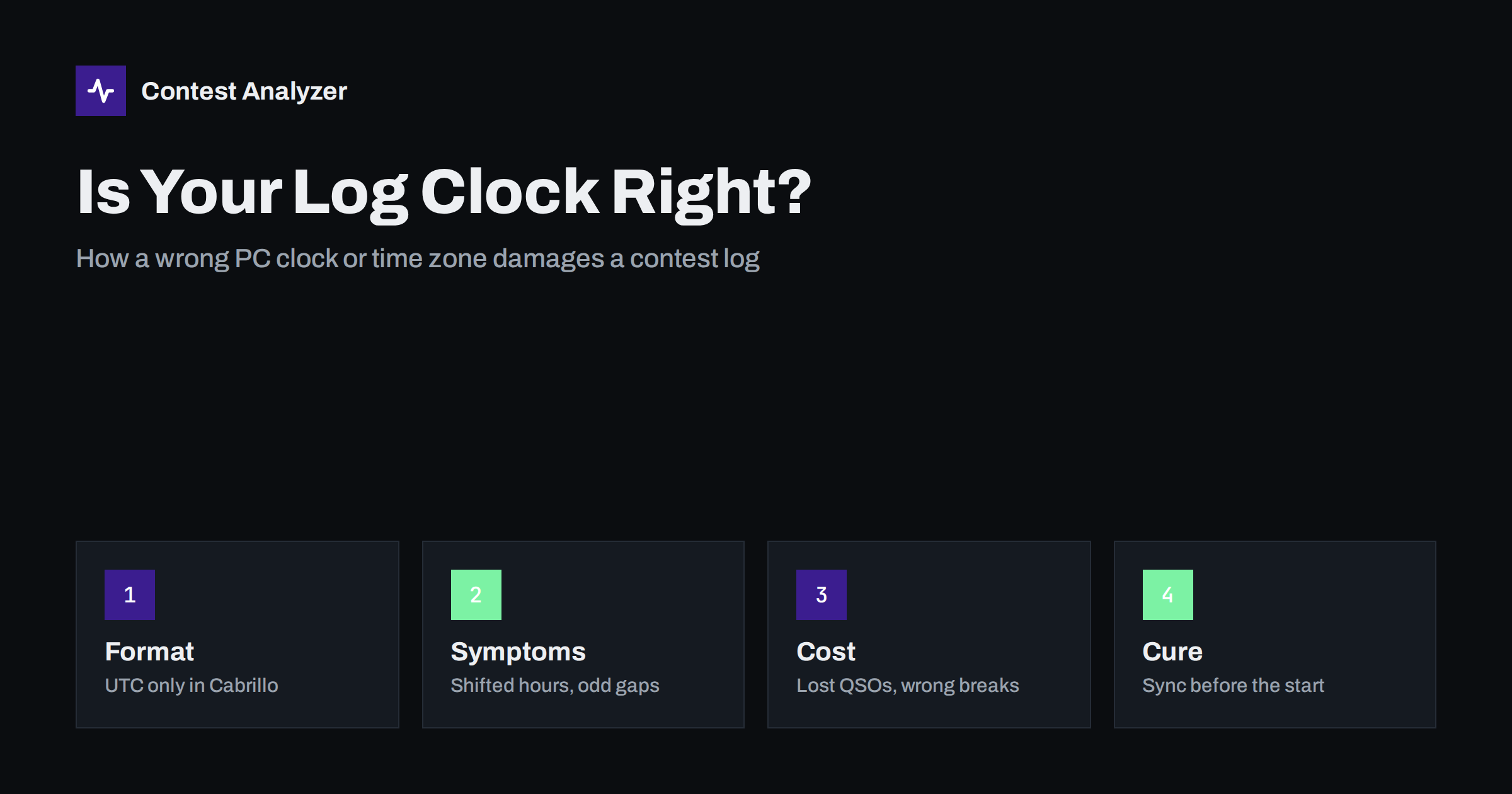
Short answer: Every QSO in a Cabrillo file carries a UTC date and time, and that stamp comes from your computer clock. If the clock is a few minutes off, the damage is small but real. If the time zone or daylight saving setting is wrong, whole hours of your log move to the wrong place, QSOs can fall outside the contest period, and your breaks look different from what you actually did. Synchronize the PC with an internet time source before the start, and look at your hourly totals before you submit.
Why the clock matters in a contest log
A contest is defined in UTC. CQ WW, for example, runs for 48 hours starting at 0000 UTC on Saturday and ending at 2359 UTC on Sunday, and most other major contests also give their start and end in UTC. Every QSO line in a Cabrillo file therefore contains a date in the form YYYY-MM-DD and a four-digit time in the form HHMM, and both are meant to be UTC regardless of where you live.
Your logging program does not read the sky. It takes the date and time from the operating system, so a QSO is only as accurate as the PC clock. Most operators set up the logger once, trust it, and never think about time again. That is fine as long as the computer’s clock, time zone and daylight saving setting are all correct. When any of them is not, the error is silent: nothing in the entry window warns you, and the log looks perfectly normal until somebody compares it with something else.
Time is also the key that ties a contact to a second station. Two operators who worked each other should have written down almost the same minute. If your clock is wrong, that link between your QSO and the other side’s record is weakened, which matters when contest committees compare logs and decide which contacts to credit.
The three kinds of clock error
Not every time problem looks the same, and each one has a different cause and a different signature in the log.
- Small drift. The PC clock has run fast or slow by seconds or a few minutes over weeks, especially on a machine that is rarely online or has a weak battery on the motherboard. The QSOs are in the right hour, but the minute is off.
- Time zone error. The computer is set to local time and the logger writes local time instead of UTC, or the logger is set correctly but the operating system zone was changed. The whole log is shifted by a fixed number of hours.
- Daylight saving error. The clock shows the right UTC offset on most days but jumps by an hour when daylight saving changes. This can bite in late October and in March, when many countries change their clocks. A contest weekend close to such a change is a classic trap.
The second and third types are the dangerous ones, because they move QSOs by a full hour or more. The first type mostly weakens matching and makes your rate figures slightly less accurate.
Symptoms you can spot yourself
You do not need special tools to notice a clock problem. You need to read your own log with a little suspicion. Look for these signs:
- The first QSO is stamped before the contest start, or the last QSO is stamped after the end, even though you know you were on the air only inside the contest.
- Your sunrise and sunset openings seem to appear one or two hours earlier or later than in previous years from the same location.
- A long gap in the middle of the log that does not match the break you remember, or a break that seems to have disappeared.
- The time in the log does not match a recording, a video of the station, or the entry in your paper notes.
- Two consecutive QSOs where the second one is earlier than the first. This usually means the clock was corrected, or changed by an automatic update, while you were operating.
The last sign is worth stressing. A clock that steps back or forward in the middle of a contest, for instance because the operating system suddenly synchronizes after you reconnect to a network, produces a log whose time sequence is broken. Everything after the jump is shifted relative to everything before it.
What a wrong time can cost you
The consequences depend on how large the error is and what the contest rules say. In general terms, they fall into four groups.
- QSOs outside the contest period. A contact stamped before the start or after the end is not part of the contest. Committees normally remove such QSOs, and a log with many of them looks careless. If your time zone is wrong, the first or last hours of real operating can end up on the wrong side of the line.
- Matching problems. Committees usually allow a small tolerance when they match a QSO with the other station’s record. If your clock is several minutes off, or an hour off, a good contact can fail to match and be treated as not found. We describe this type of loss in the article on not-in-log QSOs.
- Distorted breaks and operating time. Categories that limit operating time count it from the timestamps. If the break in your log is shorter than the break you really took, or the other way round, your declared off time can disagree with the log. For the CQ WW single-operator rule, only breaks of at least 60 minutes count, so a small shift can decide whether a rest period counts. Read more in our guide to off time and breaks.
- Wrong conclusions in your own analysis. If you study QSOs per hour to plan the next contest, a time shift teaches you the wrong lesson. You might think 20 meters opened at a certain hour when it opened an hour later.
None of these is a busted call, and none will be flagged in your logger. That is exactly why they are easy to miss.
Prevention: set the clock before the contest
The cure is boring and cheap. Do it a day before the start, not an hour before.
- Set the operating system to the correct time zone for where you are, and let it handle daylight saving. Then confirm that the logger itself is configured to record UTC. Many programs have a clear option for this; look for it in the settings rather than assuming it.
- Synchronize the clock with an internet time source (NTP). Windows and most other systems can do this automatically, and there are small free utilities that keep a PC clock within a small fraction of a second. Check that the synchronization actually works, since a failed service can be switched off without any visible warning.
- Plan for a station without internet. At a contest expedition or a field site, a PC can lose network access and then drift. Take a reliable time source such as a GPS receiver, a radio-controlled clock or a phone that is synchronized, and compare the PC to it at the start.
- Do not change the clock during the contest. If you must correct it, make a note of the real time of the change in your paper log or in a comment line so that you can repair the sequence afterwards.
- Disable automatic updates that restart or resynchronize at random times. Updating the system the night before the contest is a good idea; leaving it to update in the middle of the contest is not.
At a multi-operator station this matters even more. Several computers must share the same time, otherwise merged logs contain interleaved QSOs with inconsistent stamps. One master time source for all PCs is the simplest way to avoid it.
A two-minute check before you submit
Even with a good setup, spend a moment on the finished file before it goes to the sponsor. Open the Cabrillo file in a text editor and read the first and the last QSO line. They should sit just after the start and just before the end, in UTC, and the dates should match the contest weekend. Then scan the middle for gaps: each one should correspond to a break you remember. If a gap does not make sense, the clock is a likely suspect.
Contest Analyzer helps with the second part of that check. Upload your Cabrillo file from N1MM Logger+, DXLog or Win-Test and the report shows full statistics, including QSOs by hour and band and your breaks and off time. An hour-by-hour picture that is shifted or has a strange hole stands out at once. At the same time the report checks every callsign and every zone against official license databases and several independent reference sources and lists only the few QSOs that deserve a second look, so you can fix calls or zones in the report and download a corrected Cabrillo. If you find a clock error, correct it in the logger or the file before you upload it. See the list of supported contests for the 22 contests covered.
If you find a clock error after the contest
First, work out the size and type of the error. A constant offset of exactly one hour, for example, points to daylight saving or a time zone setting. A drift of a few minutes points to the clock itself. Compare a few QSOs where you remember the real time, for example the start of a big pileup that you noted down or a message you sent.
If the offset is constant, you can usually correct all QSOs by the same amount, either inside the logger with a time-shift function (some programs offer one; check the documentation) or in a copy of the Cabrillo file. Always keep the original untouched, and write down what you changed and why. If the error is not constant, do not guess. Make the best correction you can justify, or contact the contest sponsor and explain. Most committees would rather hear about a known problem than find it on their own. If you are unsure, check the current official rules for how to report a log problem.
Related reading
- Checking your contest log before you submit
- Exporting Cabrillo from N1MM Logger+, DXLog and Win-Test
- Off time and breaks in contest rules
The bottom line
Time is the one field in your log that you never type, which is why nobody checks it. Set the time zone correctly, record UTC, synchronize the PC through NTP before the start, and do not touch the clock while you operate. Afterwards read the first line, the last line and the gaps between. A few minutes of attention protects hours of operating.
FAQ
Must the time in a Cabrillo file be UTC?
Yes. Cabrillo QSO lines use a UTC date and a four-digit UTC time. If your logger stores local time, change the setting or correct the data before exporting.
How accurate does my PC clock need to be?
Seconds are not critical, but a few minutes can already weaken QSO matching. NTP synchronization normally keeps the clock far more accurate than a contest needs.
What happens to QSOs stamped outside the contest period?
Committees generally do not count them, so a time zone error can cost you real QSOs. Check the exact start and end times in the current official rules.
Can a clock error change my breaks and off time?
Yes, because operating time is calculated from the QSO timestamps. A shifted or stepped clock can make a break look shorter or longer than it was.
Does Contest Analyzer correct timestamps?
No. It shows QSOs by hour and band and your breaks, so an error stands out, but you should repair the time in your logger or Cabrillo file yourself.