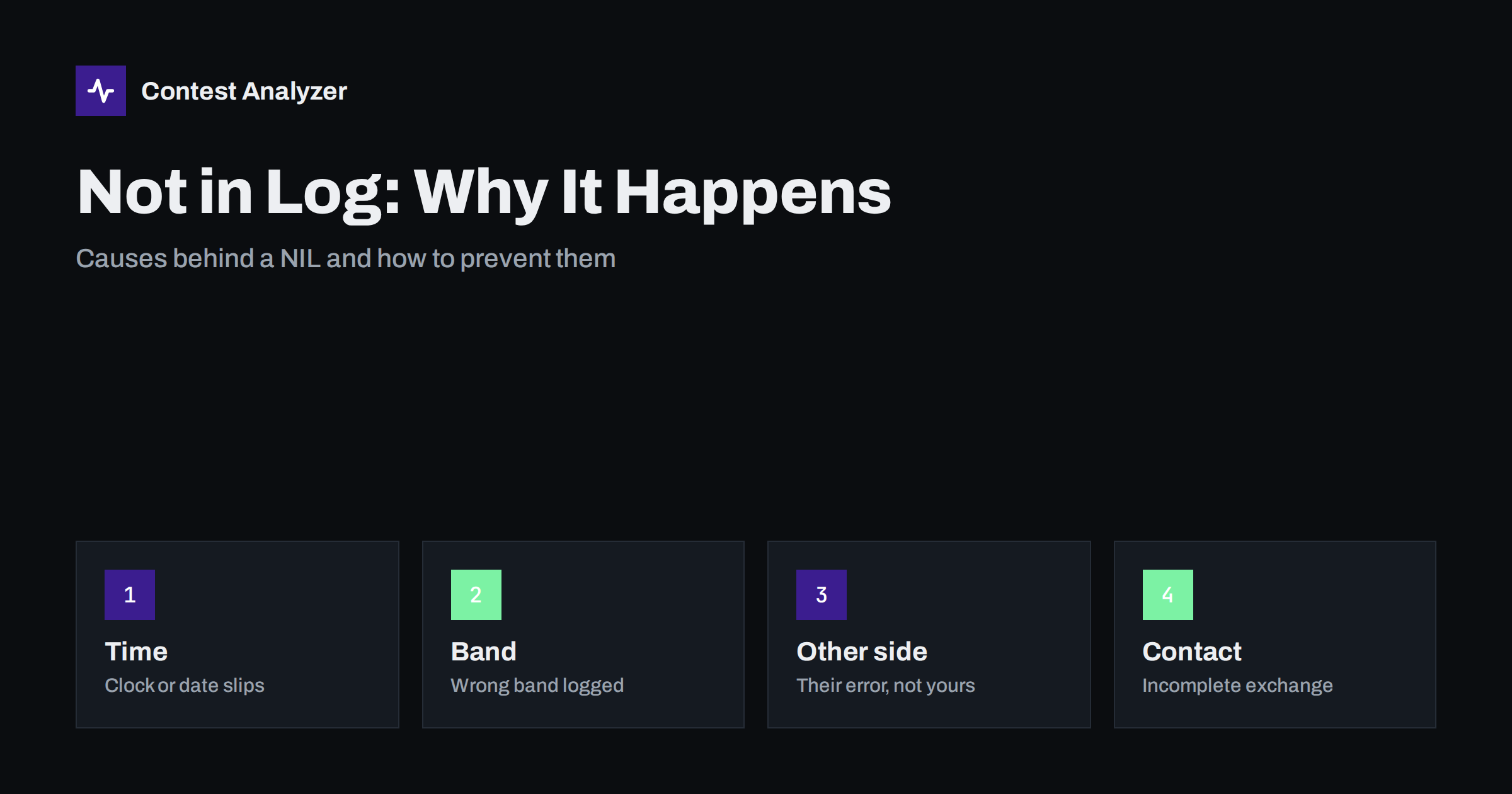
Short answer: A not-in-log QSO, or NIL, is a contact that the contest committee could not match in the log of the other station. The causes are usually ordinary: a clock that is off, a band or time entered wrongly, an incomplete exchange, or an error on the other side. You cannot control the other station’s log, but you can control your clock, your band entries and the clarity of each QSO, and that removes most of the avoidable cases.
What not in log means
When a committee checks a log, it looks at each contact and asks whether the other station reported the same QSO. If the other station sent a log and it does not contain a matching contact, the QSO is marked not in log. The word “matching” is the key: the call, the band, the mode and the time must agree within the tolerance the committee uses, and the exchange has to be consistent. Details such as the time tolerance and the penalty are set in the rules of each contest and can change, so check the current text. The principle, though, is the same everywhere.
Not in log is one of the three groups in the UBN report, together with unique and busted. If you want to see how the three fit together, read our article on the UBN report. This one concentrates on the NIL group and on what you can do about it.
A NIL is not always your fault
It is important to be honest about the limits. A NIL can arise from a mistake on your side, on the other side or on both. Some patterns are typical.
- You copied the call correctly and logged the QSO properly, but the other station never logged it, perhaps because it was a pile-up and the operator missed the contact.
- The other station logged you with a wrong call, so you see a NIL for the correct QSO.
- The other station sent a log that is partly missing, for example after a computer crash.
- The contact never really completed: one side thought it was finished, the other did not.
In these cases you can do little after the contest. What matters is to reduce the number of NILs that come from your own side, because those are the ones you can influence.
Cause 1: the clock
Time is part of every QSO line. If your computer clock is wrong by a few minutes, every QSO in your log has an incorrect time, and a committee that compares times will see a gap between your log and everybody else’s. A date error is worse: a QSO on the wrong day cannot match at all. This is one of the most common reasons for a block of NILs in one log, and a problem that can be removed completely with a few minutes of preparation.
- Synchronise the PC clock with a time service before the contest and, for a long event, check it again during the contest.
- Check the time zone settings. Contest logs use UTC, and a wrong zone setting shifts every time by whole hours.
- Do not edit QSO times by hand after the contest. If you have to correct a systematic offset, do it consistently and for the entire affected period.
Cause 2: band and mode
A contact has to be logged on the band and in the mode where it happened. The causes of wrong entries are practical.
- Your logger and your radio are not connected, so the band field is entered manually and is not updated when you change band.
- You work two radios on two bands (SO2R) and the logger records the QSO on the wrong one.
- You change band between the moment the call is entered and the moment the QSO is logged.
- Frequency is on a band edge, and the logger maps it to the wrong band.
The simplest protection is radio control, which writes the band and frequency into the log by itself. If you cannot use it, check the band field at regular intervals as part of your routine.
Cause 3: incomplete or unclear contacts
A QSO is complete when both stations have received the other’s call and exchange. A QSO can be logged by one side when the other side does not consider it finished. Typical situations are:
- The signal fades after you send your exchange, and the other station does not receive it, so it never logs the contact.
- You are not sure of the other’s exchange, you log what you think you heard and move on.
- A pile-up breaks the QSO in the middle, and both sides log their own interpretation.
- You send your exchange to the wrong station because two stations answered at once.
The fix is the same in all of these: do not log a QSO until you have a valid call and exchange from the other station and you have heard an acknowledgement. A moment of waiting is cheaper than a NIL. For SSB and CW we describe habits that help in the article on busted callsigns.
Cause 4: busted call on your side
A very common reason for a NIL is a busted call. If you log a station as LY2XYZ and the real station was LY2XYV, the committee will look in LY2XYZ’s log for you, if it exists, and in LY2XYV’s log for the real QSO. Neither will match your entry. Depending on the method the committee uses, such a QSO may be reported as busted, as not in log, or both. The distinction is less important than the cause: the call in your log is not the call on the air.
Cause 5: log problems on the other side
You cannot check another operator’s log, and you should not try. What you can do is reduce the chance of being misunderstood. Speak or send clearly, repeat your call when the signal is weak, and avoid ending a QSO before the other side has acknowledged it. You can also keep a short note of QSOs with doubtful outcomes. If you receive a report from the committee later, the notes can help you to understand what happened.
A prevention routine
| When | What to do |
|---|---|
| Before the contest | Sync the clock, check the UTC setting, connect radio control, update the data files |
| During the contest | Log only after the exchange and an acknowledgement; check the band field now and then; confirm calls once |
| After the contest | Review the log for odd calls and times; export a Cabrillo and read it before submitting |
The review step is the one many operators skip. Our checklist in the article check your contest log before you submit gives the full sequence.
Notes that help later
A small habit pays off when the committee report arrives: keep short notes during the contest. Write down the time when you changed the PC clock, when the radio control stopped working, when a pile-up broke a QSO in the middle or when you used a different logger for a while. Each note is a single line. After the contest you can compare the report with your notes and understand in minutes why a cluster of NILs appeared in one hour. Without notes the same exercise can take an evening, and the answer is often lost.
What a review can and cannot do
A review of your own log cannot find out whether the other station logged you. That information is only with the other station and with the committee, and Contest Analyzer does not claim to determine it. What a review can do is remove the errors that are on your side and that lead to NILs: busted calls, wrong zones and mistakes you can see in the data. Contest Analyzer reads the Cabrillo from N1MM Logger+, DXLog or Win-Test, checks every callsign and every zone against official license databases and several independent reference sources and shows only the few QSOs worth a second look. It also reports your breaks and off time, QSOs by hour and band and other statistics, so you can see a clock jump or a band anomaly. You can edit calls and zones in the report and download a corrected Cabrillo. Dupes are not errors, and serial numbers are not checked. See the contests page for the 22 supported contests.
Related reading
The bottom line
A NIL means that a contact was not found on the other side. Some of them are beyond your control, but many come from a clock that was off, a wrong band, an incomplete exchange or a busted call. Prepare the clock and radio control before the contest, log only complete contacts and review the file before you submit. That will not remove every NIL, but it removes the ones you can influence.
FAQ
Does a NIL mean I made an error?
Not necessarily. The error can be on the other station’s side. But many NILs do come from the operator’s own clock, band or call errors.
How exact must the time be?
Committees accept a small tolerance, which depends on the contest. A clock that is off by minutes is a real risk, so synchronise it.
What happens if the other station did not send a log?
Practices differ between contests. Check the current rules and the report of your contest for how such QSOs are handled.
Can Contest Analyzer tell me which QSOs will be NIL?
No. It checks callsigns and zones and shows the few QSOs worth a second look, which removes errors on your side.
Should I delete QSOs that I think may be NIL?
Only if you have a real reason to doubt them, such as a call you cannot defend. Otherwise keep them.