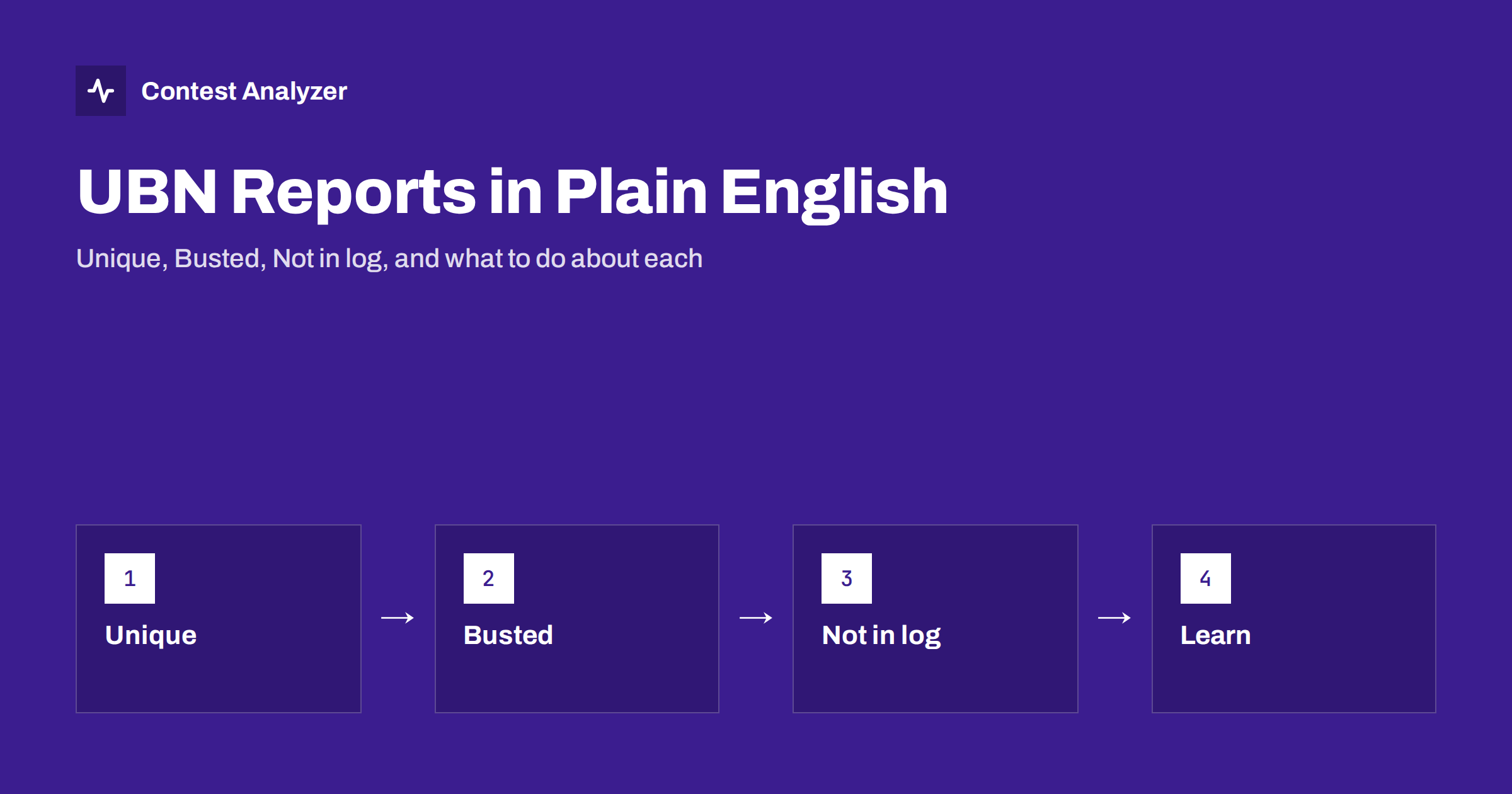
Short answer: A UBN report is a list, prepared by the contest committee, of the QSOs in your log that failed its checks. U stands for Unique, B for Busted and N for Not in log. It shows which contacts were removed or questioned and why, so you can see what your log looked like from the other side. Read it as feedback on your operating and logging habits, not as a verdict.
What a UBN report is
When a contest committee checks a log, it compares your QSOs with the records of other participants. The result of that comparison can be sent back to you, usually as a text file, and it is commonly called a UBN report. Several large contests, including the CQ World Wide DX Contest and CQ WPX, publish reports of this kind for entrants. Where they are available, when, and how you request or download them differs from contest to contest and from year to year, so check the current official rules or the contest website for the procedure. The report is produced by the committee; it is not something your logging program can generate in advance.
The value of the report is that it is specific. Instead of knowing only that your final score is lower than your claimed score, you see which contacts were removed, on which band and at what time, and for what type of problem. For an operator who wants to improve, there are few better sources of information.
Unique
A unique is a callsign that appears in your log but cannot be found anywhere else in the logs the committee has. That does not automatically mean it is wrong. Perhaps you worked a real station that did not submit a log, which is common for small or occasional participants. Perhaps you worked a rare station that was on for a few minutes and had no time to submit a log.
It does mean the committee looked at the call more closely. A unique call is suspicious because a busted call also looks unique: the correct version of the station exists elsewhere, while the wrong version exists only in your log. Committees therefore review uniques with extra care, and the way they are scored varies by contest. In some, a unique is accepted if it looks plausible; in others, it is removed unless it can be confirmed. Read the rules for the contest in question before drawing conclusions.
What to do with the list of uniques in your report: look at each one. Do you remember working it? Is there a station with a very similar call in your log or in your memory? If the entry looks like a lookalike of a call that you worked at another time, it is probably busted. If it is a station you clearly remember, it is probably a genuine contact with a station that did not send a log.
Busted
A busted entry is one where your call for the other station does not match, but a very similar call does. The report often shows the callsign you logged and the callsign the committee believes was correct. The difference is usually one character: a letter, a digit or a missing suffix.
This is the most useful part of the report for learning. Collect the pairs and look at them side by side. You will find patterns that are invisible during a contest. You may find that most of your busts involve the same two letters, a particular band, the last hours when you were tired, or calls sent fast in CW. The causes and cures of these errors are covered in the article on busted callsigns in contest logs.
A busted call normally costs the QSO. If that station was also a multiplier for you, the multiplier is lost too, and some contests deduct more than the QSO itself. Check the rules for the penalty in your contest.
Not in log
Not in log, often shortened to NIL, means the other station’s log contains no matching contact with you. There are several honest reasons, and your own error is only one of them.
- The other station did not log the QSO, or logged it and later removed it as a dupe.
- The other station logged your call wrongly. From their side you are the busted call, and your contact may be reported as NIL because their log shows a different callsign.
- The band, mode or time does not agree. Contests allow a small tolerance for time differences, and a large difference can make a real QSO fail to match.
- The exchange does not agree, for example a different zone or serial number than the other side recorded. Reports often show these errors separately or alongside.
- The contact never really happened, for example because the QSO was started, interrupted and logged anyway.
The practical difference between a NIL and a busted call is that in a NIL, the committee cannot say what went wrong, only that the two logs disagree. Your task is to think of the likely reason and see whether it was a one-off or a habit.
Other entries you may see
Depending on the contest, the same report may include other categories: duplicate QSOs, incorrect exchange information, contacts outside the contest period or outside the allowed bands, and contacts with stations that were disqualified or that submitted a check log. The labels differ, but the logic is the same. Each entry says which QSO, on which band and at what time, and which kind of problem the committee found.
How to read the report step by step
- Count. Note the total number of flagged QSOs and compare it with the number in your log. The ratio is your error rate.
- Sort by type. Separate busted calls, NILs, uniques and exchange errors. Each type has a different cause.
- Sort by band and by hour. Errors that cluster on one band or in one stretch of the contest point to a specific cause: a noisy band, a pile-up, fatigue, a change in the logger setup.
- Check the multipliers. Which of the errors cost you a country or a zone? A short list of multiplier losses is usually the most expensive part of the report.
- Compare with your log. Open the Cabrillo file and read the relevant lines. You will often remember the QSO when you see the exchange.
- Write down three lessons. Keep them short and put them where you will read them before the next contest.
What not to conclude
It is easy to over-read a UBN report. A NIL does not prove that you made a mistake. A unique does not prove that the call is wrong. A removed multiplier does not mean your whole result is wrong. Where there is doubt, look at your own log, think about what you heard, and accept that some small losses are the cost of working fast on a crowded band.
It is equally easy to under-read it. Operators who see the same pair of letters busted year after year and still do nothing about it are leaving points on the table.
Preventing the errors before you submit
The report arrives after the results are fixed. The better moment to find problems is before you send the log. That is the aim of a pre-submission review, which is described step by step in the article on checking a contest log before you submit.
Contest Analyzer is designed for that moment. You upload the Cabrillo from N1MM Logger+, DXLog or Win-Test, and it checks every callsign and every zone against official license databases and several independent reference sources. It shows only the few QSOs worth a second look, and you can correct callsigns and zones in the report and download a corrected Cabrillo. Serial numbers are not checked, and dupes are not shown as errors. It does not replace the committee’s own report, and it does not reproduce it. It gives you a chance to fix the obvious problems first. The full statistics in the report, including QSOs by hour and band and countries and zones, also let you spot weak periods of the contest. See the FAQ for more details.
Related reading
- Busted callsigns in contest logs
- How to check a contest log before you submit it
- Comparing contest results year on year
The bottom line
A UBN report tells you where your log and the committee’s picture of the contest disagreed. Read it by type, by band and by hour, look for patterns rather than single events, and turn what you find into two or three habits for the next contest. Used that way, a report is one of the cheapest coaching tools in the hobby.
FAQ
Does every contest publish a UBN report?
No. Some do, some provide a shorter list or a summary, and some give nothing. Look at the contest’s own rules and results page for the current procedure.
Is a unique QSO always an error?
No. It may be a genuine contact with a station that did not send a log. Uniques are looked at more carefully because busted calls also appear unique, but how they are scored depends on the contest.
What is the difference between busted and NIL?
Busted means a similar call exists and the committee can see what you probably meant. NIL means the other log has no matching contact, and the reason may lie on either side.
Can I dispute an entry in the report?
Some contests allow questions or corrections to the committee, others do not. The contact details and deadlines are in the current rules, so check them early.
Can a tool give me a UBN report before I submit?
Only the committee can produce its official report. A pre-submission check, such as Contest Analyzer, flags the QSOs that deserve a second look so you can correct them before sending.