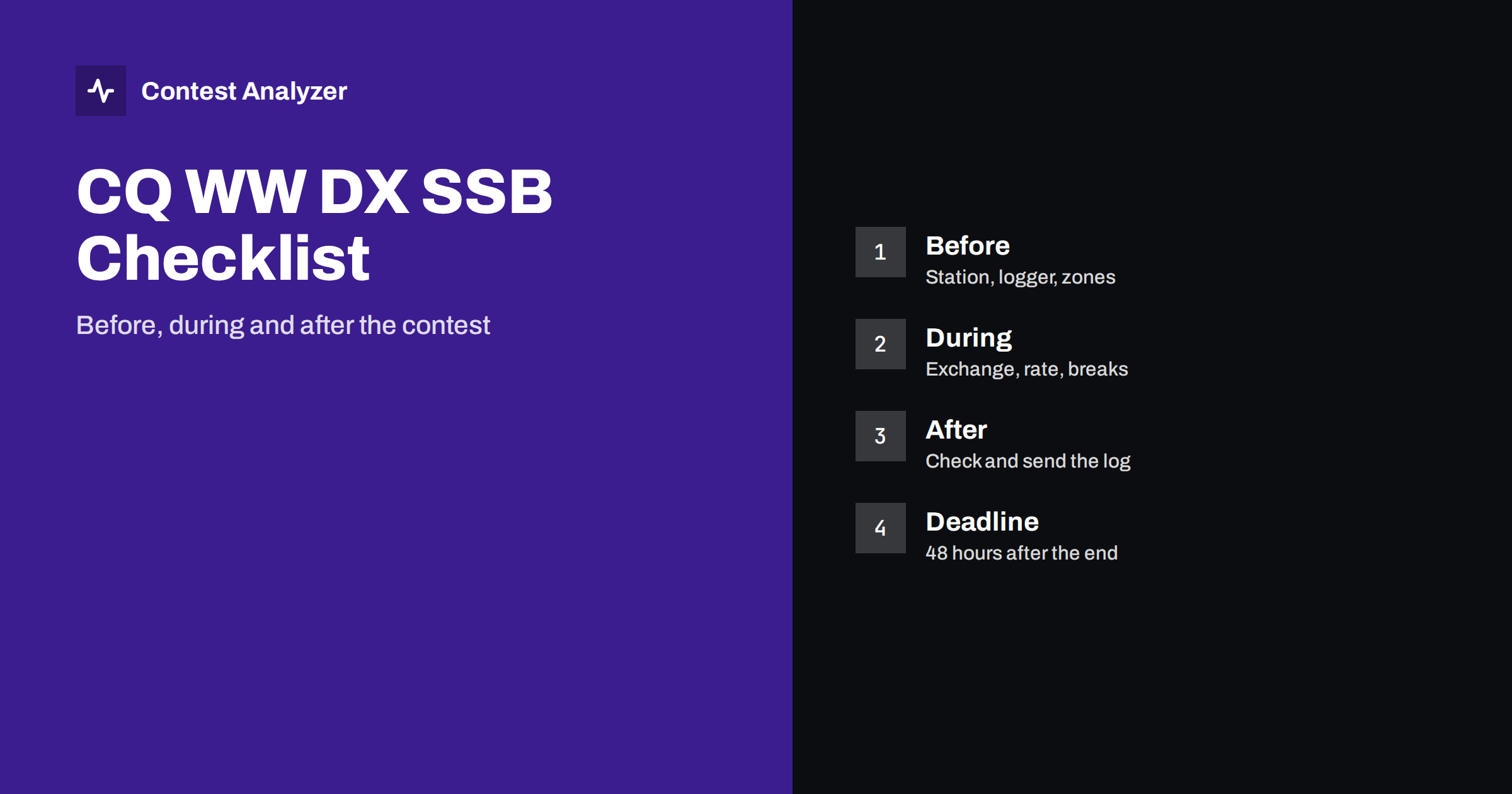
Short answer: In CQ WW DX SSB you exchange a signal report plus your CQ zone, and you must send your log within 48 hours after the contest ends. Prepare the station, logger and your own zone before the start, keep a steady rhythm and planned breaks during the contest, and use the first hours afterwards to check the log and submit it. Always confirm details in the current official rules.
What CQ WW DX SSB asks of you
CQ WW DX is one of the biggest HF contests of the year. The SSB part takes place in late October, on the last full weekend of the month, and runs for 48 hours. Operators from all over the world try to work as many stations and as many different countries and CQ zones as they can on the bands from 160 to 10 metres. The exchange is simple: a signal report (RST, in SSB normally 59) and your CQ zone number. Countries and zones count as multipliers, and they count separately on each band, which is why band planning matters so much.
Because the exchange is short, most of what separates a good result from a poor one is preparation, discipline and accuracy. The checklist below follows the order in which things happen. For the exact categories, scoring and dates, use the official CQ WW rules, which are the only authoritative source and which can change between years.
Before the contest: the station
Start with the station, because an equipment failure at hour 3 costs far more than an afternoon of checks the week before.
- Antennas and feedlines. Check SWR on every band you plan to use, inspect connectors and rotator, and replace anything that has been unreliable.
- Audio. On SSB, clean, punchy audio is part of your rate. Test with a local station or a recording, set the microphone gain and processing carefully, and avoid overdriving the transmitter.
- Power and cooling. A 48-hour event exposes weak power supplies and amplifiers. Run the station at contest power for an extended period beforehand.
- Headset, keyer and voice memories. Record voice messages for CQ and your exchange, and check that every function key does what you expect.
- Backups. Have a second radio or a spare microphone, spare fuses, and a backup way to log.
Before the contest: logger and computer
Set up your logging software in advance, using the contest it offers for CQ WW DX SSB, and then run a test log.
- Select the right contest and mode, and check that the category and power match what you plan to enter.
- Enter your callsign and your CQ zone in the station settings so that the sent exchange is correct in every QSO. A wrong zone here repeats in every line of your log.
- Synchronize the PC clock to a reliable time source and keep it running on UTC. Time errors affect period checks and off time.
- Check that the logger shows the zone of the station you are working. Most contest loggers include partial-call checking as an aid while operating, and that is helpful to confirm a call as you type it.
- Do a few dummy QSOs, export a Cabrillo file and open it in a text editor to see that the structure looks right. Finding a problem now is much easier than at the end.
If you are unsure how zones are assigned, our guide to CQ zones in CQ WW explains how to find them, including countries where zones are split.
Before the contest: plan the 48 hours
A written plan is the cheapest improvement you can make. Decide which bands you want to be on at which time of day, using your own experience of when each band opens and closes from your location. Mark the hours when you expect your best rates and plan to be rested for them.
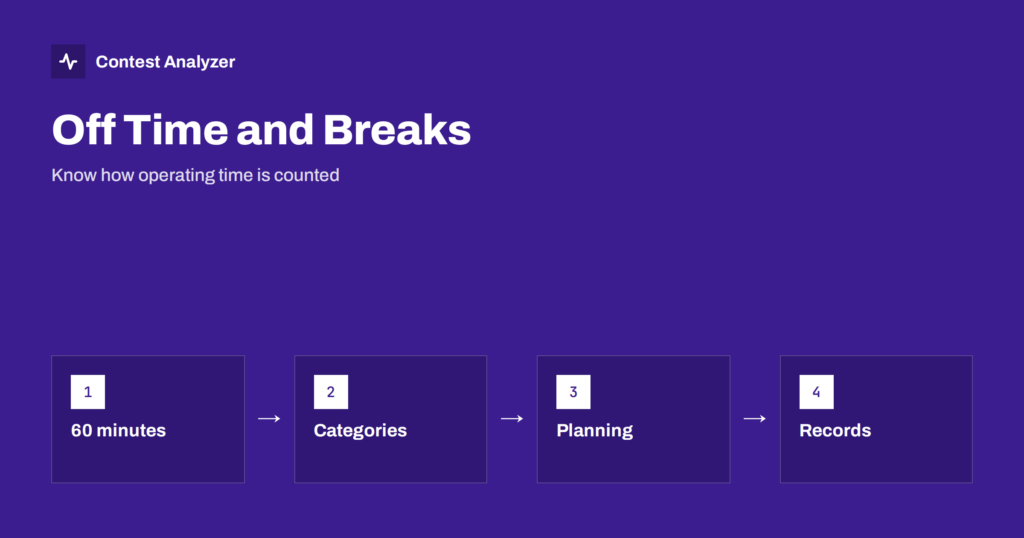
Breaks need particular care. In CQ WW, single-operator categories have a limit on operating time, and off time counts only for breaks of at least 60 minutes. A pause of 40 minutes is, for this purpose, simply operating time. Read the current rules for your category, then fix when your off periods will be. We cover this topic in more detail in the article on off time and breaks.
Choose your category before the contest, not during it. Single operator, single band, assisted or unassisted, low or high power: each choice changes what equipment and aids you may use, and it appears in the header of your Cabrillo file. If you are not sure which category fits how you intend to operate, read the category definitions in the rules and pick the one that matches your station honestly. An entry that is classified differently from what you intended is a disappointment you can avoid with five minutes of reading.
On the final day, spend the last hour before the start on small things: fresh batteries in the headset, a printed copy of your zone and band plan, water and snacks within reach, a quick check that the logger is on the right contest and the right mode, and that the clock is correct.
During the contest: exchange and zone discipline
Once the contest starts, the main thing is a calm, repeatable routine.
- Send your exchange the same way each time. RST and zone, spoken clearly, in the same order. Operators then learn to copy it quickly.
- Log the zone you received, not the zone you assumed. A station in a country with several zones may be in a different one from what you expect. When the logger offers a default, still listen to what is actually sent.
- Confirm the callsign. One quick confirmation per QSO prevents more problems than any later correction. See our article on busted callsigns.
- Do not log dupes on purpose. Use the logger’s dupe check. Working a station again by mistake costs rate, and unmarked duplicate contacts are a nuisance in the log.
- Fix mistakes immediately. If you realize you logged a wrong call or zone, correct it while you still remember the QSO. After hundreds of contacts, you will not remember it.
During the contest: rate, bands and multipliers
CQ WW rewards both volume and variety. Use a mix of running and search-and-pounce, and aim to be on a band when it is productive for multipliers as well as for QSOs. Because multipliers count per band, working a rare country on several bands is worth more than working it once. Watch your rate over a longer window than a few minutes before changing band, and use the 60-minute figure as a guide, as we describe in the article on contest rates.
Look after yourself. Hydration, food, a chair you can sit in for hours and a short walk during a planned break all show up in your rate and in the accuracy of your copying late on the second day.
After the contest: check and send the log
The contest ends, and the clock for the log deadline starts: in CQ WW the log is due 48 hours after the end of the contest (confirm the current rule in the official rules). That is enough time to do a careful check, but not enough to leave it for later in the week.
- Export the Cabrillo file from your logger. The step-by-step export guide for the three most common programs is in our Cabrillo export article.
- Check the header: callsign, category, power, mode, operators and address. Wrong header data can change how your entry is classified.
- Check the first and last QSO times and the band list against what you remember.
- Scan for calls and zones that look wrong. Doubtful callsigns and zones are the most common source of penalties.
- Correct what is clearly wrong, export a clean file, and upload it according to the instructions on the official site before the deadline.
A report can speed up steps 3 and 4. Contest Analyzer checks every callsign and every zone against official license databases and several independent reference sources and shows only the few QSOs worth a second look. You can edit calls and zones in the report and download a corrected Cabrillo. Serial numbers are not checked, and duplicates are not treated as errors. There is a longer walk-through in the pre-submission checklist.
Learning for next year
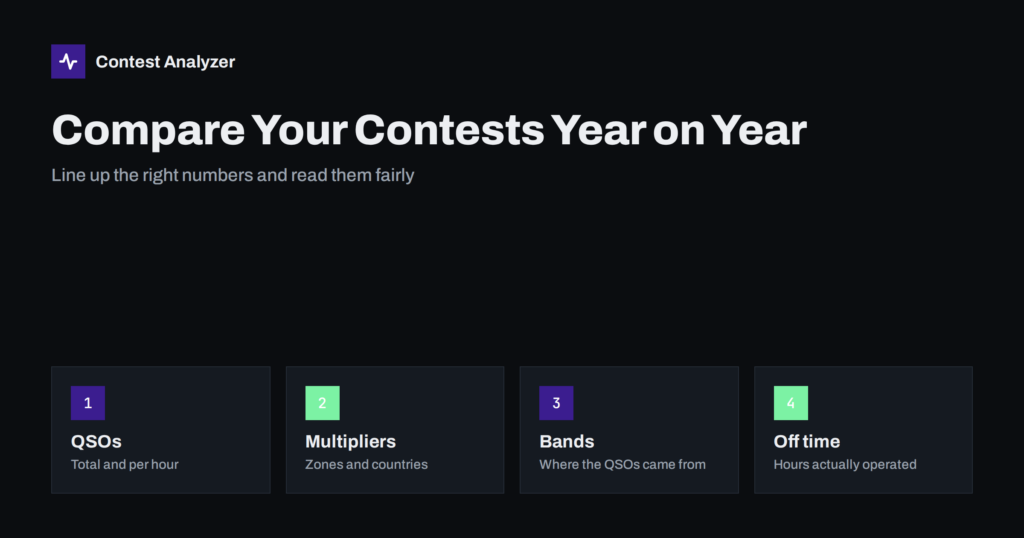
The days after the contest are the best time to look at your statistics: rate by hour and band, multipliers worked, breaks and off time, QSOs by continent. Write down two or three things to change, and compare them with your result next year. The year-on-year comparison guide shows how.
Related reading
- CQ zones in CQ WW explained
- How to check a contest log before you submit it
- Off time and breaks in contest rules
- UBN reports explained
The bottom line
CQ WW DX SSB is simple on paper and demanding in practice. Prepare the station and the logger, write down your zone and your break plan, keep your exchange and copying clean while you operate, and use the 48 hours after the end to check and send a tidy log. Read the official rules each year, because they are the final word.
FAQ
What is the CQ WW DX SSB exchange?
A signal report (RST) and your CQ zone. In SSB the report is normally 59 and the zone is the number that matters for the multiplier.
When is the log due?
The current rule is 48 hours after the end of the contest. Check the official rules for the year, since deadlines and upload details are set there.
Do all breaks count as off time?
In single-operator CQ WW categories only breaks of at least 60 minutes count as off time. Shorter pauses are counted as operating time.
Which log format do I submit?
Cabrillo. Your logger can export it, and you should open the file to check the header and QSO lines before uploading.
Can I fix errors after I have exported the Cabrillo?
Yes, as long as you re-export or edit the file and submit it before the deadline. A corrected file is much better than an uncorrected one.