Short answer: A contest rate is the number of QSOs you log per hour, usually measured over a short window (the last 10 minutes, the last 100 QSOs) or a full clock hour. Short windows tell you what is happening right now; hourly totals tell you how the contest actually went. Read both, split them by band and by run versus search-and-pounce, and the places where you lose QSOs become easy to find.
What a rate is, and what it is not
Every logger shows you a rate figure, and every contester watches it. But a rate is only a number derived from timestamps: how many contacts fall into a given period of time. It says nothing about whether those contacts were worth much, whether the calls were copied correctly, or whether the multipliers you needed arrived. That is why a high rate is a means, not a goal. Score in most contests is roughly QSO points multiplied by multipliers, so rate drives the first factor while band choice and timing drive the second.
It also helps to separate two ideas that are often mixed up. The instantaneous rate is a projection: “I logged 20 QSOs in the last 10 minutes, so I am on a 120/hour pace”. The actual rate is what you can only know afterwards: how many QSOs ended up in each clock hour of the contest. The projection feels exciting, the actual figure is the one that decides your result.
The common rate windows
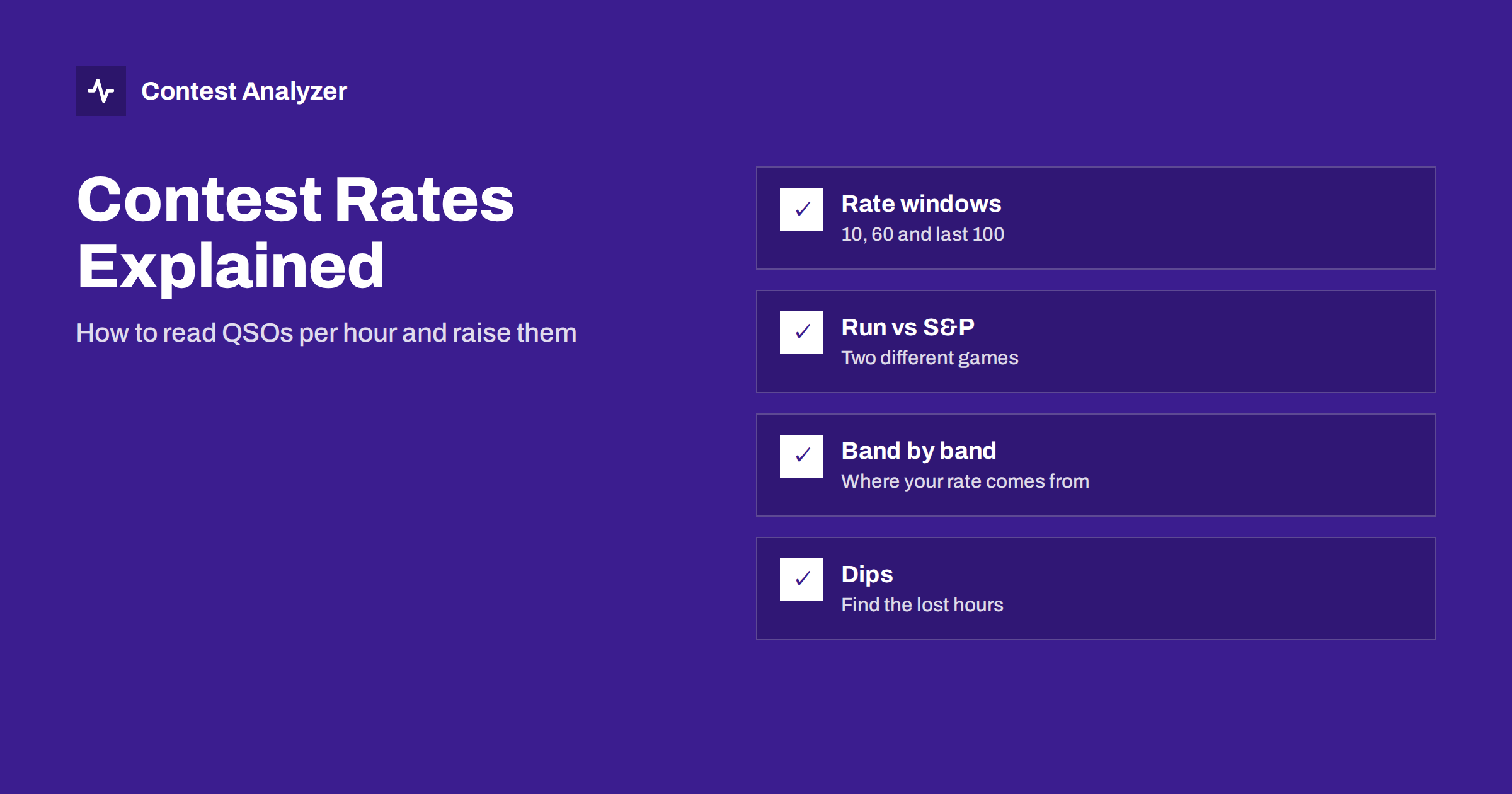
Most contest loggers display several rate figures at once. They answer slightly different questions.
| Window | What it tells you | Best used for |
|---|---|---|
| Last 10 minutes | The current pace, extrapolated to one hour | Deciding whether to stay on a frequency |
| Last 60 minutes | A stable recent average | Deciding whether to change band |
| Last 100 QSOs | Pace over a fixed number of contacts, independent of clock time | Judging a run when the rate varies a lot |
| Clock hour | The real total for each hour of the contest | Post-contest analysis and comparison |
The 10-minute figure is noisy. Two big pileups in a row can show 200/hour for a few minutes and then fall to half of that. Do not make strategic decisions from it alone. The 60-minute figure is calmer but lags: it will still look healthy five minutes after a band has died. Use the short window to react and the longer one to confirm.
Run rate versus search-and-pounce rate
Running means sitting on a frequency, calling CQ and letting stations come to you. Search-and-pounce (S&P) means tuning across the band and calling stations that are already running. For most operators and most of the contest, a good run frequency produces a clearly higher rate than S&P, because you log a contact every few seconds instead of spending time tuning, waiting and calling.
But S&P is not a mistake. It is the main way to pick up multipliers, because the new country or zone is rarely sitting on your run frequency. A sensible plan is to run when the rate is good, and to tune up the band for needed multipliers when the run slows down. If you can, make the run/S&P distinction visible in your own habits: many operators note it as they go, and some loggers record it with each QSO. Then you can answer the question that matters after the contest: how many QSOs did my runs produce per hour, and how many did my S&P hours produce?
- If your run hours and S&P hours look about the same, you are probably not holding a run frequency long enough, or the run frequency is poor.
- If your run hours are far better, check whether you spent enough hours running at all, especially on the strongest band.
- If your S&P hours are close to your run hours, your multiplier hunting is paying for itself.
QSOs per hour by band
Hourly totals become much more useful when you split them by band. A single average rate hides the fact that a contest is really several small contests, one per band, each with its own opening and closing time. The questions to ask are practical:
- Which band gave you the most QSOs overall, and which gave the most per hour you spent on it?
- Did you stay too long on a band after the openings had passed?
- Did you leave a band too early, before the best hour?
- Was there a band on which you made very few QSOs but many multipliers?
The last question matters because rate and multipliers pull against each other. A band with a poor rate can still be the right place to be for ten minutes if it holds three new zones. The raw QSO count by band does not show that, so look at QSOs and multipliers together. A statistics report that lists QSOs by hour and band, countries, continents and zones side by side makes this comparison fast; doing it by hand from a log is possible but slow.
Reading the hour-by-hour picture
Plot or list your QSOs for every clock hour of the contest. A healthy curve for a worldwide HF contest usually has several peaks, one for each major opening on your best bands, and valleys between them. Look for three patterns:
- A sudden hole. An hour with a few QSOs between two busy hours is either a planned break, a band change that did not work out, or a technical problem. Compare it with your memory and notes. If you do not remember it, it is the first thing to investigate.
- A flat, low plateau. Many hours at the same modest rate suggest you were mostly in S&P mode or that you stayed on a band that had little to offer.
- Rate collapse after a peak. After a strong hour the rate falls because you ran out of stations that could hear you, or because the band changed. This is the signal to move, not to try harder on the same frequency.
Breaks show up here too. Planned rest is part of the game in most categories, but long gaps need to be intentional, and in some contests the rules define how off time is counted. We cover that in the guide to off time and breaks.
Practical ways to improve your rate
Most rate gains come from a small number of habits rather than from a bigger amplifier.
- Keep your exchange short and fixed. Every extra word costs time on every QSO. Sending the same exchange the same way each time also helps the other operator copy it the first time.
- Avoid repeats. A repeat costs more than the QSO is worth. Copy the callsign cleanly before you answer, and confirm it back once. More on that in our article on busted callsigns.
- Hold your frequency. A clear, steady run frequency is worth more than frequent hunting for a better one. Move only when the rate has clearly fallen on the longer window.
- Use the logger’s tools. Message keyers, voice keyers and partial-call checking while you operate save seconds on every contact.
- Plan band changes around openings. Know in advance when your best bands usually open and close from your location, and be ready to move before the rate drops.
- Take breaks when the rate is naturally low. Rest in the hours that would have been poor anyway, so that the break costs the fewest QSOs.
Rate is not the only number to watch
It is easy to chase a bigger rate at the expense of everything else. Remember that a QSO with a badly copied call can be removed and may carry a penalty, so speed gained by guessing is usually lost again. A faster rate is only valuable when the contacts hold up when the log is checked. After the contest, put your rates next to your multipliers and your error count, and you will see whether you are balanced.
Using statistics after the contest
Everything above can be done by hand, but it is much quicker with a report. Contest Analyzer reads the Cabrillo from N1MM Logger+, DXLog or Win-Test and gives you full statistics: rates, QSOs by hour and band, countries, continents, CQ and ITU zones, WPX prefixes, distance, beam heading, breaks and off time, and callsign length and structure. It also shows the few QSOs worth a second look, and it lets you compare the result with your own earlier logs. You can see the 22 supported contests on the contests page.
Related reading
- How to compare your contest results year on year
- Off time and breaks in contest rules
- Busted callsigns in contest logs
The bottom line
Use the short windows to react, the hourly totals to learn, and always read your rate band by band and run against S&P. Look for holes and plateaus in the hour-by-hour picture, fix the habits that cost seconds on each QSO, and keep an eye on multipliers and accuracy so that the rate you build is a rate that survives log checking.
FAQ
What is a good contest rate?
There is no universal figure. It depends on the contest, mode, band, your antennas and propagation. The useful comparison is with your own earlier results in the same contest and category.
Should I trust the 10-minute rate?
Treat it as a quick indicator only. It swings with every pileup, so use the 60-minute figure or the last-100 rate before you decide to change band or frequency.
Is search-and-pounce always slower than running?
Usually, because you spend time tuning and waiting. But it is often the only efficient way to find multipliers, so a mix of both is normal.
Do duplicate QSOs affect my rate?
They inflate the raw count but give no points. In Contest Analyzer dupes are not treated as errors, but for your own analysis it is wise to know how many contacts were actually new.
Can I see my rate by band after the contest?
Yes. Upload your Cabrillo file and the report lists QSOs by hour and band, together with countries, continents and zones, so you can compare each band on its own.