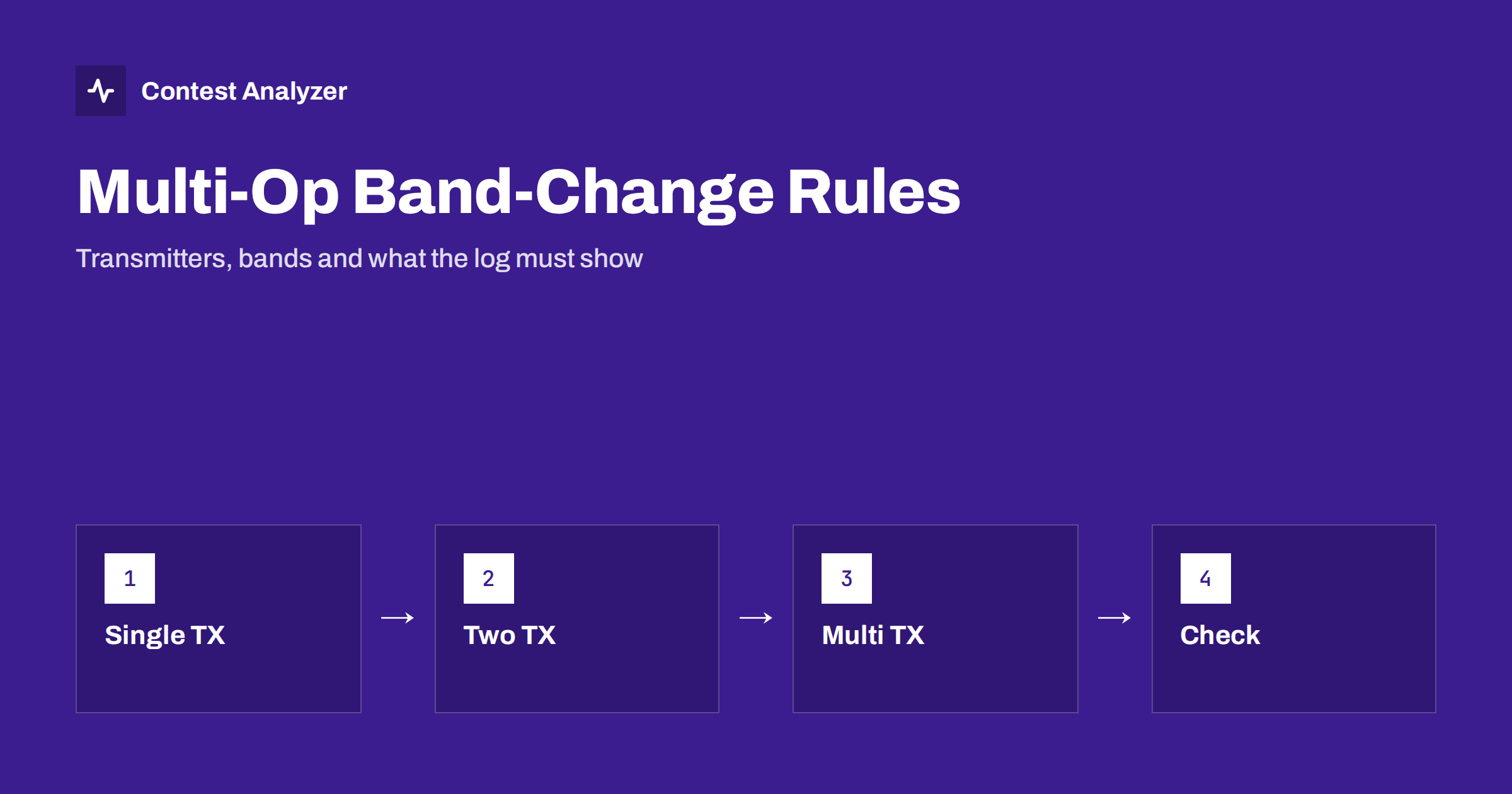
Short answer: Multi-operator categories are usually named by the number of transmitters allowed to be active at the same time: one (multi-single), two (multi-two) or several (multi-multi). Some of them limit how often, or how soon, a transmitter may change band. The exact numbers and exceptions are different in each contest and may change from year to year, so check the current rules, and make sure your log shows clearly which transmitter was on which band.
What a multi-operator entry is
A multi-operator entry is a station operated by more than one person under one callsign. The reason to enter may be a club station, a group of friends at a remote site or a family effort. The competition is organised in classes, and the classes are about equipment and rules as much as about the number of people. In many contests the classes are described by the number of transmitters that may be on the air at the same time and, for some of them, by the rule that governs band changes.
The details are in the rules of each event. This article explains the common ideas, so that you can read the official text with a clear picture and avoid unpleasant surprises when the log is checked.
Common class names
| Class | Typical meaning | Typical focus of the rules |
|---|---|---|
| Multi-single | One transmitter, one signal on the air at a time, several operators | Limits on band changes |
| Multi-two | Two transmitters, usually one running and one looking for multipliers | Which transmitter may change band and when |
| Multi-multi | Several transmitters, in many contests one per band | Only one signal per band at a time |
| Multi-distributed | Operators at separate locations in some contests | Rules on location and connection |
This table is a general guide, not a rulebook. Names, the number of allowed transmitters and the use of an extra “multiplier station” differ between contests. In some events the classes have different names altogether. Always check the definition of the class in the official rules.
Why band changes are limited
If an unlimited number of band changes were allowed in a class with a single transmitter, a team could jump to a band whenever a multiplier appeared and jump back, using one transmitter as if it were several. Band-change limits stop this. The principle is that a transmitter should stay on a band for some time and that the number of times it moves is restricted.
Common forms of such rules, as they appear in different contests, are:
- a minimum time that a transmitter must remain on a band after it has started to transmit there (a ten-minute rule is a well-known example, but the exact number differs between events);
- a maximum number of band changes per hour or in total;
- special exceptions for multipliers, where a short visit to another band is allowed to work a new multiplier;
- a rule that the second transmitter in a two-transmitter class may only work multipliers, or may only be on a band that is not used by the first.
These examples show types of rules. They are not the rules of your contest. Quote numbers only from the official text of the event you enter, and read the section again every year, because rules are revised.
What the log must show
For the committee, the band and time of each QSO are evidence of how the station was operated. To check a band-change rule, a committee needs to see which QSOs were made by which transmitter, on which band, at what time. This puts demands on your log.
- Correct time on every QSO. A clock that is off by minutes can make a legal band change look like a violation, or the reverse.
- Correct band and frequency. Let the logging program read them from the radio, so they are consistent.
- A transmitter or radio number where the format and the rules provide for it. Many loggers write a transmitter identifier in each QSO line in multi-transmitter classes.
- A correct category in the header. It must match the class you really operated in. See our guide to the Cabrillo header.
- Merged logs. If several computers are used, all QSOs must end up in one file before you export. A missing computer means missing QSOs and an incomplete picture of the band changes.
Test your export before the contest. The article on exporting Cabrillo from N1MM Logger+, DXLog and Win-Test gives general steps and tells you what to verify in the file.
Running a multi-operator log
A multi-operator station creates logging problems that a single operator rarely meets. The main one is that several people enter data into the same log, at different speeds and with different habits. Some practical measures help.
- Use a networked logger. A program that shares one log between computers avoids duplicate serial numbers and makes dupe checking work across the whole station.
- Agree on a clear procedure for operator changes. The incoming operator should check the station, the band, the exchange fields and the clock.
- Record the operators. The header of the Cabrillo file has a field for operators, and the contest may require it.
- Appoint a person responsible for the log. One person should check the data during the contest and prepare the file afterwards.
- Keep notes on band changes. If a technical problem forces an early change, write down the time and the reason.
Reading your own band changes
You can check your compliance with a band-change rule before the committee does. List your QSOs in order of time, for each transmitter, and look at the points at which the band changes. Count how long the transmitter stayed on each band and how many changes occurred per hour. Anything that does not fit the rule of your class needs an explanation or a correction of the data. If a line looks wrong because of a typing error and not because of the real operation, you want to know before submitting.
Statistics make this easier. A view of QSOs by hour and band shows band movement at a glance, and break and off-time figures show the gaps. Our article on off time and breaks explains how operating time is read in the rules. Contest Analyzer reads the Cabrillo from N1MM Logger+, DXLog and Win-Test and gives these statistics: rates, QSOs by hour and band, countries, continents, CQ and ITU zones, WPX prefixes, distance, beam heading, breaks and off time, and callsign length and structure. It also checks every callsign and every zone against official license databases and several independent reference sources and shows only the few QSOs worth a second look. The service does not judge compliance with a class rule, which remains the decision of the committee. You can edit calls and zones in the report, download a corrected Cabrillo and compare with your own earlier logs. See the contests page for the 22 supported contests.
An example of planning
Imagine a club entering a multi-two class. The plan could name one transmitter as the main run station and the other as the multiplier station. Before the contest the team writes down, in the words of the rules, what each transmitter may and may not do, which operator watches the clock for band-change limits and who is responsible for saying “now” when a move is allowed. During the contest a simple sheet next to the computer shows the band of each transmitter and the time of the last change. After the contest the log is exported and compared with the sheet. Such an approach is not complicated, and it turns a rule that is easy to violate by accident into a routine.
The same thinking applies to multi-single stations, where the limit on band changes is often tighter. The team might agree that no band change is made in the last minutes before a planned operator swap, or that the operator who finds a multiplier on another band must first check the clock. The value of such agreements lies in having them before the contest, not in finding them during a busy hour.
Mistakes to avoid
- Entering the wrong class in the header because the program default came from last year.
- Different clocks on different computers. Even a small offset between machines scrambles the order of QSOs.
- Forgetting to merge a laptop. A computer that was used only for a few hours is easy to leave out.
- Assuming last year’s rule still applies. Band-change limits and class definitions have changed in several contests over the years.
- Treating the rule as a technicality. A band-change violation can lead to reclassification, so it is worth planning the operation to stay safely inside the limits.
Related reading
- Off time and breaks in contest rules
- Cabrillo log header explained
- Export Cabrillo from N1MM Logger+, DXLog and Win-Test
The bottom line
Multi-operator classes are defined by the number of transmitters and, in many contests, by limits on band changes. Read the definition for your event each year, log time, band and transmitter data accurately, merge every computer before export and check your band-change pattern yourself. Numbers and exceptions belong to the official rules, not to this article.
FAQ
What is the difference between multi-single and multi-two?
In general terms, multi-single allows one transmitter on the air at a time and multi-two allows two. Check the definitions of your contest for details.
Is there a standard band-change rule?
No. Different contests use different limits, and they change. Use the current official rules of the contest you enter.
Do I need to record the operators?
Many contests ask for the list of operators in the Cabrillo header. Check the requirements of your contest.
Why does clock accuracy matter in multi-op?
Band-change rules are checked from the time and band of your QSOs. A wrong clock can make a legal pattern look wrong.
Can Contest Analyzer tell me whether I broke a band-change rule?
No. It gives statistics, including QSOs by hour and band, and checks callsigns and zones. The decision about a rule belongs to the contest committee.