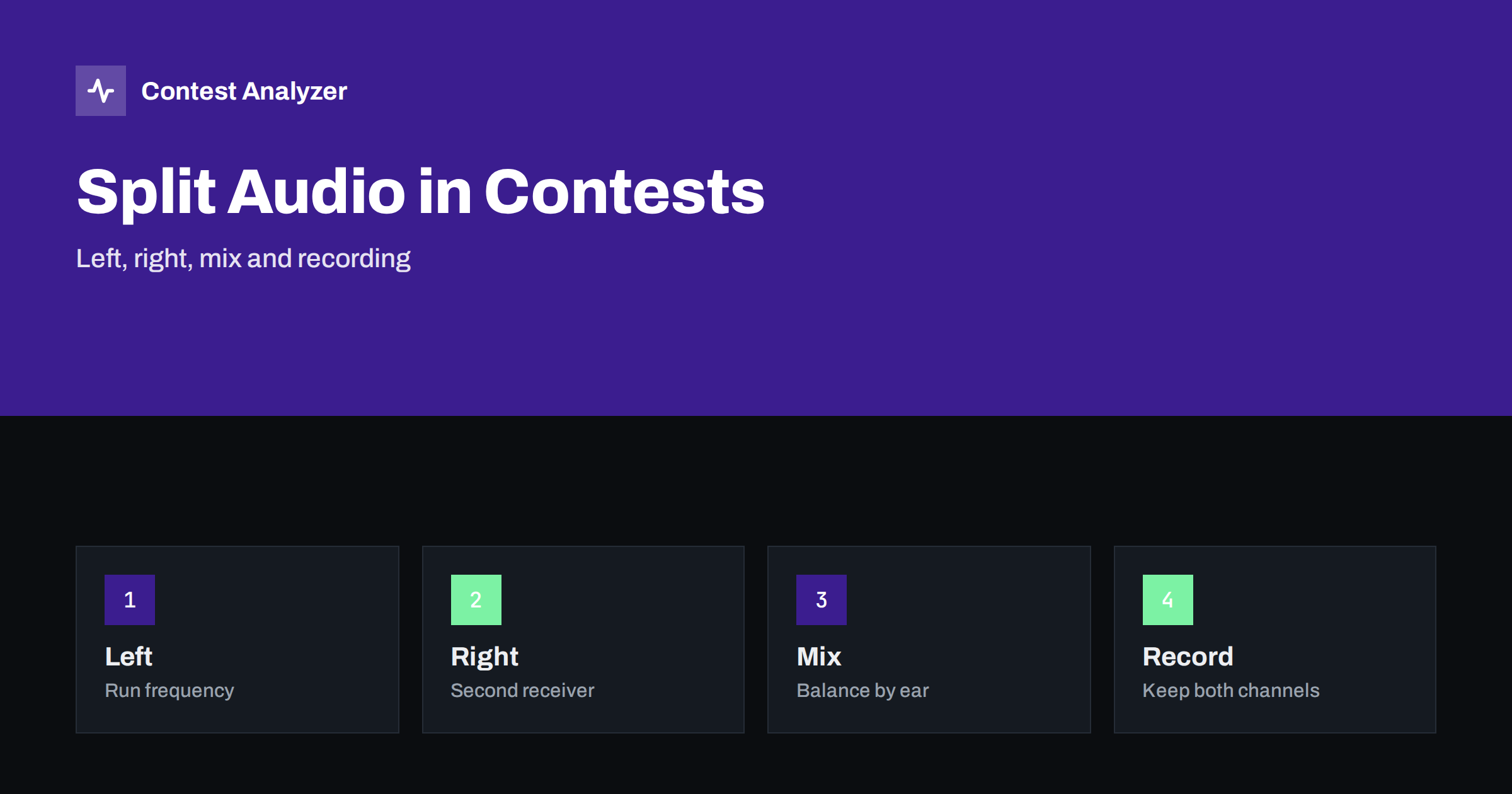
Short answer: If your station has two receivers, you can send one to the left ear and the other to the right, and your brain will follow both with some practice. Start with a clear rule about which channel is the run frequency and which is the second receiver, set levels so that neither one hides the other, and record the audio so that you can check the log afterwards. Keep it simple, because a complicated audio setup tires you faster than any rate gain can pay for.
Why split the audio at all
A contest operator with one receiver hears one frequency at a time. With two receivers, such as a main receiver and a sub-receiver or a second radio, the operator can listen to both, and the brain can learn to pay attention to the one that matters at the moment. The most common reason is to hear a second frequency while running on the first, for example to find a multiplier on another part of the band while calling CQ. Another reason is to listen on two bands at once, as in SO2R operation, as described in SO2R basics for contesters and using a second radio for search and pounce.
Split audio is not a requirement. Many good contesters do well with one receiver and a good bandmap. The idea is to add a tool only when you have a purpose for it and when you can learn to use it without losing accuracy.
Left and right: a simple rule
Choose which receiver goes to which ear and keep that rule for the whole contest. A common choice is to put the receiver you transmit on in one ear, and the second receiver in the other. The choice does not matter as much as the consistency. Your brain builds a map: this side means the run frequency, that side means the other one. Changing the map during the contest costs time and attention.
Some operators keep the main channel in both ears at a lower level and put the second receiver in one ear only. This is a compromise: the main frequency stays clear, and the second receiver is heard as a secondary signal. Try different settings in a quiet moment before the contest, and keep the one that you can use for several hours without strain.
Balancing the levels
The levels of the two channels should be set so that a normal signal on the second receiver is audible but does not cover the run frequency. Use the level controls on the audio mixer or the radio, and set them when the band is typical, not during a quiet period. If one channel is much louder than the other, the quiet one will not be used. If both are loud, the effect is tiring.
Check the levels once more when you change the filters or the noise reduction settings. A narrow filter on the main receiver and a wider one on the second receiver can create a difference in perceived loudness that is not obvious until you have worked a few QSOs. The article on headphones and listening fatigue gives more advice on comfort and on the level that you should avoid exceeding for hours.
Avoiding mixing mistakes
The main risk of two audio channels is that you copy something from the wrong one. A callsign from the second receiver gets typed with the exchange from the first, and the log shows a QSO that never happened. The risk is greatest at the moment of switching. To reduce it, always say or type the call from the channel that you have selected for transmitting, and give yourself a moment to be sure that you know which side you are listening to before you send.
A good habit is to look at the frequency display of the active radio when you start a QSO. This takes a fraction of a second and prevents the most embarrassing mistakes. Also check the band in the log if the logger takes it from the radio. A wrong band entry is a typical consequence of mixing up two radios, and the article on frequency field errors in the logger explains how it happens.
Recording both channels
Recording the contest audio is the best tool you have for checking the log afterwards. With two receivers, you can record each one as a separate track or both mixed in one stereo file. A separate track is better, because you can listen to a single frequency without the other one, and you can replay a QSO without noise from the second receiver. If your recording software can only record one stereo pair, a stereo file with each receiver in one channel does the job.
Store the recordings with accurate timestamps, so that you can find the QSO from the time in the log. Make sure that the recording starts before the contest, that it is running when you hear the first signals, and that you can read the file name later and know what it contains.
Using the recording to check the log
After the contest, the recording is the evidence for the QSOs that you are not sure about. If a callsign looks odd, go to the time, listen, and decide. With a separate track for each receiver you can tell which radio was in use and whether the call came from the run frequency or from a search and pounce QSO. The articles on audio recording setup for contests and using audio to fix log errors describe the workflow.
Contest Analyzer checks every callsign and every zone against official license databases and several independent reference sources and shows only the few QSOs worth a second look. You can mark QSOs checked in your own audio recording, edit calls, zones, time and frequency in the report, duplicate a QSO line and download a corrected Cabrillo. This means that your recording and the report together form a simple loop: the tool shows what is worth listening to, and the audio tells you what is right. It works with Cabrillo from N1MM Logger+, DXLog and Win-Test, and it supports 22 contests.
Practice before the contest
Do not try split audio for the first time in a major contest. Practise in a smaller one or in a weekend with a relaxed schedule. Spend an hour with two receivers on different bands and work a few QSOs from each. Learn how it feels, which levels are comfortable and where you make mistakes. Write down the settings you like and keep them in the station notebook, as suggested in the article on a station change notebook.
Also practise the recovery from errors. If you notice that you have copied something from the wrong channel, what do you do? A simple rule is to stop, ask for a repeat and correct the log immediately. A wrong QSO is worse than a lost one, so use the extra seconds.
Think also about comfort. Two audio channels mean two sources of noise in your head for many hours, and that can bring fatigue faster than a single receiver does. Take short breaks, lower the level of the second channel when it is not needed and switch it off completely when you are running a strong pile-up. Many operators find that the second channel is useful for an hour or two at a time, and not for the whole contest. Listen to your own tiredness, because a tired operator makes more errors, and the errors cost more than the multipliers you can find with the extra receiver.
Finally, take care of the cables and the grounding. Two radios, a mixer and a computer sound card in one room can create hum, noise and feedback, and these will not only disturb the audio but may also spoil your recording. Use short, good-quality cables, keep audio and power cables apart and test the whole chain at night, when the noise from other equipment is easier to hear. A quiet setup is a cheap and effective upgrade for any contest station.
A last tip is to use a headset that you know well. A new pair of headphones on the day of the contest changes the balance and the comfort in ways that are difficult to predict. If you plan to buy new ones, buy them months before, and wear them in an ordinary weekend contest before the big one.
One more small habit pays off: label the sides. A strip of tape on the mixer or a note on the screen that says which side is which saves the first confused minutes after a night of little sleep, or when a second operator takes over the seat. In a multi-operator station, agree on the rule before the start and write it where everyone can see it, so that the new operator does not need to learn it by making a mistake.
Related reading
The bottom line
Use a fixed left and right rule, balance the levels when the band is typical, check the frequency before you log and record both channels so that you can verify the doubtful QSOs later.
FAQ
Do I need two receivers to do well?
No. Many good contesters use one receiver. Add the second only when you can use it without more errors.
Which ear should be the run frequency?
Whichever feels natural. What matters is that you keep the same rule all contest long.
Should I record each receiver on its own track?
If possible, yes. Separate tracks make it easier to check a QSO later.
What is the most common mistake with split audio?
Copying a call from one receiver and the exchange from the other. Check the active frequency at the start of each QSO.
Can I use a stereo recording from one pair of channels?
Yes. Put each receiver in one channel and you can still check each one separately.