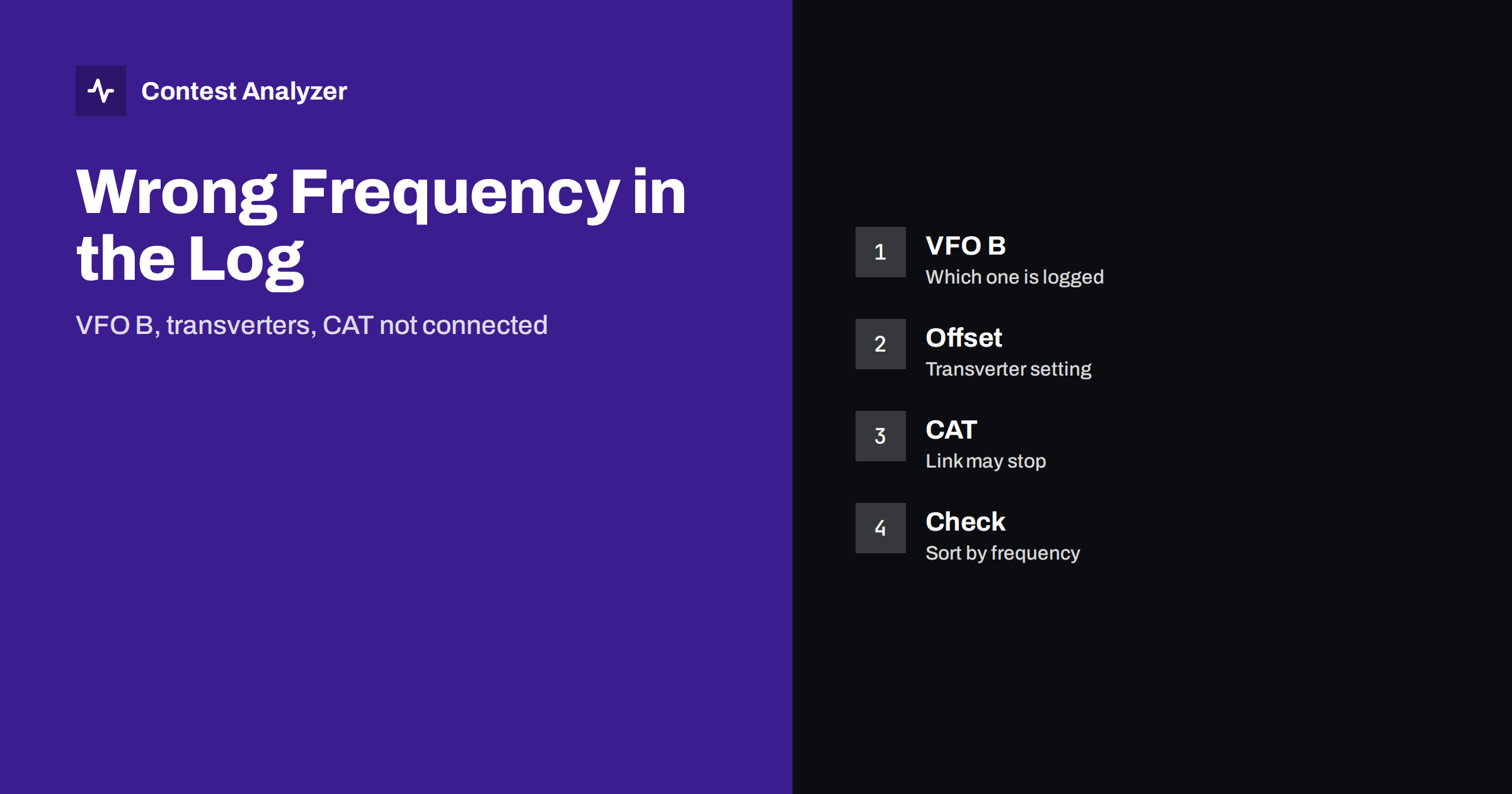
Short answer: A wrong frequency in a contest log almost never means that you were on the wrong frequency. It usually means that the logger read the wrong value: the other VFO, a frequency shifted by a transverter offset, or an old value because the CAT connection stopped. These errors are easy to find by sorting the log by frequency and easy to prevent with a short test before the contest. Fix the cause first, then the QSOs.
Where the logger gets the frequency
A contest logger needs the frequency for two things: to write it in the QSO line and to know the band. It gets the value in one of three ways. The first is by CAT, a control link between the radio and the computer, which sends the frequency and the mode to the logger. The second is by the band decoder or a similar device. The third is by hand: the operator types the frequency, or selects the band and lets the logger use a default value. Each way has its own possible errors, which are different from one another.
The frequency goes into the Cabrillo file as one number for each QSO; the article on the frequency field in Cabrillo describes the field, and the QSO line explanation shows the full line. If the number in the file is wrong, the band in your statistics may be wrong too.
Cause 1: VFO A and VFO B
Modern radios have two VFOs, and the logger must know which one you are using. When you change to VFO B to listen to another frequency, to work split or to search for a new station, the logger may continue to follow VFO A, and then every QSO carries the frequency of the wrong VFO. In some radios, the CAT link reports the frequency of the VFO that is selected for the receiver. In others, it reports the main VFO, whatever is selected. The behaviour differs by model, by firmware and by logger setting.
The symptom is a set of QSOs with frequencies a few kilohertz or more away from the real ones, often with a pattern: for a period, the frequencies are constant, although you moved. Or they change between two values when you toggle the VFOs. The cure is a test at the start. Put different frequencies on VFO A and VFO B, log a test QSO with each selected and see which value the logger records. Then decide how you will work, and write it down.
Cause 2: transverters and offsets
If you use a transverter, for example on a higher band, the radio shows an intermediate frequency and the logger needs to add an offset to give the real one. If the offset is not set, or is set for another band, the logger records the intermediate frequency, and the QSO is on the wrong band in the log. This is a larger error than the VFO problem, because the band itself is wrong. In HF contests, a similar case occurs with some old transceivers and external converters, or with a software-defined radio program that displays a frequency different from the real one.
The symptom is a group of QSOs on a band that you did not use, or frequencies that are not in any amateur band. If your log has a band in which you did not operate, look first for an offset or a band decoder problem. The cure is to check the offset setting in the logger and in the program that controls the radio, and to test at the beginning with a signal that you can identify.
Cause 3: CAT that is not connected or has stopped
When the CAT link stops, for example because of a loose cable, a USB port that went to sleep, another program that took the port or a computer that restarted a driver, the logger keeps the last frequency that it received. From that moment, every new QSO is logged with the same old frequency, even if you have moved to another band. In some loggers a message or a coloured field warns you, but in a busy contest it is easy to miss.
The symptom is a long run of QSOs with exactly the same frequency, or a band that does not change for hours while you know that you changed bands. The cure during the contest is to look at the frequency shown by the logger from time to time, and to compare it with the radio; a quick glance when you change bands is enough. Before the contest, disable the USB power saving, use a good cable and close programs that could open the same port.
Cause 4: manual entry
Without CAT, you enter the frequency or the band by hand. The usual errors are forgetting to change after a band change, typing a wrong digit and confusing units, such as typing megahertz where kilohertz are expected. These are errors of a tired operator, and they cluster in the late hours. The article on why logging errors cluster at night explains the pattern. The best prevention is a habit: every band change is followed by a look at the logger.
How to find the errors in your log
- Sort by frequency. Read the first and the last lines of each band. Anything that does not belong to the band is visible at once.
- Sort by time. Look at the frequency over time. A frequency that never changes for hours is a sign of a CAT problem.
- Look at the band column. A band in which you made no QSOs, or a single QSO on a band, is suspect.
- Compare with your notes. If you wrote down the times of the band changes, compare them with the log.
- Look at the statistics by band and hour. A strange pattern, such as a band with QSOs at an hour when you were on another, shows a problem.
Contest Analyzer helps with the last step: its statistics show QSOs by hour and band, so a pattern that does not match your memory is easy to see. It also checks every callsign and every zone against official license databases and several independent reference sources and shows only the few QSOs worth a second look, and you can edit calls or zones in the report and download a corrected Cabrillo. The frequency itself is still yours to check, since your radio and logger are the only sources of what you did. It works with Cabrillo from N1MM Logger+, DXLog and Win-Test and supports 22 contests (see the contests page).
How to correct the QSOs
Once you know the cause, decide how to repair the QSOs. For a VFO error, a QSO may have a frequency that is a few kilohertz wrong; if the band is right, the effect is small, and you can correct the frequency to a likely value if you have a good reason, or leave it. For an offset error, the whole group can usually be corrected by applying the same offset to all the QSOs. For a CAT stop, the right frequency of each QSO is not in the log, and you must use your memory, your notes or an audio recording. If you have none of them, the band may be known from the exchange or from the time, but the exact frequency may not.
The principle is the same as in all log corrections: repair what you know, do not invent what you do not. If a QSO cannot be placed on the right band with confidence, read the rules of the contest on what to do. Keep both the original and the corrected file, as described in the post-contest review routine.
Prevention: a test before every contest
- Put a known frequency on each VFO and check what the logger records with each selected.
- Change bands and check that the band in the logger follows.
- If you use a transverter, log a test QSO and check the band and the frequency.
- Unplug the CAT cable for a moment and see how your logger reacts. Does it warn you?
- Export a few test QSOs to Cabrillo and look at the frequency column.
- Repeat the test after every change of the radio, the cable, the computer or the logger version.
The article on exporting Cabrillo from N1MM Logger+, DXLog and Win-Test shows where the export is in each program, and the SO2R article explains how two radios increase the number of cases to test.
Related reading
The bottom line
A wrong frequency in the log is a reading error of the logger, and it has only a few typical causes: the other VFO, an offset or a stopped CAT link. Test your setup before the contest, look at the frequency when you change bands, and sort the log by frequency after the contest.
FAQ
Why do some QSOs have the same frequency for hours?
The CAT link has probably stopped and the logger kept the last value. Check the cable and the port.
Which VFO does the logger record?
It depends on the radio, the firmware and the logger setting. Test it before the contest.
How can I find a band that I did not use in the log?
Sort by frequency or band. A band with one or two QSOs is a good place to start looking for an offset error.
Can I fix all the QSOs of a group at once?
For an offset error, usually yes, by applying the same correction. For a CAT stop, you need other information.
Does a small frequency error matter?
A few kilohertz usually do not change the band, but near a band edge they can. Check those lines.