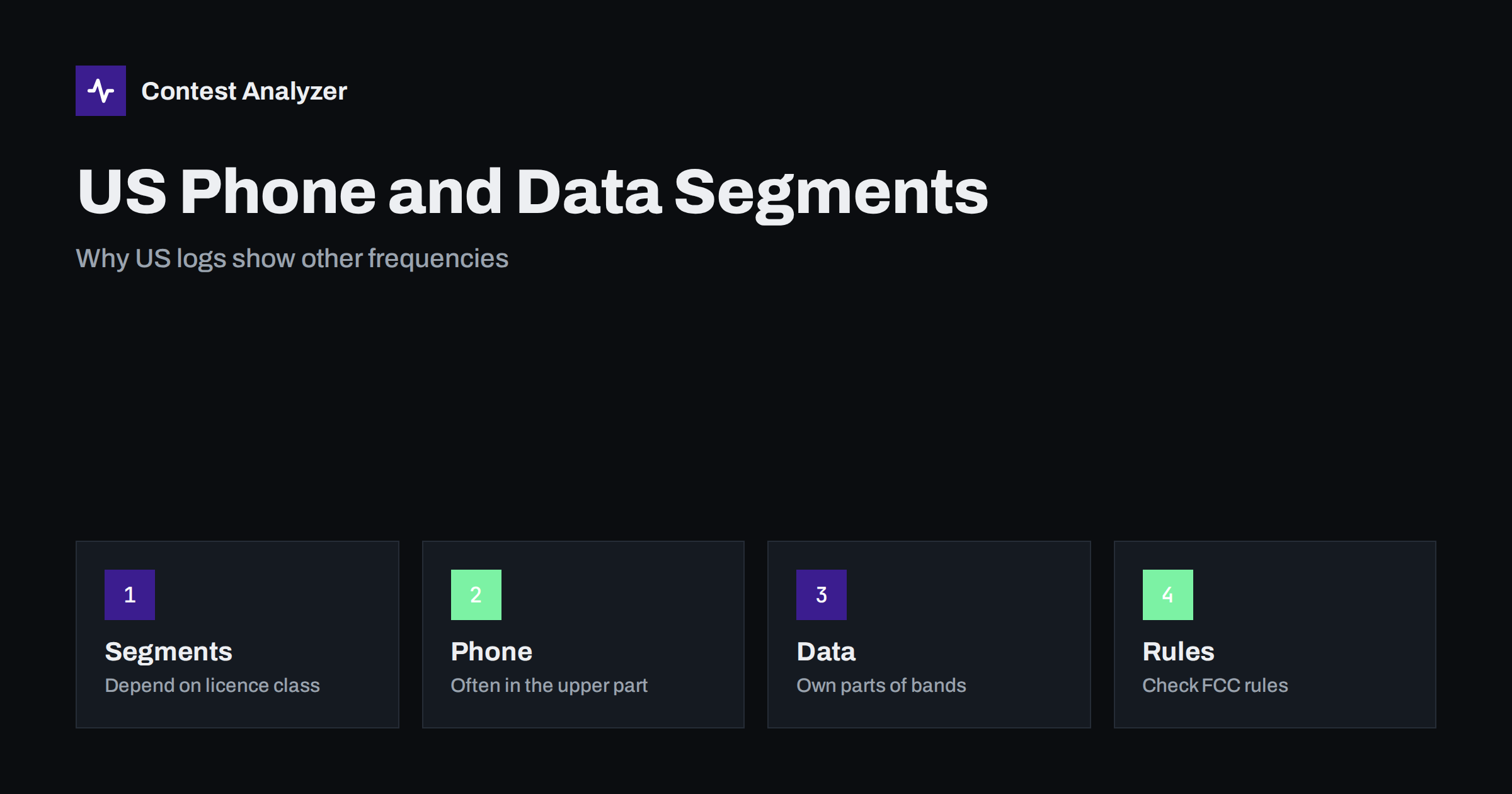
Short answer: In the United States, the parts of the bands that may be used for phone, CW and data depend on the licence class, and the arrangement is different from many other countries. A log from a US station can therefore show frequencies that look unusual to a contester in Europe. This is normal and does not mean that the log has an error. The details are set by the FCC and can change, so check the current FCC rules and the rules of the contest.
How the US band plan is organised
Amateur radio in the United States is regulated by the Federal Communications Commission, and the rules are in Part 97 of its regulations. The rules divide the bands into segments by emission type and by licence class. A segment is a range of frequencies in which certain modes and certain classes of operators are allowed. In general terms, the Amateur Extra class has access to the largest part of each band, and the other classes have narrower parts or, on some bands, a smaller set of privileges. The details change from time to time, and the current table is published by the regulator, so do not rely on a general description such as this one for your own operation.
What matters for the reader of a contest log is the overall picture: on several of the HF bands, the phone segments in the US are placed in the upper part of the band, and the lower part is used for CW and data. This is common in other countries as well, but the exact limits differ, and they are different from the limits in Europe. The article on band edges in ITU Regions introduces the idea that limits depend on the Region, and the US segments are a further layer on top of that.
Why a US log looks different from a European one
Take the 80 m band as an example. In Region 1, the amateur band is limited, as a general rule, to a narrower range than in Region 2, which includes the United States. A US station operating on phone near the upper part of 80 m may use frequencies that are above the Region 1 limit. A European contester who looks at such a log may think that the frequency is wrong. It is not wrong for the US station, because it is within the band of its own Region.
The same applies to other bands. On 40 m, the US phone segment is in the upper part of the band, and its upper edge is higher than the upper edge in Region 1. On 20 m and above, the Regions are more similar, and the differences between countries are smaller, but the segments for phone and for data may still be different. For a reader who works with the logs of contesters from many countries, the lesson is that a frequency should be judged against the rules that apply to the station, not against the rules that apply to the reader.
Licence classes and the phone segments
In the United States, the licence class decides which segments a station may use. For phone, the Extra class generally has the largest segments, other classes have fewer, and the entry-level class has limited HF privileges. A contester who is a higher-class operator may therefore use the whole phone range of a band, while a station of a lower class may be in a narrower range. In a contest, this means that on the same band the activity of US stations is often concentrated in certain parts. Stations of other countries may therefore find US stations at the top of a phone band, and in some bands, in particular parts of the band, around certain frequencies.
In this article, nothing is said about the exact numbers, because they are subject to changes and to the different footnotes of the rules. If you want to know where a US station can transmit, read the current FCC rules or the band chart published by the American Radio Relay League. This is the information that a US contester uses, and you can use it too.
Data and digital segments
The data segments are also defined by the rules. Digital modes such as RTTY are placed, as a general rule, in a lower part of the band, near the CW segment, and not in the phone segment. Contests that use RTTY or other data modes have their own conventions about where the activity is, but the rules of the regulator still apply. In a log of an RTTY contest, you will see US frequencies in the data segments, and these may differ from the segments used in other countries. The article on CQ WW RTTY and the one on CQ WPX RTTY discuss the mode itself.
What this means for contest logging
- Do not judge a US log by European limits. A frequency that is above the Region 1 limit may be correct for a US station.
- Do not copy the frequencies of other stations into your own log. Your frequency is the frequency of your own transmitter, and it must be within your own limits.
- If you work split to reach a US station, remember your own limits. You may listen where you cannot transmit. Only the frequency that you actually use must be within your band.
- Check your own frequencies. In your log, the question is whether your recorded frequencies are inside your own band and licence, not whether those of the others are.
- If you operate from the US, read the current segments of your own class. A mistake in the segment is a matter for the regulator and not only for the contest.
The way the frequency is stored in the file is explained in the article on the Cabrillo frequency field.
Contest rules and US segments
The rules of a contest are usually written without reference to the segments of a single country, since the participants come from many countries. A contest may say, for example, that operation must be within the limits of the participant’s licence and, in some cases, that certain frequency ranges are not used. In some contests, there are specific segments for a mode or a class, which are described in the current rules. Read them before the contest, and do not rely on what was true in a previous year.
When you work with a log from a US station, for example when you compare logs in a club or when you study your own QSOs by band, the segment in which each QSO took place gives a hint about the mode and the type of station, but it does not prove anything. Keep to the facts that you can check.
Reading your own statistics
If you operate from Europe and work many US stations, the statistics of your log will show a share of QSOs from North America, the hours of the openings and the beam headings that you used. These numbers do not depend on the segments, but your interpretation of them may. For example, a period when you worked many US stations on the upper part of a band does not mean that you changed your frequency in the same way. The report of Contest Analyzer gives full statistics such as rates, QSOs by hour and band, countries, continents, CQ and ITU zones, WPX prefixes, distance, beam heading, breaks and off time, and callsign length and structure, and allows comparison with your own logs from earlier years. It checks every callsign and every zone against official license databases and several independent reference sources and shows only the few QSOs worth a second look; you can edit calls or zones and download a corrected Cabrillo. It works with Cabrillo from N1MM Logger+, DXLog and Win-Test and supports 22 contests, which the contests page lists.
A short list for readers outside the US
- Learn the limits of your own licence first.
- Remember that a US station can be on a frequency where you cannot transmit, and plan your split accordingly.
- Do not report a US log as wrong because of its frequency alone.
- Check the current FCC rules or the band chart of the ARRL if you need the facts for the US side.
- Keep the information in your station notebook if you work many US stations in the same contest.
Related reading
The bottom line
US phone and data segments are set by the FCC and depend on the licence class, so a US log can show frequencies that look odd from other Regions. Judge each station by its own rules, check your own frequencies against your own licence and always read the current rules before you rely on a number.
FAQ
Is a US station on a frequency above the European limit doing something wrong?
Not necessarily. Region 2 limits differ from Region 1, and US segments are set by the FCC. Check the current FCC rules.
Do US licence classes use different parts of the bands?
Yes, in general, the privileges depend on the class. The current table is published by the regulator.
Which limits apply to my own log?
Those of your own licence and of the contest rules, whatever the station you work is doing.
Can I copy a frequency from the other station’s log?
No. Your log records the frequency of your own transmitter.
Where do I find the current US band chart?
On the websites of the FCC and of the ARRL. Always use the current version.