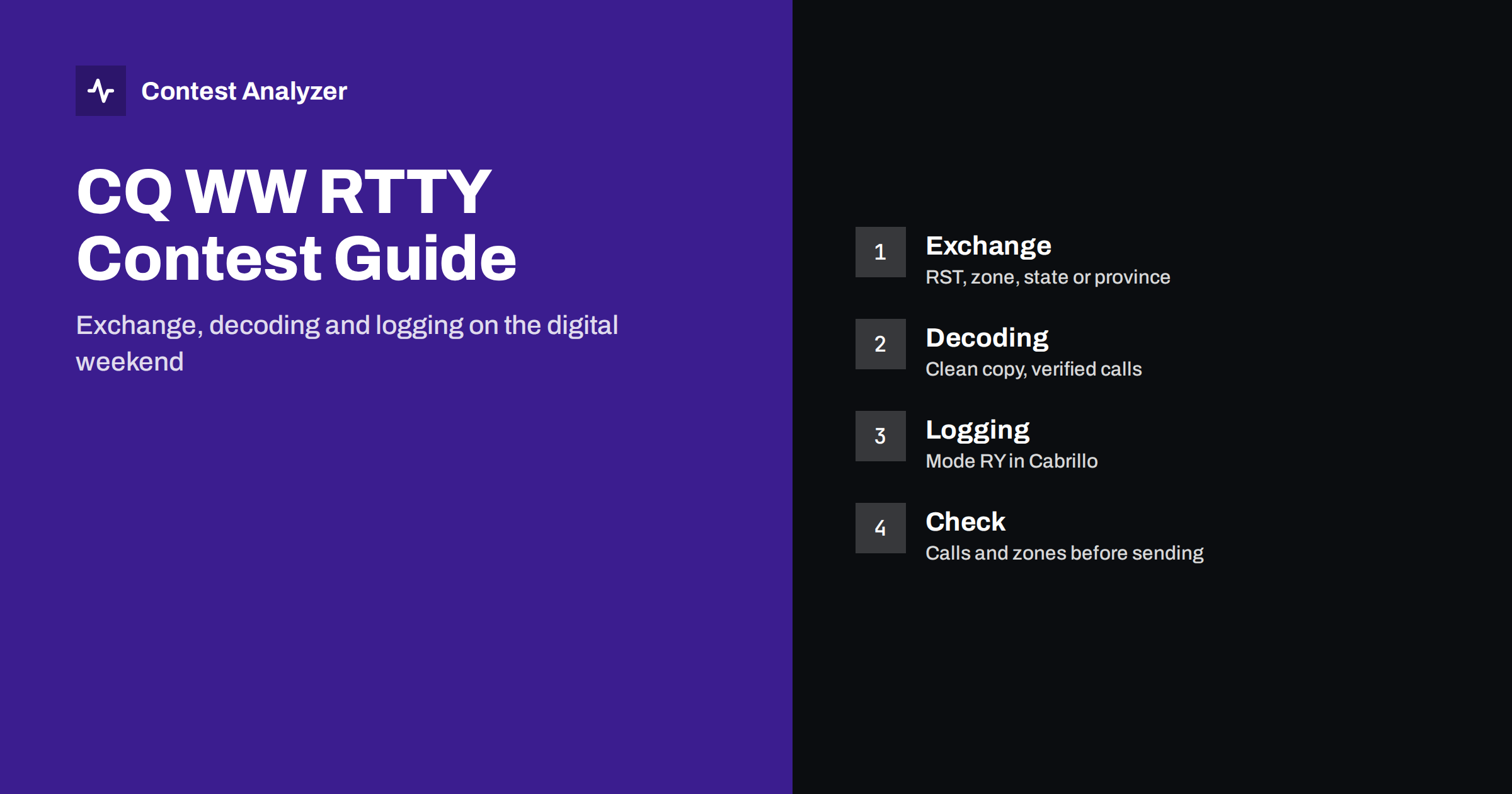
Short answer: CQ WW RTTY is the RTTY part of the CQ World Wide family of contests. The exchange is a signal report and a location element: a CQ zone for most stations, and for W/VE stations a state or province as well, so read the current rules for exactly who sends what. The decoder does the copying for you, but it does not always copy correctly, and a decoded callsign is not a verified callsign. Check calls and zones on screen, and review the whole log before you send it.
What CQ WW RTTY is
CQ WW RTTY is an international contest held on one weekend in the autumn, usually at the end of September, and it runs for 48 hours. The idea is the same as in the other CQ WW contests: work as many stations as you can, and as many different countries and zones as possible, on the bands from 80 to 10 meters. Operators who normally work CW or SSB often find RTTY a pleasant change, since the signals are narrow, the pace is steady and the decoder takes much of the copying work out of your hands.
It is also a contest where small errors are easy to make, because every character in your log came out of a decoding process. If you are used to the other CQ WW weekends, this article follows the same logic as our CQ WW DX SSB checklist, with an emphasis on RTTY specifics.
The exchange: zone, and state or province for W/VE
The exchange is a signal report, normally 599, plus a location element. For most stations around the world this is the CQ zone. For stations in the United States and Canada, the exchange in this contest also includes the state or province. Because the exact wording of the rules, the multiplier structure and the way W/VE stations are asked to send their information can change from year to year, take the details from the current rules at cqww.com and not from memory.
What does not change is the logging discipline:
- Enter the received location exactly as it was sent. If the other station sent a state or province, log that; if it sent a zone, log the zone.
- Do not accept a prefilled value without checking it. Many loggers fill in a likely zone or state from the callsign, but a callsign does not tell you which zone a station in a split-zone country is in.
- Make sure your own exchange is correct in the logger before the first QSO. A mistake here is repeated in every QSO.
If you need a reminder of how zones are assigned, see our guide to CQ zones.
Decoding is not the same as copying
In CW or SSB you hear an error as you make it, or at least you sense that something was unclear. In RTTY the decoder displays a clean-looking line of characters, and an error looks exactly as convincing as a correct decode. The decoder can substitute a character when the signal is weak, when there is selective fading, when an adjacent signal overlaps or when the tuning is slightly off.
The most common patterns are these:
- Single wrong characters in a callsign. A letter replaced by a similar-looking letter or a figure. The callsign looks plausible and the logger accepts it.
- Garbled characters at the start or the end. A QSB fade at the wrong moment, and the first or last character of the call is lost.
- Figure shift problems. In RTTY the letters and figures are separate character sets. After a missed shift, a callsign can appear with letters where digits should be, or the reverse.
- A callsign from the wrong station. When two stations are close in frequency, the decoder may mix their text.
A short and useful rule is to treat the decoder as a helper that proposes, not as an authority that confirms. We discuss the wider topic of how such errors reach the log in our article on busted callsigns.
Setting up the decoder and the logger
Most contest operators run RTTY through the logger itself or through a separate decoder program that the logger talks to. The setup is individual, and the manual of your own software is the correct source. What you can do, whatever the program, is check the same few points before the contest.
- Mode and shift. Use the shift and baud rate the contest community uses, which are the standard RTTY settings. The settings must match on both sides.
- Tuning method. Decide whether you tune using an indicator on the screen, a waterfall or the radio’s own display, and practice until the tuning is fast and consistent.
- Macros. Prepare messages for CQ, the exchange, the confirmation and the repeat requests, as in CW. The exchange message should contain the other station’s call as copied, so that it confirms what you logged.
- Click-to-log behavior. If the program lets you click on a callsign in the decoder window to fill the entry field, learn exactly what happens when you click on an incomplete call. A partly decoded callsign in the entry field is a common route to a bad log line.
- Clock. Time errors apply in RTTY as in other modes. Our article on UTC clock errors explains what to check.
How the mode appears in the Cabrillo file
In a Cabrillo file, RTTY QSOs carry the mode code RY. Your logger writes this for you, but it is worth checking in the exported file. If the header and the QSO lines show a different mode from the one you actually operated, the log may be treated differently by the contest software.
The category lines must also match your operation: single operator, band selection, power level and assisted or unassisted status. These values define how your entry is classified. We list the header fields in the Cabrillo header guide.
Rate, breaks and the shape of the weekend
RTTY rates can be high when conditions are stable, because the exchange is automated and each QSO is short. The main limit is often the number of stations active, not the speed of the operator. As in other CQ WW contests, a good routine is to run when there are callers, and search for new multipliers when the rate drops.
The rules for single-operator categories contain limits on operating time, and off time counts only for breaks of at least 60 minutes. Read the current rules and plan your rest in advance. A long RTTY session can tire the eyes and the attention, and attention is what you need when you are reading a screen for hours. More about this is in our article on off time and breaks.
Multipliers and band choice
In the CQ WW family, multipliers are what separate a good score from a very good one, and each band has its own set of them. In practice this means that you should not stay on a single band just because the rate is good. A zone or country that you have already worked on 20 meters is a new multiplier again on 40 meters, and the same is true on every other band.
RTTY activity concentrates in certain parts of each band, which makes search-and-pounce efficient: you can tune across the active segment and see who is calling CQ. When you find a multiplier, listen first and make sure you have the full call before you reply. Read the QSOs by hour and band after the contest, to see which bands paid off at which time of day. Our article on contest rates shows how to read those figures, and the same method is useful for next year’s plan.
After the contest: check, correct and send
The log deadline for CQ WW contests is set in the current rules, and for the main CQ WW contests it has been 48 hours after the end of the contest. Confirm it for your contest and year. Within that time:
- Export the Cabrillo file.
- Check the header lines for correctness.
- Review callsigns and locations, with special attention to the hours when the band was crowded or noisy.
- Correct what is wrong, export again and upload the file as the official instructions describe.
A review tool saves time at step 3. Contest Analyzer checks every callsign and every zone against official license databases and several independent reference sources and shows only the few QSOs worth a second look. You can edit calls and zones in the report and download a corrected Cabrillo, and you also get full statistics: rates, QSOs by hour and band, countries, continents, zones and more. Serial numbers are not checked and dupes are not treated as errors. See the list of supported contests and the plans.
Related reading
- CQ WW DX SSB checklist
- CQ zones in CQ WW explained
- Busted callsigns in contest logs
- How to check a contest log before you submit it
The bottom line
CQ WW RTTY is a friendly contest for those who like digital modes, but it asks for the same care as any other. Learn the exchange for your location, check what the decoder gives you before you log it, and give yourself time after the contest to look through the log. A clean file is worth more than a few extra QSOs.
FAQ
What is the exchange in CQ WW RTTY?
A signal report plus a location element. For most stations this is the CQ zone, and W/VE stations also send a state or province. Check the current rules for the exact requirements.
Which mode code appears in the Cabrillo file?
RTTY QSOs use the code RY. Your logger writes it for you, but you should still look at the exported file.
Can I trust the decoder for callsigns?
Treat the decoded text as a proposal. If a callsign looks doubtful or the signal was weak, ask for a repeat or confirm the call before you log it.
Is there a log deadline?
Yes. For CQ WW contests it has been 48 hours after the end of the contest. Verify it in the rules for the current year.