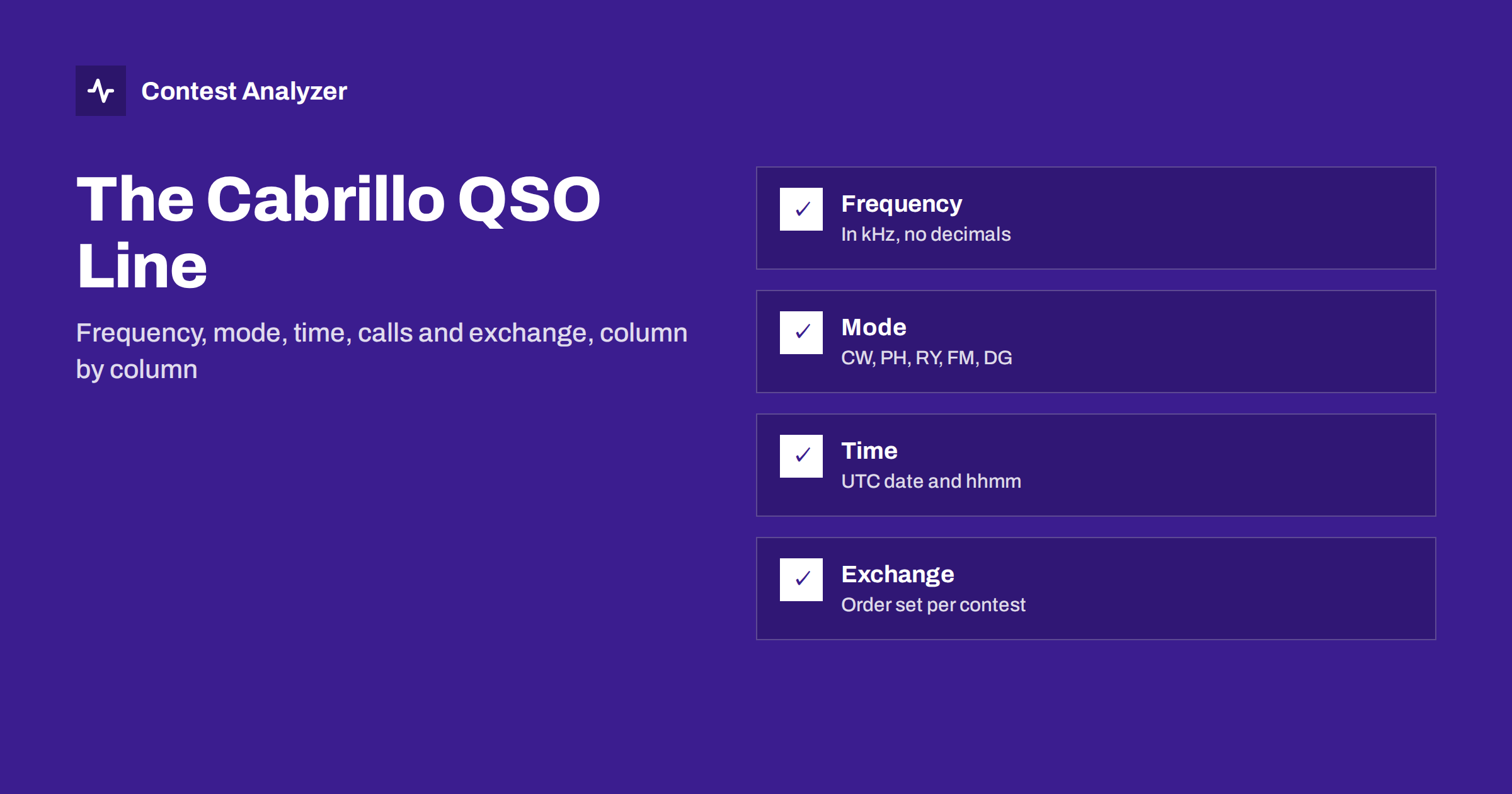
Short answer: A Cabrillo QSO line starts with “QSO:” and then lists the frequency, mode, date, time, your callsign and the exchange you sent, then the other station’s callsign and the exchange you received. The order and number of exchange columns depend on the contest, which is why a file built for one contest is rarely valid for another. Most errors come from time zones, date formats, wrong mode codes and exchange fields in the wrong order. Open your exported file in a text editor and read a few lines before you submit it.
Where the QSO lines sit in the file
A Cabrillo file has three parts: the header, the QSO lines and the closing line. The header, with fields such as CALLSIGN, CATEGORY and CLAIMED-SCORE, is described in our Cabrillo header guide. The QSO lines are the main part of the file, with one line for each contact, and they are what the contest software reads to count your QSOs, multipliers and score.
Your logger writes these lines for you when you export. Normally you never type them by hand, but you need to understand them for two reasons. First, when something looks wrong in the file, you can find the problem in a few seconds. Second, when you correct a callsign or an exchange in an editor or in a tool, you must keep the structure of the line intact.
Anatomy of a QSO line
Here is an example, with invented callsigns, of what a line looks like in a contest where the exchange is a report plus a CQ zone:
QSO: 14025 CW 2026-11-28 0003 K1ABC 599 05 DL1ABC 599 14 0
Read from left to right, the line contains these elements:
| Element | Example | What it means |
|---|---|---|
| Tag | QSO: | Marks the line as a contact. |
| Frequency | 14025 | In kilohertz, as a whole number. |
| Mode | CW | A short mode code. |
| Date | 2026-11-28 | Year, month and day, in UTC. |
| Time | 0003 | Hour and minute, in UTC. |
| Sent call | K1ABC | The callsign you used. |
| Sent exchange | 599 05 | What you sent, in the order of the contest. |
| Received call | DL1ABC | The callsign you logged for the other station. |
| Received exchange | 599 14 | What you received. |
| Transmitter | 0 | Optional number of the transmitter, used in some categories. |
The contest decides which exchange fields appear, and in what order. A contest with a serial number has a number instead of a zone; one with a state or a province has that code. The Cabrillo organization publishes the specification, and each contest sponsor defines its own template. The best reference is the page of the specification at wwrof.org and the rules of your contest.
Frequency and mode
The frequency is written in kilohertz without decimals, for example 14025 for 14.025 MHz or 7155 for 7.155 MHz. For the lower bands, the logger writes the full value in kilohertz as well. Some contests accept a band designator in place of the full frequency, but the safest approach is to follow what your logger exports for that contest.
The mode is a short code. The common ones are CW for Morse, PH for phone (SSB and AM), FM, RY for RTTY and DG for other digital modes. A frequent source of error is a log in which the mode was written as SSB or USB, which some contest software will not read; if the export looks like that, check the settings of the program. Mixed-mode contests use the mode code of each QSO, so you can have CW and PH lines in the same file.
Date and time: UTC, always
The date is written as year-month-day with hyphens, and the time as four digits, hour and minute, in UTC. Time errors are one of the most common problems in a Cabrillo file, and they have several forms:
- Local time instead of UTC. The whole log is shifted by the time zone offset, and QSOs near the start and the end may fall outside the contest period.
- A wrong PC clock. The time stamps are in UTC but a few minutes or hours off. This can affect period checks and the calculation of off time. Read our article on UTC clock errors in contest logs.
- A wrong date format. Day and month swapped, or the year written with two digits.
- Midnight crossings. A QSO made just after 00:00 UTC must carry the date of the new day.
Callsign and exchange columns
The callsign columns contain the callsign you used and the callsign you logged for the other station. Loggers pad them with spaces so that the columns line up. Contest software generally reads the line field by field, but follow what your logger exports and do not retype the spacing by hand. What matters most is the number of fields and their order.
The exchange fields are where most structural errors happen, and the reasons are mundane:
- A missing field. The other station sent a zone, but the logger stored an empty value. The next field then moves one place to the left and the line has a different meaning.
- An extra field. A space typed into a callsign or an exchange splits it into two fields.
- Fields in the wrong order. Report and zone reversed because the logger was set up for another contest.
- Lower case or special characters. Callsigns should be in capitals. A slash is fine in a portable call, but other special characters are not.
When the exchange contains a serial number, the number is a field like the others, and the same rules for structure apply. Take extra care that the sent number increases correctly from line to line.
Typical format errors and how to find them
- Look at the first lines. Check the first and the last QSO line: date, time and mode must make sense for the contest period.
- Scroll through the middle. Look for lines whose length or structure differs from the rest. Such lines often have a missing field or an extra space.
- Check the bands. The frequencies must belong to the bands allowed in the contest. A frequency typed in the wrong unit, for example 14.025 instead of 14025, will stand out.
- Check the sent exchange. Your own exchange must be the same on every line, unless you changed it on purpose. If your zone or your category value differs from line to line, a setting was wrong at some point in the contest.
- Count the lines. The number of QSO lines should match the QSO count shown by the logger. A difference means that something was dropped or added on export.
It is much easier to correct a structural problem in the logger and export again than to patch the text file, so use the editor for looking and the logger for changing, if you can.
Why the line format matters for log checking
A contest committee does not read your log by eye. Its software parses every QSO line, and a line it cannot parse is usually dropped or flagged. That means a structural error costs you a QSO even if the contact was perfect, and a repeated structural error, such as a shifted exchange column in every line from a certain hour, can cost you hundreds of them. The same thing happens in any tool that reads Cabrillo: if the fields are not where they are expected, the tool cannot tell which one is the callsign and which one is the zone.
This is the reason to treat the export step with the same care as the operating itself. A logger setup that was right for last year’s contest may be wrong for this year’s contest if the template for the exchange has changed, or if you copied the settings from another contest. Spend a few minutes to compare the exchange columns in a test export with the list of fields in the current rules, and you will save the effort of fixing them later.
It also helps to keep the original export unchanged. If you correct anything, save the corrected version under a new name, so that you can always compare the two and return to the original if a mistake slips in during editing.
Checking and correcting the file with Contest Analyzer
A text editor shows the structure, but it does not tell you whether a callsign is right. Contest Analyzer reads the Cabrillo file from N1MM Logger+, DXLog or Win-Test, checks every callsign and every zone against official license databases and several independent reference sources and shows only the few QSOs worth a second look. In the report you can edit calls and zones and download a corrected Cabrillo. You also get the full statistics of the contest: rates, QSOs by hour and band, countries, continents, zones, prefixes, distance, beam heading and breaks. Serial numbers are not checked and dupes are not treated as errors. See the contests page for the supported contests and the FAQ for common questions.
Related reading
- Cabrillo log header explained
- Export Cabrillo from N1MM Logger+, DXLog and Win-Test
- UTC clock errors in a contest log
- How to check a contest log before you submit it
The bottom line
The Cabrillo QSO line is a simple, strict format. Every line has the same fields in the same order, the time is UTC, the mode is a short code and the exchange follows the template of the contest. A few minutes with the exported file in a text editor will catch most structural errors before they reach the contest robot.
FAQ
Which time zone does Cabrillo use?
UTC, for both the date and the time of each QSO.
What does the number at the end of the line mean?
In some contests the last field is the transmitter number. Your logger fills it in if the contest and the category use it.
Can I edit a Cabrillo file in a text editor?
Yes, but keep the structure of every line. It is safer to correct the log in your logger and export again.
Why does my mode show up wrongly?
The mode setting of the program or of the contest template may not match the mode you used. Check the settings and export again.
Where is the official specification?
On the Cabrillo pages of the WWROF site, together with the templates for the contests. Your contest sponsor may add its own details.