Short answer: A table of QSOs by hour and band is the clearest picture of how a contest went. It shows when each band produced your points, where you stayed after the opening had passed and which hours were wasted on the wrong band. Read it row by row (hours) and column by column (bands), compare it with the multipliers each band gave you, and then write down one concrete change per band for the next contest. Do not copy last year’s plan blindly: conditions change, but your own pattern is the best starting point.
The grid that explains a contest
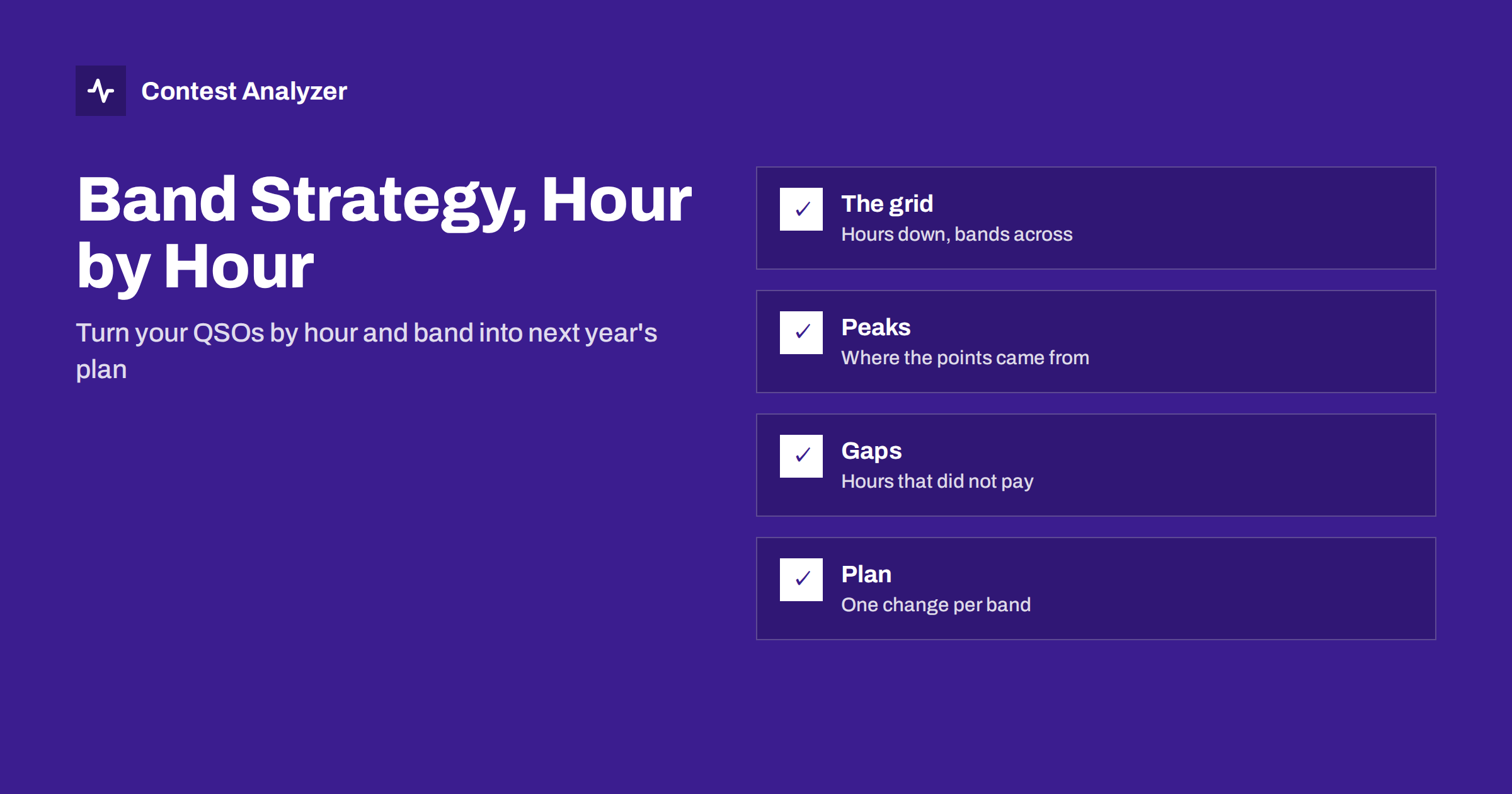
Write the contest as a grid. The rows are the hours, counted from the start, and the columns are the bands you used. In each cell is the number of QSOs you made on that band in that hour. Add a row total on the right and a column total at the bottom, and you have a compact summary of the whole event.
The grid answers questions that are hard to answer from memory. Which band did most of the work? In which hours did you leave one band for another, and did the change help? Was there a band that you hardly used, even though it was open? Memory favors the exciting moments, while the grid shows the whole contest, including the dull parts that cost you points.
Contest Analyzer builds this view from your Cabrillo file: full statistics include QSOs by hour and band, together with rates, countries, continents and zones, and the year-on-year comparison lines up several contests for you. You can also build the grid yourself from the Cabrillo file with a spreadsheet, using the date, time and frequency columns.
Read the rows: what each hour looked like
Start with the rows. For each hour, look at which band carried the QSOs and how evenly they were spread.
- One band dominates the hour. That is normal when a band is at its best. It is a problem if the dominant band is not the one that was best at that time.
- QSOs are split over three or four bands. This can mean you were moving around to find multipliers, but it can also mean you were searching for a band that worked and losing time.
- The hour is nearly empty. Check whether it was a planned break, a technical problem or an hour in which nothing worked.
- The hour is strong on a band that you left soon afterward. That suggests the opening ended, and you reacted correctly, or that you left too early.
Pay attention to transitions. The hours when you moved from one band to another reveal how quickly you reacted to changing conditions. A move that came an hour late is visible as a stretch of falling QSO counts on the old band before the new band begins.
Read the columns: how each band behaved
Then read the columns. Each band has its own shape over the contest.
- A low band typically shows activity during local darkness, with a peak shortly before and after sunrise and sunset at your end and at the other side of the path.
- A high band tends to show a day-time block, which may be long, short or absent depending on conditions.
- Middle bands often fill the transitions and may show two humps, one for each opening, with a valley in between.
These are general patterns and not guarantees, because propagation depends on the season, solar activity and your location. The value of the column view is that it shows your own pattern. If your 15 meter column has a block of strong hours and a long dead stretch after it, then you know when the band ended for your station. If your 40 meter column shows many QSOs per hour but only for a short time, then you know that it was a short but valuable window.
Compare the columns on two measures. First, the QSOs per hour spent on the band, which is the band’s efficiency. Second, the total QSOs on the band, which is its weight in your result. A band with high efficiency and few hours is a sign that you could spend more time there next time, if conditions allow.
Add the multipliers
QSOs are only half of the score in most contests. The other half is multipliers, and they do not follow the same pattern as QSOs. A band with a modest rate can still be the right place to be if it gives zones or countries that you cannot get elsewhere, which is a point we made in our article on contest rates.
So extend the grid with a second table: new multipliers per band, and where possible per hour. In a contest where multipliers count once per band, such as CQ WW with its zones and countries, each band you operate on can add its own set. Look for bands where you made many QSOs but few multipliers, which suggests you were only running, and bands where you made few QSOs but many multipliers, which suggests that short visits paid. The countries, continents and zones lists in the report are the basis for this check.
Find the mistakes the grid reveals
Most of the useful lessons from a hour-by-band grid are mistakes. The usual ones are:
- Staying too long. The band had a strong hour, then a falling rate for two or three hours, and you stayed because it was working before.
- Leaving too early. You moved on at the first sign of a drop, and the band had a second peak that you missed.
- Missing an opening. A band shows nothing in an hour in which other stations in your area obviously worked it, and you were somewhere else. This is hard to see without the grid, and it is the most valuable lesson.
- Too many band changes. The grid shows a scatter of tiny numbers in many cells. Each change costs time for tuning and finding a frequency, so a pattern of small visits usually costs more than it brings.
- Neglecting a low band. The night hours show a strong start on the low band and then a long thin stretch. That can mean tiredness, a weak antenna or simply too little time spent there.
Be careful about conclusions. A poor hour on a band may reflect the conditions of that weekend, not a bad decision. Check against the strength of the contest in general. We return to the effect of conditions in our article on year-on-year comparisons.
Turn the grid into a plan
A plan does not need to be elaborate. The aim is to write down a few rules that you will actually use at 3 a.m.
- For each band, write the hours when it paid. Use a rough range, such as “a block in the early evening and a short peak after midnight”.
- Write one change per band. For example “stay an hour longer”, “visit earlier for multipliers” or “skip the dead stretch and rest instead”.
- Plan the breaks. Rest in the hours when the grid shows low yield, not at random. Check the off-time rules for your category first; for the CQ WW single-operator rule, only breaks of at least 60 minutes count. See off time and breaks.
- Set a trigger for leaving a band. For example, a 60-minute rate that falls to a fixed share of the band’s best hour. Use your own numbers.
- Keep a note on the day. A short comment on the actual conditions helps you read the plan later.
A plan like this is a starting point and not a script. During the contest the actual band activity decides, and a plan that cannot bend will cost you points. The value of the plan is that you begin the contest with a sensible default instead of an empty page.
Check the data behind the grid
A grid is only as good as the log under it. If the PC clock or the time zone was wrong, the hours are wrong, so check the first and last QSO before you draw conclusions. Make sure the log itself is clean as well. Contest Analyzer checks every callsign and every zone against official license databases and several independent reference sources and shows only the few QSOs worth a second look, so you can correct them and download a corrected Cabrillo. It works with Cabrillo files from N1MM Logger+, DXLog and Win-Test, supports 22 contests and is available in 25 languages. Serial numbers are not checked, and dupes are not errors. See the plans if you want to try it.
Related reading
- Contest rates: QSOs per hour
- Comparing contest results year on year
- Off time and breaks in contest rules
The bottom line
Your own hour-by-band grid is the best planning tool you have. Read it by rows and by columns, add the multipliers, find the hours you stayed too long or missed an opening, and write one change per band. Then keep the grid, so that next year you can see whether the plan worked.
FAQ
What is the easiest way to see QSOs by hour and band?
Upload your Cabrillo file to Contest Analyzer, which shows them in the statistics, or build a spreadsheet from the date, time and frequency columns of the file.
Can I use last year’s grid as this year’s plan?
Use it as a starting point. Propagation changes from year to year, so keep the plan flexible and adjust it to what you hear on the bands.
Why did a good band give me few multipliers?
You may have been running and working the same regions. Check the countries and zones the band gave you, and consider short search-and-pounce visits.
How do I know I left a band too early?
Look at the following hours on the same band in earlier years and at the rate you had just before leaving. A second peak shortly afterwards is a typical sign.
Should I plan breaks from the grid?
Yes, but check the rules of your category first, because off-time rules differ between contests and categories.