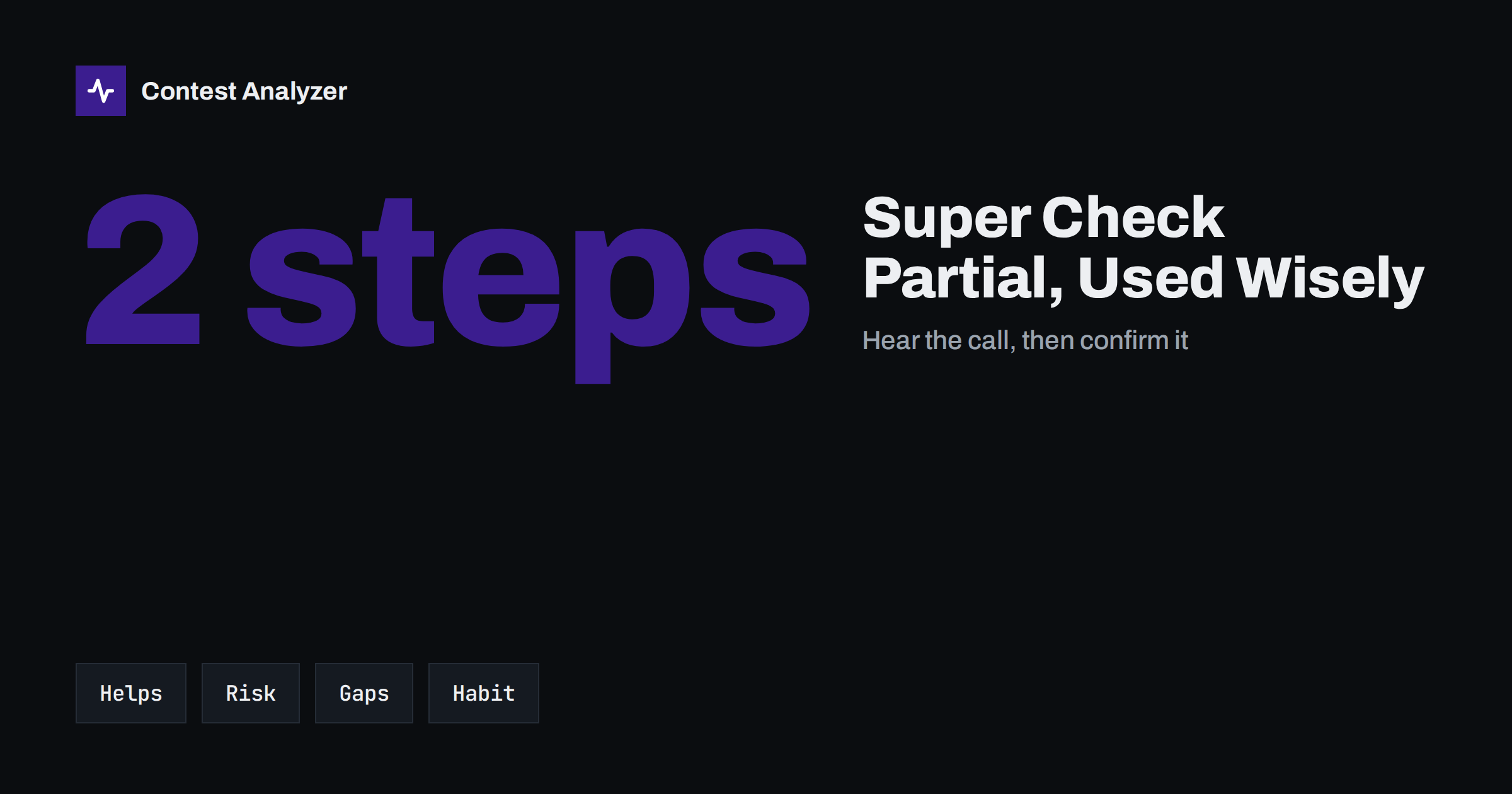
Short answer: Super Check Partial (SCP) is a feature of contest logging software that lists known callsigns matching the letters you have typed so far. Used well, it helps you decide between two similar calls under QRM and saves a repeat. Used badly, it nudges you to log a call you never really heard, and it cannot help with stations that are missing from its database. Treat every suggestion as a hint, copy the call with your ears first, and confirm on the air when the hint and your copy disagree.
What Super Check Partial is
When you hear part of a callsign, you type that part into the entry window. The logger then compares it with a database of callsigns and shows the calls that contain your letters, usually in a small list beside the window. The name “partial” says it all: you do not need a full call, a fragment is enough. “Super” refers to the database, which is a large file of calls that have been active in contests over the years, commonly distributed as a file with the name MASTER.SCP and updated from time to time.
Almost every popular contest logger offers this function in some form, including N1MM Logger+, DXLog and Win-Test, sometimes with extra options such as showing the matching calls that are close to your typing but not identical. The principle is the same everywhere: the software suggests, the operator decides.
It is worth stressing what SCP is not. It is an operating aid that works while you are on the air, on your own computer, with a file you installed. It is not a judgment on the final correctness of your log and it does not know whether a contact really took place.
Where SCP genuinely helps
In a busy contest weekend, the situations in which SCP pays for itself are quite specific.
- Partial copy under QRM. You hear “…4XYZ” through a pileup. Typing the part you are sure of narrows the possibilities, and if only one suggestion fits what you heard, you can ask for confirmation with more confidence.
- Distinguishing similar calls. Calls that differ by one letter are a classic source of busted calls. A list that shows both options makes you aware that a confirmation is needed.
- Fast confirmation of regulars. Active contesters appear in the database, so when you hear a familiar prefix and a fragment, you can see quickly whether you are in the right area.
- Search and pounce. When you tune across the band and pick up a station while it is calling CQ or working others, the hint helps you decide quickly whether it is worth calling.
- Typing errors. If you mistype a letter, the fact that your entry matches nothing, or matches something with a different letter, can be a prompt to listen again.
The common thread is that SCP supports a decision you were already making with your ears. It speeds up the check, not the copy.
Where SCP leads you astray
The traps are just as real, and many of them look like help.
- Anchoring. Once a plausible call appears on screen, your brain tends to hear it. A station says one thing, the list says another, and under time pressure you may accept what you see. The result is a busted call that feels certain when you log it.
- Silent completion. Some loggers let you accept a suggestion with a single key. That saves keystrokes, but it also removes the moment in which you would have compared the suggestion with what you heard.
- Missing stations. A new license, a special event call, a rarely active DX station or a first-time contester may not be in the file. Absence from the list does not mean you copied the call wrongly. If you start to “correct” real calls toward the nearest known call, you create the error yourself.
- Old data. A file that is several seasons old suggests calls that may no longer be active and omits many that are. Update the file before every big contest.
- False reassurance. A call that is present in the database can still be the wrong one. The list says that a call exists, not that it is the call of the station on your frequency right now.
The pattern behind all five is the same: the tool is good at narrowing and poor at deciding. The decision belongs to the operator.
A simple discipline: hear first, then confirm
Experienced contesters often use a small routine that keeps the benefits and limits the risk. You can adopt it at any speed.
- Copy what you can with your ears and type only the letters you are fairly sure of.
- Read the suggestions as a list of candidates, not as the answer.
- If the hint matches what you heard, send the call back once as you would have done anyway.
- If the hint does not match, or there are several possible calls, ask for the call again or for a part of it, and do not log until you hear it.
- If nothing in the list matches, do not assume you are wrong. Ask for a repeat, and if the call is confirmed as you heard it, log it as heard.
This costs a second or two on the QSOs where you are unsure and nothing on the others. It is also much cheaper than the loss described in our article on busted callsigns, where a single wrong letter can cost both the QSO and the multiplier.
Keep the database current and the settings sensible
A few practical settings make SCP work for you instead of against you:
- Download a recent database before each major contest and replace the file used by your logger. Check the logger’s documentation for the folder and the update function.
- Choose how many suggestions to show. Too many make a long list that is slow to read; too few may hide the right call. A short list is usually better under pressure.
- Look at the highlight options. Some programs mark calls that are close to your entry in a different color or mark entries that are known to be active in the contest. Learn what each color means before the contest, not during.
- Disable one-key acceptance if you find yourself accepting suggestions without listening. A little friction is a feature here.
- Do not rely on it for the exchange. The suggestion concerns the callsign only. The zone or other exchange elements must still come from the other station.
What SCP does not replace: a check after the contest
Even with a careful routine, some busted calls reach the log. Fatigue, band noise and pileups produce errors that no list prevents. For that reason a review of the log after the contest is a normal part of a clean entry. Our pre-submission checklist gives the full sequence.
Contest Analyzer is one way to do the review. It checks every callsign and every zone against official license databases and several independent reference sources, and it shows only the few QSOs worth a second look. You can correct calls and zones in the report and download a corrected Cabrillo for submission. The report also provides full statistics, among them rates, QSOs by hour and band, countries, continents, CQ and ITU zones, WPX prefixes, distance, beam heading, breaks and callsign length and structure, and a year-on-year comparison with your own earlier logs. It supports 22 contests and Cabrillo files from N1MM Logger+, DXLog and Win-Test, and its interface is available in 25 languages. Serial numbers are not checked, and dupes are not treated as errors. See the contest list for the supported events.
The two tools do different jobs. SCP helps your decision at the moment you log the QSO, and the post-contest review catches what slipped through. Using both gives the best chance of a clean log.
How SCP feels different on CW and on SSB
The same function plays out differently depending on the mode. On CW you often receive a call letter by letter, so the fragment you type is usually in the right order, and a suggestion list can help you decide quickly whether the first letters you copied make sense before the rest arrives. The risk is that you stop listening to the end of the call because the screen already offers a completion. A call with an extra letter at the end is exactly the kind that gets cut short.
On SSB the problem is different. Phonetics help, but a weak signal or an accent can lead to a wrong letter in the middle, and your typed fragment may be wrong from the start. A suggestion list built on a wrong fragment simply shows the wrong candidates. If nothing fits, delete your entry and listen again instead of forcing a match. In digital modes the decoder may already have made a mistake before you type anything, so a list that disagrees with the decoded text is a good reason to wait for the next repeat.
Related reading
The bottom line
Super Check Partial is a useful second opinion and a poor first one. Keep the database fresh, keep the list short, listen before you look, and confirm on the air when the screen and your ears disagree. Then use a post-contest review to catch the errors that no hint could prevent.
FAQ
Does Super Check Partial guarantee a correct callsign?
No. It lists calls that match your typing. A call in the list can still be the wrong one for the station you hear, and a correct call can be missing from it.
What should I do when the call I hear is not in the list?
Ask for a repeat or confirm the call on the air. If it is confirmed as you heard it, log it. New or rarely active stations are often not in the file.
How often should I update the SCP file?
Before every major contest at least. An old file suggests inactive calls and misses new ones.
Can I use SCP in every contest category?
Whether callsign suggestions count as assistance depends on the contest and category, so check the current official rules for your class before you rely on it.
Is Super Check Partial a tool for after the contest?
No. It is a function of your logging software while you operate. A review of the finished Cabrillo file is a separate step that comes afterwards.