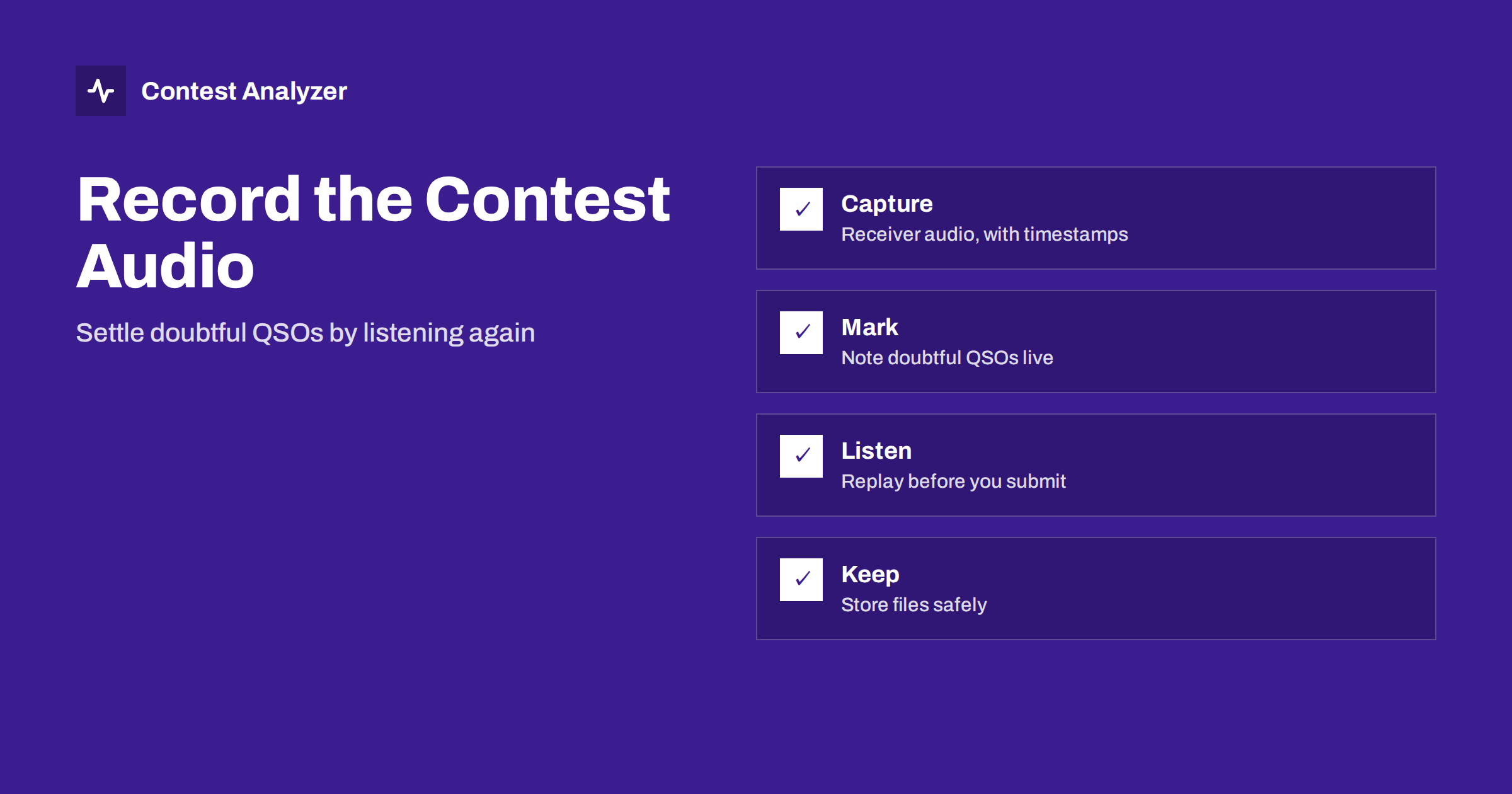
Short answer: Recording the audio from your receiver during a contest gives you a second chance to copy what you heard. Afterwards you can go back to a doubtful QSO, listen again at your own pace and correct the callsign or exchange before you send the log. To make it useful you need continuous recording, a way to find the right moment by the QSO time and a habit of marking uncertain contacts while you operate.
Why an audio record helps
In a contest you hear each callsign once, sometimes twice, and you have a second or two to decide what you heard. Later, in the quiet of the next day, the same few seconds may be perfectly clear to you. That is the idea behind recording: it lets you do the checking that was impossible in the heat of the moment, on the same signal, with a rested brain.
Most doubts have an ordinary cause. A letter that could have been two things, a digit that was drowned by a splatter, a callsign that was shortened by the other station, an exchange you wrote down from a half-heard repeat. When the audio is available you can settle such a doubt by listening instead of guessing. The result is a log with fewer busted callsigns, and a clearer idea of how they happen.
Recording is also a learning tool. If you play back your own operating, you hear how you sent, how you reacted to a pile-up and how you asked for repeats. Many operators say that listening to their own contest audio changed their habits more than any advice they had read.
What you need
You do not need a studio. A basic setup has three parts.
- A source. Either the audio output of the transceiver, a line feed from the audio chain, or a recording made directly from the SDR or the receiver software if you use one. Some transceivers also have a built-in recorder. What matters is that the recording contains what you actually heard, including your own transmissions if you wish to hear those as well.
- A recorder. Several logging programs offer an audio recording function that is tied to the QSO log. Other operators use a separate program that records continuously to files of a fixed length. Look in your logger’s settings and its documentation, and test what it offers; do not trust it for the first time on contest day.
- Storage. A contest lasts up to 48 hours, and audio files take space. Compressed formats use far less than uncompressed ones. Check that your disk has room for the whole contest, and that the recording location is not a folder that is cleaned automatically.
Check the legal situation where you live if you record audio from the air or from conversations. In general, recording your own receiver for personal use is common practice among contesters, but rules about recording and publishing differ between countries, so be careful if you plan to share the files.
Make the recording easy to search
A 48-hour file is useless if you cannot find a particular QSO in it. Three habits make the difference.
- Use a correct clock. The recording and the log must share the same time. If your PC clock is wrong, the audio will be at the wrong place relative to the log. The article on UTC clock errors explains how to avoid it.
- Record in files that carry their start time in the name. If the file name contains the date and the start time, you can jump to a QSO by time with little effort. A recorder linked to the logger may jump directly to the QSO.
- Test the full chain before the contest. Make a few QSOs, or play a test signal, then find them in the recording by the log time. If the offset is two minutes, you want to know it now.
If your logging software ties the recording to each QSO, check which part of the audio is stored: a few seconds before and after the contact, or only after the key press. Some people want the part before the QSO is logged, because that is when the callsign was sent.
Mark doubtful QSOs while you operate
The best use of recorded audio is a targeted one. You do not want to listen to 48 hours again. You want to listen to the fifty or so contacts where something was not right. For that you need a mark.
Many loggers let you flag a QSO or add a short note. If yours does, use it as soon as you feel unsure: a quick note such as “call?”, “zone?” or “exchange” keeps the information. If the program has no flag, use a simple convention, such as typing a question mark in the comment field, or keep a paper list of times. The point is to leave a trail while you still remember what was wrong.
Be honest about the cost. Marking takes a second. Do it only when the doubt is real, and do not stop your run to analyse. A good operator asks for a fill first; if the answer does not solve the problem or there is no time, the note goes into the log, and the audio is the later remedy.
Listening back: a practical method
After the contest, set aside an hour for the doubtful list. Work through it systematically.
- Open the log and filter the marked QSOs, or go through your paper list in time order.
- Jump to the time of each QSO in the audio and play the part where the other station gave the call. Play it several times, slowly if your player allows.
- Listen to the exchange too, because an unclear zone or report is as important as an unclear call.
- Decide, and write the decision down. If the audio gives you a clear answer, correct the log. If it is still unclear, you have two honest options: leave the entry as it is, or follow the sponsor’s rules for handling a contact you cannot confirm.
- Do not “improve” a call because it looks more likely to be right. Change it only when the audio supports it.
Be careful about one more thing. A callsign that you heard clearly in the audio but that is not in a database you know can be a new or unusual station, not necessarily a mistake. The recording is the evidence of what was sent.
What recording does not replace
Audio is a strong aid after the contest, but it is not a substitute for good practice during it. Fills and repeats during the QSO are always cheaper than a long search afterwards, and a clean copy at the time is the best protection. Think of the recording as insurance, not as a licence to log carelessly. The articles on CW copying accuracy and SSB phonetics discuss how to get it right on the first try.
Also remember the category you entered. In some categories, outside information during the contest is limited, and a recording that is replayed during the event may be a form of help. Listening afterwards, before the log is submitted, is a different matter, but the rules of each contest apply, so read the current text if you are in doubt about what is allowed.
Combining the audio check with a report
A good order for the days after the contest is this: first listen to your marked QSOs and correct what the audio settles, then run a systematic check of the whole file. Contest Analyzer checks every callsign and every zone against official license databases and several independent reference sources and shows only the few QSOs worth a second look. For those, you can go back to the audio if you recorded it, listen again and edit the call or the zone in the report. When you are done, you download a corrected Cabrillo. The report also gives full statistics, with rates, QSOs by hour and band, countries and zones, and your breaks and off time. It works with Cabrillo files from N1MM Logger+, DXLog and Win-Test and covers 22 contests; the contest list shows which. If you are unsure what else to check, the checklist before you submit is a good companion.
Related reading
- Busted callsigns in contest logs
- Checking your contest log before you submit
- Not in log: causes and prevention
The bottom line
An audio recording turns doubt into a decision. Capture the receiver audio, keep the clock right, mark the uncertain QSOs while you operate and listen to them before you submit. Correct only what the recording supports, and keep operating habits that make the recording unnecessary as often as possible.
FAQ
Do I need special equipment to record a contest?
Not much. A way to get the receiver audio into a computer and enough disk space are enough. Many logging programs and SDR programs can record on their own.
How much disk space does 48 hours of audio need?
It depends on the format and the quality you choose. Compressed formats are far smaller than uncompressed ones, so check your settings and test beforehand.
Can I correct a callsign from the audio?
Yes, if the recording clearly supports the correction. If it does not, do not change the entry on a guess.
Is listening to the recording during the contest allowed?
That depends on your category and the contest rules. Using it afterwards, before you submit the log, is the usual practice, but read the current rules if you are unsure.
Should I keep the files after the contest?
Keeping them at least until the results are published is sensible, because they help if the committee asks about a contact.