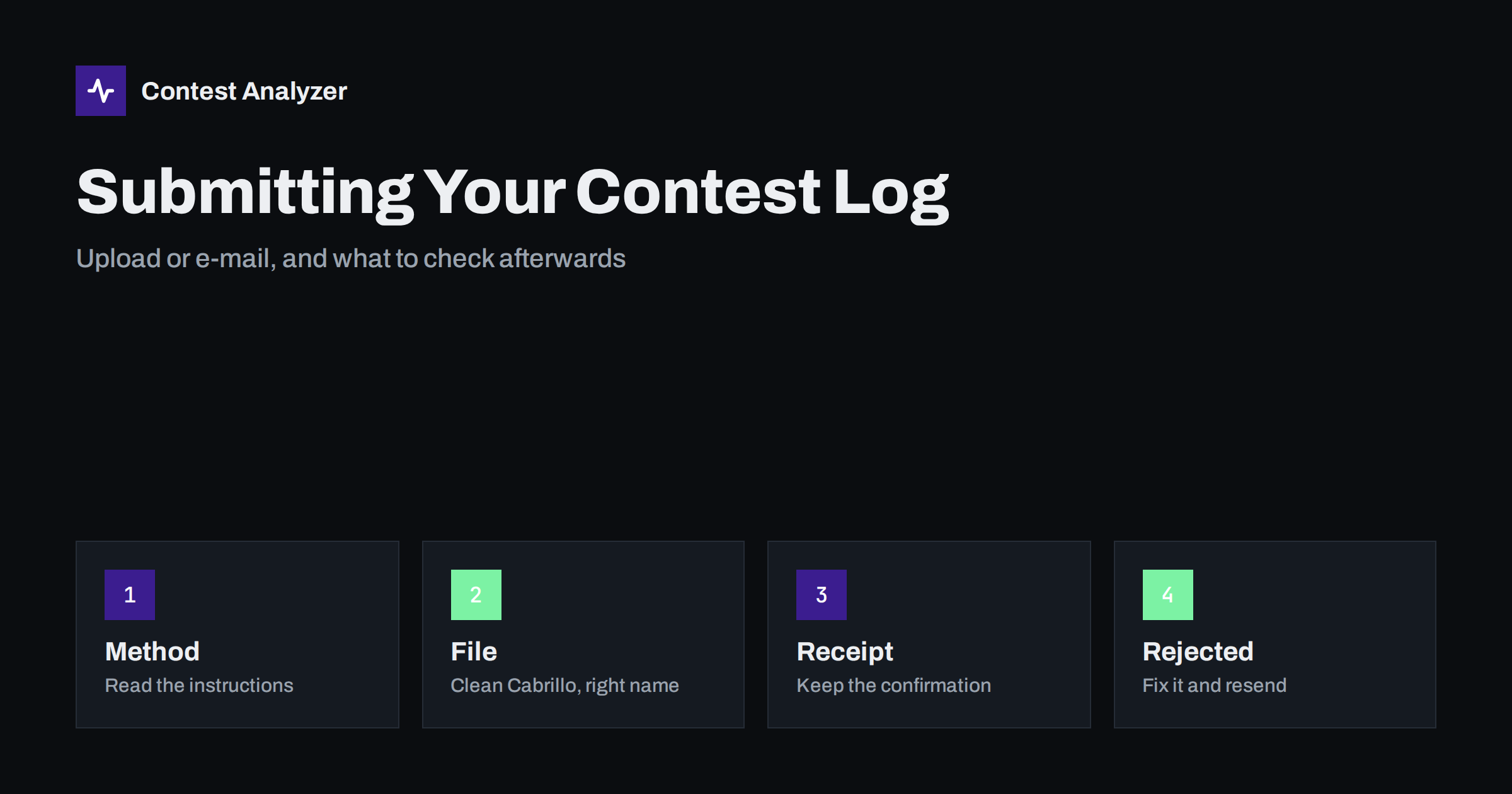
Short answer: Most contest sponsors accept a Cabrillo file in one of two ways: a web upload form or an e-mail to a log robot. Which one applies, what the file must be called and what the subject line must say is written in each contest’s own instructions, so read them every time. After sending, wait for the confirmation message or page, keep it, and look at what it reports back. A log that was sent but never confirmed is a log you cannot be sure was received.
Two common ways to deliver a log
Almost every major HF contest asks for the log in electronic form, and the format is nearly always Cabrillo. What differs is the doorway. Some sponsors run a web page where you choose the file, type your callsign and e-mail address and press a button. Others publish an address to which you send the file as an attachment, or sometimes in the body of the message. A few offer both, and some have changed from one to the other over the years.
Both routes usually end in the same place: an automated program, often called a log robot, reads your file, checks that it can be understood and sends you a reply. This is a technical step. It tells you that the file was readable, not that your score is correct or that the contest is satisfied with your entry. The decisions about categories, scoring and penalties come later and are made by the committee under the rules.
Because the details change, do not rely on what you did last year. Open the current rules for the contest, find the section on log submission and follow it literally. If the contest page says “upload only”, an e-mail will not be processed. If it says that the file must be named with your callsign, name it so.
Prepare the file before you send it
Most failed submissions are decided before anybody presses a button. A few minutes of preparation prevent them.
- Export a fresh Cabrillo file from your logger after the last QSO has been entered and corrected. The export steps are the same in principle in N1MM Logger+, DXLog and Win-Test; our guide to exporting Cabrillo walks through them.
- Read the header. The CONTEST, CATEGORY and CALLSIGN lines must match what the sponsor expects. A category value the robot does not recognise is a very common cause of trouble. The Cabrillo header guide explains every field.
- Use a simple file name. Plain letters and digits, no spaces, and the extension the sponsor asks for. Many contests are happy with a .log extension. If your callsign contains a slash, replace it in the file name with something harmless, because a slash cannot be part of a file name.
- Keep the file as plain text. Do not open it in a word processor and save it again. Hidden formatting, a different character set or an added header can make a perfectly good Cabrillo file unreadable for a robot.
- Make a backup copy of both the Cabrillo file and the logger’s own database before you submit. If something is wrong, you will want the untouched original.
Submitting through a web form
A web upload is usually the simplest way, because the page can tell you at once whether the file was accepted. The steps are almost always the same: select the Cabrillo file from your computer, enter your callsign and the e-mail address where you want the confirmation, add comments if the form has a box for them, and submit.
Pay attention to two things. First, the e-mail address. A confirmation sent to a mailbox you no longer read is the same as no confirmation. Use an address you will see within the hour. Second, the response page. A good form shows a summary after the upload: the callsign it read, the contest and category it understood, and sometimes the number of QSOs. Take a screenshot or save the page. If the form shows an error instead, read it before you close the window. Messages such as “no QSO lines found” or “unknown category” tell you exactly what to repair.
If your connection is slow, or the sponsor’s page is busy in the last hours before the deadline, give the upload time to finish. A page that seems to hang can still be processing a large file. Do not press the button five times; you may create several entries and confuse the confirmation you get back.
Submitting by e-mail
With e-mail, the two details that matter are the subject line and the way the file travels. Some robots look at the subject line to identify the contest or the callsign, so a subject such as “my log” can send the message nowhere. If the instructions give an exact subject format, use it, character for character. Sponsors that rely on the subject typically say so clearly in their submission instructions.
Send the file as an attachment unless the sponsor says that it must be pasted into the body. Do not compress it into an archive unless the rules allow it, and do not send two different versions in the same message. One message, one file, one callsign is the safest pattern. If you operated two callsigns, send two separate messages.
Some mail programs add a signature, an advertisement or a disclaimer to the body. For a robot that reads the body, that extra text may be a problem; for a robot that reads the attachment, it makes no difference. If you are not sure which type you are dealing with, send a plain text message with no signature.
Reading the confirmation
The confirmation is your proof. When it arrives, do not just glance at it and delete it. Check these points:
- The callsign and contest are the ones you meant to enter, spelled correctly.
- The category the robot understood is the one you declared. A reclassification at this stage is a warning.
- The QSO count, if it is shown, is close to what your logger says. A much smaller number means that part of the file was not read, for example because of a format error in some of the QSO lines.
- Any warnings. Some robots accept a file and still list items that they could not parse. Treat every warning as a task.
- The time of receipt, which matters if you are close to the deadline.
Save the message in a folder together with the exact file you sent. If a dispute ever arises, the pair of the confirmation and the file is the quickest way to settle it. Many sponsors also publish a list of the logs they have accepted for each contest, and checking that your callsign appears there a day or two later is a sensible habit.
Typical reasons a log is rejected or flagged
Without describing any specific contest, the following problems appear again and again in submission instructions and in discussion among contesters:
- The file is not Cabrillo at all, for example an ADIF file or a spreadsheet exported by mistake.
- The START-OF-LOG or END-OF-LOG line is missing or damaged, so the robot cannot find where the entry begins and ends.
- The CONTEST value does not match any contest the robot knows, or the file is sent to the wrong robot.
- The category or band value is not on the list of accepted values.
- The callsign in the header differs from the callsign in the e-mail or form, or from the one you actually used on the air.
- There are no QSO lines, or the QSO lines have the wrong number of fields so they cannot be parsed. Our article on the Cabrillo QSO line explains the columns.
- The date or time in the QSO lines falls outside the contest period, often because of a clock or time zone error.
- The file arrives after the deadline, or the sponsor has closed the form. Check the current rules for how late entries are treated.
- The attachment is too large, blocked by a mail filter or sent in a format the robot does not open.
A rejection by a robot is almost always repairable if you notice it in time. The sponsor wants your log; the reply message is trying to tell you what to fix.
Sending a corrected log after the first submission
It happens: you submit, then discover a wrong category or a time problem. What you can do depends on the rules. Many contests accept a new submission and use the last one, or state that a replacement must be clearly marked. Others ask you to contact the committee. Do not assume. Read the instructions, and if they are silent, write to the sponsor using the contact address given in the rules and explain briefly what changed and why.
When you resend, keep the same callsign, the same contest and a clearly new file name, and mention in the comment or message that this is a corrected version. Never send two different logs for the same entry and leave the committee to guess which one is right.
A calm routine for the last day
Many people leave submission to the final hour and then have no room for problems. A better rhythm is to export the file soon after the contest ends, run your checks, send the log in the first day or two, and keep the last hours as a safety margin. For the CQ WW contests the current rules set the deadline at 48 hours after the end of the contest, which is shorter than many operators remember, so plan accordingly and see the article on log deadlines.
Before you send, you can upload the Cabrillo file to Contest Analyzer. It checks every callsign and every zone against official license databases and several independent reference sources and shows only the few QSOs worth a second look. You can edit calls or zones in the report and download a corrected Cabrillo, then send that file to the sponsor. The report also gives full statistics, such as rates, QSOs by hour and band, countries and zones, and your breaks and off time. It works with Cabrillo files from N1MM Logger+, DXLog and Win-Test and covers 22 contests; see the list of contests. Then send the corrected file the way the sponsor’s instructions describe. The format itself is described on the Cabrillo page of the World Wide Radio Operators Foundation.
Related reading
- Checking your contest log before you submit
- Contest log deadlines and how to meet them
- The Cabrillo log header explained
The bottom line
Submitting a log is a clerical task, and clerical tasks go wrong when they are rushed. Follow the sponsor’s instructions exactly, send a clean plain text Cabrillo file, use an e-mail address you really read, and keep the confirmation together with the file. If anything is rejected, the reply usually says why. Fix it, resend, and make sure that the final version is the one that counts.
FAQ
Should I submit by web upload or by e-mail?
Use whatever the current rules of that contest specify. If both are offered, a web upload gives you an immediate response, which makes problems easier to spot.
What should the Cabrillo file be called?
Some sponsors ask for a specific name, often based on your callsign. If there is no instruction, use a short name of letters and digits with the extension the sponsor mentions, usually .log.
I did not get a confirmation. What now?
Check your spam folder first, then look for your callsign on the sponsor’s list of accepted logs if one exists. If there is nothing after a reasonable wait, send the log again or contact the committee well before the deadline.
Can I replace a log after I have submitted it?
Often yes, but the rules differ. Read the current instructions, and if they do not say, ask the contest committee before sending a second file.
Does a successful confirmation mean my log is correct?
No. It means the file could be read. Scoring, categories and penalties are decided later under the contest rules.