Short answer: The Contest Analyzer home page states, under “Always up to date”: “Reference data is refreshed automatically — weekly, monthly and around every contest weekend.” For you this means that you do not need to download or update anything for the check, and that a log uploaded shortly after a contest is checked against data that was refreshed around that weekend. The same cannot be said of your own logger, whose country file and call history you must update yourself before each contest.
What the site says
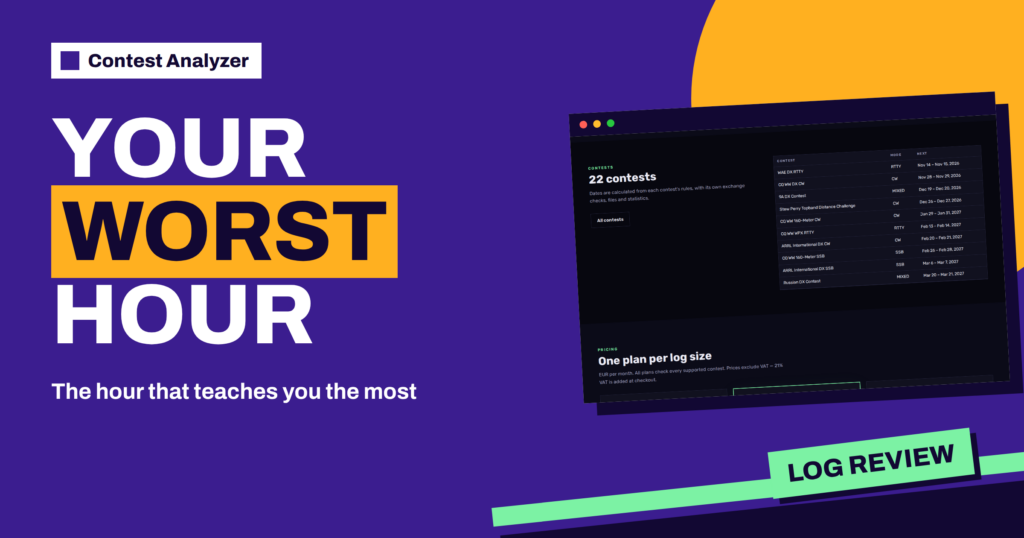
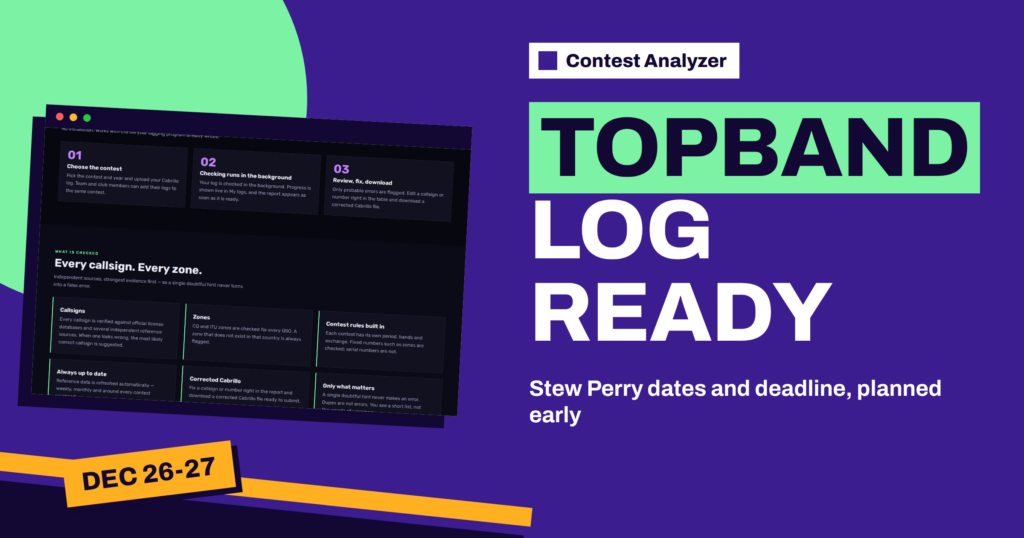
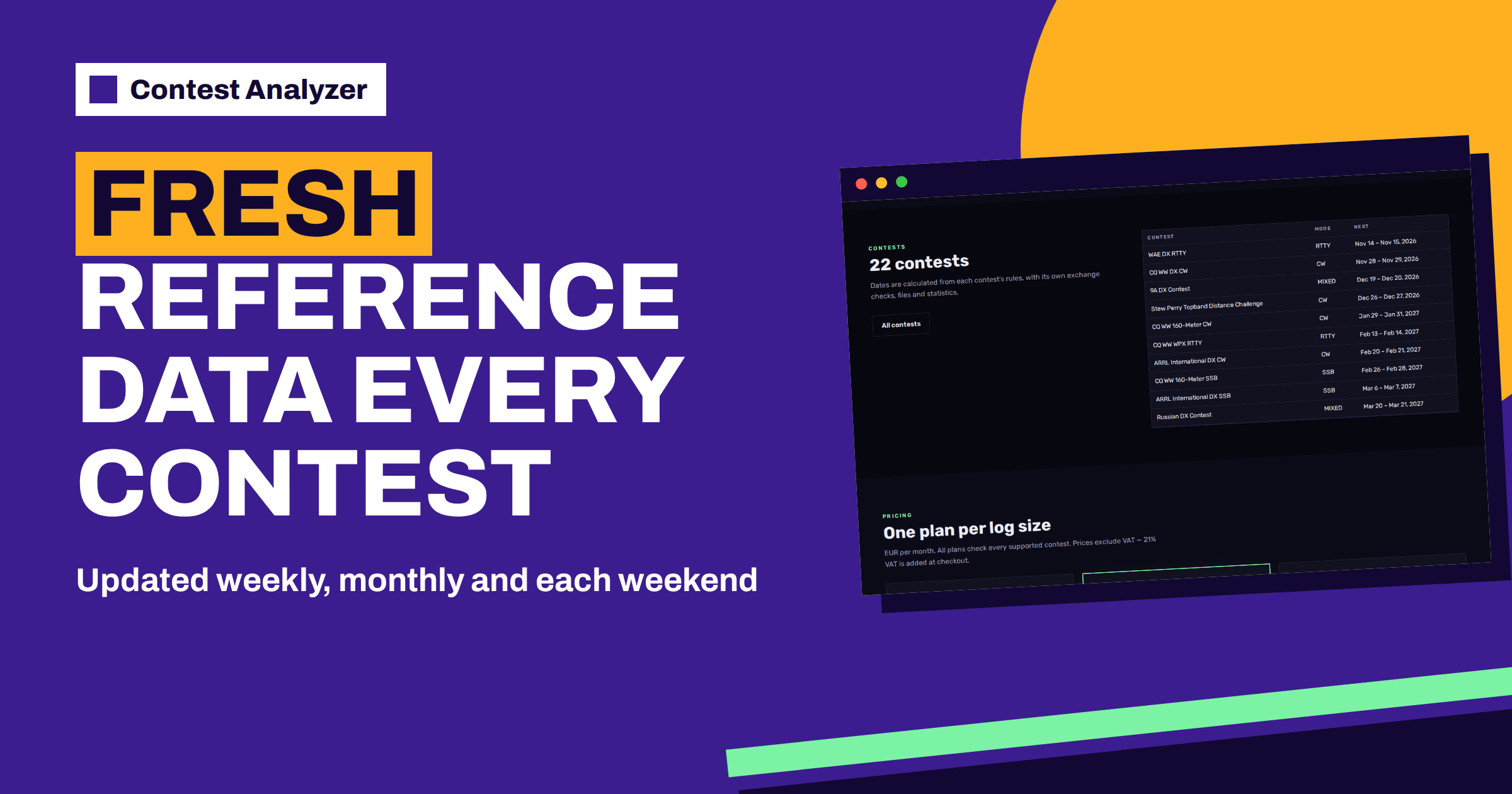
On the home page, in the part called “What is checked”, there is a block titled “Always up to date”. It reads: reference data is refreshed automatically, weekly, monthly and around every contest weekend. Another block, “Contest rules built in”, says that each contest has its own period, bands and exchange, that fixed numbers such as zones are checked and that serial numbers are not. The contests page adds that the dates are calculated from each contest’s rules.
That is all the information that the site gives about the schedule. It does not list the data sets, and it does not describe how the check uses them. This article therefore sticks to the practical side: what freshness means for a contester and how to take advantage of it. For any other detail, write through the contacts page.
Why fresh data matters
The world of callsigns and countries changes all the time. New licences are issued, some callsigns lapse, special event stations appear for a weekend, expeditions use temporary calls, and prefixes are allocated to new entities from time to time. A check that works with stale data would flag good callsigns as wrong and miss new ones. Contest weekends are special: many stations use unusual calls, such as special calls for a contest or calls of expeditions that are only active for a few days, and the data that cover them need to be fresh.
This is why a refresh “around every contest weekend” is a sensible approach. It means that the weekend you just operated is covered by data that was updated close to it. The weekly and monthly refreshes cover the slower changes in between. For you, the point is that the check is based on current information and not on a snapshot from months ago.
What you do not have to do
With many tools, preparing for a check involves downloading databases, updating files and managing versions. According to the site, here you do not. The home page says “No installation. Works with the file your logging program already writes.” The reference data is refreshed automatically. You upload a Cabrillo file, choose the contest and let the check run.
That is a relief for those who dislike maintenance, but it does not remove all your own preparation. The data in your logger are another matter, as the next sections explain.
What you still have to update yourself
During the contest, your logger relies on its own files: the country file that maps prefixes to countries and zones, the call history that fills the exchange, and the multiplier lists. These are not refreshed by an online service; you must update them. A country file that is out of date may assign a new station to the wrong country or zone during the contest, and the wrong information will be in your log. The article on country file updates for contests explains why and when to update, and call history files explained shows the risk of using outdated history.
A sensible routine is to update the country file in the week before the contest, test it with a few QSOs and keep a note of the version. After the contest, the check will use fresh data, and any difference between your logger’s data and the reference data may appear as a flagged QSO. Those are the cases to look at with care: a zone that your logger assigned from an old file may be the very thing that the report questions.
When to upload after a contest
Because data is refreshed around every contest weekend, you can upload your Cabrillo file as soon as you have it. There is no reason to wait for a week, and the log deadline on the contests page is a limit, not a target. The earlier you check, the more time you have to review the report, listen to your recording and fix the log before you submit it. The check runs in the background, with live progress in My logs, and the report appears as soon as it is ready.
If you operate in a contest with a short deadline, such as 48 hours for the CQ WW family, as the contests page shows, uploading quickly is even more important. The general advice in log submission deadlines applies: do the check early, so that the deadline is a safety net.
Freshness is not a guarantee
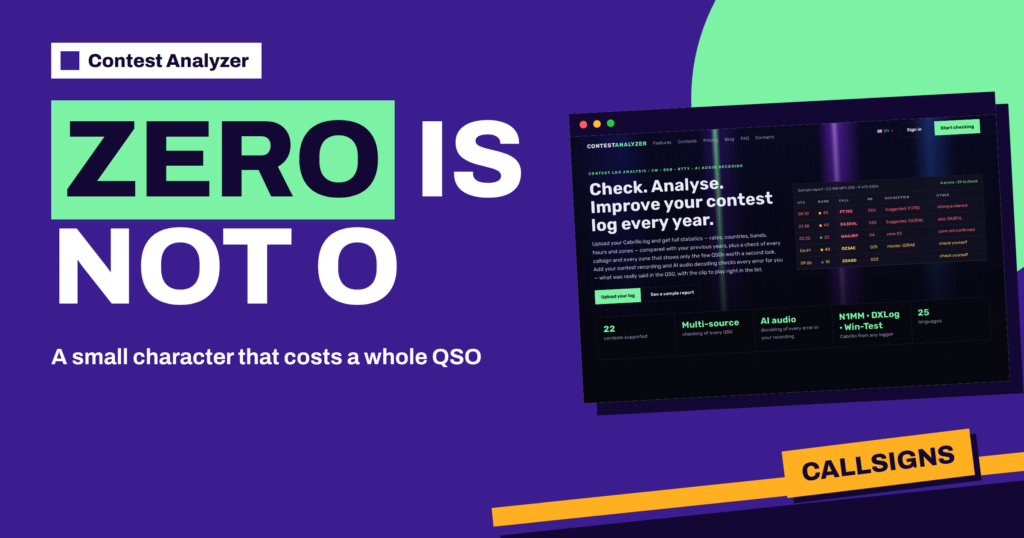
It would be wrong to expect a perfect result from any check. Data can lag behind reality: a licence issued yesterday may not yet appear in any database, and an unusual callsign may not be recognised at once. The site makes this point in its own way: a single doubtful hint never makes an error, and the report shows only the few QSOs worth a second look. The Suggestion column indicates the strength of the evidence, with notes such as strong evidence, maybe or check yourself. The article on suggestion levels explains them.
If a callsign is flagged but you are sure of it, for example because you heard it clearly and the station confirmed it, you can keep it. Mark the QSO as checked in your own audio recording, if you have one, and move on. The report is a set of questions, and your knowledge of the QSO is part of the answer.
How fresh data helps your habits
When you use a check regularly, you also learn about your own station. If your logger’s country file was out of date, you will see the effect in the flagged rows, and you will remember to update it next time. If you tend to confuse a certain kind of suffix, you will see it again and again. The year-on-year comparison with your own logs helps to see whether the number of flagged QSOs goes down.
It also helps to compare your results with the contest calendar. The calendar on the contests page gives dates and deadlines for 22 contests, and a regular routine for each of them, with the same steps every time, is the best way to reduce errors. See the December contest calendar and the November contest calendar for earlier overviews.
One more benefit of a regular routine is the ability to see trends over several contests. A single report is a snapshot, but five reports of the same contest in successive years, checked with fresh data each time, form a series. You can see whether the share of flagged QSOs falls, whether your zone errors are disappearing and whether the night hours still produce most of the doubts. Write these numbers in your notebook. A modest improvement in each of them, year after year, is the best sign that your preparation is working, and the fresh data make the comparison fair, because each log was checked in the light of what was current at the time.
Special calls and expeditions
Contest weekends are the time when unusual callsigns are most common. Clubs and national societies use special event calls, DXpeditions choose contest weekends to operate from rare places, and operators visiting other countries use calls with unusual prefixes and suffixes. Such calls are exactly the ones that a stale check would question. A refresh around the weekend is therefore well timed, and for you the practical advice is not to be alarmed if a rare or special call is shown with a doubtful hint, and equally not to dismiss a flag only because the station was exotic.
When you see a flagged call that belongs to an unusual station, think about what you know. Did you hear the call clearly? Was it repeated by the station? Did the exchange make sense for the place? If you have a recording, listen to it. If everything agrees, keep the call. If something is off, for example a one-letter difference from a known call, consider the suggestion. The articles on portable and mobile indicators and portable and maritime stations explain how calls with indicators behave in logs.
A simple routine around each contest
- A week before: update your logger’s country file and test it.
- During the contest: log carefully, and mark doubtful QSOs in the notes.
- After the contest: export the Cabrillo file and upload it early.
- When the report is ready: review from the strongest suggestion to the weakest and correct what you can support.
- Download the corrected file, read the header and submit before the deadline.
Related reading
- Checking Your Log for Likely Errors Before Submitting
- Check Your Contest Log Before You Submit: A Checklist
- Which Contests Contest Analyzer Supports
The bottom line
The site says that its reference data is refreshed weekly, monthly and around every contest weekend, so the check does not depend on anything that you must download. Keep your logger’s own files up to date, upload early after the contest and treat the report as a set of well-informed questions.
FAQ
How often is the reference data refreshed?
According to the home page: automatically, weekly, monthly and around every contest weekend.
Do I need to install or update anything?
No installation is needed for the check. Your logger’s own country file and call history are your responsibility.
Can I upload right after the contest?
Yes. Upload as soon as you have your Cabrillo file; the check runs in the background.
Is a flagged callsign always wrong?
No. A flag is a question. Decide with your recording, notes and memory.