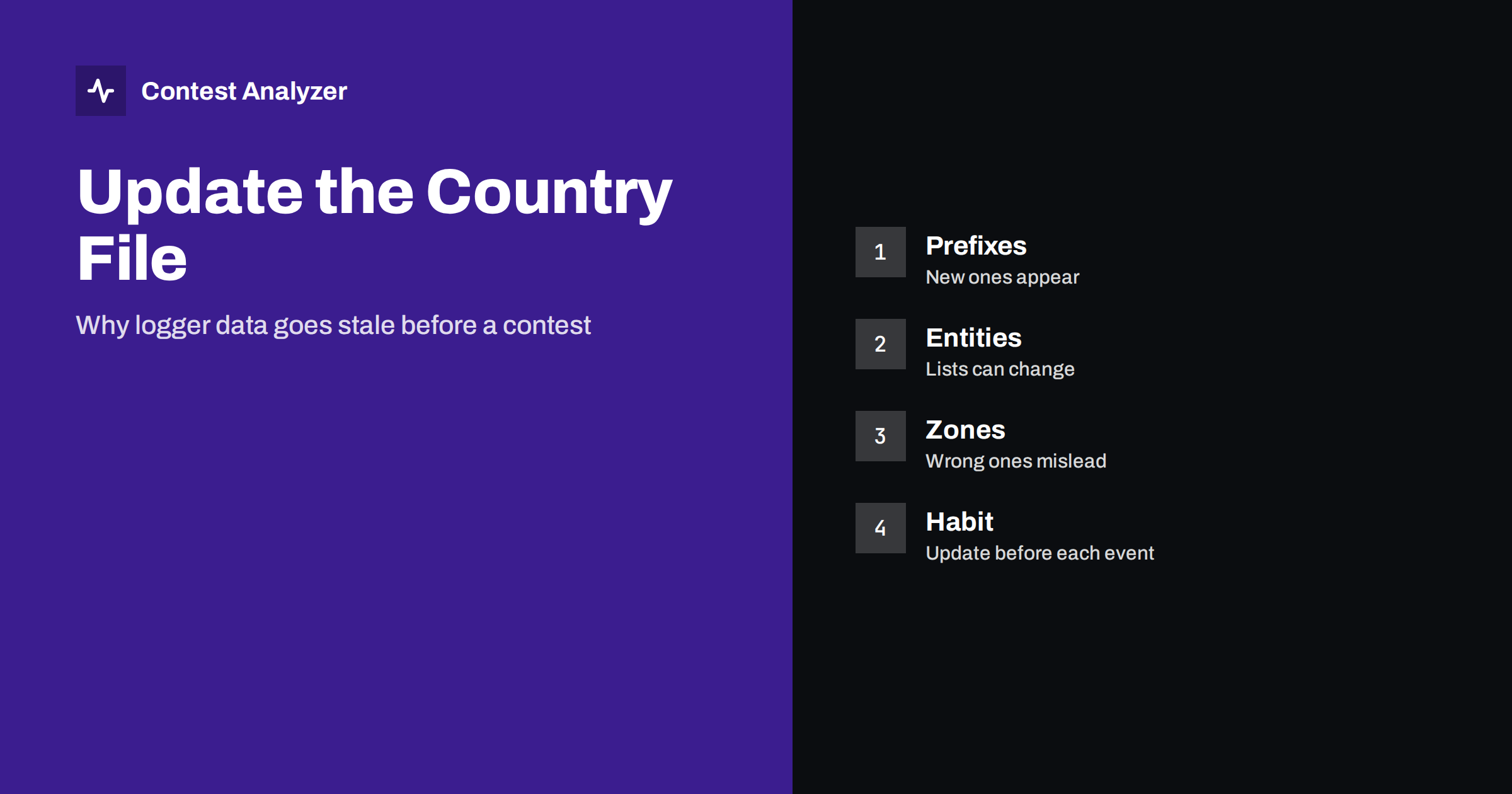
Short answer: Your logging software decides the country, the zone and the continent of each callsign from a data file, often called the country file. Prefixes are allocated, entities are added or changed and special calls appear, so a file that is a year old may be wrong for a few stations. Update the file shortly before every big contest, check the version after the update and remember that the official rules of the contest and the official lists always have the last word.
What the country file does
When you type a callsign, the logger looks at the beginning of it and compares it with a list of prefixes. From this list it takes the country, the CQ zone, the ITU zone and the continent. It then shows these on the screen, uses them to mark a new multiplier and often puts the zone into the exchange field automatically. In many contests the multiplier count is calculated by the same list. The country file is therefore the base of your live score, and also of the statistics that you read after the contest.
The list is a model of reality, and reality changes. A new prefix block is given to a country. A special event station uses a call outside the usual pattern. A territory changes its status. A station operates from a place where the zone is not the usual one for its call. All of this has to be written into the file by somebody, and the version in your computer is only as new as your last update.
What can change between versions
- New prefixes or prefix ranges that are assigned to a country and are not yet in your file.
- Changes in the list of countries or entities, for example when a new entity is created or an old one is merged or deleted by the sponsor of the list.
- Corrections of zones for countries or regions where the earlier data were wrong.
- Special exceptions for individual callsigns that are used in a place different from the one that the prefix suggests.
- Continent changes or fixes for a few prefixes.
Most updates are small. A typical update touches a few dozen entries out of thousands. But a small change can hit a rare station that you want to work, and that is the one that matters.
It is also useful to know where your file comes from. Many loggers ship with a copy of a country file that was current when the program was released, and the community publishes newer copies from time to time. If you install a new version of the program, check that it does not bring back an older file than the one you had. A short note in your station notebook with the date and the version of the file is a simple way to remember what you used in each contest, and it helps when you compare your results from different years.
The same care applies when you use the same file on several computers in a multi-operator station. All the computers should have the same version, because otherwise the same station may be a multiplier on one screen and not on another.
What a stale file can do to your score
If your file is old, three things may happen. First, a station from a new prefix block is shown as an unknown country, and you may not recognise that it is a multiplier. Second, a station is shown in the wrong zone, and the logger fills the wrong value in the exchange or marks the wrong multiplier. Third, your live score on the screen is not the same as the score that the sponsor will calculate, and you make decisions based on a wrong picture. None of this changes the rules, but it changes what you do and what you log.
The article on CQ zones explains the zones themselves, and the article on country lists: DXCC and WAE explains that different contests use different country lists. A logger usually offers a setting for the list that the contest uses. Check that the setting matches the contest, as well as the version of the file.
Which source counts in the end
The file in your logger is a tool. The final decision about the country, the zone and the multipliers is made by the contest sponsor and its own rules and lists. In a dispute, your file does not help you. A sponsor may use a newer or older version of the list, or a list with some differences, and the final score can differ from your own. For this reason, treat the numbers on your screen as an estimate, and read the current rules for the contest list. The page of the sponsor, such as the CQ WW rules, is the place to look for details of the contest that you enter.
How to update safely
- Update shortly before the contest, but not in the last hour. A week before and a day before are good times.
- Use the update function of your logger or the source that the logger documentation names. Do not copy files from an unknown place.
- Close the contest in progress before you replace the file, and restart the program after the update.
- Check the version or the date of the file in the program, if it shows it.
- Test with a few calls that you know, for example a station from a country with several zones, a recent special call and a station from a rare place.
- Make a copy of the old file before you replace it, so that you can go back if something is wrong.
If your logger has an automatic update function, check that it works, and do not assume. Network settings and permissions can stop an automatic update without any message.
Do not update in the middle of a contest
An update during the contest is a risk. A new file can change the zones or countries of QSOs that are already in the log, and in some programs it changes the multiplier status of past QSOs. This can make your score on the screen jump, and it can lead to confusion in the middle of the night. If you find that an important entry is wrong during the contest, note it, handle the single QSO manually and update the file after the contest. The article on setting up N1MM Logger+ for CQ WW covers the preparation steps in the weeks before.
Special calls and exceptions
Some of the most difficult cases are not in the main prefix table but in the list of exceptions. A station may use a call from one country while operating from another, for example during an expedition or a holiday. In some countries, the country file contains a special entry for a single call, because the usual rule for the prefix would give the wrong place. Special event stations also use calls that may look like those of a different country, and some of them are active only for a few days.
These exceptions are the reason why a well-maintained file is better than a general rule. They are also the reason why you should not trust the display without thinking. If a station sends a zone that does not match the one that your logger shows, the logger may be wrong, but the station may also have given a value that is not valid for its location. In that case, ask for a repeat and log what you heard, then check it after the contest. The articles on portable and maritime stations and zone errors in multi-zone countries describe such cases in more detail.
One practical habit is to make a short list before the contest of rare calls and expeditions that are announced for the weekend. If you add them as notes in your logger, you will recognise them when they appear, and you will be more careful with the exchange. Announcements are not a guarantee, and plans change, but the list prepares your eyes and ears for the unusual.
After the contest: the log and the file
If you update the file after the contest, remember that the new version may assign QSOs to different countries or zones than the old one. This is a reason to keep the original log, and to be careful when you compare years. A country that was a multiplier last year may have a different code this year. The article on comparing contest results year to year describes how to read such differences.
Contest Analyzer uses its own reference data when it reads your log. It checks every callsign and every zone against official license databases and several independent reference sources and shows only the few QSOs worth a second look. You can then edit calls and zones in the report and download a corrected Cabrillo. The report shows countries, continents, CQ and ITU zones and WPX prefixes for the whole log. Check the contests page to see which contests are supported.
Related reading
The bottom line
The country file is the data behind your zones, countries and live multipliers, and it ages. Update it before every big contest, test it with a few calls and remember that the sponsor’s rules and lists decide the final result.
FAQ
How often should I update the country file?
At least before each big contest, and more often if your logger or its documentation suggests it.
Can an old file change my score?
It can change what you see and what you log, and your screen score can differ from the sponsor’s final score.
Should I update during the contest?
No. Note the problem, fix the single QSO by hand and update afterwards.
Does every contest use the same country list?
No. Some use DXCC, some use WAE for part of the entry, so check the current rules.
How do I test the update?
Type a few known calls, including a multi-zone country and a recent special call, and check the result.