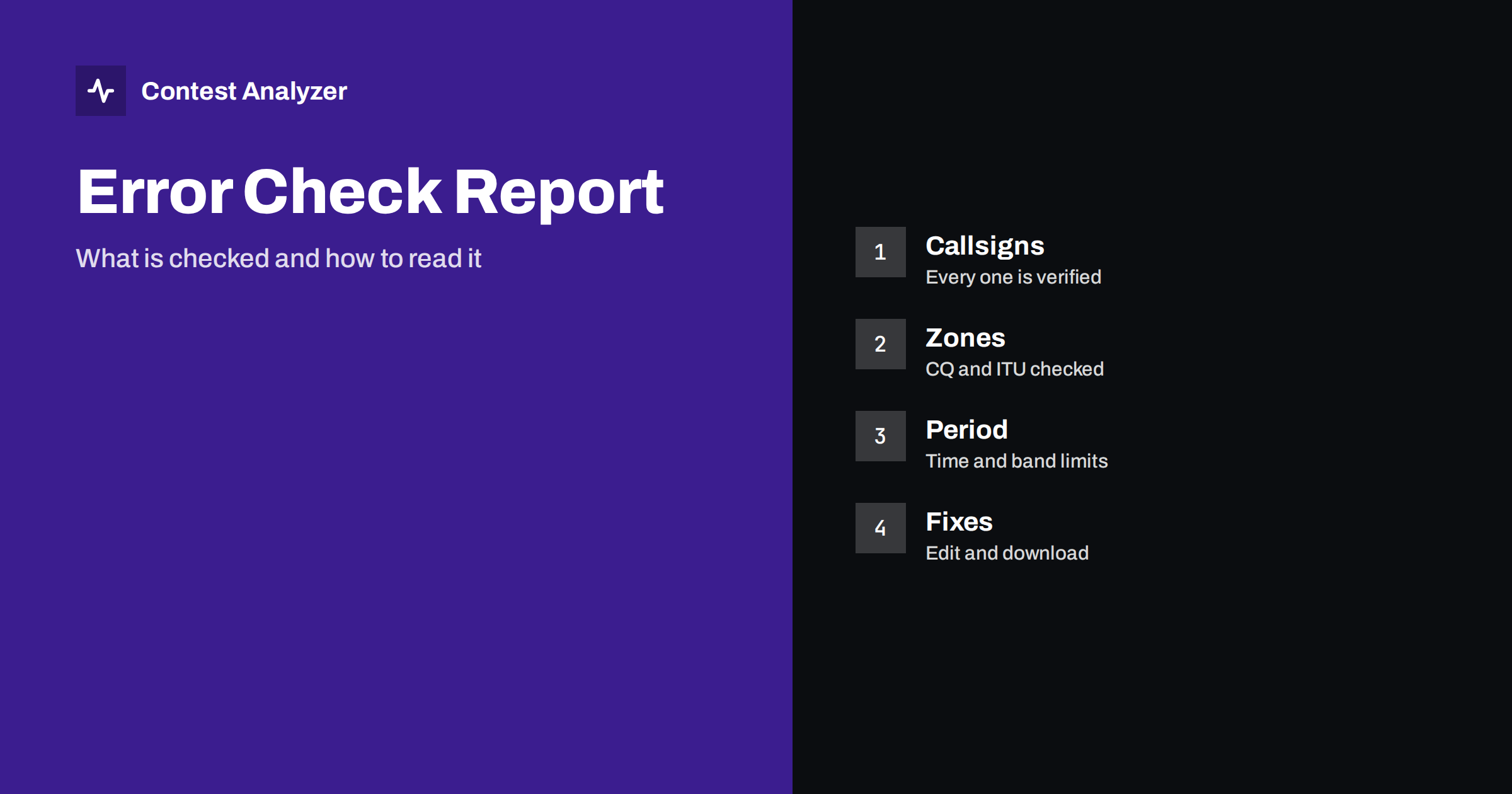
Short answer: Contest Analyzer checks every callsign and every zone in your Cabrillo log and shows only the few QSOs that are probable errors. It also marks QSOs outside the contest period and outside the band limits for your ITU region. You review the short list, accept or reject each suggestion using your own knowledge of the contest, edit what needs editing and download a corrected Cabrillo file. Serial numbers are not checked, and dupes are not errors.
What the check covers
The service describes its check in three parts. The first is callsigns: every callsign is verified against official license databases and several independent reference sources. When one looks wrong, the most likely correct callsign is suggested. The second is zones: CQ and ITU zones are checked for every QSO, and a zone that does not exist in that country is always flagged. The third is the rules of the contest: each contest has its own period, bands and exchange, and fixed numbers such as zones are checked, while serial numbers are not.
In addition, the report marks QSOs that fall outside the contest period and outside the band limits for your ITU region, with split QSOs shown as a note. All of this is run in the background after you upload the file; progress is shown live in My logs, and the report appears as soon as it is ready. The supported contests are listed on the contests page, and the answers to common questions are on the FAQ page.
Why the list is short
A long list of warnings is hard to use, because the important items hide in it. The design of the check is therefore conservative. A single doubtful hint never makes an error: evidence from independent sources is combined, and the strongest evidence comes first. Dupes are listed separately and are never counted as errors. The result is a short list, not thousands of warnings, and each item on it is a reason to look at the QSO.
This is the right way to think of the list: not as a verdict, but as a list of places to look. A QSO that is not on the list is not guaranteed to be perfect, and a QSO on the list is not guaranteed to be wrong. The aim is to save your attention for the cases where it is most likely to matter. If you want a manual routine alongside, the article on a 30-minute routine to check your log can be used in parallel.
How to read a row
Each row of the list shows a QSO: the time in UTC, the band, the callsign and the number or zone as logged, and then a suggestion or a note. The suggestion may be a likely correct callsign, sometimes with other candidates, or a note that a zone is not confirmed for that country, or a short remark that you should check the QSO yourself. Evidence is labelled, so that a suggestion with strong evidence can be told apart from a weaker one.
Read each row against your own memory. You were at the radio, and the service was not. If the suggestion matches what you remember hearing, it is likely right. If the callsign is a rare one that you remember clearly, keep it. If your notes mention the QSO, read the note. The article on busted callsigns describes the typical patterns, which helps you judge whether a suggested change makes sense, for instance a letter that sounds like another or a digit confused under noise.
Zone flags
A zone flag means that the zone you logged does not fit the station. It may be that the zone is impossible for that country, or that it is not confirmed. In countries that span several zones, the correct zone depends on the location of the station, and a station may send a zone you did not expect. The articles on zone errors with stations from multi-zone countries and on why stations change zones explain the situation.
The rule to remember is that you should log the zone the station sent. If you copied the zone correctly and the station sent an unusual one, your log is right to hold it, even if a table would give another. If you cannot say what you copied, a recording is the best evidence. When the zone was copied wrongly, edit it in the report.
Period and band flags
QSOs outside the contest period or outside the band limits for your ITU region are marked. These flags often point to systemic problems. A block of QSOs at the start or end of the log flagged as outside the period suggests a clock problem; see wrong PC clock or UTC errors and QSOs before the start or after the end of a contest. QSOs flagged as outside the band limits may result from a wrong frequency in the log, a transverter offset, or a real operation outside the allowed segment. The article on band edges in ITU regions gives the background.
Split QSOs are shown as a note, since the logged frequency may be the receive frequency while the transmission was elsewhere. Read the note, and decide whether the frequency needs to be edited. If the cause was a setting in the logger, fix the setting for the next contest as well.
Editing and the corrected file
When you decide to change a QSO, edit it right in the report. You can edit the call, zones, time and frequency. You can also mark QSOs as checked in your own audio recording, which is a useful bookmark when you work through a long list, and you can duplicate a QSO line when it is needed. When the review is complete, download the corrected Cabrillo file, ready to submit.
Keep your original export too. The article on producing a corrected Cabrillo before you submit explains why. After you have your file, open it once in a text editor, check the header and a few lines, and then submit by the organiser’s method. See also how to submit a contest log.
What the check does not do
Being honest about limits is part of using any tool. Serial numbers are not checked, so a wrong number in a serial-number contest will not be flagged. Dupes are not errors, and they are listed separately. The service cannot know whether another station logged you, and it does not claim to. It also cannot read your mind: it cannot tell what was actually said on the air. For that, you need your own recording and notes.
Your log and your callsign are never shown to other users, and a log can be checked only for a callsign in your account that is verified, so accounts are not shared.
A routine around the check
A sensible order for the days after the contest is this. Export the Cabrillo file and keep a copy. Upload it and let the check run. While you wait, read the header and a sample of lines. When the report is ready, go through the list from the strongest evidence to the weakest. Fix what you can prove, mark what you cannot decide, download the corrected file, inspect it, and submit before the deadline. Keep both files and write a few lines in your station notebook about the typical errors you found, because they tell you what to practise before the next contest.
An example of reading three rows
Imagine three rows from a report. In the first, a callsign you logged has a suggested replacement that differs by one letter, and the evidence is labelled as strong. You remember a noisy band and a quick QSO. The suggestion is probably right, and you accept it. In the second row, a callsign has a note that you should check it yourself, with no suggestion. You look at your notes and find a mark from the contest: you were unsure of the last letter. You listen to the recording, decide, and mark the QSO as checked. In the third row, a zone is not confirmed for the country. You remember that the station sent an unusual zone, because it was in a remote part of a large country. You leave the zone as logged.
The three decisions took a few minutes each, and each used a different kind of evidence: the strength of the suggestion, your notes and recording, and your memory of the exchange. That is how the list is meant to be used. It does not make the decision for you; it directs your attention to three QSOs among thousands, and you apply your own knowledge to each of them.
When you finish, count how many items you changed and how many you left. Over several contests, the proportion tells you about your own accuracy and about the usefulness of the suggestions for your style of operating. If you find that most changes concern the same kind of error, such as the last letter of the callsign on CW, you have found a habit worth training. The year-on-year comparison of your own logs shows whether the training works.
Related reading
- Check Your Contest Log Before You Submit: A Practical Checklist
- Your Post-Contest Review Routine: What to Check
- Log Checking Reports (LCR): What They Contain and Teach
The bottom line
The error check is a short, evidence-based list of places to look: callsigns, zones, the contest period and band limits. Judge each item with your own knowledge, edit what is wrong, download the corrected Cabrillo file and submit it. Remember what the check does not cover, especially serial numbers.
FAQ
Does the check flag everything that looks unusual?
No. A single doubtful hint never makes an error, so the list is short and shows only probable errors.
Are dupes counted as errors?
No. Dupes are listed separately and are never counted as errors.
Can I change a QSO in the report?
Yes. You can edit callsigns, zones, time and frequency, and download a corrected Cabrillo file.
Are serial numbers checked?
No. Fixed items such as CQ or ITU zones are checked, but changing serial numbers are not.