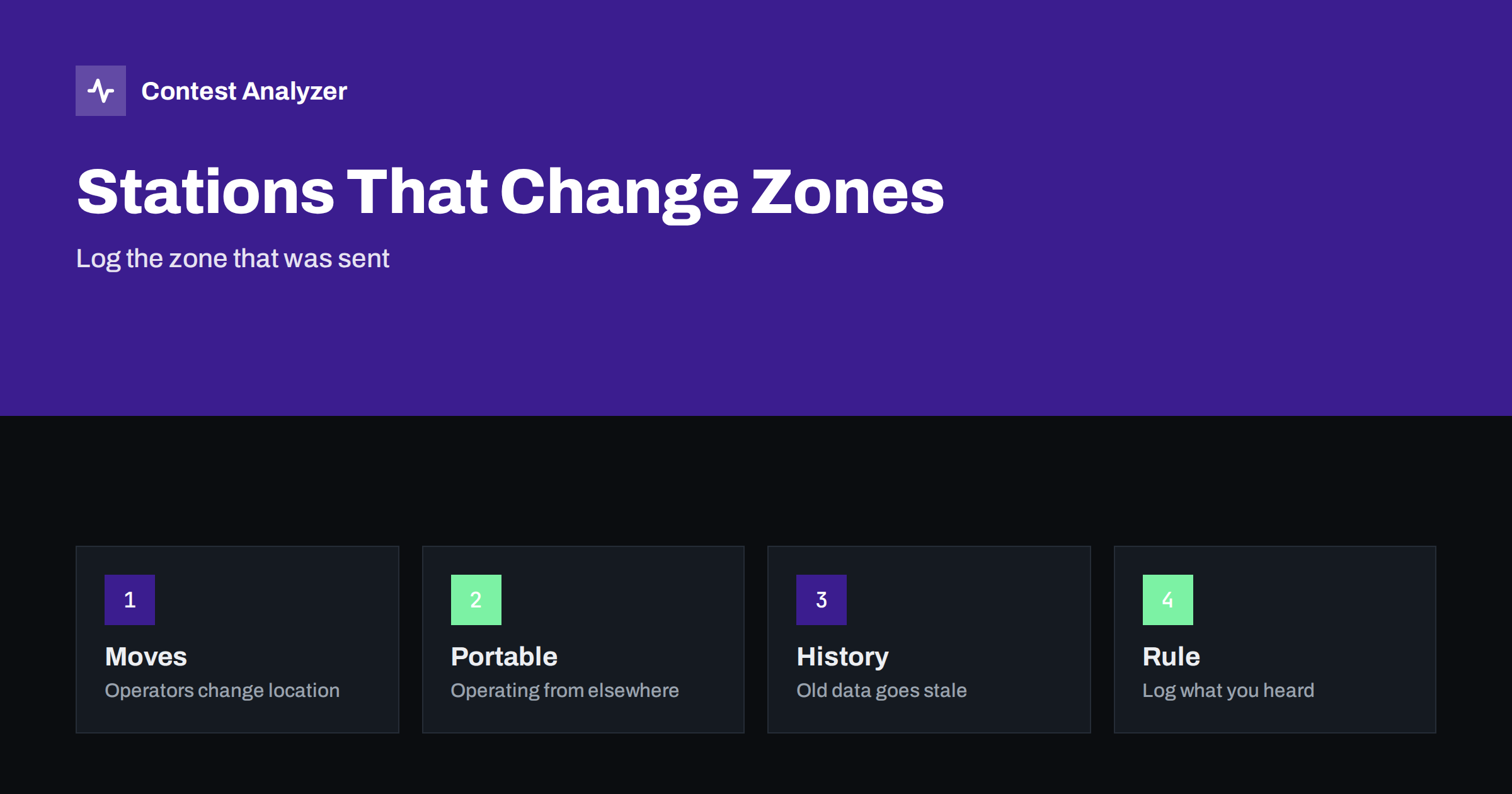
Short answer: A station can send a different CQ zone from one contest to the next because the operator moved, is operating from another place, uses a call that covers more than one zone or sends the wrong zone by mistake. The rule is simple: log the zone that the station sent, unless you have a clear reason to believe it is an error, and do not let an old history file overwrite what you heard.
The zone follows the station’s location
The CQ zone of a station is the zone of the place from which it operates. For most countries this is a fixed number, but several large countries are divided into more zones, and in such countries the zone depends on the position of the station. If the operator lives in one part of the country in one year and in another part in the next, the zone changes. A change of a few hundred kilometres can be enough, if it crosses a zone border.
It is therefore not surprising when you work the same callsign in two contests and receive two different zones. It does not mean that one is wrong. The article on CQ zones explained describes the zones and the splits, and the article on zone errors with stations from multi-zone countries shows the typical problems.
Reasons why a zone changes
- Moving house. Operators move, and the zone of the new place may be different.
- Portable or remote operation. A station that operates from a holiday place, from a contest site or from a club station may be in another zone than its home address.
- A club or multi-operator station. The same call is used from the same place, but different operators may send the zone of their own home by habit.
- Special event and expedition calls. These stations may operate from a place that is far from the usual home of the call.
- A change in the country list. Updates of the lists may change the zone assigned to a prefix, so a logger with an older file may expect another zone.
- An error. The operator sends the zone of his usual place, although he is somewhere else.
The first five reasons are legitimate. Only the last one is an error, and it is not easy to tell from the others when you are on the air.
What to log: the zone that was sent
The practical rule is to log what the other station sent. The QSO is made between you and the station that sent the exchange, and the log of the other station contains the zone that it sent. A different zone in your log, even if it seems more likely, will be marked as a mismatch. If you hear a zone that looks unusual, ask for a repeat, and if the answer is the same, log it as received.
The exception is a zone that cannot exist, such as a number outside the range of valid zones, or a zone that is clearly impossible for the country, such as a zone far from the country where the call is registered. In that case, you probably copied the number wrongly, and a repeat is the right action. The article on CW copying accuracy and the one on zone exchange mistakes on SSB describe how copying errors appear in zones.
The risk of history files
Most contest loggers can fill in the exchange for you from a history file. The program stores the zone, the name or the other data that a station sent in earlier contests, and shows it as soon as you type the callsign. This saves time and reduces typing, but it also creates a risk: the data may be out of date. If you press the key to log the QSO without checking, you may log the old zone and not the one that the station sent today.
The safe habit is to use the prefilled data as a hint and to compare it with what you hear. If the station sends the same zone, no problem. If it sends another, change the entry. The article on call history files in contest loggers describes the risks in more detail. In the same way, keep your own history files up to date: remove data that you know is old, and update it from your own recent logs.
Portable and maritime stations
Portable stations deserve a special note. A call with a suffix such as /P or a different prefix may belong to a station in a different country and zone from the home call. The zone to log is the zone that the station sent, and the country is decided from the full callsign according to the country list. Maritime and aeronautical mobile stations are a special case, and the rules for them differ between contests, so read the current rules. The article on portable and maritime stations: zones and countries in logs goes through the cases.
If you hear a station with a call that is normally from a single-zone country, and the zone that it sends is different, think about the reasons above before you decide that it is an error. An operator on holiday or at a remote site can send a legitimate zone that you would not expect.
Examples of how a change appears in the log
Imagine a station that you have worked every year, always with the same zone. This year the zone is different. If your logger fills in the old zone from the history and you press the key without listening, your log says one thing and the station’s log says another. In the check after the contest, this QSO is marked as a mismatch, and you may lose the QSO or the multiplier, depending on the rules. The cost of the mistake is the same as for a busted call, although the call is correct.
Now imagine the opposite: the station sends the old zone because the operator did not change the macro after he moved. You hear the zone, copy it correctly and log it. Your log matches the log of the other station, even though the zone is not the real one. Because both sides logged the same exchange, your log matches theirs. How the organisers treat such a case is set by the current rules. The lesson is the same in both cases: log what you heard. The responsibility for the zone that is sent belongs to the sender.
A third case is a station that sends two different zones during the same contest. This may happen with a multi-operator station where operators change, or with a station that moves during the contest. Log each QSO as it was sent, and do not try to correct the earlier lines.
Checking your log after the contest
After the contest, review the zones in your log. Sort by callsign and look for calls that appear with different zones in different years, if you have older logs. Look at those that differ from the expected zone for the country, and listen to your recording if the QSO is unclear. In your own log, a zone that was different from the history may be a real change or an error that was made by you. The recording usually decides.
Contest Analyzer checks every callsign and every zone against official license databases and several independent reference sources and shows only the few QSOs worth a second look, so the few zones that really need attention are easy to find. You can edit calls, zones, time and frequency in the report, mark QSOs checked in your own audio recording and download a corrected Cabrillo. It also gives full statistics, such as rates, QSOs by hour and band, countries, continents, CQ and ITU zones, and year-on-year comparison with your own logs. It works with Cabrillo from N1MM Logger+, DXLog and Win-Test. See the contests page for the supported contests.
When you send your own zone
You are also a station whose zone may be questioned. If you move, or operate from a different place, tell the logger and change the zone in all your messages. Do not send the zone of your usual home call by habit from a place in another zone. If you operate from a club station or a remote site, use the zone of the place where the station is, as the rules of the contest define it. Check the current official rules for the contest, because the definition of the station location can be specific.
A short note in your station notebook helps with this. Write where you operated, which zone you sent and any change from the last contest. The article on a station notebook describes a simple format. When another operator or you yourself look at the log later, the note explains the difference.
Related reading
- Producing a corrected Cabrillo before you submit
- Why you update the country file before a big contest
- After the contest: listen to doubtful QSOs, fix the log
The bottom line
Zones change because stations move or operate from other places. Log the zone that was sent, use history files only as a hint and check the unusual zones against your recording after the contest.
FAQ
Is a different zone from last year an error?
Not necessarily. The station may have moved or may be operating from another place.
Should I correct a zone that I think is wrong?
Ask for a repeat. If the station sends the same zone again, log what it sent.
Can a history file give the wrong zone?
Yes, if the data is old. Compare the prefilled zone with what you hear before you log.
Which zone do portable stations send?
The zone of the place where they operate, as the rules define it. Log what they send.
How do I find zone problems in my log?
Compare each zone with the country of the call, look at the unusual ones and listen to the recording.