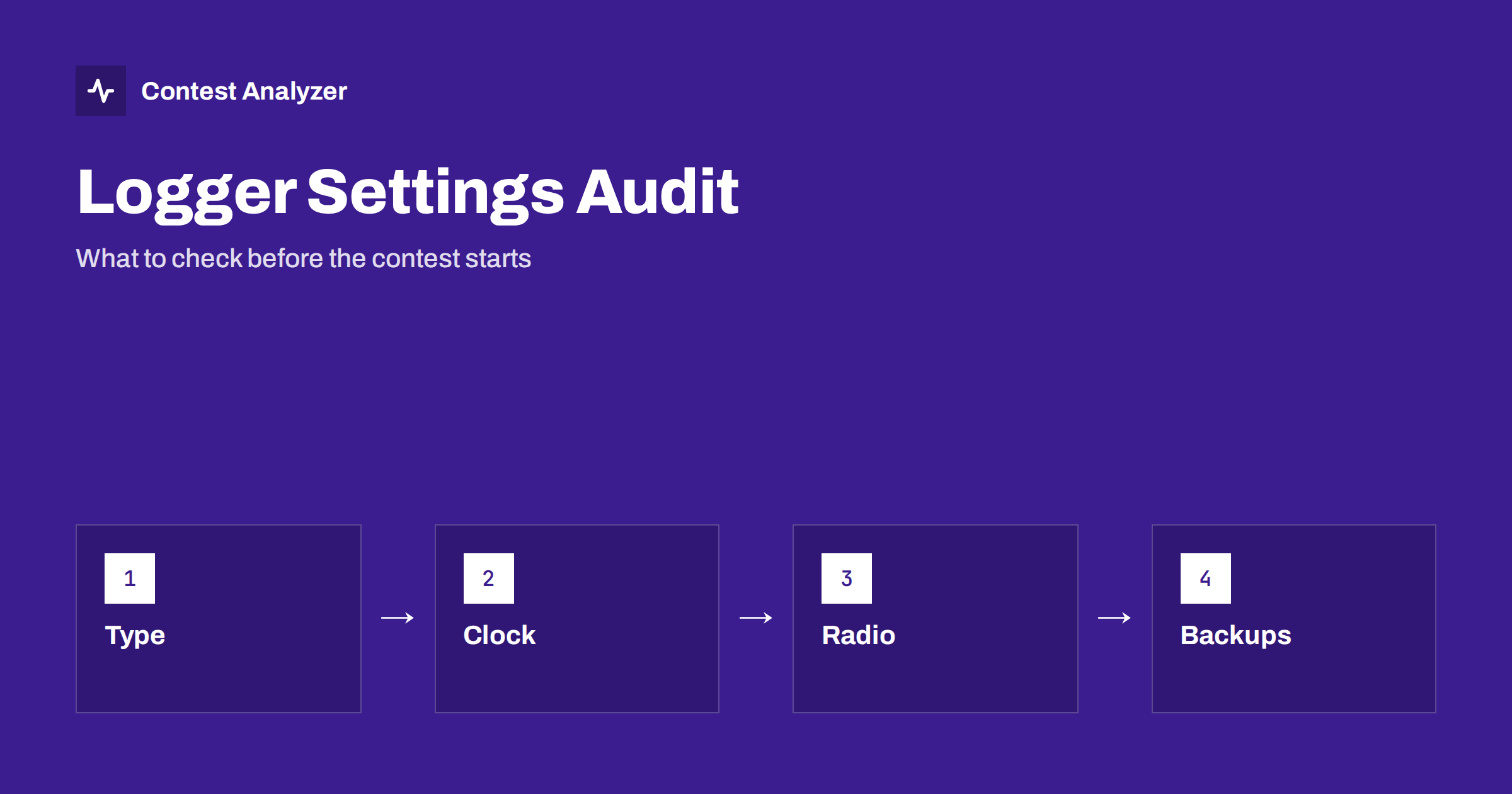
Short answer: A logger that is wrongly set up produces errors in every QSO that follows. Before a big contest, check the contest type and exchange, the callsign and zone, the clock and time zone, the radio connection, the serial number settings and the backups, and finish with a test Cabrillo export. The check takes less than an hour and removes most of the mistakes that cannot be fixed during the contest.
Why a settings audit is worth an hour
Most logging programs are very reliable, but they do exactly what the settings tell them. A wrong contest type will use the wrong scoring and the wrong exchange fields. A wrong time zone will write the wrong time into every QSO. A radio interface that reads the wrong frequency will log the wrong band. These are not program bugs, and they do not show up as errors on the screen, so you may not notice them until after the contest, when the log is already finished.
An audit means that you go through the settings one by one, as if you were setting up a new station, and compare them with a short written list. If you use the program every week, you may believe that you remember what you set, but a recent update, a restored backup or a changed radio can reset a setting without you noticing. The article on setting up N1MM Logger+ for CQ WW gives the main steps for one logger, and other programs have similar menus under other names.
Contest type and exchange
Start with the contest itself. Choose the right contest and the right version: the mode, the year and the category. Check that the exchange fields shown in the entry window are those that the contest requires. In CQ WW DX the exchange is RST plus CQ zone, in CQ WPX it is RST plus serial number, in ARRL DX the W and VE stations send the state or province and the DX stations send power, and in the IARU HF Championship the exchange is the ITU zone, or the society abbreviation for the HQ stations. Always check the current official rules, because exchanges can change.
Then check the scoring rules in the program: the multipliers that are counted, how QSO points are calculated and what counts as a dupe. If a rule has changed, an old version of the contest definition may be out of date. Update the program or the contest file before the contest, and not during it. The article on CQ WW DX versus CQ WPX shows how different the exchanges can be.
Callsign, zone and station information
Enter your callsign exactly as you will send it, including any prefix or suffix that the rules require. Enter your CQ zone, your ITU zone, your country and, if needed, your state, grid or other data. Many macros and Cabrillo headers take these values from the station settings, so an error here appears in all your messages and in the log header. The article on the Cabrillo log header shows the fields that depend on these settings, and the one on CQ zones helps you find your own zone.
Check the country file as well. A country file that is out of date may count a new country as unknown, or give the wrong zone or continent for some prefixes. The reasons to update it are described in updating the country file before a big contest. Do it a few days before the contest, so that you have time to test.
Clock, time zone and synchronisation
The clock is the setting that matters most for the log and that most operators forget to verify. The logger writes the time of each QSO in UTC, taken from the computer clock. Check that the computer time zone is set correctly, that daylight saving time does not shift the log and that the clock is synchronised with a reliable time source. A clock that is a minute wrong makes every QSO a minute off, and a clock that is an hour wrong can place QSOs outside the contest period.
Do not only look at the clock at the start. Plan to check it again a day later, because a clock that is not synchronised may drift. The article on wrong PC clock or UTC errors describes the symptoms and the prevention, and the one on fixing a wrong time explains what can be done afterwards if the error is proved.
Radio control and frequency data
If the logger is connected to the radio, check that the frequency and the mode in the logger follow the radio on all bands. Change the band on the radio and watch the logger. Use the second VFO and, if you work split, test what the logger records. A common problem is that the logger records the frequency of the receive VFO when you transmit on another one. The article on wrong frequency in the log explains the typical causes, and the one on working split in contests explains which frequency should be logged.
If you use a band decoder or a transverter, test the full chain. If a transverter is used, the logger may show the frequency of the intermediate radio unless it is corrected, and the log will then show the wrong band. A short test of every band that you plan to use is the best protection.
Serial numbers, keyer and messages
If the contest uses serial numbers, check the starting number, the way in which the logger increases it and what happens when you delete or edit a QSO. Learn how to change the number if you make a mistake, and how to keep the same numbers in a multi-operator station. Check the keyer speed, the weight and the messages, with a dummy load or a listening receiver. The article on serial numbers in CQ WPX explains how to send and log them.
Check also the shortcuts that you will use a thousand times: the key for logging a QSO, for wiping the entry window, for the next band and for the rate display. Make sure that none of them is set to a command that can erase data without a warning.
Backups: two copies, and a test of the restore
A backup is useful only if it works. Decide where the log is saved, how often, and to which second place: another disk, a USB drive or a network folder. Run the program for a few minutes with test QSOs and check that the files appear in both places. Then do the part that most operators skip: open the backup and check that it contains the test QSOs. The article on protecting your log during the contest gives a routine for the contest hours, and the one on keeping copies of your contest log describes what to keep afterwards.
Think about a failure. What would you do if the computer stopped at two in the morning? Where is the second computer, how does it get the log and how quickly can you restart? A written plan of a few lines makes a bad moment easier to handle.
A test export and a look at the result
Finish the audit with a test: log a few fake QSOs on different bands, including a dupe, export a Cabrillo file and open it in a text editor. Check the header, the category lines, the times, the frequencies, the callsigns and the exchanges. The article on exporting a Cabrillo file from N1MM, DXLog and Win-Test explains the general steps and what to verify. Delete the test QSOs afterwards, or use a separate test database, so that they do not enter your real log.
After the real contest, a report from Contest Analyzer can be used for a second test of the same settings. It marks QSOs outside the contest period and outside the band limits for your ITU region, with split QSOs shown as a note, and it checks every callsign and every zone against official license databases and several independent reference sources, showing only the few QSOs worth a second look. It works with Cabrillo from N1MM Logger+, DXLog and Win-Test, and the contests page lists the supported contests.
Settings that change with updates and with restored files
Two situations deserve a second look. The first is a program update: a new version may change the defaults, add a new field to the entry window or reset an option to its standard value. After an update, run the whole audit again and do not assume that the old settings are still in place. The second is a restored backup or a database copied from another computer: it may bring the settings of the other station, including the callsign, the zone and the radio ports. Check these items first.
It is useful to export the settings into a file, if your program allows it, and to keep the file with your notes. With a saved copy you can restore the station in a few minutes after a problem, and you can compare the current settings with the ones that worked in the last contest.
Related reading
- Check your contest log before you submit
- Call history files in contest loggers
- Cabrillo file problems: names, encoding and line endings
The bottom line
Check the contest type, the station data, the clock, the radio link, the serial numbers and the backups before the contest, and prove it all with a test export. An hour of audit saves many hours of repair.
FAQ
When should I do the settings audit?
A few days before the contest, so that you have time to fix problems and to update the program.
What is the most common setting error?
A wrong time zone or clock, and a wrong contest type. Both affect every QSO.
How often should I back up the log?
Often enough that a loss costs you little, for example automatically every few minutes and to a second place every few hours.
Do I need to test the Cabrillo export before the contest?
Yes. A test export shows header and format problems while you still have time to fix them.
Can I use the same settings for each contest?
Only for the station data. Contest type, exchange and serial number settings change with each contest.