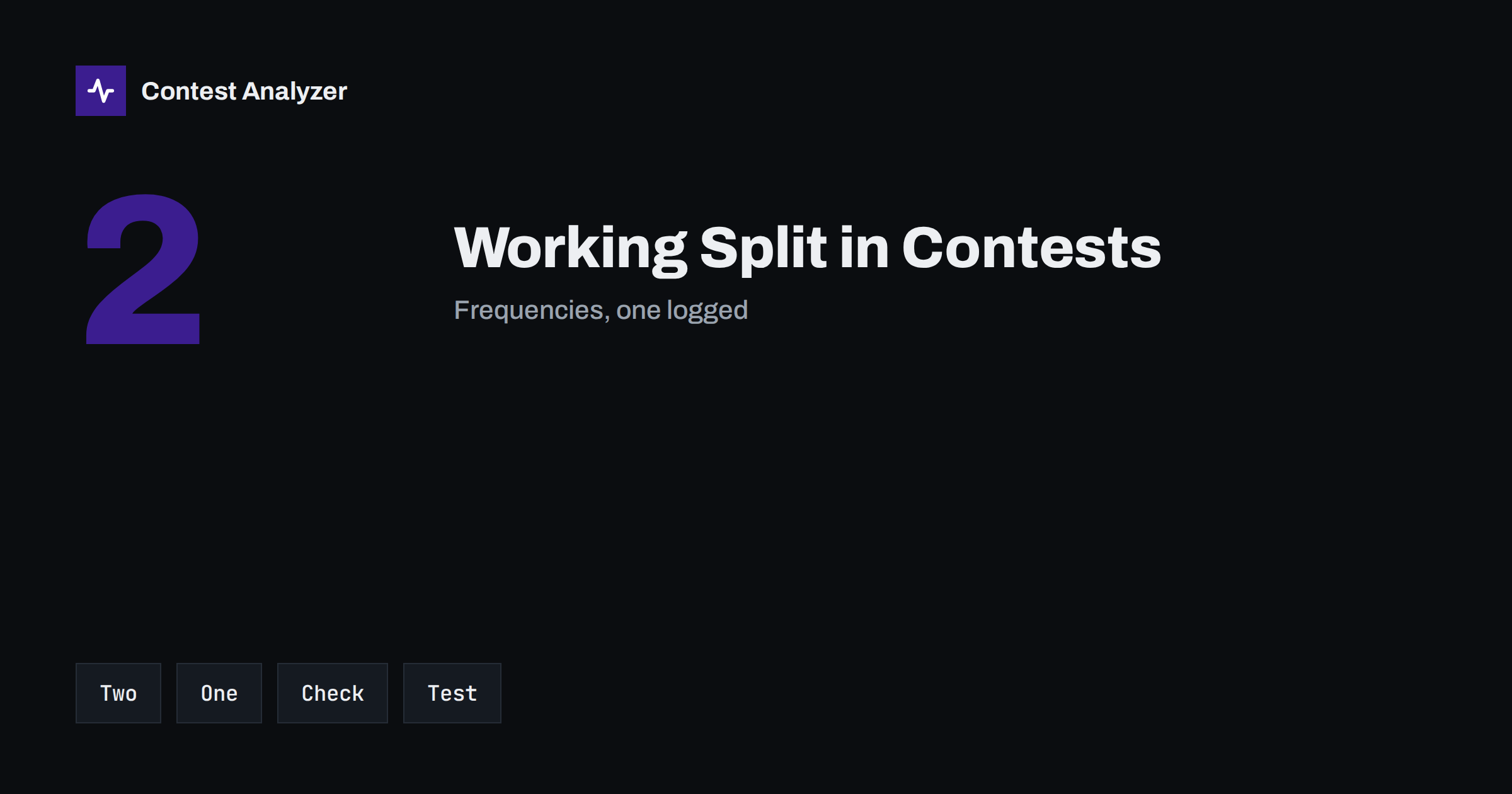
Short answer: In split operation you transmit on one frequency and listen on another, but a contest log has room for only one frequency per QSO. Which one is recorded depends on your radio, the logger and the interface between them, so it is not the same for everybody. Test it before the contest, look at a few lines in the exported file and make sure that the frequency in the log is the one that you intended and one that is inside the band.
What split means in a contest
Split operation means that the receiver and the transmitter work on different frequencies. In contests it is used mostly in two situations. A station that is called by many stations at once may listen on a range of frequencies around its own, so that the callers do not all sit on top of each other. Or a station that runs a pile-up asks the callers to listen up a few kilohertz, so that it can pick one of them at a time. In both cases, the radio has two frequencies at the same moment, usually called VFO A and VFO B, and the operator tells the radio which one is for transmitting.
In everyday use of the bands, split is common. In a contest, it is used less than in a DXpedition, because in most contests the stations simply call on the frequency of the running station. But in the big DX contests, a strong station that is calling CQ from a rare place may decide to work split, and many operators who call that station do so with their own split. So the question of which frequency ends up in the log concerns the person who runs and the person who answers.
One QSO, two frequencies, one field
The Cabrillo QSO line contains a single frequency field. There is no place for a second one. When the logger writes the line, it takes the value that it knows, and which value that is depends on how it learns the frequency of the radio. The article on the frequency field in Cabrillo describes the field in general, and the explanation of the QSO line shows the position of the field in the line.
In practice, the logger reads the frequency from the radio through a control cable or a network connection. Some radios report the frequency of the VFO that is selected for receiving. Some report the frequency of the VFO that is used for transmitting when the transmitter is active. Some send both, and the logger chooses one of them according to its own setting. Depending on this chain, the frequency in your log may be the one you are listening to, the one you are transmitting on, or the one that was last shown on the screen when you pressed Enter.
Why it matters
For most QSOs the difference is only a few kilohertz, and a few kilohertz change nothing on the same band. The problem appears at the edges. A station that works split at the edge of a band, listening below or above the transmit frequency, may produce a log line with a frequency that is outside the band, although the transmission was inside it. A different case is a split with a large offset, for example when the receive frequency is on another band, as happens in some modes of operation with two radios. In such a situation the band in the log can be wrong, and the QSO may be counted on a different band in the statistics. A QSO logged outside the band limits may be questioned by a contest committee, so this is worth a look.
The second place where it matters is your own analysis. If you study the QSOs by band and hour, or the frequencies where you were most productive, the data are only as good as the frequency in the log. A wrong frequency here makes the statistics less reliable, and a pattern that you think you see may be only a result of a logger setting.
Which frequency is usually kept
There is no universal rule, so do not rely on a general statement. As a guide, many loggers record the frequency that the radio reports as the main frequency when the QSO is entered, which in many setups is the receive frequency of the selected VFO. Others store the transmit frequency, especially when the operator wants a log that shows where the station was heard. Some loggers have a setting for this, usually near the radio configuration, and some radios offer a choice in their menu. Look for words such as “split”, “TX frequency” and “RX frequency” in the documentation of your logger and your radio. If you cannot find an answer, do a test.
A five-minute test before the contest
- Connect the radio and the logger as you will in the contest, with the control cable or the network that you normally use.
- Set the radio to split: VFO A for receive, VFO B for transmit, a few kilohertz apart. If you use a second radio, repeat the test with it.
- Log a test QSO and note the frequency shown in the logger.
- Change the transmit VFO, so that the difference is larger, and log a second test QSO.
- Export a Cabrillo file and open it in a plain text editor. Compare the two frequencies in the file with the two values on the radio.
- Write down which frequency is kept. Repeat the test if you change the radio, the cable or the logger version.
This is a small test, but it removes a doubt that is hard to resolve after the contest, when you no longer have the radio in front of you. The article on exporting Cabrillo from N1MM Logger+, DXLog and Win-Test shows the general place for the export step.
Common problems with split in the log
- The logger shows the wrong band after a split. This can happen with two radios or when the logger follows the wrong radio.
- The frequency jumps during the QSO. If the logger reads the radio between the receive and the transmit, the value changes between lines.
- Frequency not updated. The control link is not working and the logger keeps an old value from the last time it was updated. The article on the Cabrillo frequency field mentions this type of mistake.
- The offset stays set. After you work a split QSO you forget to switch the split off, and the next QSO is logged with a strange frequency.
- Manual entry. In some loggers the frequency is typed in if there is no control cable, and it is not changed when the operator uses the other VFO.
Split and SO2R
With two radios, the number of ways to get a wrong frequency is larger. The logger must know which radio is active, and for each radio it reads the frequency. If one radio is in split and the other is not, a small error in the configuration may log a QSO with the frequency of the wrong radio. The article on SO2R basics explains the logging side of two radios, and the test above should be done for both radios, and in both directions of switching.
What to do when you find a wrong frequency
If you find, after the contest, a QSO with an impossible frequency, correct it in the logger and not in the Cabrillo file, if you can. Use your notes, your memory of the band at that time and, if you have it, the audio recording to decide the right value. A correction that is based on a guess is not better than the original error. Make the change in the original log, export again and keep the corrected file together with the original, as described in protecting your contest log.
Contest Analyzer checks every callsign and every zone against official license databases and several independent reference sources and shows only the few QSOs worth a second look. It also lets you edit calls or zones in the report and download a corrected Cabrillo, and the statistics by hour and band can show you at a glance if a band looks odd compared with your own memory of the contest. The frequencies themselves remain your responsibility, so the test described in this article is worth the five minutes. The tool works with Cabrillo from N1MM Logger+, DXLog and Win-Test and supports 22 contests; see the contests page.
Related reading
The bottom line
The log keeps one frequency, and the one it keeps depends on the radio, the cable and the logger. Test your own setup with split, read the exported file and write down the result. Then the frequencies in your statistics and in the file you submit will be what you expect.
FAQ
Which frequency does the Cabrillo file contain when I work split?
Only one frequency is written. Which one depends on your radio and logger, so test your own setup.
Can split put a QSO outside the band in the log?
Yes, if the recorded frequency is the receive frequency at the edge of a band. Check the frequencies near the limits.
Do I need to test again after changing the cable?
Yes. A new cable, radio or logger version can change what is reported to the logger.
Should I correct a frequency in the Cabrillo file by hand?
Correct it in the logger if you can, and export again. Keep the original and the corrected file.
Does split affect the statistics by band?
It can, if the recorded frequency belongs to a different band. A short test prevents this.