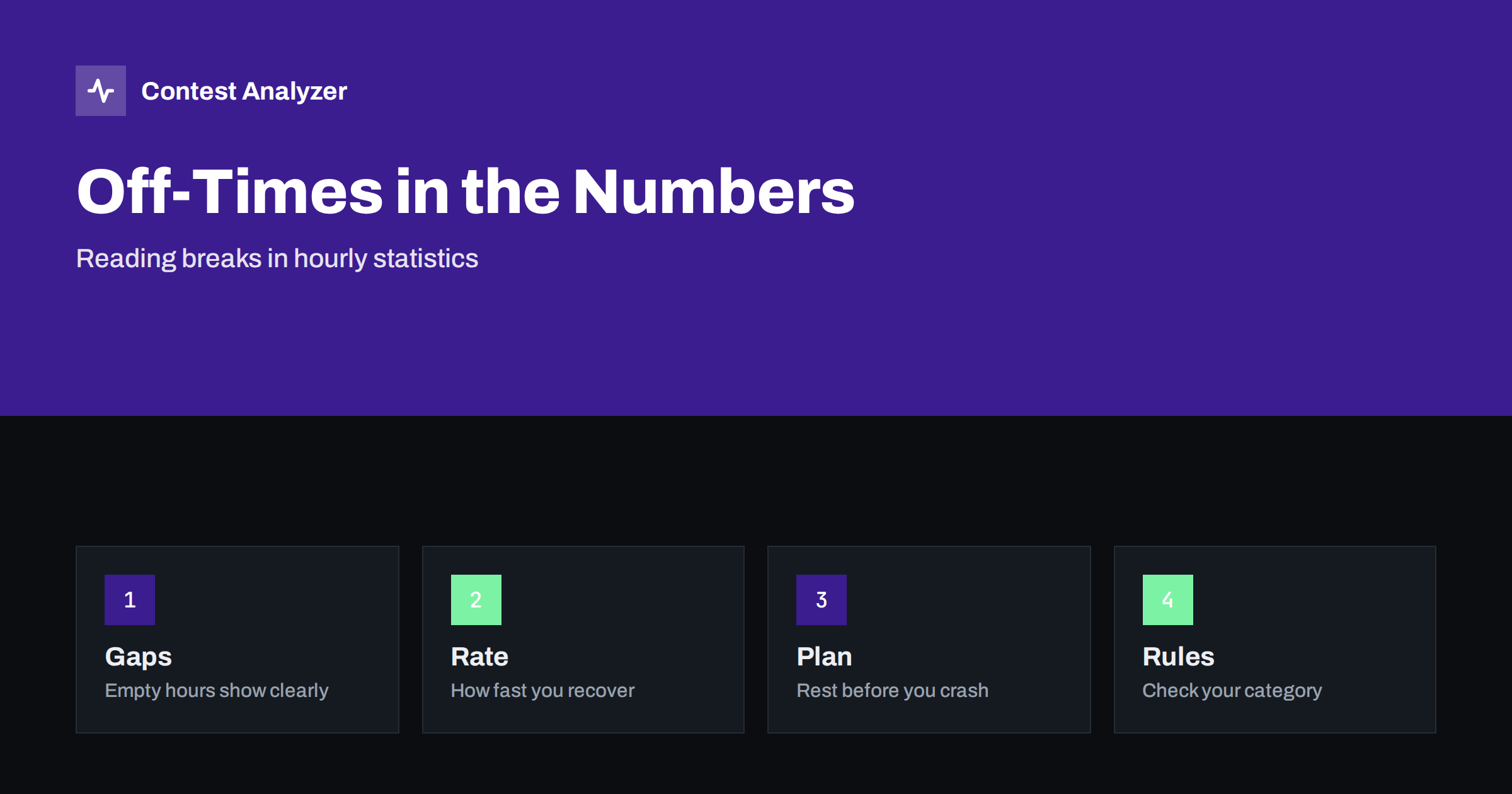
Short answer: Off-times and breaks show up in your hourly statistics as hours with no QSOs or with a sharply lower count, and the way the rate recovers afterwards tells you how well the break was timed. Looking at these gaps in past logs helps you plan rest in a way that costs the fewest QSOs. Whether a break counts as off time under the rules of your category is a separate question that you must check in the current official rules.
Two meanings of “break”
The word break is used in two ways in contesting, and it is important to keep them apart. The first is a rule meaning: in some categories, a contest limits the operating time or defines off time, and a pause of a given minimum length is counted as time not operated. The second is a practical meaning: any time you stop making QSOs, for food, rest or a technical problem, whether or not the rules count it.
This article is about what you can see in your own numbers. For the rule side, read the current rules of the contest and our general article on off time and breaks in contest rules. In the statistics, both kinds of pause look the same at first: a gap. What differs is what you decide to do about it.
How a gap appears in the numbers
A table of QSOs by hour shows each hour as a count. A full break appears as a zero or near zero. A short break inside an otherwise busy hour appears as a lower count than the hours around it, and you cannot tell from the count alone whether it was one long pause or several short ones. To separate them, you look at the time stamps of the individual QSOs: a gap between two consecutive QSOs of many minutes is a break, even when the hour as a whole looks normal.
Contest statistics from a full report usually include a view of breaks or off time, which lists the longest gaps between QSOs. That is exactly the data to examine. Contest Analyzer, for example, includes breaks and off time among its statistics, together with rates and QSOs by hour and band. Reading the list from the longest gap down shows you where the large pauses were and how many of them you took.
What a healthy pattern looks like
There is no universal pattern, but some features are common among well-planned weekends. The breaks come at hours when the bands are weak for you, not at hours when your best openings occur. They are of a length that restores concentration without losing too much of the contest. And after each break, the rate returns to a normal level within a short time, which suggests that you came back rested and that the station was ready.
A less healthy pattern has pauses at random times, for example caused by a tired operator who suddenly falls asleep at a bad hour, or breaks forced by a technical problem at the moment when the band opens. The statistics show those too: a long gap in the middle of a strong hour, followed by a slow restart. Seeing it written in numbers makes it easier to accept that the plan needs to change.
Compare rate before and after a break
A useful exercise is to compute the average rate for the two hours before a break and the two hours after it. If the rate after the break is clearly higher, the break helped. If it is the same or lower, either the break was taken too late, or the band conditions changed, or the restart was slow. By itself, that comparison does not give a full answer, but repeated over several contests it forms a trend.
Also compare errors. If your log shows more doubtful QSOs in the hours just before a break than in the hours after it, fatigue is probably a factor. Our article on finding your tired hours in contest statistics shows how to do that. The most valuable break may be the one that you took a little before you needed it.
Plan breaks from past logs
Take the statistics from last year’s log of the same contest and mark the hours with the lowest rates. These are candidates for rest, because you lose the fewest QSOs there. Then adjust for the propagation of this year and for your strategy: if a rare multiplier is expected at a given time, you will not want to be away. If the contest has a category with off-time limits, check the minimum length that counts and the total allowed.
It helps to make a written schedule with a few planned breaks, and to treat it as a plan to be adapted. You can compare with the plan afterwards and see how far the real weekend differed. Over several years, this becomes a habit that improves results without more time at the radio. The article on planning your contest schedule in UTC gives a template.
Technical breaks versus planned rest
Not all gaps are decisions. A failing amplifier, a rotator that stops, a computer that restarts or a power cut are breaks that nobody planned. The statistics cannot tell the difference, but you can, because you were there. A short note in your station notebook next to each large gap, written after the contest, makes later reading much easier. In a year you will not remember why there was a hole at 03:00 UTC on the second night.
If such events repeat, they are the best targets for improvement. A spare cable, a second computer or a checklist for restart after a failure can save more QSOs than any other change. See a station notebook for a simple format.
Breaks and your category
Some categories reward long operation with an advantage; others count the time you actually operated. In CQ WW, for example, the single-operator off time counts only for breaks of at least 60 minutes, which is a known rule; but always confirm with the current official rules, because rules change. If your category counts off time, make sure you know the limits before the contest starts, and use the statistics to see how much of the allowance you really used.
It is also useful to know how your logger or report calculates off time, since the number can differ slightly from the organiser’s calculation. Use the report as a planning aid and the organiser’s rules as the final authority.
Using the report after the contest
Upload your Cabrillo file to a report tool that shows breaks, and write down three numbers: the number of breaks, the length of the longest one and the total time not operated. Next year, compare the same three numbers. A year-on-year comparison with your own logs is a good way to see whether your schedule is getting better. Contest Analyzer offers such a comparison for the contests it supports; see the list of contests.
Finally, remember that statistics describe what happened and not what should have happened. They are a starting point for questions: was this gap necessary, was it well placed, was it too long? Answer those questions honestly, and the numbers will lead you to a better plan.
A simple worked example
Suppose last year’s log shows 120 QSOs in a strong hour, 95 in the next, 40 in the third, then a gap of three hours, and then 70, 85 and 110 as the rate recovers. Two things stand out. The three hours of decline before the break suggest that the break came late, after a long period of falling performance. And the recovery took three hours to reach a good level, which suggests either a slow restart or conditions that were poor after the break.
With that picture in mind, you might plan the next break an hour earlier, shorten it, and prepare the station so that the restart is quick: radios tuned to the right bands, logger open, drink and food within reach. After the next contest, you can see whether the pattern changed. This is a modest, testable improvement, and it comes from your own numbers and not from guesses.
The same method works for a station with several operators. Compare the hours of each operator, and compare the time at the handover. A smooth handover keeps the rate flat; a clumsy one leaves a small hole each time. Even a few minutes of lost time at each change add up over 48 hours. If you find holes at every handover, agree a short routine for them, including what the leaving operator tells the next one about the band, the rate and any problems.
Related reading
- Off-Time Rules for Single Operators in General Terms
- Operator Fatigue in 48-Hour Contests: Rest and Rate
- Hour-by-Hour Analysis of a Contest Log: Gaps and Peaks
The bottom line
Breaks are visible in your numbers, and they teach you how to rest. Find the gaps, compare the rate and the error level before and after them, plan the next weekend’s rest in the weakest hours and separate planned rest from technical failures. Then check what your category’s rules count as off time.
FAQ
Is every pause counted as off time?
Not necessarily. Rules differ by contest and category, so check the current official rules for the minimum length that counts.
How do I see my longest break?
Sort the time stamps of your QSOs and look for the largest gaps between consecutive contacts, or use a report that lists breaks.
When is the best time to rest?
Usually in the hours when your own past logs show the lowest rate, unless a valuable opening is expected.
Do statistics show why I stopped?
No. They show only that you stopped, so write a short note about the reason in your notebook.