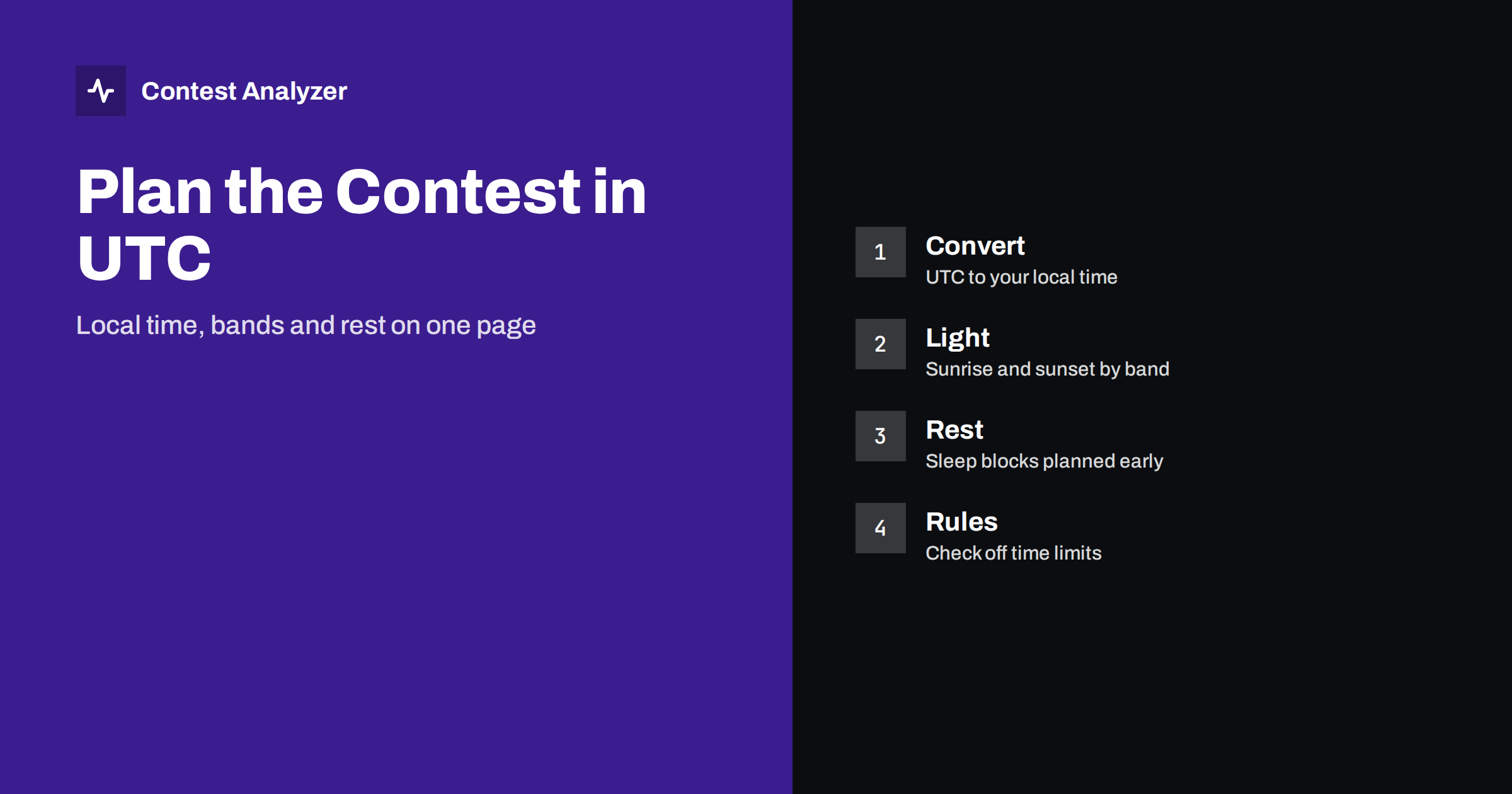
Short answer: Contests are scheduled in UTC, but you live in local time, so the first step in a good plan is a simple table that puts both side by side. Add sunrise and sunset at your location and at the places you want to reach, choose bands for each part of the day and place your rest in the hours when your own rate is usually lowest. Then check the rules of the contest for any limit on operating time and for what counts as a break.
Start with the rules, in UTC
Every serious plan begins with two facts from the official rules: when the contest starts and when it ends, and what the limits are on operating time for your category. Both are written in UTC. CQ WW DX, for example, runs for 48 hours from 0000 UTC on Saturday to 2359 UTC on Sunday, and many other contests describe their times in the same way.
Keep the rules open when you plan. The start can be at a different time of day in different contests, and the way operating time is counted differs between categories. For the CQ WW single-operator rule, a break counts as off time only if it lasts at least 60 minutes, which affects how you shape your sleep. The article on off time and breaks goes into that in more detail, and you should always confirm the current wording.
Convert to local time once, and write it down
Do the conversion once, carefully, and put it on a sheet of paper or in a spreadsheet. A table with a UTC column and a local time column, for each of the 24 hours, removes any need to count in your head at four in the morning.
Mind the clock change. In many countries the clocks change on the weekend around the end of October and again in spring, and a contest can fall close to such a change. If your local clock moves during the contest weekend, your table has to show the change at the correct UTC hour, and your alarm clock needs checking too. Computers and phones may adjust themselves automatically; a plain alarm clock may not. The logger must keep recording UTC regardless, and the article on UTC clock errors explains why.
Do not try to think in UTC all weekend. Use UTC for the contest and local time for your body, and let the table translate. Many experienced operators also put the key times of the plan, such as the start, the main band changes and the end, on the wall in front of the radio.
Sunrise and sunset drive the band choice
High-frequency propagation follows the sun. The general pattern is well known to contesters: the higher bands, such as 15 and 10 metres, are most useful in daylight and need a high level of solar activity to be good; the lower bands, 80 and 160 metres, are mainly night bands because daytime absorption is strong; and the middle bands, 40 and 20 metres, cover transitions, with 20 metres staying open late into the evening when conditions are good and 40 metres stretching through the night.
The interesting periods are sunrise and sunset, both at your station and at the places where your contacts are. When the sun sets at your end and rises at the other end, a path can open on the low bands for a short time. Contesters often plan their best low-band hours around these moments. Use an online sunrise and sunset table for your location, and for a few places in the direction you want to work, and write the times in UTC on your sheet.
The details depend on the season, the solar cycle and the day. Some of these effects are covered in the article on solar flux and contest results. A plan is a hypothesis, not a promise. It tells you where to look first, and you should adjust when the band says otherwise.
Use your own log as a source
The best data for a contest plan is what actually happened to you in a previous year. Your own log shows, per hour and per band, how many QSOs you made and where the bulk of the multipliers came. If you have it, look at the same contest from last year and from the year before: which bands were best at which UTC hour, when did the rate fall, and where were the gaps? Our article on band strategy hour by hour shows how to read this.
The same logic applies to your plan for the following contest: combine the general pattern of propagation with what your station does well. A station with a good low-band antenna will make more of the night than one with a weak one. A station with a high beam will gain from daytime openings. Do not copy somebody else’s schedule without checking it against your own numbers.
A simple planning table
This is only an illustration of the layout of a plan; the bands and hours depend on your location, the season and the conditions, so fill it in with your own data.
| UTC window | Local time | Main idea | Bands to look at first |
|---|---|---|---|
| Start of the contest | from your conversion | Fast QSOs while the bands are full | The band that is open at the start |
| Your local sunset | from your table | Move down in frequency | Middle and low bands |
| Deep night | from your table | Low-band multipliers or a planned rest | Low bands, or off |
| Your local sunrise | from your table | Short opening to far places, then move up | Low bands, then middle bands |
| Daytime | from your table | High bands while they are open | High and middle bands |
| End of the contest | from your conversion | Last multipliers and clean-up | Whatever is open |
Plan the sleep before the contest, not during it
A tired operator copies badly, logs wrongly and cuts the weekend short. Rest is not wasted time. It belongs in the plan. Choose the hours when your own rate is lowest; for many stations that is the middle of the night on the high bands, or the hours after the low-band sunrise when the band closes. Our article on operator fatigue and breaks goes through this in detail.
- Put the sleep in blocks. One longer block is usually better than many short ones, but it must fit the rule on breaks if your category has a time limit.
- Know the effect on the rules. In a category with limited operating time, a break only counts as off time if it meets the rule. Check how it is calculated.
- Do not leave rest to chance. Set an alarm and tell the people at home when you will be unavailable.
- Prepare food and drink in advance. It avoids long unplanned stops in the middle of a good opening.
For team and multi-operator entries
With several operators the schedule has two layers: who sits at the radio, and which bands are used. Shifts can be tied to the sunrise and sunset table, so that the best operator works the best band at the critical hour. Time must be the same on every computer. If you merge logs afterwards, read merging multi-op logs and check the band-change rules of the category in the contest instructions.
Checking the plan against the result
After the contest, compare the plan with the log. Which bands were used at which UTC hour, where were the gaps, did the breaks fall where you had planned them? Contest Analyzer helps with this. It reports full statistics from your Cabrillo file, with QSOs by hour and band, rates, countries, continents, CQ and ITU zones, distance, beam heading, and breaks and off time, and it lets you compare with your own logs from earlier years. At the same time it checks every callsign and every zone against official license databases and several independent reference sources and shows only the few QSOs worth a second look. You can edit them in the report and download a corrected Cabrillo. It works with files from N1MM Logger+, DXLog and Win-Test, and the contest list shows the 22 contests covered.
Related reading
- Band strategy hour by hour
- Operator fatigue and breaks in long contests
- Off time and breaks in contest rules
The bottom line
A schedule in UTC is a translation job and a planning job. Convert the contest times to local time once, mark sunrise and sunset for you and for your targets, place the bands and the rest where they fit and check them against the rules for operating time. Then use your own log from the previous year as the best guide, and adjust when the bands tell you something different.
FAQ
Why are contest times given in UTC?
Contests are international, so a single time standard avoids confusion between time zones and daylight saving changes. Your logger should record UTC as well.
Which bands should I use at night?
In general the lower bands, such as 80 and 160 metres, are strongest at night, and 40 metres works through much of it. Conditions vary, so confirm with your own log and the day’s propagation.
How long should my sleep blocks be?
That depends on you and on the rules for your category. Plan them early, choose the hours when your rate is lowest and check whether the rules require a minimum length for a break to count.
Does daylight saving time matter during a contest?
It can, if the clocks change in your country on the contest weekend. Your plan, your alarm and your logger should all use the correct time, with the logger recording UTC.
Where can I find the exact start and end times?
In the current official rules of the contest, written in UTC. Always read the year’s version before planning.