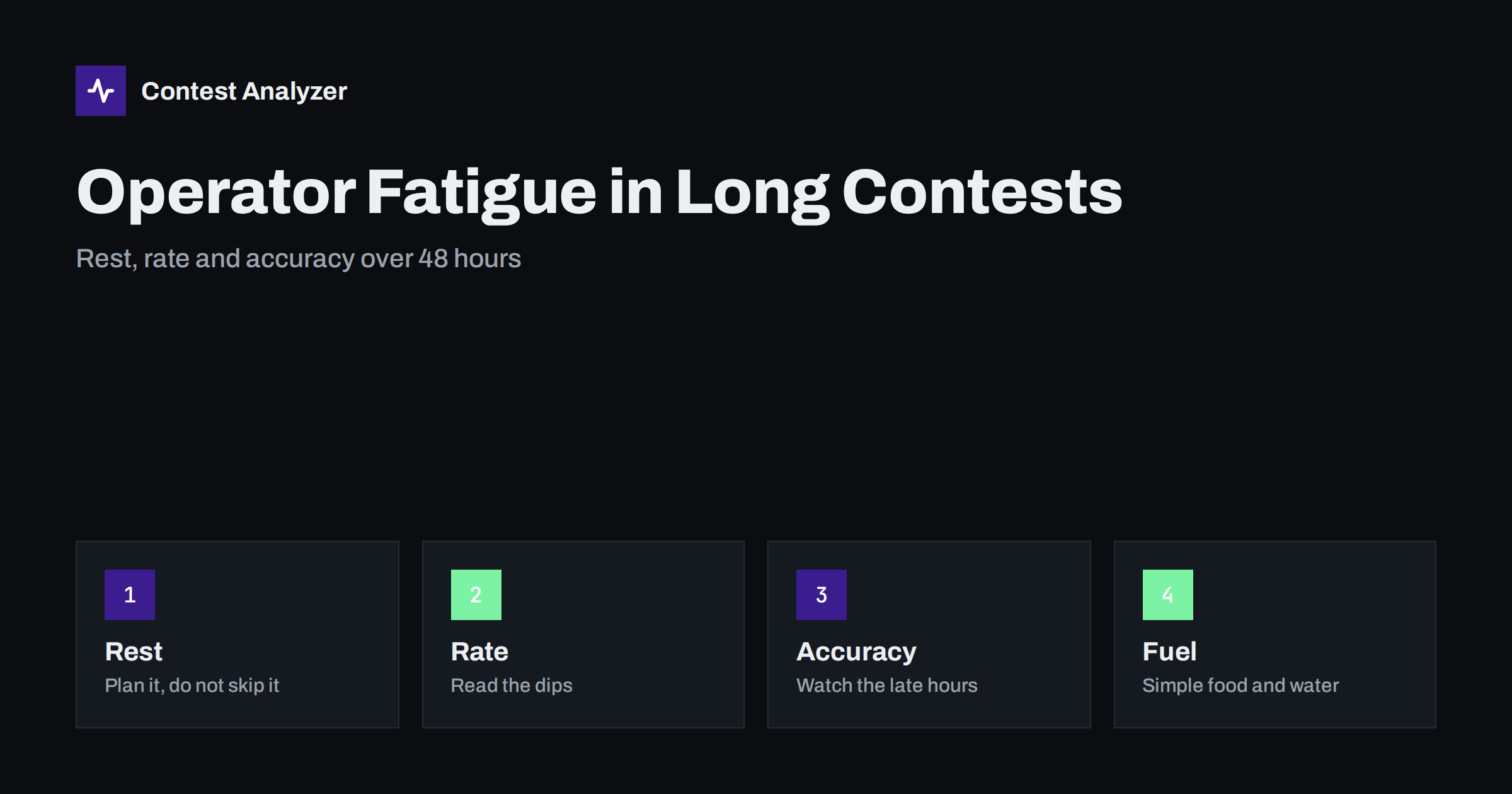
Short answer: In a 48-hour contest, fatigue shows up first as more errors and slower decisions, and only later as a visibly lower rate. The best defence is a rest plan written before the contest, based on when your own rate is lowest, rather than breaks taken when you can no longer continue. Your log statistics tell you when those quiet hours are, and how much your accuracy suffers when you push through.
What fatigue does to a contest operator
A long contest is a physical and mental task. You listen intently for many hours, you make dozens of small decisions every minute, and you do it in a chair, often in artificial light and with a headset on. Fatigue is not a failure of willpower; it is a normal result of that workload. What matters is knowing how it appears in your operating.
The earliest signs are usually small. Your reaction to a new caller slows by a fraction of a second. You ask for more repeats. You make typing slips in callsigns, or send the wrong exchange element. You miss a multiplier that you would normally have noticed at once. Later come longer pauses between QSOs, mistakes in the logger, and loss of the thread of the frequency strategy. Because these signs grow gradually, many operators do not notice them while they are happening, but the log records them.
What the statistics show
The contest log is a record of your attention, hour by hour. Three views of it are particularly useful.
- QSOs per hour. A plot of the hourly rate shows the shape of your contest. Part of the shape comes from propagation and activity, which you cannot control: the rate usually falls on every band in the quiet hours of the night. But a drop that is deeper than the one in the same hours last year, or deeper than the band activity explains, can be tiredness.
- Time between QSOs. Gaps and pauses show up as hours with unusually few QSOs, or as a run of long intervals inside an hour. They can be the signature of an operator who is wavering.
- Errors by hour. If you can mark the QSOs that later turned out to be wrong (busted calls, wrong zones) and plot them by hour, you see the other side of fatigue: the error rate rises when the person at the radio is tired. The article on busted callsigns describes the typical errors.
Comparing these views with those of other contests helps to separate your own pattern from conditions. The method is described in the article on comparing contest results year on year, and the basics of reading the hourly rate are in the article on contest rates.
Rest earns its place
The instinct of a keen contester is to stay in the chair, since every hour off the air feels like a lost opportunity. But the arithmetic does not always support that. Suppose that in the last hours of the night your rate is a fraction of its daytime level, with more errors on top. Two hours of sleep during that stretch costs few QSOs, and what you recover on the following morning, in rate and accuracy, can be larger than what you gave up.
This is not a universal rule, because it depends on the band conditions, the contest and the person. It is a reason to test it. Take the hourly rate from your last contest, mark the quiet hours, and ask what would have been lost by resting through them. Many operators find that the answer is smaller than they expected.
Know the rules for off time
Contest rules often include requirements or limits for rest, and they differ from one contest to another. In the CQ World Wide DX Contest, for instance, a single-operator’s off time counts only for breaks of at least 60 minutes, so a series of short breaks does not add up to rest in the eyes of the rules. Other contests may have different limits on operating time or on band changes. These conditions affect which category you can enter, so read them before you plan your schedule, and check the current official rules for the contest. The article on off time and breaks explains how operating time is counted in general terms.
Building a rest schedule
- Find the quiet hours. Use last year’s QSOs-by-hour and band view to identify the stretches where the rate was lowest. These are the cheapest places to rest. If you have no earlier data, use the logs of a similar contest or the general pattern of the bands.
- Put the main rest in the quietest block. A single block of a few hours is usually more refreshing than several short naps, and it may also fit the rules better. The article on band strategy hour by hour shows how to read the best and worst hours.
- Add a short nap if the second night is hard. Even twenty to thirty minutes can restore concentration, as long as you can wake reliably.
- Set an alarm. Plan the wake-up time, and tell the household or the other operators.
- Protect the best hours. Be fresh when the best openings arrive, and especially in the first few hours of the contest, when the rate is highest and the multipliers are easiest.
- Be flexible. If propagation surprises you, adjust. A written plan is a starting point, not a duty.
Before the contest starts
Fatigue management starts before the first QSO. Arrive at the weekend rested. If you have a late shift the night before, you begin with a debt that the contest will not give you time to repay. Prepare food and drinks in advance, and sort out all the practical things that can wake you in the middle of the night: the station layout, the cables, the chair, the lighting, the temperature.
If you are using a computer, check that the setup is comfortable for hours at a time. A screen at the wrong height, a headset that presses on the ears or a keyboard that is awkward can cause discomfort that grows into distraction. Take a moment to adjust them in advance.
During the contest: simple habits
- Eat and drink regularly. Simple food, small portions and water are better than heavy meals or too much sugar. Caffeine in moderation can help, but too much can leave you jittery and make later sleep harder.
- Move. A short walk or some stretching every few hours relieves stiffness and refreshes the mind.
- Reduce the load when you tire. Slow down your CQ speed a notch, work stations with strong signals first, and avoid complicated pile-ups.
- Be honest about errors. If you notice that you are getting calls wrong more often, take that as the signal for a break. The cost of a busted call is higher than the cost of a short break.
- Look after your hearing. Keep the volume at a comfortable level, because a high volume tires the ears faster.
The same ideas apply to operators of any mode, but they are especially important for CW, where concentration is constant; see the CQ WW DX CW checklist for mode-specific preparation.
Multi-operator stations and shift changes
In stations with more than one operator, fatigue is managed by rotation. Handovers are a risk of their own, because a new operator needs a moment to understand the state of the station: which band, which frequency, which strategy, and which multipliers are still needed. A written note or a short briefing at each handover avoids lost time and mistakes. If operators work from separate computers, the logs must also be merged correctly; the article on merging logs in multi-op stations covers that.
Measure the effect of the plan
The best way to learn about your own fatigue is to compare. After the contest, look at your QSOs-by-hour chart and the hours in which you rested. Check whether the rate before and after rest was higher than the rate you had in similar hours last year. Check whether the number of doubtful callsigns changed. Contest Analyzer shows full statistics from a Cabrillo file from N1MM Logger+, DXLog or Win-Test, including rates, QSOs by hour and band and break or off time, and compares with your earlier logs. It also checks every callsign and every zone against official license databases and several independent reference sources and shows only the few QSOs worth a second look, so you can see in which hours your doubtful QSOs fall. Serial numbers are not checked and dupes are not shown as errors. You can find the details in the FAQ.
Related reading
- Off time and breaks in contest rules
- Band strategy hour by hour
- Contest rates: QSOs per hour
- Comparing contest results year on year
The bottom line
Fatigue is a predictable part of a long contest, and it shows up in your log as errors and rate dips. Use last year’s statistics to find the quiet hours, plan your rest there, respect the off-time rules and protect the best hours. Then use the hourly figures after the contest to check whether the plan worked, and adjust it for next time.
FAQ
Is it better to sleep or to keep operating through the night?
It depends on the contest and conditions, but many operators find that resting in the quietest hours costs little and improves rate and accuracy later. Test it with your own hourly data.
Do short breaks count as off time?
That depends on the contest. In CQ WW, single-operator off time counts only for breaks of at least 60 minutes. Check the current rules for your contest.
How can I tell that fatigue is affecting my log?
Look for more repeats, longer gaps, a deeper rate drop than last year’s in the same hours and a cluster of doubtful callsigns in the late hours.
What is the best time to rest?
Usually in the hours when the rate is lowest across your bands. Your QSOs-by-hour view from earlier contests shows where those hours are.
Can statistics show my rest pattern?
Yes. QSOs by hour and band, and break or off time, show when you rested and what happened to the rate afterwards.