Short answer: Contest loggers are full of defaults: a zone, a power, a name, a section, a starting serial number, a message text. If one of them is wrong, the logger sends the wrong exchange hundreds of times, and you may not notice because the screen looks normal. Before every contest, read the exchange that your logger will send, compare it with the current rules and test it with a few QSOs and a trial Cabrillo export.
Why defaults are dangerous
A default is a value that the program uses until you change it. It saves time, but it also hides errors. Imagine that you operated last month from a portable location and set your zone to match it. This month you are at home, and the logger still sends the portable zone. Or you moved to a new contest, and the exchange text in the macro is the one from the previous contest. The program works, QSOs are logged, and nothing looks wrong. The error is repeated until someone notices, and sometimes nobody notices until the log is checked.
The cost is not small. A wrong zone in a contest that scores the exchange may lead to many QSOs being reduced for the other stations, and it may lead to questions about your log. A wrong power class can change the category in which you are scored. The article on zone exchange mistakes on SSB and the one on exchange field order in Cabrillo show how such details appear in logs.
Defaults that deserve a check
Each contest has its own set of values, but a few appear again and again. Your callsign, of course, and the operator callsign if different. The zone, whether CQ or ITU, according to the contest. The state, province or other location code where the exchange includes one. The power value or class if the exchange includes it. The name, if it is sent. The serial number start and the way the serial number is formatted. The contest name, the category and the band and mode settings.
In addition, there are less obvious defaults: the sent report, which may be pre-set to 59 or 599 and which in some contests is not what is expected; the time zone of the logger; the dupe rules; the multiplier rules; the way the logger fills the received exchange from a call history file. Each of these affects the log. The article on call history files in contest logging describes the risk of prefilled values, and why almost everyone sends 599 explains the report.
Read what the logger really sends
Do not rely on the settings window alone. The best check is to look at what the logger would send, in the way it will send it. Many programs have a window or a function that shows the text of a macro with the variables replaced by their current values. Others let you send the message to a dummy load or to the sound card without transmitting, so that you can listen to it. On CW, listen to the keyer output on the monitor. On SSB, read the voice messages, or check the recorded messages, and note what they say. On RTTY, look at the text in the transmit window.
The aim is to see and hear the exchange exactly as the other station will. Compare it with the current rules of the contest, which you should read again each time. Rules and exchanges can change from one year to another. If something differs, fix it and test again.
Test with a few QSOs and a trial export
After you have checked the settings, make a few test entries, with the contest in test mode or a separate database. Enter calls with different prefixes and check that the logger fills the zone and country as expected. Log a QSO with a station whose zone differs from the default, and see what is put in the exchange field. Then export a Cabrillo file and read the QSO lines. The exchange you sent must appear in each line in the right place. The article on the Cabrillo QSO line explains the columns.
The trial export is also a check of the header. Look at the CALLSIGN, CATEGORY and CONTEST lines, and compare them with your plan. A short test of this kind takes fifteen minutes and shows problems that a settings window would never show.
Specific traps
Several traps are common. The first is the leftover from the last contest: a macro text, a serial number or a zone from the previous event. Programs often keep these values in a separate place from the contest definition. The second is the portable or special call: the logger sends the home call while you operate with the special call, or the reverse. The third is the multi-operator station: the operator field is not updated, or two computers use different settings. The fourth is the update: a new version of the program changes a default or resets a setting.
The fifth is the zone of the prefix: some loggers fill your own zone from your callsign, and for stations in large countries this value may be wrong. The sixth is the change of band: a macro that includes the band name, or a power value that you reduce on one band, and the logger does not follow. Think about each of these for your own setup, and write down the ones that apply to you.
After updates and moves
Two events deserve special attention because they change defaults without any action from you. The first is a software update. A new version may add a setting, reset a macro or change the way a field is filled. Read the release notes if you can, and repeat your test after every update. Update early in the week before the contest, not on the last evening. The second is a change of place or call. If you operate from a different location, check the zone, the grid locator, the state or province and the power. If you use a new callsign, such as a special call or a portable call, check that it is set in the logger, in the macros and in the Cabrillo header.
The same applies to a computer that is replaced or restored from a backup. Old settings may return together with the data. After a restore, run the whole test again. The article on log robot error messages shows what can happen when a submitted file does not match what the organiser expects, which is a late and annoying way to discover a default that was wrong.
Keep a short pre-contest sheet
A one-page sheet with the exchange and the key settings is a great help. It states the contest, the callsign, the category, the exchange to be sent, the macros with their texts, the zone, the state or province, the power class and the serial number start. Check each item against the logger in the days before the contest, and again at the start. Keep the sheet with your notebook, and use it to compare with the previous year. If you share the station with others, put a copy next to the keyboard.
The sheet is also useful for guests and for a hand-off between operators: the article on guest operators at a club station describes how to use it. And it is a good record for the review after the contest.
If you find an error during the contest
Sometimes the error shows up in the middle of the contest: a station tells you that your zone is wrong, or you see the wrong text in a macro. Stop, fix the setting, and note the time of the change. Then think about the QSOs that were made with the wrong exchange. Some contests allow you to correct the sent exchange in your log, and some do not. Read the rules, and if in doubt, ask the organiser after the contest. Make a note in the log so that you remember what happened.
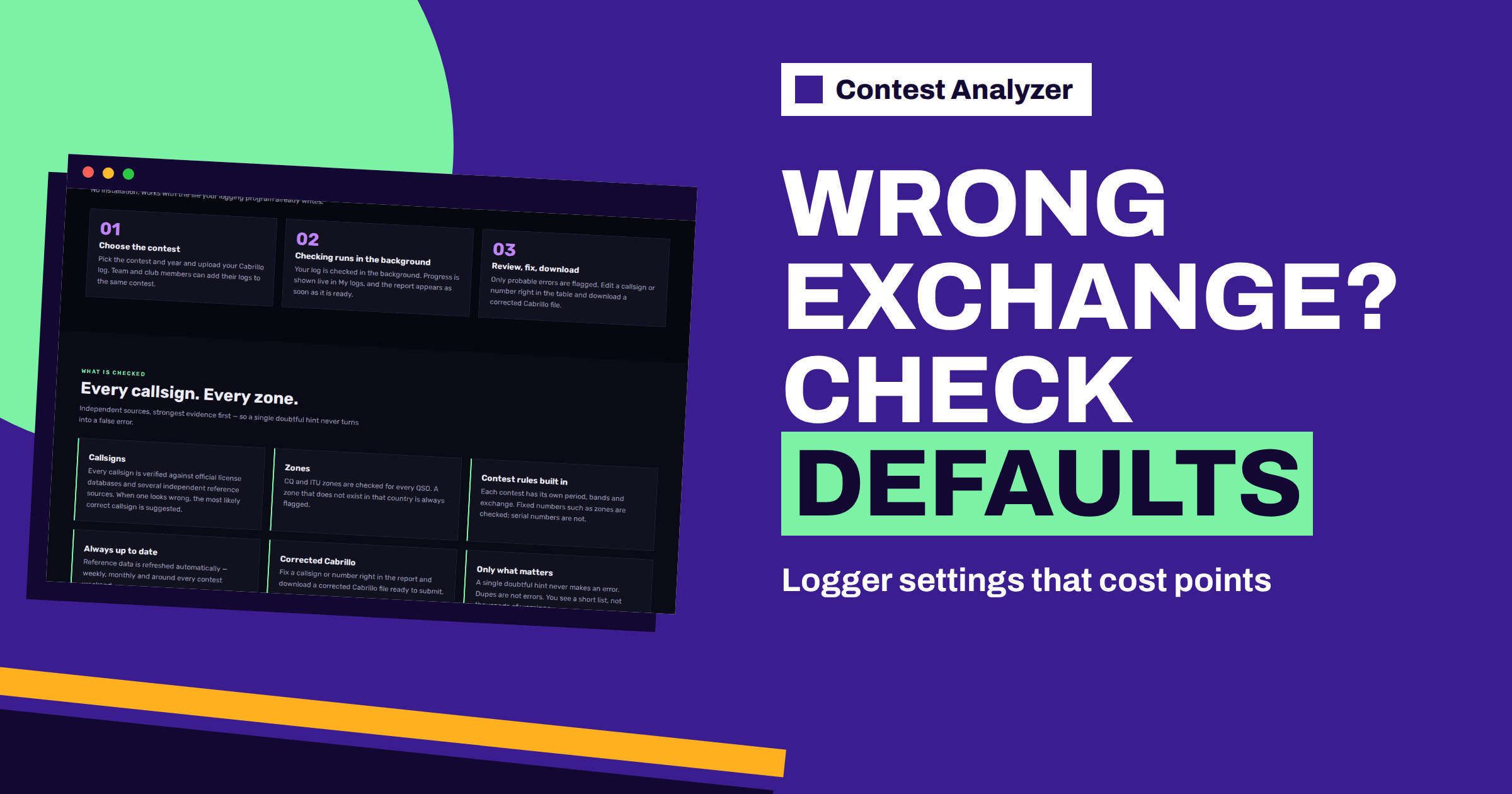
After the contest, a log check helps to see the pattern. Contest Analyzer checks every callsign and every zone against official license databases and several independent reference sources and shows only the few QSOs worth a second look, and fixed numbers such as zones are checked. A log check is not a substitute for checking your own settings, so treat the exchange you send as your own responsibility. You can edit calls, zones, time and frequency in the report and download a corrected Cabrillo file. See the contests page for supported contests.
Related reading
- Setting Up N1MM Logger+ for CQ WW
- CW Macros in N1MM Logger+ for Contests
- Logging Software Backups and Settings
The bottom line
A default is a promise that nobody checks. Read what your logger really sends, compare it with the current rules, test with a few QSOs and a trial export, and keep a one-page sheet. A wrong exchange sent hundreds of times is much more expensive than the fifteen minutes it takes to check.
FAQ
How often should I check the defaults?
Before every contest, and after every software update or change of location or callsign.
Does a log check catch a wrong sent exchange?
Do not rely on it. Check your sent exchange yourself against the current rules before the contest.
What should I do if I find the error during the contest?
Fix it at once, note the time and read the rules on corrections. Mention it to the organiser after the contest if needed.
Can I use the same settings for every contest?
No. Each contest has its own exchange and categories. Reload and check the contest definition each time.