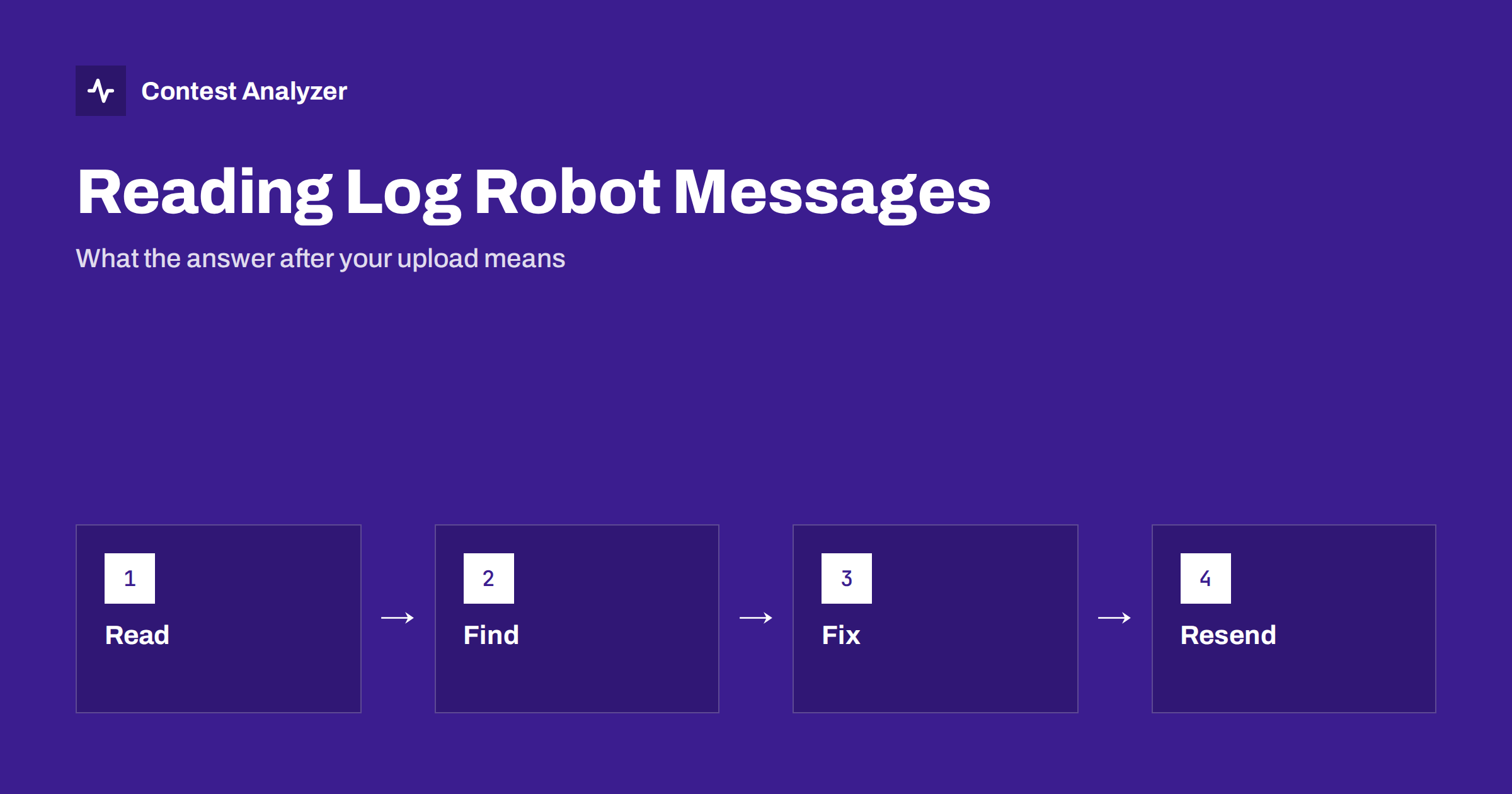
Short answer: Most contests answer your upload with an automatic message from a log robot. The wording differs from contest to contest, but the causes are usually the same few: a problem in the header, a category that is not valid, a callsign that does not match, QSOs outside the contest period or a file that the robot could not read. Read the whole message, find the field or the line that it mentions, correct it in your logger, export again and send the new file. Keep the first file as it was.
Why the robot answers at all
A log robot is a program that receives your file and makes the first checks without human help. It reads the header, counts the QSO lines, compares some fields with the rules of the contest and, in many cases, sends a message with a summary. Its purpose is to tell you quickly that the log has been received and that it can be read. It is not a final judgement of your score. The real checking of the log comes later, and the confirmation of the robot does not mean that all QSOs are correct.
Because every contest sponsor uses its own robot, the examples in this article are given in general terms. Do not search for the exact text of a message that you receive. Read the message and think about which part of your file it points to. The current rules and the page of the sponsor always have priority over general advice.
Messages about the file itself
The first group of messages says that the robot could not read the file or could not find what it expects. Typical meanings are:
- The file format is not recognised. The file may not be a Cabrillo text file, or it may be saved in an unusual way. Export again from the logger and do not edit it with a word processor.
- The start-of-log line is missing. A Cabrillo file begins with a fixed first line, and the robot looks for it. This happens when the file was cut or when the beginning contains extra characters.
- No QSO lines found. The robot found a header but no contacts. This may be an export with the wrong options or a file with the lines in a different format. Check the file in a text editor.
- The file is too large or empty. This is a technical limit or a failed export. Create the file again.
The article on encoding and line endings describes the technical causes behind the first three messages.
Messages about the header
The second group is about the header fields, which contain your callsign, the contest and your category. Typical meanings are:
- The contest name is not valid. The header says a contest name that the robot does not accept, for example a name left from an earlier year or a name for a different mode. Pick the correct contest in the logger and export again.
- The category is not valid. One of the category fields has a value that does not exist in this contest, or the combination does not exist. Check the rules for the allowed categories.
- The callsign is missing or does not match. The robot may compare the callsign in the file with the one that you typed in the web form or with the sender of the e-mail.
- The operator list is wrong. For a multi-operator entry the format of the operators field must follow the rules of the contest.
The Cabrillo header guide goes through each field and its typical mistakes.
Messages about QSOs
The third group concerns the content of the QSO lines. Some robots count the number of QSOs, compare them with your claimed score and send warnings. Typical meanings are:
- QSOs outside the contest period. A line has a date or time that is outside the start and end of the contest, often because of a clock error or a wrong time zone. See the article on QSOs outside the contest period.
- Frequency or band errors. The frequency field does not match any band or is outside the band. The article on the frequency field explains the format.
- Lines with the wrong number of fields. A line is shorter or longer than the robot expects. A stray space or a missing exchange can cause it, so check your lines in a text editor.
- Duplicate lines. The same QSO appears twice. This is different from a dupe worked on purpose, so check whether a line was exported twice.
Messages that are only warnings
Not every message is an error. Some robots send a warning that does not stop the log from being accepted, for example a note that the claimed score in the header differs from the number that the robot calculated. Warnings are worth reading, because they show where a human checker might also look, but they do not always need action. The article on claimed and final score explains why the two numbers often differ.
If you are not sure whether a message is a warning or an error, look at the text for words such as “accepted” or “received”. If the robot says that the log is accepted, it is in the system. If it says that it was rejected, you must send it again, and in some contests you must do so before the deadline.
What to do step by step
- Save the message. Copy the whole text into a file with the date and the time.
- Find the field or line that is mentioned. If the message gives a line number, open the file in a text editor and go to it.
- Decide where to correct the problem. If it is a setting such as the contest or the category, correct it in the logger. If it is a QSO, correct it in the logger or in a report that lets you edit it.
- Export a new file and give it a new name that shows the version, for example with a number at the end.
- Send the new file by the method that the sponsor accepts, and keep the first file unchanged.
- Read the new answer. Repeat until the robot confirms the log.
Do not send many files in a short time without reading the answers. Some contests treat the last file that you send as the final log, and some use the first. Read the rules to be sure.
What the robot cannot see
A robot is good at format and poor at meaning. It can tell you that a field is missing, but it cannot tell you that you copied a callsign wrongly or that your zone was incorrect. A file that passes the robot with no message at all can still contain busted calls, wrong zones and QSOs that the other station does not have in its log. This is the reason why a clean confirmation is not the end of your work. The quality of the content is your own responsibility, and the check of the content must come from your own review of the log.
The opposite is also true. A long list of messages does not mean that the contest was bad. Often a single header problem, such as a wrong category word, produces several messages at once, and all of them disappear after one correction. Start with the first message in the list and with the header, and then read the rest again after the new upload.
Finally, keep a short record of what you changed and why. If the sponsor contacts you later about a category or a time problem, you will be able to show the sequence of files and answers. A simple text file with the dates, the file names and the messages is enough, and it takes a minute to write after each upload.
How to avoid most messages in advance
Most messages can be avoided with a check before you upload. Look at the header in a text editor, scan the QSO lines, check the period and the bands and compare the number of lines with your logger. The checklist in the article on checking a log before you submit covers these points. Contest Analyzer helps with the content: it checks every callsign and every zone against official license databases and several independent reference sources and shows only the few QSOs worth a second look. It marks QSOs outside the contest period and outside the band limits for your ITU region, with split QSOs shown as a note, and you can download a corrected Cabrillo. The contests page lists the supported contests.
Related reading
The bottom line
A log robot message is a pointer to a problem in your file, not a verdict on your contest. Read it fully, find the field or the line, fix the cause in your logger and resend a new file while you keep the original.
FAQ
Does a confirmation from the robot mean my log is correct?
No. It means that the file was received and could be read. The detailed checking of QSOs comes later.
Should I overwrite my original Cabrillo file after a rejection?
No. Keep the original and save the corrected version under a new name.
What if the message does not mention a line?
Check the header first, then the period, the bands and the format of a few lines in a text editor.
Can I send the log again after it was accepted?
Often yes, but read the rules, because some contests use the first file and some the last.
Where can I find the exact meaning of a message?
On the page of the contest sponsor, which usually describes the robot and the accepted formats.