Short answer: In CW contests the exchange often contains digits, and many operators send some digits as letters to save time. When a cut number is copied wrongly, or when a letter is logged as the wrong digit, the zone in your log is wrong even though the callsign is right. The best protection is to know which zone is plausible for the callsign, copy the exchange carefully and check the log for zones that do not fit.
What cut numbers are
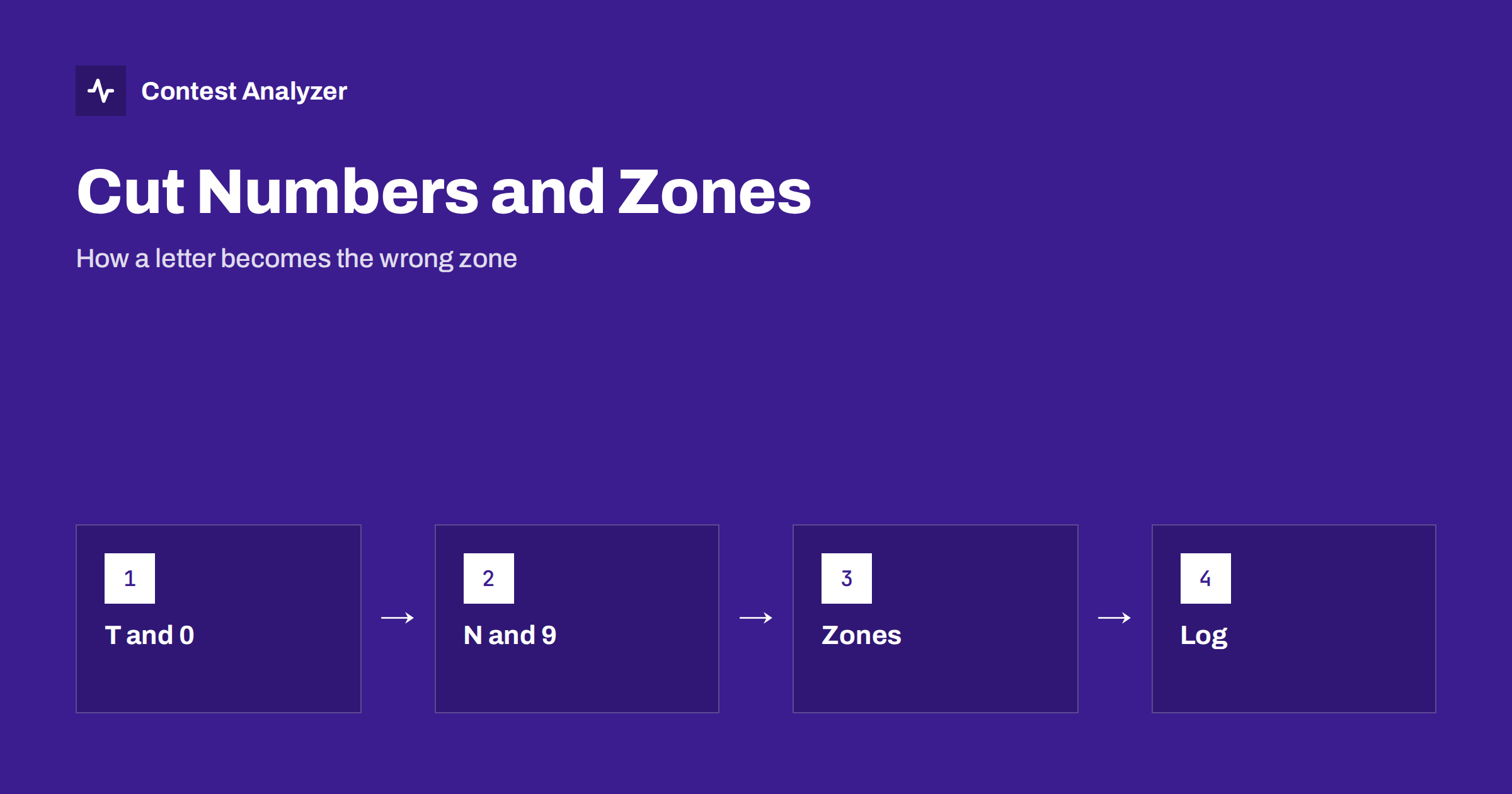
A cut number is a letter that replaces a digit in a CW message. The most common examples are T for zero and N for nine, and some operators also use A for one, U for two, V for three and so on, although the use of the less common ones varies. The reason is simple: a long dash for zero takes time, and a short letter says the same thing. In a contest where the exchange is only a report and a zone, the saving is small but real, and many operators use cut numbers out of habit.
The problem is that the receiving operator has to translate the letter back into a digit, and that the logging program expects a number in the exchange field. A letter that the operator does not recognise as a cut number may end up in the log as a letter, as a wrong digit or not at all. The article on cut numbers in CW contests explains how to copy and log them. This article looks at the errors and the way to find them afterwards.
Where zone errors begin
The CQ zone in the exchange is a number from 1 to 40. Many are single digits, and some contain a zero, for example 10, 20, 30 and 40. When the zone is sent as cut numbers, 10 can become 1T, 20 can become 2T or U T, and 30 can become 3T. A mistake in the second character changes the zone completely: 1T might be copied as 1N and logged as 19, which is not a valid zone at all. A zone of 19 does not exist in CQ WW, so the program will accept it only if it has no validation.
The same happens at the low end. A short zone such as 5 followed by a cut number for nine can produce 5N, which is mistaken for 59 and can appear in the report part of the exchange. In CQ WW the report is almost always 599 or 5NN, and when the zone follows immediately, the operator has to separate the two parts. An error in this separation can move a digit from the report to the zone or the other way round. The article on CQ zones explained gives the background on zones and typical errors.
The pairs that are confused most often
- T and 0 versus 1: a long dash on a fading signal can be shortened and copied as a one or as a letter T.
- N and 9: the two are different in length, but on a noisy band the difference can be lost, and N is copied as a 9 or the reverse.
- A and 1, U and 2: where operators use them, they can also be copied as ordinary letters.
- 4 and 5 or 5 and 6: the digits that differ by one dot are often confused under QSB.
- Zone digits near the end of the exchange: the last character of the message is the one that is most often lost to fading or to the next caller.
The article on CW characters that get confused shows more of the typical pairs, and why they appear in logs as busted calls and wrong zones.
A plausible zone is your best check
The strongest tool against a zone error is knowledge of which zones are possible for the station. A callsign with a prefix of a single-zone country has one correct zone, and a received zone that differs is a warning. The loggers that prefill the zone from the country file help here, and many show the expected zone in the entry window. If the received zone is different from the expected one, the operator should stop and ask for a repeat of the zone, not just of the callsign.
For countries with several zones, such as the USA, Canada, Russia, Brazil and China, the possible choices are more, but they are still limited. A W station in the middle of the USA will be zone 4 or 5, not 14. A UA station in the European part will be zone 16, and a UA9 station will be zone 17 or 18. The article on zone errors with stations from multi-zone countries goes through the typical cases. The same knowledge helps in the review of the log after the contest.
Habits at the key
A few habits reduce the number of errors during the contest:
- Type the callsign first and the exchange after it, and look at the zone suggested by the logger before you confirm.
- If the zone does not match the expected one, ask for the zone only, with a short repeat request, and do not accept a guess.
- Do not copy a long exchange in your head; write the digits as they arrive, and translate the cut numbers when the exchange is complete.
- Send your own exchange with clear digits. If you use cut numbers, use the standard ones only, at a speed that others can copy.
- If you are tired, send the digits in full. A longer exchange costs a second, a bust costs a QSO.
The sister article for voice contests, zone exchange mistakes on SSB, shows the other side of the same problem.
Finding zone errors in the log
After the contest, sort the log by zone and read it with the country in mind. Look for a zone that appears once or twice and does not match the country, for a zone that does not exist and for a zone that matches a neighbouring country. Check the QSOs near the end of each hour and in the hours with the weakest conditions, because errors often cluster there. If you have an audio recording, listen to the doubtful QSOs. The article on fixing log errors with audio describes the method.
A report from Contest Analyzer is a faster way to find them. It checks every callsign and every zone against official license databases and several independent reference sources and shows only the few QSOs worth a second look. You can edit calls, zones, time and frequency in the report, mark QSOs checked in your own audio recording and download a corrected Cabrillo. It works with Cabrillo from N1MM Logger+, DXLog and Win-Test. Serial numbers are not checked. For the list of supported contests see the contests page.
What to change in your own habits
After you have found the errors, count them by type: wrong digit, wrong cut number, zone not matching the callsign, zone from the report. A pattern often appears. If most of the errors are in the late hours, the cause is fatigue. If they appear at certain times of the day on a certain band, the cause is the conditions. If they are in the exchanges of stations that send fast, the cause may be your copying speed. Each type has a different remedy, and the count tells you which to work on.
Write the result into your station notebook, together with the speed you used and the hours in which the errors occurred. When you read it next year before the contest, you will remember the problem at the moment when it is useful. Practise copying cut numbers from a recording for a few minutes in the days before the contest, and listen especially to the zones that contain a zero.
When you are the one sending
You can also reduce the errors of others. Send the zone clearly, repeat it when a caller asks and do not send a fast exchange to a station that asks twice. If you use cut numbers, use only the common ones. If a station sends a wrong zone for you, correct it at once, while the contact is still open. A log line with the wrong zone for you may count against you in the check, and the correction costs only a few seconds.
Related reading
- CW copying accuracy in contests
- Producing a corrected Cabrillo before you submit
- Busted callsigns in contest logs
The bottom line
Cut numbers save a little time and cost many QSOs when they are copied badly. Know which zones are plausible for each callsign, ask for a repeat when the zone does not fit and check the log for zones that do not match their stations.
FAQ
Which cut numbers are standard?
T for zero and N for nine are the most common. Others are used less consistently, so use only the ones that you are sure about.
Can a wrong zone cost a QSO?
It can. In many contests a wrong exchange part can lead to the removal of the QSO or of the multiplier. Check the current rules of the contest.
Why do the errors cluster at certain hours?
Conditions, fatigue and a high rate all increase mistakes. Your statistics by hour will show where yours are.
Should I send cut numbers myself?
If you do, use the standard ones and a speed that others can copy. Full digits are safer when conditions are poor.
How do I check the zones in my log?
Sort by zone and compare each with the country of the callsign. Look at the odd ones and listen to the recording if you have one.