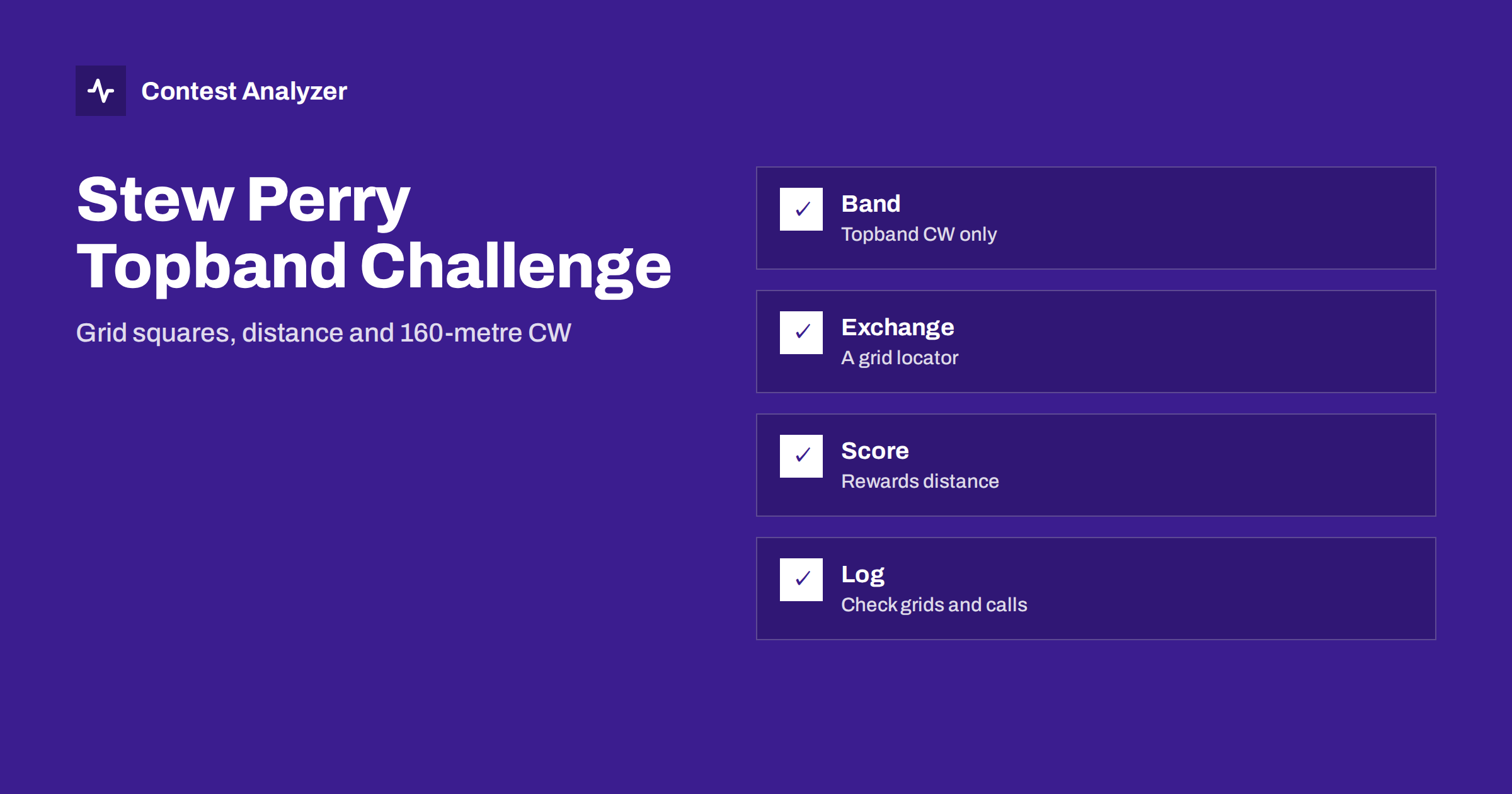
Short answer: The Stew Perry Topband Distance Challenge is a 160-metre CW contest in which the exchange is a grid locator and the value of a contact depends on the distance between the two stations. It is therefore different from contests built on zones and countries: what you work matters less than how far away it is. The details, such as the period, categories and the exact scoring formula, are in the sponsor’s current rules. This article explains the idea in general terms and shows how to keep the log clean.
A distance contest on the lowest band
The Stew Perry Topband Distance Challenge is held on the 160-metre band, known as topband, in CW. The idea in its name is that the contest rewards distance. Instead of counting countries or zones as multipliers, it values each contact according to how far apart the two stations are. A station across the continent is worth more than one next door, and a station on another continent is worth more again, whenever the band makes it possible.
That makes the contest attractive to operators who like the technical side of topband: antennas, receiving antennas, noise reduction and the patience to listen for weak signals. The contest list on the site shows the date for the current season; see the contest calendar and confirm the times in the sponsor’s rules.
The exchange: a grid locator
In this contest the exchange is a grid locator, a short code that identifies a rectangular area of the Earth’s surface. The system is the Maidenhead locator system, which most amateurs know from VHF work. Each locator begins with two letters and two digits, which describe a rectangle of a known size, and more characters can be added for a more precise position. The rules say how many characters are to be sent and received in this contest, so confirm the format before the weekend.
The reason the exchange is a locator is simple: the locator makes it possible to calculate the distance between the stations from the log alone. Both stations send their own locator, and each station can work out how far apart they are. Your own locator is therefore a fixed part of your log. If you enter it wrongly, every distance calculated from your log will be off, and the committee will see the same mismatch when it reads your file. Check your locator before the contest, using a map or a locator calculator, and then enter it once in the logger settings.
Why distance scoring changes your behaviour
In a contest of zones and countries, a typical operator wants as many different places as possible. In a distance contest, the best contacts are the long ones, and the interesting question is what it takes to hear them. Several consequences follow.
- Near stations still count, but they are worth little compared with the distant ones. Do not turn away a caller, but do not let a run of near stations stop you from listening for the weak ones.
- Listening matters more than transmitting. On topband, receiving antennas and a quiet location often decide the result, because the signals from far away are weak and the noise can be high.
- The time of day matters. The band behaves differently around local darkness and the greyline, and long paths open at particular times. Reading your statistics by hour after the contest shows which hours gave the longest contacts.
- Your location matters. A station near the edge of a continent has different possibilities from one in the middle, and the same locator-based score can mean very different things for two stations. Comparing with your own earlier logs is therefore fairer than comparing with a distant friend.
Do not try to memorise point values from this article. The way distance is converted into points is defined by the sponsor and may change, so use the current rules whenever you plan.
Logging the locators accurately
The locator is a mix of letters and digits, and most mistakes come from the same sources as other exchange errors. In CW, the letters and digits can be mixed up when you copy a similar sound pattern at low signal level. A wrong letter in a locator moves the other station to a different part of the world, and the distance, and with it the points, change a great deal. The practical rules are these:
- Ask for a repeat of the locator when the signal is weak. A fill of one character is faster than a lost QSO.
- Use the logger’s check. Many programs can warn about a locator that is not valid, for example one with a letter where a digit should be.
- Compare the locator with what you know about the station. A call from a country at the other side of the world cannot be in a nearby square. If the locator and the callsign disagree strongly, ask again.
- Do not mix up the letters of the field with the digits of the square. Write down both parts the same way each time.
The CW-specific habits in the articles on CW copying accuracy and on cut numbers in CW help with this. A locator contains letters and digits together, so confirm how your logger expects each character to be entered.
Operating tactics on topband
Because the contest is on a single band, the plan is less about band changes and more about frequency, timing and listening. A few general points are worth thinking through before the start.
- Running versus searching. A good run frequency brings callers from all distances, but the long contacts may be the faint ones in the noise. Tuning the band between runs finds stations that would never find you. The article on run versus search and pounce describes how to measure both approaches in your statistics.
- Patience with weak signals. A signal that barely rises above the noise may still be a complete QSO if you give it a moment and ask for the locator again. Rushing away from it is how contacts are lost.
- Noise and safety. Topband antennas and receiving systems are often large, and the operator is often alone and tired in the dark. Plan the station so you can work in comfort and safety, and rest as the rules and your stamina require.
After the contest, the best way to learn is to read the distance column of your report. A group of long contacts in one or two hours shows when the band was productive for you, and a gap shows where you may have spent time on lower-value contacts or on a band that was simply closed.
Categories and the rest of the log header
The contest has its own set of categories, which are listed in the sponsor’s rules. They typically depend on power and sometimes on other conditions. Choose the category that matches how you operated and write it in the Cabrillo header using the value the sponsor specifies. The article on the Cabrillo log header shows the fields and the usual mistakes. Also check the header lines for the callsign and the operator, and make sure that the grid locator field of the header, if the sponsor wants one, is correct.
Look at the first lines of the QSO section after the export. The frequency column should show values in the 160-metre range, and the received exchange should show locators in the expected form. The article on the frequency field in Cabrillo explains why this column is worth a look, and the CQ 160-Meter Contest guide covers the general character of topband contesting.
What to check after the contest
Because the score depends on distance, a wrong callsign or locator has a larger effect than in a contest where all contacts are worth the same. Therefore, before you submit, go through the log once more. Contest Analyzer checks every callsign and every zone against official license databases and several independent reference sources and shows only the few QSOs worth a second look. You can edit calls or zones in the report and download a corrected Cabrillo. The report also gives full statistics, including rates, QSOs by hour, countries, continents, distance and beam heading and your breaks and off time. The distance and beam heading figures fit this contest naturally: they show how far your contacts reached and in which direction your antenna worked best. You can compare them year by year with your own logs, and the tool works with Cabrillo from N1MM Logger+, DXLog and Win-Test.
The Cabrillo format is described by the World Wide Radio Operators Foundation. Send the file in the way the sponsor requires, and keep the confirmation.
Related reading
The bottom line
The Stew Perry Topband Distance Challenge turns topband CW into a test of reach. Learn the exchange and the scoring from the current rules, enter your own locator carefully, copy every locator with care and review the callsigns before you send the log. In a contest where distance is the currency, one wrong character can change the value of a QSO, and one extra look can save it.
FAQ
What band and mode does the contest use?
It is a CW contest on the 160-metre band. Confirm the details in the current official rules.
What is the exchange?
A grid locator. How many characters are expected is set by the sponsor, so check the current text.
How are points calculated?
The value of a QSO depends on the distance between the two stations. The exact formula is in the official rules and may change.
Can I see how far my contacts were?
Yes. The distance and beam heading statistics in the report show where your QSOs came from.
Where do I find the date?
The contest calendar on the site shows the dates calculated from the rules, and the sponsor’s site gives the official ones.