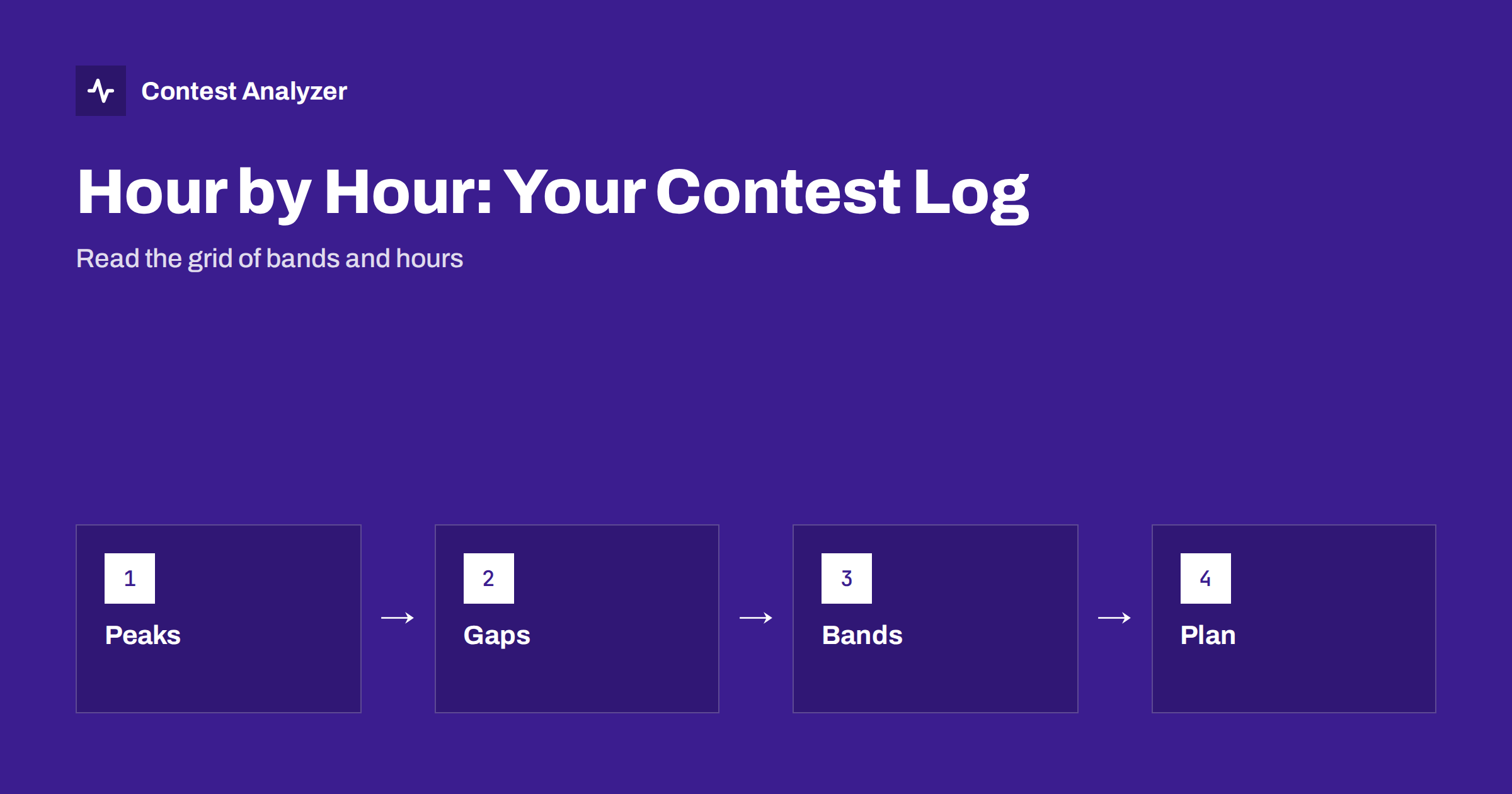
Short answer: An hour-by-hour view lays your contest out as a grid of hours against bands, with the number of QSOs in each cell. Read it for three things: the peaks, which show what your station does best; the gaps, which are either planned breaks or lost time; and the order in which you moved between bands. From that pattern you can write a concrete plan for next time and see whether the plan worked.
What the sheet view shows
A contest log is a long list of QSOs, and a long list is hard to read. The hour-by-hour sheet turns the list into a picture. Each row is an hour of the contest, each column is a band, and each cell holds the number of QSOs made in that hour on that band. Totals at the end of each row give the hourly rate; totals at the bottom of each column give the QSOs per band. In many logging programs you can produce a version of this sheet, and in Contest Analyzer it is part of the statistics, along with QSOs by hour and band.
The advantage is that your eye picks up patterns at once: a block of large numbers on one band, a stretch of small numbers, a row of zeros. What you see is the shape of your contest, and that shape is more informative than the final score.
First pass: the whole shape
Begin by looking at the sheet as a whole, without reading individual numbers. Ask four simple questions.
- Where is the weight? Which bands carry most of the QSOs, and in which hours?
- Is there a rhythm? Most contests have a daily rhythm, with higher bands in daytime, lower bands at night and a lull at some point. Does your sheet follow it?
- Where is the biggest hole? The row or rows with the smallest numbers.
- Does the second day look like the first? A smaller second day is normal, but a very different pattern is worth a closer look.
Write down your answers in a few words. These are the observations you will take to the second pass.
Peaks: what they tell you
A peak is an hour, or a run of hours, with a rate well above the average. The first question about a peak is why. Some peaks are given by the contest: the first hours, when everyone is on, or a well-timed band opening. Others come from your own choices: a long productive run on one frequency, or a good decision to move to a band at the right moment.
Take your top three hours and write down what you were doing in each. Was it a run or search and pounce? The article on run vs search and pounce explains how to measure the two. Which band, and which part of the world did the QSOs come from? Compare with last year’s sheet: did your peaks appear at the same hours? If so, they are probably due to propagation and are a reliable guide for planning. If not, they are probably due to your decisions and can be repeated by deciding the same way.
Peaks also show a ceiling. They are the best your station and your operating can do under favourable conditions. A realistic goal for average hours will sit between your baseline and the peaks, and the article on comparing contest results year on year shows how to keep that comparison fair.
Gaps: planned and unplanned
A gap is an hour, or part of an hour, with few or no QSOs. Gaps fall into three groups, and it helps to label each one.
- Planned rest. You slept or ate, as intended. These gaps should appear in the break or off-time figures. Check them against the contest rules, because in some contests only breaks of a certain minimum length count as off time. In CQ WW, for example, single-operator off time counts only for breaks of at least 60 minutes. The article on off time and breaks explains it.
- Unplanned gaps. A computer crash, a power cut, a rig fault, a family interruption. These are worth noting, because an outage that recurs points to something to fix before next year.
- Dead spells. Hours when you were on the air but nothing happened: nobody answered, the band was dead, you were calling CQ into silence. These are the most interesting. They suggest that a band or time was wrongly chosen, and the sheet shows which other band had better numbers in the same hour.
A gap of a few minutes within an otherwise busy hour is usually not a problem, but a row where the total is small and no band reaches a respectable number is.
The route between bands
Reading the sheet down the rows shows the route you took from band to band. Look at the hours in which you changed band. Did you stay too long on a band that was fading? Did you move to a band before it had fully opened? A good rule is to change when the rate on the current band falls below what you could expect on the next one, and the sheet shows when that would have been in the previous year.
It is also worth checking how many band changes you made. Too many short stays can reduce the rate, because each change costs time. Too few can lock you into a poor band. The article on band strategy hour by hour explores how to use the grid for planning, and the article on continent breakdown shows where the QSOs on each band came from. Some contests limit band changes in certain categories, as in the article on multi-operator band-change rules, so check your category.
Layers you can add
The grid can be enriched with other figures:
- New multipliers per hour. Overlay the number of new multipliers on the rate. Hours with a modest rate but several new multipliers may be better than they look.
- Continents. Which continent dominated each hour? A change in the mix shows an opening or a deliberate beam change.
- Beam heading and distance. See the article on beam heading statistics.
- Questioned QSOs by hour. If you mark the QSOs that were corrected in your review, you can see whether errors cluster in the late hours or on a band with heavy pile-ups.
Each layer answers a different question, and none of them requires more than the log you already have.
From the sheet to a plan
The point of analysis is to change something. After the two passes, write a short plan with no more than five lines. For example: “Be on 20 metres earlier on day one, because the first hour there was the best of the contest. Rest between the two weakest hours on day two. Visit 15 metres at the time it opened last year. Ask for a fill when unsure at night.” Each line should be tied to something visible in the sheet.
Keep the sheet itself. Next year, put the new sheet next to it and compare. The comparison is more reliable when you also take propagation into account, which is discussed in the article on solar flux and contest results.
Getting the sheet
Many loggers can produce an hourly summary, and some people build their own in a spreadsheet from the Cabrillo file. Contest Analyzer gives you the statistics for each log without the work: you upload the Cabrillo from N1MM Logger+, DXLog or Win-Test, and it shows rates, QSOs by hour and band, countries, continents, CQ and ITU zones, WPX prefixes, distance, beam heading, breaks and off time, and callsign length and structure, and compares with your own earlier logs. The same report checks every callsign and every zone against official license databases and several independent reference sources and shows only the few QSOs worth a second look; you can correct them and download a corrected Cabrillo. Serial numbers are not checked and dupes are not shown as errors. See the list of supported contests and the FAQ.
Related reading
- Band strategy hour by hour
- Contest rates: QSOs per hour
- Continent breakdown of a contest log
- Comparing contest results year on year
The bottom line
The hour-by-hour sheet turns a log into a story of your contest. Read the whole shape first, then the peaks, the gaps and the route between bands, add the layers that answer your questions, and finish with a short plan. Kept from year to year, the sheets become the most useful record of your progress.
FAQ
What is an hour-by-hour sheet?
It is a grid of hours against bands, with the number of QSOs in each cell, plus the totals per hour and per band. It shows where and when the contest was won or lost.
How do I tell a planned break from a dead spell?
A planned break shows as an off-time gap that you chose. A dead spell is an hour in which you were on the air but made few QSOs, and the sheet often shows a better band in the same hour.
Do all breaks count as off time?
Not necessarily. In CQ WW single-operator off time counts only for breaks of at least 60 minutes. Check the current rules of your contest.
How many years should I compare?
Two or three comparable contests of the same type are enough to see a pattern. Allow for propagation when you draw conclusions.
Can I get this view without building a spreadsheet?
Yes. Contest Analyzer shows QSOs by hour and band, rates, off time and more from your Cabrillo file, and compares with your earlier logs.