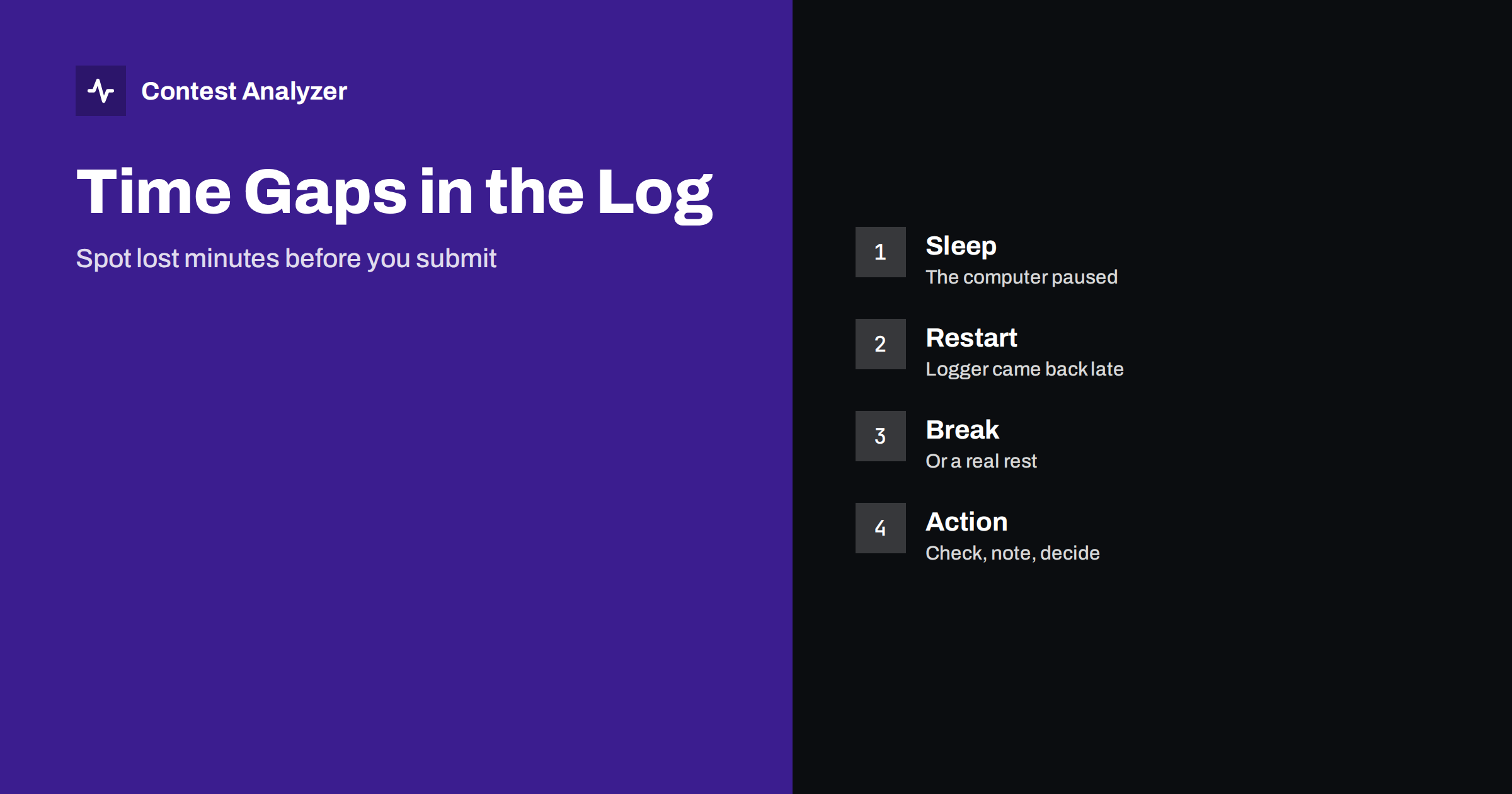
Short answer: A time gap is a stretch of the contest in which your log shows no QSOs. Some gaps are real breaks, but others are caused by a computer that went to sleep, a program that crashed or a restart that took longer than you thought. Sort your QSOs by time, list the gaps longer than a few minutes, compare them with your memory and notes, and decide for each whether it was a rest, a technical fault or an error in the log.
What counts as a gap
In a busy contest, QSOs follow each other every minute or two. In a quieter period they can be separated by ten or twenty minutes. A gap, for our purposes, is a stretch longer than you would expect for the situation, for example more than fifteen minutes in an hour where the rate was high. The right size to look for depends on your own rate. A station that makes 30 QSOs an hour has a gap if nothing was logged for 10 minutes. One that makes 200 an hour has a gap after 2.
The log is a record of time. It tells you when each contact was made, and the spaces between them are also information. Reading the spaces is as useful as reading the QSOs. Our article on hour-by-hour analysis describes the overall picture; here we concentrate on the cases in which time went missing for a technical reason.
Common causes
The first cause is the computer going to sleep or hibernating. Many laptops and some desktops are set to save power after a period without input. During a contest, input is constant, but while you are on a long run with only a voice keyer, you may not touch the keyboard for a few minutes. If the power settings are wrong, the machine may sleep, and the logger will miss the QSOs that happen during the time it is not running. Check the power settings before the contest.
The second cause is a program crash or a restart. The logger may close without warning, and when you restart it, a few minutes are gone. A forced restart of the computer, for example for an update, takes longer. A third cause is a network or USB failure, for example in a multi-computer station where the logger loses its link to the server. In that case the QSOs may be on a different machine, and the gap in one log is filled in another. The article on merging multi-op logs and the one on errors that appear when you merge deal with that situation.
Real breaks and how to tell the difference
Many gaps are simply rests, meals and moments when conditions were poor. The best way to tell them apart is to compare the gap with your own notes. A note such as 03:10 coffee, 03:30 back explains a gap at once. Without notes, look at the time. A gap at the deepest hour of the night is more likely a rest than a gap in the middle of a good opening. Look at the QSOs on each side. If the last QSO before the gap was in the middle of a pileup and the first after it was a call on a new band, something happened.
If your category has off-time rules, the gaps matter for another reason. Time without QSOs may count as off time, and the rules decide how. For example, in some contests a single operator must have breaks of a certain length to count as off time. See off-time rules for single operators and off time and breaks in contest rules. Check the current rules of the contest.
How to list the gaps
Sorting the QSOs by time and calculating the difference between each QSO and the one before it takes a few minutes in a spreadsheet. Sort the differences from the largest and look at the top twenty. Write down the date and time of each gap, and then open your notes. The method needs no special software, but a report that shows breaks and off time, such as the statistics in Contest Analyzer, saves the work. Compare your result with what the report shows.
If the gap is in the middle of the contest and you have an audio recording, listen to the minutes before and after. You may hear a QSO that was never logged, or a moment when the logger froze. In this case, you may add the QSO from the recording, if the rules allow it and if you are sure that it was a valid contact. See listening to doubtful QSOs and fixing the log.
Missing QSOs and what to do with them
If you find that QSOs were made during a gap but not logged, you have a choice. You can add them from the recording, from paper notes or from the memory of another operator, provided the information is complete: time, band, callsign and exchange. If you have only part of the information, do not invent the rest. A QSO that you are not sure about is better left out than added in a wrong form. Conversely, never remove valid QSOs just because they are inconvenient.
Think, too, about the other stations. A QSO that you made but did not log appears in the other station’s log, and in your log it will be missing. The result for you is a loss of one point. For the other station, it may show as a not-in-log case, covered by the article on NIL QSOs. Nothing can be done about it after the contest, but it is a reason to prevent gaps in the first place.
Check the clock after a gap
A crash or restart can also change the clock. If the machine restarts and the time is taken from a poor source, it can be off by several seconds or more. After any restart, check the clock against a good source. The article on wrong PC clock and UTC errors explains how errors enter the log, and fixing a wrong time in a contest log describes when an offset is right and when it is not. After a sleep, make sure that the time zone has not changed and that the date is correct.
Contest Analyzer marks QSOs outside the contest period and outside the band limits for your ITU region, with split QSOs shown as a note, and lets you edit calls, zones, time and frequency in the report. It checks every callsign and every zone against official license databases and several independent reference sources. Serial numbers are not checked.
Prevent gaps next time
A few simple steps reduce gaps. Turn off sleep and hibernation for the contest. Disable automatic updates and restarts. Keep the laptop on mains power. Test your backup routine, so that the log is saved every few minutes, as described in protecting your contest log. Put a note of the time on paper whenever you leave the station. If you operate with several computers, make sure they all have the same time and are connected properly. These steps take less than an hour before the contest and save much more later.
A worked example
Imagine a log in which the largest gap is 47 minutes, starting at 02:13 UTC on the second night. Your notes say nothing for that time. The QSO before the gap is on 80 metres, the one after it on 40 metres. Neither explains the break. You open the audio recording and listen to 02:10. You can hear yourself calling CQ, and a few minutes later the sound stops, which suggests that the recording program stopped as well. This points to the computer, not to a rest.
You then check the event log of the operating system for that night. It shows an automatic update that restarted the machine at 02:14, and the logger came back at 03:01. The gap is a technical failure. Nothing was lost from the log, since you were not on the air, but you now know that the update setting must be turned off. In the notebook you add the date, the cause and the fix. Next year you can verify that the setting is still off.
Not every gap has such a clear explanation, and that is acceptable. The important part is to ask the question for every large gap and to record the answer, even if the answer is only that you do not know. A pattern of unexplained gaps in the same hours across several years is a signal worth following. It may point to a habit or to a device that fails at a regular time, such as a timer that switches off a power supply.
Related reading
- When Is a QSO Made? Logging Time and the Last Minute
- QSOs Before the Start or After the End of a Contest
- Logger Settings to Check Before a Big Contest
The bottom line
Find the gaps, explain each one with notes or recordings, add missing QSOs only when you have complete information and fix the causes before the next contest. A log with gaps that you understand is better than one with gaps that surprise you.
FAQ
How long is a gap?
It depends on your rate. A gap is a stretch much longer than normal for the period.
Can I add QSOs from a recording?
If the information is complete and the rules allow it, yes. Do not invent missing details.
Do gaps count as off time?
Possibly, depending on the contest and the category. Check the current rules.
How do I avoid a sleeping computer?
Turn off sleep and hibernation, keep the machine on mains power and disable automatic restarts for the contest.