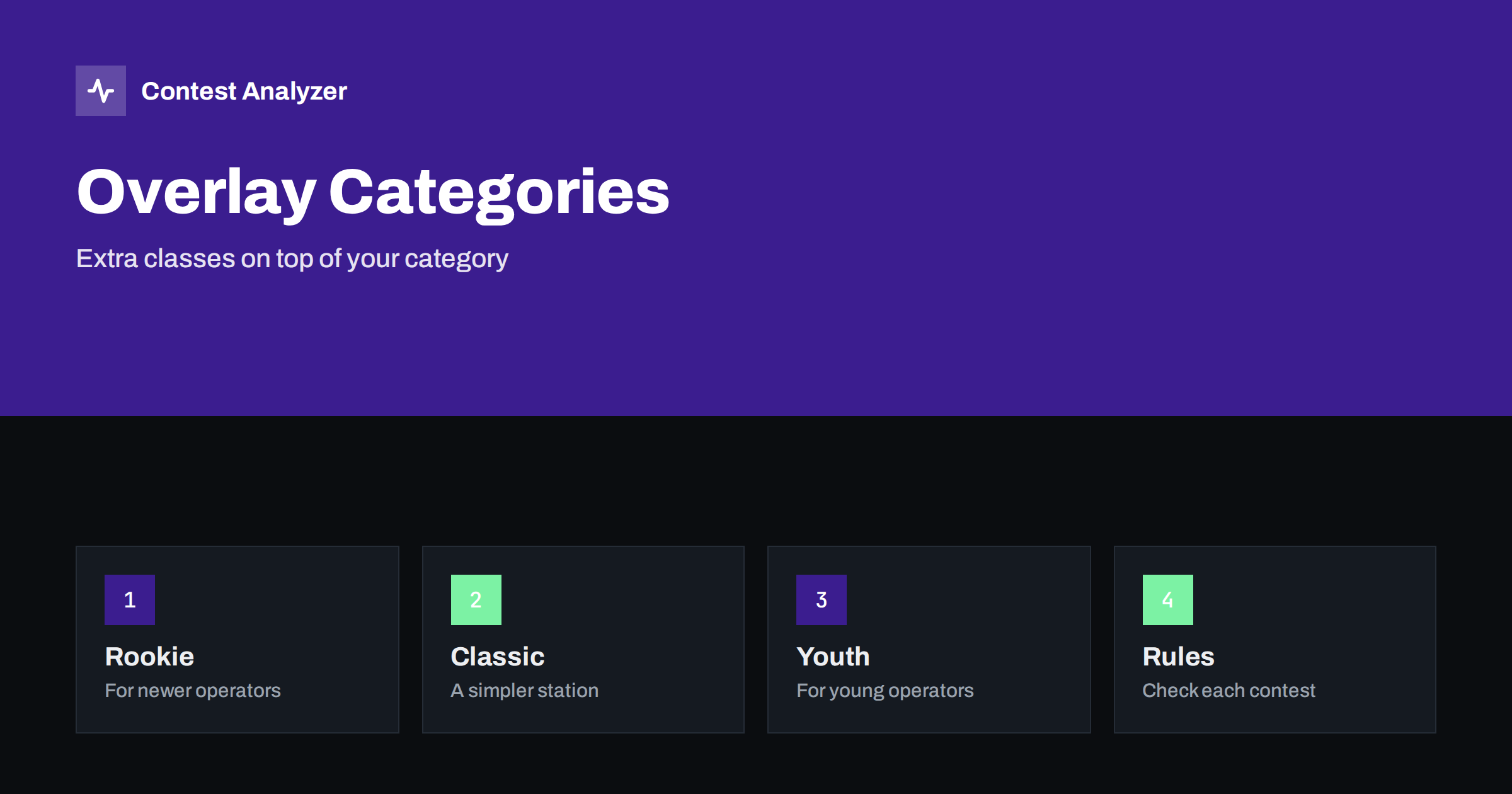
Short answer: An overlay is an extra classification that sits on top of your main category. You still enter, for example, single operator, all bands, low power, and you also compete in the overlay if you qualify. Common overlays include rookie, classic and youth, but names, ages, limits and even their existence differ from contest to contest, so read the current rules and fill in the category lines of your Cabrillo file with care.
What an overlay is
A normal contest category describes how you operated: the number of operators, the bands, the power and sometimes the mode. An overlay does not replace it. It adds a second dimension that groups together operators who share a condition, such as limited experience, a simpler station or a young age. The result is an additional ranking that can encourage participation, because a newcomer who cannot compete with a large station in the main table may have a chance to win a certificate in a smaller one.
Because the overlay depends on the main category, it follows the same rules. If you break a rule of the main category, such as the power limit, the overlay result is also lost. Our article on category overlays gave the general picture; this one concentrates on how to read the rules and how to avoid mistakes in the log.
Rookie overlays
A rookie overlay is aimed at operators who are new to the sport. The details are usually a limit based on the age of the licence, on the number of years since first taking part, or on both. Some contests use a time since the licence was first issued; others rely on the operator’s own statement. The rules may also say what happens if you have previously won a rookie award.
When you read the rules, do not trust your memory of a similar contest. The limit may be one year in one event and several years in another. If you are unsure whether you qualify, ask the organiser. The article on your first HF contest is a good starting point for newcomers, and the one on a first contest checklist has practical tips.
Classic overlays
The classic overlay usually favours a simpler way of operating. It may limit the number of transmitters, the power or the type of equipment, and some versions exclude assistance such as spotting. The aim is to recognise skill with a modest station. The definitions vary, and what is classic in one contest may not be allowed in another. A rule that refers to assistance should be read together with the definition of unassisted operation in the same contest, a topic covered in assisted vs unassisted categories.
The practical lesson is to read the definition word by word. Words such as one transmitter at a time, no remote receivers or no software decoding can matter. If one of the conditions is broken, even by accident, the log should not be entered in the classic overlay.
Youth and other overlays
A youth overlay is for operators under a stated age on a stated date. The date and the way age is declared are set by the organiser. Other overlays exist as well, for example for a certain type of antenna, for the use of a particular mode or for a club. Some contests have a long list, others none. The names are not standard, so a category called by the same name can have a different meaning from contest to contest.
It is common for an overlay to be requested in the header of the log, with a special category line, and sometimes in the submission form. Look at how the organiser wants it done. The article on common Cabrillo header mistakes describes the usual errors in the category lines, which are exactly where overlay information goes.
Where overlays appear in your Cabrillo file
The Cabrillo 3.0 header has several category lines. They describe the operator, the bands, the mode, the power, the station, the time and sometimes an overlay. The overlay line is a value from a list defined in the Cabrillo specification, such as the names used for classic, rookie or youth classes. Your logging program may offer these values in a drop-down list, or it may require you to type them in. If a program offers no overlay option, you can edit the header in a text editor, but do so carefully and keep a copy of the original.
Be sure that the value matches what the contest accepts. If you write a value the organiser does not recognise, the entry may be classified without the overlay or flagged for checking. For the format of the header lines, see the Cabrillo header explained.
Common mistakes with categories
A few errors recur. The first is entering an overlay you do not qualify for, because the definition was not read to the end. The second is forgetting to enter an overlay you do qualify for, which means a certificate lost for no reason. The third is using different categories in the log and in the web form, which the organiser then has to resolve. The fourth is believing that an overlay changes the rules of the main category; it does not.
A fifth mistake is subtle. Some operators choose a category after the contest by looking at where they would rank best. This is not how categories work. The category is the way you operated, and it has to be true. The article on power categories and honesty explains why the category line matters, and the one on choosing a category from statistics shows how to use your own numbers for planning the next event, not for changing the last one.
Checking the rules before the contest
Because the rules change, make it a habit to read the current text for each contest well before the start. Look for the definitions of every category and overlay, the log format, the deadline and any changes announced for this year. Write down the points that matter for you in your notebook. If you are in a team or a club, share the notes. A few minutes of reading before the contest will save hours of confusion afterwards. The official pages for the large contests are the proper source, for instance the rules page of CQ WW.
The contests page of Contest Analyzer lists the supported events with their dates and log deadlines, which is a convenient reminder of what is coming. It does not replace the organiser’s rules.
Using statistics to decide
If you are thinking about an overlay for next season, your own statistics can help. A report with full statistics by hour and band, your rate, breaks and off time shows what kind of station and operation you actually have. If your numbers show a modest station run with very few band changes and long periods on one frequency, a classic or similar overlay may suit you. If your results are rising from year to year, you may soon leave a rookie overlay behind. Contest Analyzer offers year-on-year comparison with your own logs and a check of every callsign and zone, so you can enter the contest knowing your starting point. Serial numbers are not checked.
Fairness is the reason overlays exist, and it is also the reason they are checked. Organisers read the log header, compare the declared category with the way the log looks and sometimes ask questions. A station that declares a simple setup but shows a very high rate across all bands, with no breaks, may be asked to explain. Answer honestly and keep notes about your station, your operators and your equipment for the contest. Most disagreements are solved by a short message, and a reasonable organiser prefers an honest correction to a hidden problem.
Finally, remember that the main purpose of an overlay is to make the sport more welcoming. A newcomer who sees a rookie table, a young operator who sees a youth table and an operator with a small station who sees a classic table all have a reason to send in a log. If you have experience, consider encouraging a friend to enter, and help them choose the right category lines. A short conversation before the contest costs little and often turns a casual listener into a regular participant.
One more practical point: keep a copy of the rules text you used. Organisers sometimes revise pages after the contest, and a saved copy, or at least a note with the date you read it, shows what applied when you operated. It takes a minute to save the page and it can settle a question later.
Related reading
- QRP and Low Power Categories: Choosing How to Play
- Single-Band Entries: Choosing the Band and What to Watch
- Contest Log Deadlines: A Routine to Never Miss One
The bottom line
An overlay is a bonus classification on top of an honest main category. Read the exact definition for each contest, check that you qualify, enter the right value in the header and keep the station and the log in line with what you declared.
FAQ
Do all contests have overlays?
No. Some have several, others none, and the names and conditions differ. Check the current rules.
Can I enter more than one overlay?
That depends on the contest. Some allow several if you qualify for each, others allow one. The rules say.
Does an overlay change my main category?
No. You still enter a main category, and the overlay is an extra ranking.
What if I am unsure whether I qualify?
Ask the organiser before you submit. It is better than losing the entry or being reclassified.