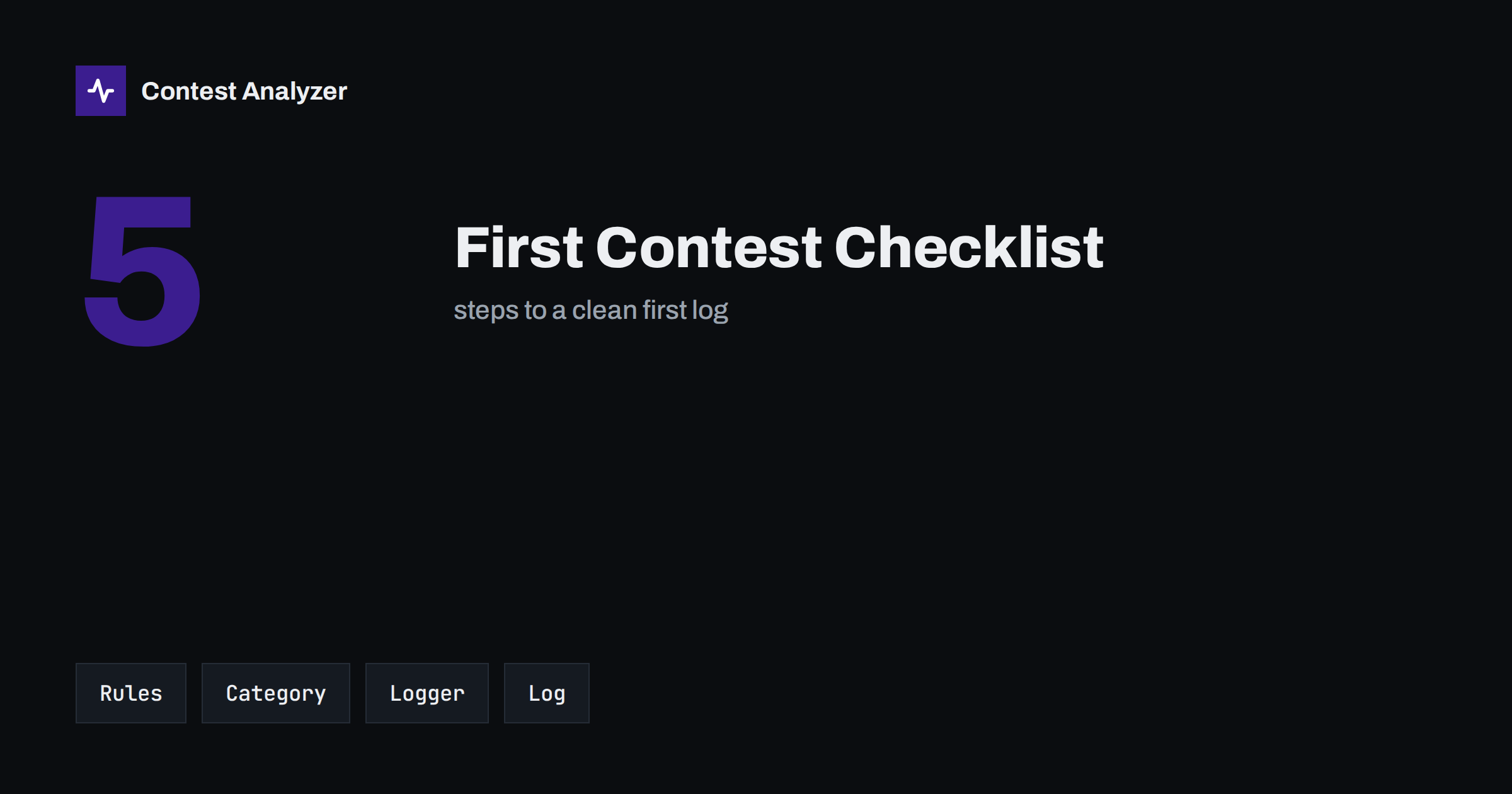
Short answer: For your first contest, work through five steps in order: read the current rules, choose a simple category, set up and test your logger, operate at a comfortable pace, and check and submit your Cabrillo log before the deadline. Nothing here needs special equipment. Most first logs that go wrong fail on small things such as a wrong category, a wrong exchange or a missed deadline, and a checklist prevents all three.
Step 1: Read the rules for this year
Choose one contest and read its official rules from beginning to end, even if the text looks long. Rules change from year to year, and the version you remember may be out of date. Pay attention to five points: the dates and the exact start and end times in UTC, the bands and modes that are allowed, the exchange you send and receive, the categories, and the log deadline and submission method. Write these down on one page and keep it next to the radio.
Do not trust summaries from memory, including this one, for numbers and dates. This article is general. The organisers’ pages are the authority, and they may be updated close to the event. If you are not sure about a point, write to the organisers before the contest and not after it.
Step 2: Choose a simple category
A first contest is not the time to try every option. A single-operator entry on one band, or a low-power entry, is a manageable start. These choices limit the number of decisions you must make during the weekend and make the log easier to check afterwards. If you plan to use any help while operating, such as spotting information from a cluster, read the definition of the categories carefully, because using such help can change your category. The article on assisted versus unassisted categories explains the idea in general terms.
Also be honest about the category line in your log. A wrong category can lead to your log being reclassified, and that is an easy problem to avoid. Decide before the contest starts, write it in the header, and stick to it.
Step 3: Set up and test the logger
Install the logging program you prefer, choose the contest from its list and enter your callsign and exchange details. Then run a test: make a few practice QSOs, export a Cabrillo file and open it in a text editor. Look at the header and at the QSO lines. Does the callsign match yours? Is the contest name the one you expect? Are the date and time in UTC? Is the exchange in the right columns? Our Cabrillo header guide shows what each header line means.
Next, update the country file that your logger uses. New prefixes appear over time, and an outdated file may assign a wrong country or zone. If your logger supports call history and spell-check helpers such as Super Check Partial, learn what they do before the contest, and remember that they are aids and not the truth. Finally, check the computer clock against a trusted UTC source, since every QSO takes its time from that clock.
Step 4: Plan your operating
You do not need to operate for 48 hours. Many first-time entrants take a modest number of hours, and that is fine. Decide in advance when you will operate, when you will rest and how you will eat and drink. Have a spare pen, a notepad for doubtful callsigns and a simple note of the bands you plan to use at different times of day. If the contest is long, short, regular breaks work better than a heroic push followed by exhaustion.
During operation, put accuracy before speed. Copy the callsign fully before you answer. If you are not sure, ask for a repeat. A QSO with a wrong callsign is worth less than no QSO, and it may cost you a penalty in some contests. The article on your first HF contest gives more practical advice on the pace and the mindset that suit beginners.
Step 5: Check and submit
When the contest ends, resist the urge to submit at once. Export the Cabrillo file and review it. Check the header, then the QSO lines. Look for callsigns that look odd, zones that do not fit the country, times outside the contest period and bands you did not use. If you want a second pair of eyes, tools such as Contest Analyzer check every callsign and every zone against official license databases and several independent reference sources and show only the few QSOs worth a second look. It supports Cabrillo from N1MM Logger+, DXLog and Win-Test, and serial numbers are not checked.
Then submit by the method the organiser requires, before the deadline. Keep the confirmation and a copy of the submitted file. The article on how to submit a contest log describes the usual ways. Do not leave this to the last hour: a deadline missed by a few minutes is as final as one missed by a few days.
Common beginner mistakes
- Not reading the current rules and relying on an old summary.
- Wrong category or power level in the header.
- A computer clock set to local time or running minutes off.
- Logging a partial callsign and never fixing it.
- Forgetting that dupes exist; working a station again is not an error, but make sure your logger marks it.
- Leaving the submission to the last moment.
Each item on this list can be prevented with a few minutes of attention beforehand. A good first log is not a high score but a clean record that you can learn from.
After the contest: learn from your log
Your first log is also your first dataset. Look at your hourly numbers, the bands you used and the countries you worked. Write down three things that went well and three that you would change. If you keep the log and your notes, next year’s comparison will show your progress. A single contest can feel disorganised; a series of logs shows a clear improvement.
Do not compare yourself with experienced operators in the first year. Compare with your own previous log. Many contesters remember their first entry fondly, and many of them also remember the small mistakes that taught them the most.
A one-page packing list for the station
Before the first hour, walk around the station and check the physical items. Is the antenna connected and the SWR acceptable on the bands you plan to use? Are the headphones comfortable enough for several hours? Is there a spare cable for the microphone or the key? Do you have the paper rules page, a pen and a notepad? Is the power supply stable and the computer plugged in, with the power-saving mode switched off so that the screen and the network do not go to sleep in the middle of a QSO?
Then check the software items: logger open on the right contest, the callsign and exchange set, the clock synchronised, the radio control working, and a backup location chosen. A few minutes with this list removes most of the surprises that make a first contest stressful. Print it, tick it, and file it with the notes from the contest so that next time you can improve it.
Finally, tell the people around you. A family member who knows that you will be busy and who knows when you will be free will make the weekend easier for everyone, and a neighbour who is warned about the antenna work may be more forgiving. A good contest starts with good preparation, and good preparation includes the human side.
What to do if something goes wrong
Something will go wrong. A cable will fail, the logger will freeze, or you will log a wrong callsign. The best response is a calm one. If the logger freezes, restart it and check that the last QSOs are in the file; keep the paper notepad for the QSOs made during the restart. If you notice a wrong callsign, fix it at once. If a technical fault takes you off the air for an hour, accept it, note the time and return. A first contest is not a test of perfection; it is practice for the next one.
Related reading
- Your First HF Contest: A Practical Guide for Beginners
- Contest Log Deadlines: A Routine to Never Miss One
- Your Post-Contest Review Routine: What to Check
The bottom line
A first contest becomes simple when it is broken into steps: read the rules, choose a simple category, test the logger, operate with accuracy, then check and submit the log. Keep the rules page next to you, do not trust memory for dates and numbers, and treat the log as a record from which you will learn.
FAQ
Do I have to operate the whole contest?
No. Most contests let you submit a log for any number of hours, but check the current rules for any minimum requirements.
Which category should I choose first?
A simple one, such as a single-operator entry with limited options. Read the current category definitions carefully before you decide.
What if I make a mistake in the header?
Correct it in the Cabrillo file before you submit. A wrong category or callsign can cause your log to be reclassified or rejected.
Is a dupe an error?
No. Working a station again is not an error in itself, though it may not give extra points. Your logger usually marks it for you.
Can I check my first log automatically?
Yes, for supported contests a tool can check callsigns and zones, but you should still review the header and the exchange yourself.