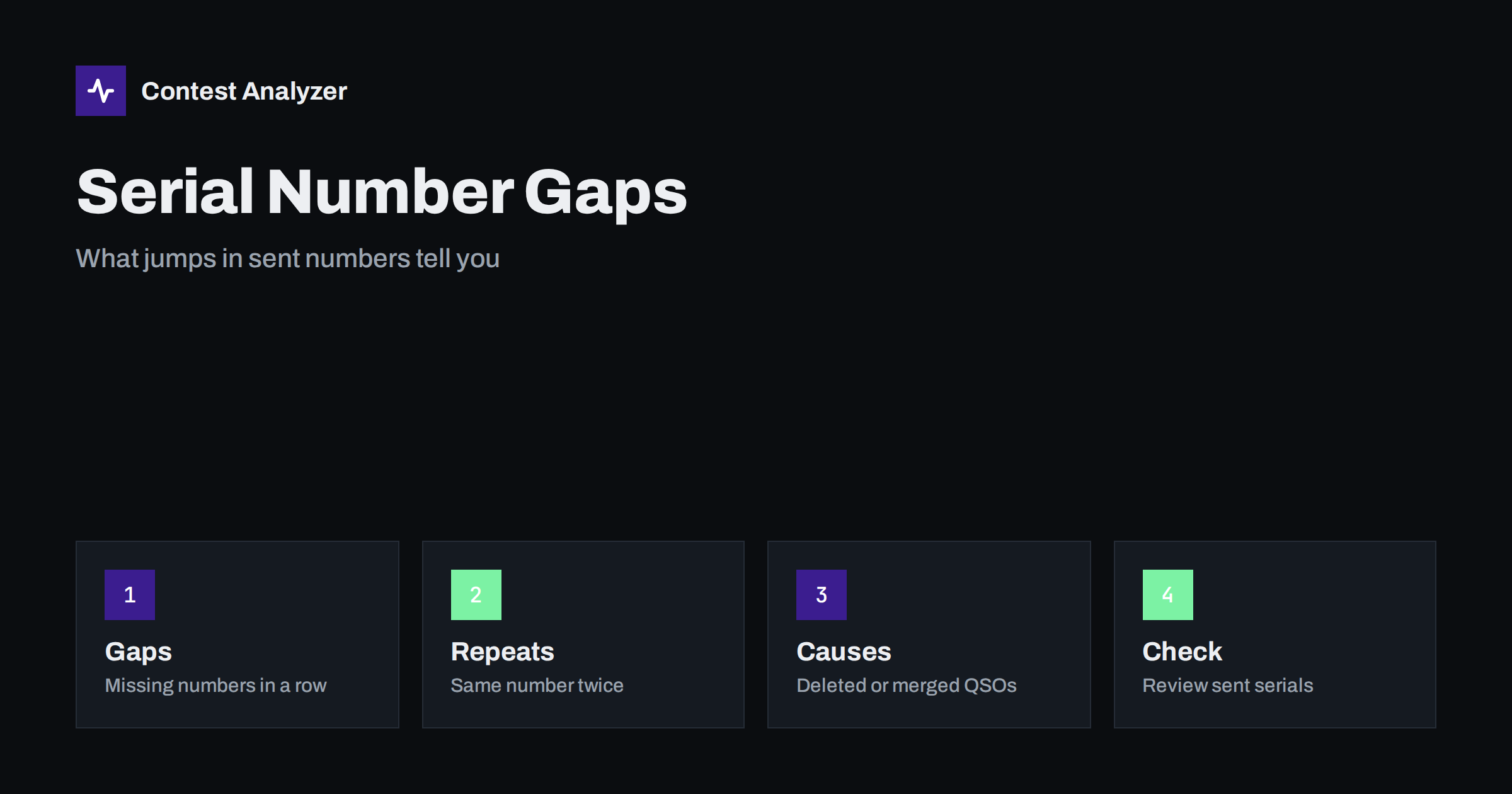
Short answer: In a contest with serial numbers, the numbers you send should rise by one with each QSO. A gap, a repeat or a jump in that sequence in your log usually points to a QSO that was deleted, a merge of logs from several computers or a logger setting that was changed. The gap itself does not prove an error, but it is worth a look, because it tells you where the log may have been edited and whether any QSO was lost.
What a serial number is in a log
In contests such as CQ WW WPX, each station sends a number that starts at one and increases with every QSO. The other station copies the number and writes it in its log, and your logger records the number you sent in each line. In the Cabrillo file, the sent number is one of the columns after your callsign, and the received number is in the columns after the other station’s callsign. The format of the exchange differs between contests, so check the current rules; this article is about the general pattern.
When everything works well, the sent column reads 1, 2, 3, 4 and so on, with no breaks. The logger assigns the next number automatically when you save a QSO, so the operator seldom has to think about it. The value of a clean sequence is that it is a built-in record of how many QSOs you made.
What a gap looks like
A gap is a missing number. The sequence goes 118, 119, 121, and the number 120 does not appear in the log. A repeat is the same number twice: 119, 119. A jump is a larger change: 140 followed by 200, or a drop such as 300 followed by 250. Each pattern has typical causes, and with some practice you can often guess them from the context.
Because the numbers are assigned in order, you can read the sent column almost like a record of the operating session. A small gap in the middle of a busy hour is very different from a jump at midnight, and both are different from a reset to 1 in the middle of the weekend.
Why numbers go missing
The most common cause is that a QSO was deleted. The operator logged a contact, found that it was wrong or a duplicate, and removed it. Most loggers do not renumber the remaining QSOs, so the deleted number leaves a hole. That is harmless to scoring, because the received numbers from other stations are unaffected, but it shows in the log. Some contests accept a gap without comment; others expect the sent numbers to be consistent, so check the current rules.
A second cause is a QSO that was sent a number but never logged. The operator gave a number to a station, the contact failed, and the logger did not save the line. In the log, the number is simply not there, and the other station may have recorded it. If that station logged the QSO with the number you sent, but you have no entry, the contact is not in your log.
Why numbers repeat
A repeated number often means that the logger was asked to send the same number twice. This can happen when a QSO is logged late, or when you answer two stations before saving the first. In some loggers, the sent number is only incremented when the QSO is saved, so a second call answered before saving carries the same number. Other causes are two computers that give out numbers independently, or an operator who edits the number by hand.
A repeat is a sign that the sequence is not controlled. In multi-operator stations with a networked logger, it can mean the network was down for a while, and each computer continued on its own. The article on merging multi-op logs and the later one on errors that appear when you merge multi-op logs describe these situations. After the merge, you may see a block of QSOs with the same numbers as another block.
Why numbers jump
A jump forward can mean that QSOs were made but are missing from the file. A whole block of contacts may have been lost, for example because a log file was overwritten or a backup was restored from an old copy. A jump back, especially to a smaller number, may point to a reset: the contest was restarted in the logger, or a new log was started in the middle of the weekend. Both cases deserve attention, because they affect the count of QSOs and the integrity of the record.
If you see a jump, check your backups. The habit described in the article on protecting your contest log is the best defence: regular copies of the log, kept in a different place, allow you to recover the missing block. Compare the number of QSOs in the file with the highest sent number; if the highest number is much larger than the QSO count, some contacts are missing.
How to review the sequence yourself
A simple check takes a few minutes. Open the Cabrillo file in a spreadsheet, put the sent number in one column and the QSO time in another, and calculate the difference between each number and the previous one. Anything other than 1 deserves a look. Sort by the difference to see the largest gaps first. Then compare the times: a jump that coincides with the clock change, a long break or the time you replaced the computer has a probable explanation.
Many tools that analyse a log concentrate on callsigns and fixed exchange items. Contest Analyzer, for instance, checks every callsign and every zone, but serial numbers are not checked, so reviewing the sequence of sent numbers is a job for you. This is a good example of work that is easy to do by hand and valuable as a final control.
What to do with what you find
If the gap is explained by a deleted duplicate or a failed QSO, you do not need to change anything. If the explanation is a missing block, try to recover it from backups or from your recordings. If the explanation is a merge, check for duplicate QSOs in the merged file and verify that the numbers are consistent with what other stations logged. If you cannot explain a gap, make a note of it, so that you can answer a question if the organiser asks.
Never invent numbers to fill a gap. A log should reflect what happened, and renumbering the sent column to make it look tidy is a risk: it makes your log inconsistent with the numbers that other stations copied. Leave the log as it is, correct only the errors that you can prove, and keep the original file. The routine in a 30-minute routine to check your log includes a place for this check.
Preventing gaps in the first place
- Do not delete QSOs unless you have to; mark doubtful ones with a note instead.
- Save each QSO before you answer the next station.
- At multi-operator stations, test the network and the numbering before the contest.
- Back up the log every hour or so, and keep one copy off the contest computer.
- Never restart the contest in the logger once it has begun, unless you are sure about the effect.
Serial numbers in different loggers
Each logging program handles serial numbers in its own way, and the differences explain many of the patterns you see. Some assign the next number when you start typing a callsign; others assign it when you save the QSO. Some allow you to set the next number by hand, which is useful when you restart after a crash but dangerous if you forget to change it back. Some use a separate counter for each band or mode in contests that call for it. Before a contest, read the logger documentation on this point and test it with a few practice QSOs.
It is also worth testing what happens when you delete a QSO, edit one in the middle of the log, or import a file. Does the program renumber the rest, leave holes or refuse the change? Knowing the answer in advance prevents surprises. At a multi-operator station, test two computers at the same time and watch how the numbers are shared. A test of ten minutes will show whether each computer asks the network for the next number or counts alone.
Because sent numbers rise with time, a plot of number against hour is a rough rate curve. A steep slope means a high rate; a flat part is a break. Comparing that curve with your hourly statistics is a quick check on the consistency of the log. If the two do not agree, for example if the numbers show a high rate but the statistics show a quiet hour, something in the log was changed or the clock was wrong.
Some operators like to note the serial number at the start of each hour in the paper notebook. It costs a few seconds and gives you a second record that does not depend on the computer. If the log is damaged or a block is missing, those notes tell you how many QSOs should be there, and they help you decide whether a recovery from backup or from audio is worth the effort.
Related reading
- Serial Numbers in CQ WPX: Sending and Logging Them
- Merging Multi-Op Logs: Networked Loggers, Dupes, Time Sync
- Protect Your Contest Log: Backups During the Contest
The bottom line
Gaps, repeats and jumps in the sent serial numbers are small clues about what happened at the station. Most have harmless explanations, a few reveal lost QSOs, and all are easy to find with a simple difference check. Review the sequence yourself, because it is a task that most tools leave to you.
FAQ
Is a gap in sent numbers an error?
Not by itself. It usually means a QSO was deleted or not completed, but it is worth checking that no contact was lost.
Why are the same numbers sent twice?
Often because a second station was answered before the first QSO was saved, or because two computers numbered independently.
Should I renumber the log to remove gaps?
No. The numbers must match what you actually sent, so leave them as they are and note the reason for any gap.
Does Contest Analyzer check serial numbers?
No. Changing serial numbers are not checked, so reviewing them is up to you.