Short answer: The Contest Analyzer contests page lists the 9A DX Contest as a mixed-mode event from 19 December 2026, 14:00 UTC, to 20 December, 13:59 UTC, with a log deadline of 8 days. That gives you more room than a 48-hour contest, but not so much that you should wait. Prepare the verified callsign before the contest, export and upload the Cabrillo file soon after the end, review the short list and download the corrected file well before the deadline from the official rules.
What the contests page tells you
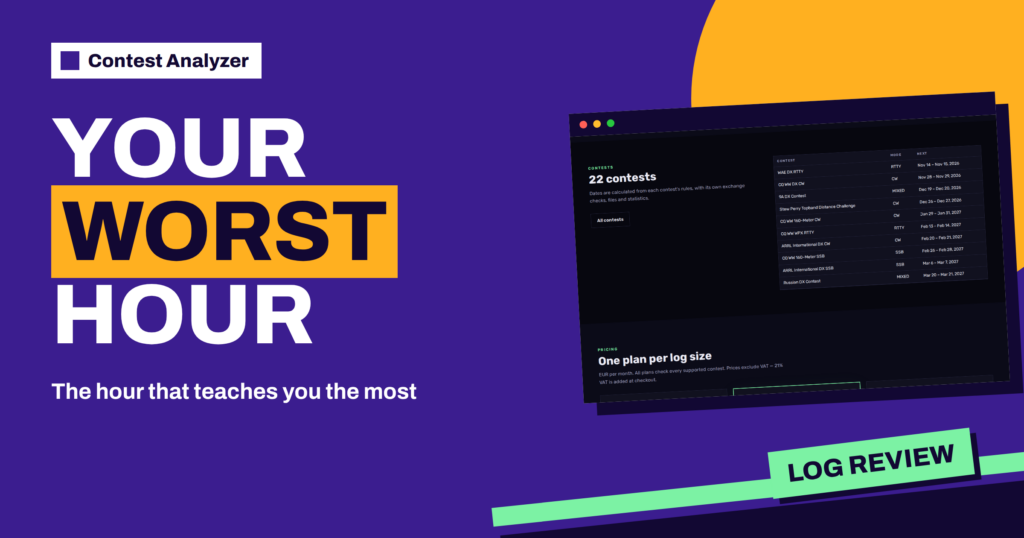
The contests page of Contest Analyzer is a calendar of the 22 supported contests. Each row shows the contest name, the mode, the start and end in UTC and the log deadline. The page says that the dates are calculated from each contest’s rules. For the 9A DX Contest the row shows mode mixed, start 19 December 2026 at 14:00 UTC, end 20 December at 13:59 UTC and a log deadline of 8 days.
Three details are worth noticing. First, the contest begins in the afternoon UTC, so most European operators start in the late afternoon and have the whole evening and night. Second, it runs for 24 hours, which is shorter than the big CQ weekends. Third, the deadline is listed as a number of days, and it is wise to confirm the exact moment and the submission method in the official rules before you rely on it. Our general guide to the 9A DX Contest covers the contest itself.
Mixed mode and your log
A mixed-mode contest means that more than one mode is used in the same event. For the log this has a practical consequence: every QSO line carries a mode, and a mistake in that field can create problems that do not exist in a single-mode contest. If your logger changes the mode automatically when you change the frequency, check the setting before the start. If you change it by hand, make a habit of confirming it when you switch.
The article about mode field errors in mixed contests goes through the usual causes. Read it once before you plan the contest, and take a few minutes after the contest to look at the exported file, at the lines where you changed mode. If the mode in the file does not match what you operated, fix it in the logger rather than in the exported text where possible.
Before the contest: the account side
The Contest Analyzer FAQ says that a log can be checked only for a callsign in your account that is verified, so accounts are not shared. Verification is a step you should do early, not on the evening of the contest. If you plan to operate from a club call or a special call, add and verify that callsign too. The article about the verified callsign explains why the rule exists.
Check also that your logger can export a Cabrillo 3.0 file. The FAQ lists N1MM Logger+, DXLog and Win-Test, and says that other loggers work if they write Cabrillo 3.0. Different spacing, an extra TX column and ISO-8859 files are handled. Do a trial export from a test log in the days before the contest, so you know where the file is saved and what its name will be.
A timeline for the 8 days
The listed deadline is counted in days, so a simple timeline works well. If the deadline is counted from the end of the contest, the page’s figure of 8 days points to the end of the following week, but confirm it in the rules. Build your plan backwards from that moment, and leave a margin for the unexpected.
- Contest end, Sunday 20 December, after 13:59 UTC. Stop the logger cleanly, make a backup copy of the log and export the Cabrillo file. Read the header once.
- The same day or the next. Choose the contest and the year in Contest Analyzer and upload the file. The check runs in the background, and progress is shown live in My logs.
- Within two or three days. Open the report. Read the short list from the top, and compare the suggestions with what you remember and with your notes.
- Within the first half of the deadline. Correct the lines in the table, download the corrected Cabrillo file and check the header and the first and last lines.
- With a safety margin. Submit according to the current official rules, keep a copy and record the confirmation.
Reading the report
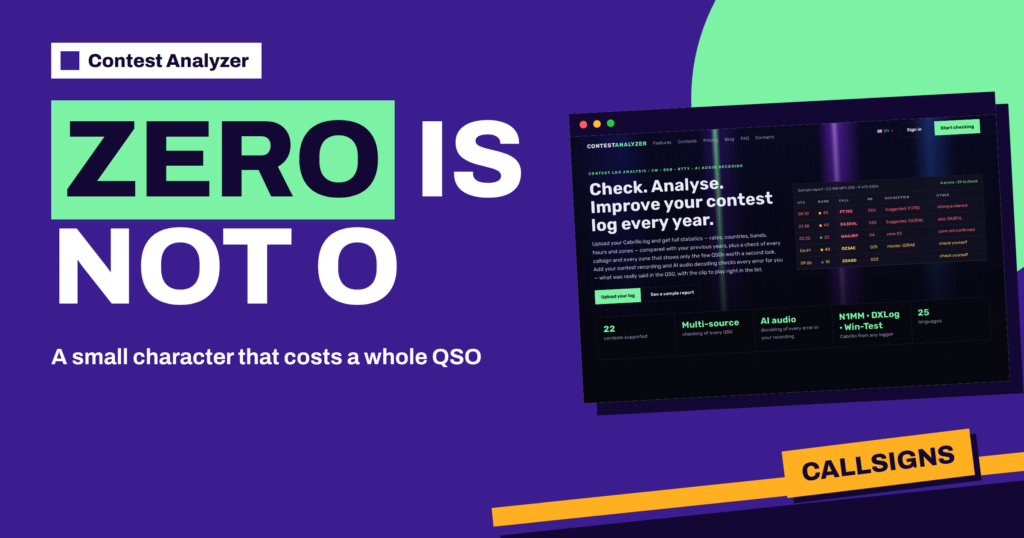
The report shows only the QSOs worth a second look, graded by how strong the evidence is. The home page sample shows labels such as strong evidence, maybe and check yourself. In a 24-hour contest the list is usually short and quick to review. For each flagged line you decide whether your log was right or the suggestion is. The article about suggestion levels shows how to read the labels, and the report also lists statistics: rates, bands, hours, countries, zones and the comparison with your previous years.
Remember what is not checked. The FAQ says that every callsign and every fixed exchange such as CQ or ITU zones is checked, while changing serial numbers are not. If the exchange of the contest includes a number that changes from QSO to QSO, the check does not look at it, so read those fields yourself in the final look at the file. Dupes are listed separately and are not counted as errors.
Using the statistics for the next year
A contest that comes once a year is perfect for comparison. The report compares your log with your previous years, so the 9A DX Contest this December becomes the baseline for the next one. Look at the hour-by-hour table and the band breakdown, and write two or three notes on what to change: where the rate fell, which band was empty at the wrong time, which hours you missed. The article on year-on-year comparison of the same contest shows what to compare.
If you operate with friends or in a club, the service lets team and club members add their logs to the same contest. That makes a joint review possible, as the article about club and team logs describes.
On the day: habits for a 24-hour contest
A 24-hour contest is short enough that every hour counts, and that is a good reason to keep the log tidy as you go. Start the logger a little before 14:00 UTC, check the clock, confirm the contest profile and the exchange you send, and make a test entry that you delete or mark as a test. Write down your category and any special conditions in your notes, so that the Cabrillo header can be checked against them later. A short note takes ten seconds, and it prevents a header that does not match your real entry.
During the contest, look at the last few lines now and then, especially after you change band or mode. After the contest, resist the urge to edit the log in the logger before you have saved a backup. Keep the original, make the corrections in the report where you can listen or look at the evidence, and download the corrected file as the version to submit. The original stays as a record of what the logger wrote.
If something goes wrong with the file
Sometimes the upload does not behave as you expect: the contest is not recognised, the number of QSOs looks wrong or the header has a field you did not intend. Do not panic and do not submit anything yet. Open the Cabrillo file in a text editor and read the header lines, the first QSO line and the last. Compare them with the contest you chose and the dates on the contests page. A wrong CONTEST line, a missing callsign or a date from the wrong year are usual causes, and each can be fixed in the logger and exported again.
If you are stuck, write to the address shown on the FAQ page or use the contacts page, and include the contest name and the callsign. With eight days to the deadline, there is time to ask and to try again, which is another good reason to start the check early.
Common mistakes to avoid
- Waiting until the last day, when a small problem in the file can no longer be fixed in time.
- Exporting the file before the contest is really over, or from a backup that is not the latest.
- Forgetting that the deadline in the page is a guide, and the official rules give the exact time and the method.
- Submitting the original file after correcting the report, because you downloaded nothing.
- Ignoring the mode field in a mixed-mode log.
Related reading
The bottom line
The contests page gives you the dates and the deadline, and a few simple steps give you a calm submission: verify the callsign, test the export, upload early, review the short list and download the corrected file. Use the contests page for the current dates and the FAQ for the details of what is checked.
FAQ
When is the 9A DX Contest this year, according to the contests page?
The page lists 19 December 2026, 14:00 UTC, to 20 December, 13:59 UTC. Confirm in the official rules.
What is the log deadline?
The page shows 8 days. Check the organiser’s current rules for the exact moment and the submission method.
Which mode is the contest?
The page lists it as mixed. Read the official rules for what that means for your category.
Can I upload the log before the deadline and review it later?
Yes. The check runs in the background, and the report is available as soon as it is ready.
Are serial numbers checked?
No. The FAQ says that changing serial numbers are not checked, while callsigns and fixed exchanges such as zones are.