Short answer: The Contest Analyzer contests page lists WAE DX RTTY from 14 November 2026, 00:00 UTC, to 15 November, 23:59 UTC, with a log deadline of 7 days. Plan the check in four steps: export the Cabrillo file as soon as you finish, upload it and choose the contest, work through the short list of QSOs worth a second look, and submit the corrected file well before the deadline. Check the current official rules for every detail of the contest itself.
What the contests page tells you
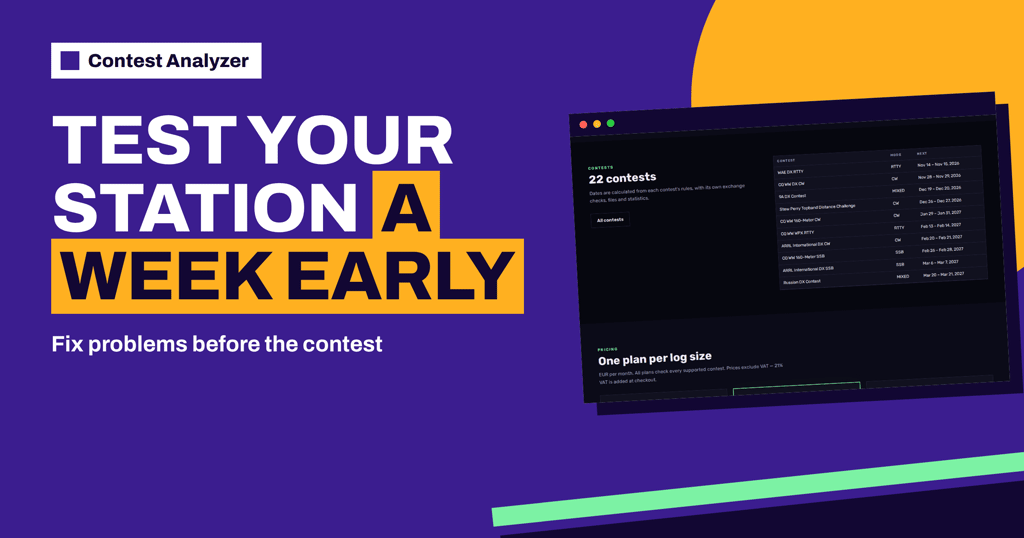
The contests page is a calendar of the 22 contests that Contest Analyzer supports. For each one it shows the mode, the start and end in UTC and the log deadline, and there is an “Upload log” link on each row. The page says that the dates are calculated from each contest’s rules, so you do not need to keep a separate table of dates. For WAE DX RTTY the row reads RTTY, start 14 November 2026 at 00:00, end 15 November at 23:59 and a log deadline of 7 days.
Those are the facts you can use for planning. The deadline in days is counted from the end of the contest, so seven days after the end falls around 22 November. Because a rule can change from year to year, confirm the exact date and time on the organiser’s official page, and use the calendar as a reminder and a first orientation. The general article on log submission deadlines explains why deadlines differ and why a margin is wise.
Step one: finish the contest cleanly
The check begins before the last QSO. During the last hour, keep the log tidy: no half-typed callsigns, no entries with wrong bands or modes, no unsaved changes. When the contest ends, stop the clock-sensitive work, save the log, and make a backup copy. Then export the Cabrillo file from your logger. Contest Analyzer works with Cabrillo from N1MM Logger+, DXLog and Win-Test. If you use another program, the FAQ says that any Cabrillo 3.0 file works, and that different spacing, an extra TX column and ISO-8859 files are handled.
Open the file once in a text editor, just to see the header and the first few QSO lines. Does the callsign look right? Is the contest name the one you entered? Are the first and last QSO times inside the period? The Cabrillo header guide describes every header field if you need it. A two-minute look now saves you from uploading the wrong file later.
Step two: upload and choose the contest
Sign in, choose the contest and the year, and upload the Cabrillo file. The three steps on the home page are: choose the contest, let the checking run in the background, then review, fix and download. For WAE DX RTTY you choose it from the list of contests; the contest has its own period, bands and exchange built in, so the right rules are used for the check. Fixed values such as zones are checked, and serial numbers are not.
The check runs in the background. Progress is shown live in My logs, and the report appears as soon as it is ready, so you do not need to wait at the screen. If you operated as part of a team or a club, team and club members can add their logs to the same contest.
Step three: read the short list
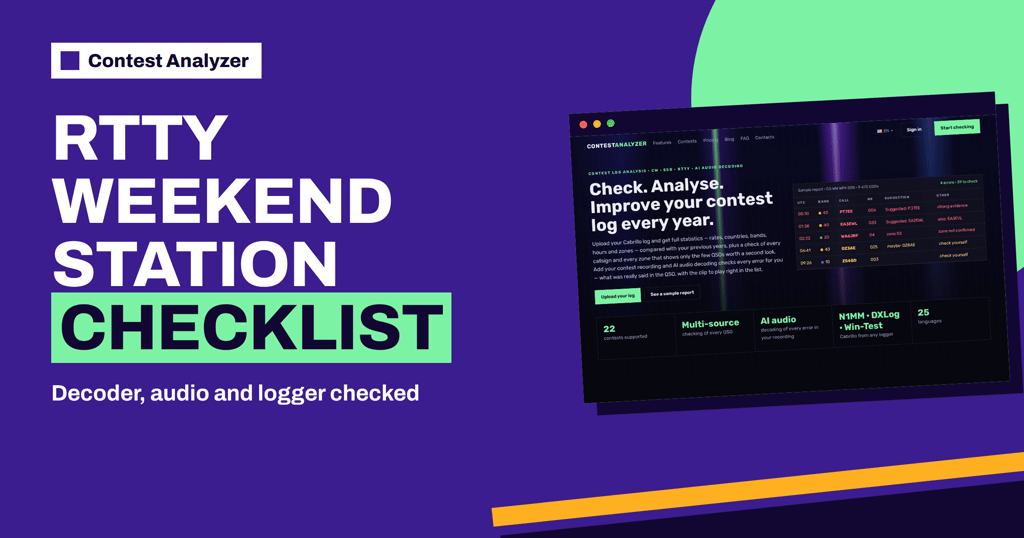
When the report opens, begin with the header numbers, as in the sample report with its errors and the QSOs to check. Then work through the table from the strongest suggestions to the weakest. Each row shows the time, band, call and number, with a suggestion where there is one. You can edit calls, zones, time and frequency in the report, mark QSOs as checked in your own audio recording and duplicate a QSO line if needed. See checking your log for likely errors before submitting for the general method.
RTTY logs have their own typical mistakes. A letter lost in decoding, a character shifted because the receiver lost the letters and figures shift, a callsign cut at the end: such errors often appear in the suffix. The article on RTTY decoding errors and how they end up in logs describes the patterns. When you see a suggestion that looks like one of them, you will recognise it faster.
What else the report marks
The report marks QSOs outside the contest period and outside the band limits for your ITU region, and split QSOs are shown as a note. Dupes are listed separately and are not counted as errors. Together with the statistics, such marks help you to see problems that are not callsign errors: a clock that was wrong for a few hours, a band that was logged wrongly after a change, a QSO that was started before the start. A look at the hourly view of the report also shows whether there were long gaps that you did not plan.
If you are interested in what the contest looked like for your station, the report gives full statistics: rates, QSOs by hour and band, countries, continents, CQ and ITU zones, WPX prefixes, distance, beam heading, breaks and off time, and callsign length and structure. Pick two or three numbers to remember, as described in the article on a post-contest review routine.
Step four: download and submit with a margin
When you are satisfied, download the corrected Cabrillo file and read the header once more. Then submit it as the contest organiser requires, following the instructions of the current rules. Do not wait for the last evening: servers can be slow, rules can ask for extra information, and a rejected log needs time to fix. A good habit is to set a private deadline, for example three days after the end of the contest, and to treat the official deadline as a safety net.
Keep a record of the submission: the time, the file name and any confirmation that the organiser sends. Keep the original and the corrected file in the same folder, named by contest and year. The article on submitting a Cabrillo log goes through the usual submission routes in general terms.
Mistakes to avoid after the contest
Three small mistakes cause most of the trouble in the days after a contest. The first is uploading the wrong file: an old test export, or the file of another contest with a similar name. Name your files by contest and year and delete the test exports. The second is choosing the wrong contest in the list. WAE DX has an RTTY weekend, a CW weekend and an SSB weekend, and the contests page lists them separately, each with its own dates, so make sure that the mode matches your log. The third is forgetting the time difference: the contest times on the page are in UTC, and your local clock may be one or more hours away from it.
There is also a mistake of attitude: treating the report as a verdict and not as a tool. Nobody expects a perfect log after a weekend of RTTY. If the report shows a handful of probable errors and a few dozen QSOs worth a second look, that is a normal result, and fixing the clear ones is enough. Do not spend three evenings on rows that cannot be resolved. When you have done what you can support with evidence, download the corrected file and submit.
A sample timeline for the week
- Sunday evening, 15 November: the contest ends. Save, back up, export the Cabrillo file.
- Monday: upload the file and choose WAE DX RTTY. Let the check run.
- Tuesday and Wednesday: review the short list, listen to your recording where you have one, edit the entries you can support.
- Thursday: download the corrected Cabrillo, check the header and submit.
- Weekend: a spare margin before the deadline shown on the contests page.
This timeline is only a suggestion. Adjust it to your week, but keep the order: export, upload, review, correct, submit.
Plans and limits
Before you upload, look at the pricing page to see which plan fits the size of your log. The plans differ in how many QSOs a log can have and in audio recording features, and every plan checks all 22 supported contests. The page also explains what counts as a QSO: every QSO line in your Cabrillo log, including dupes. Choose the plan before the contest weekend if you can, so that nothing delays you on the day.
Related reading
- WAE DX Contest and QTC Traffic Explained
- Check Your Contest Log Before You Submit: A Checklist
- A Corrected Cabrillo File Before You Submit
The bottom line
The contests page gives you the dates and the deadline in one place. Use it to plan a simple sequence: export, upload, review the short list, correct and submit with a margin. For the rules of WAE DX RTTY itself, always read the current official text.
FAQ
When does WAE DX RTTY take place this year?
The contests page lists 14 November 2026, 00:00 UTC, to 15 November, 23:59 UTC. Confirm in the official rules.
What is the log deadline?
The page shows 7 days. Check the organiser’s current rules for the exact date and time.
Do I have to wait until the deadline to upload?
No. Upload as soon as you have the Cabrillo file. Checking runs in the background and progress is shown live in My logs.
Which loggers can I use?
Any Cabrillo 3.0 file works, including N1MM Logger+, DXLog and Win-Test.
Are serial numbers checked?
No. Fixed values such as zones are checked, but changing serial numbers are not.