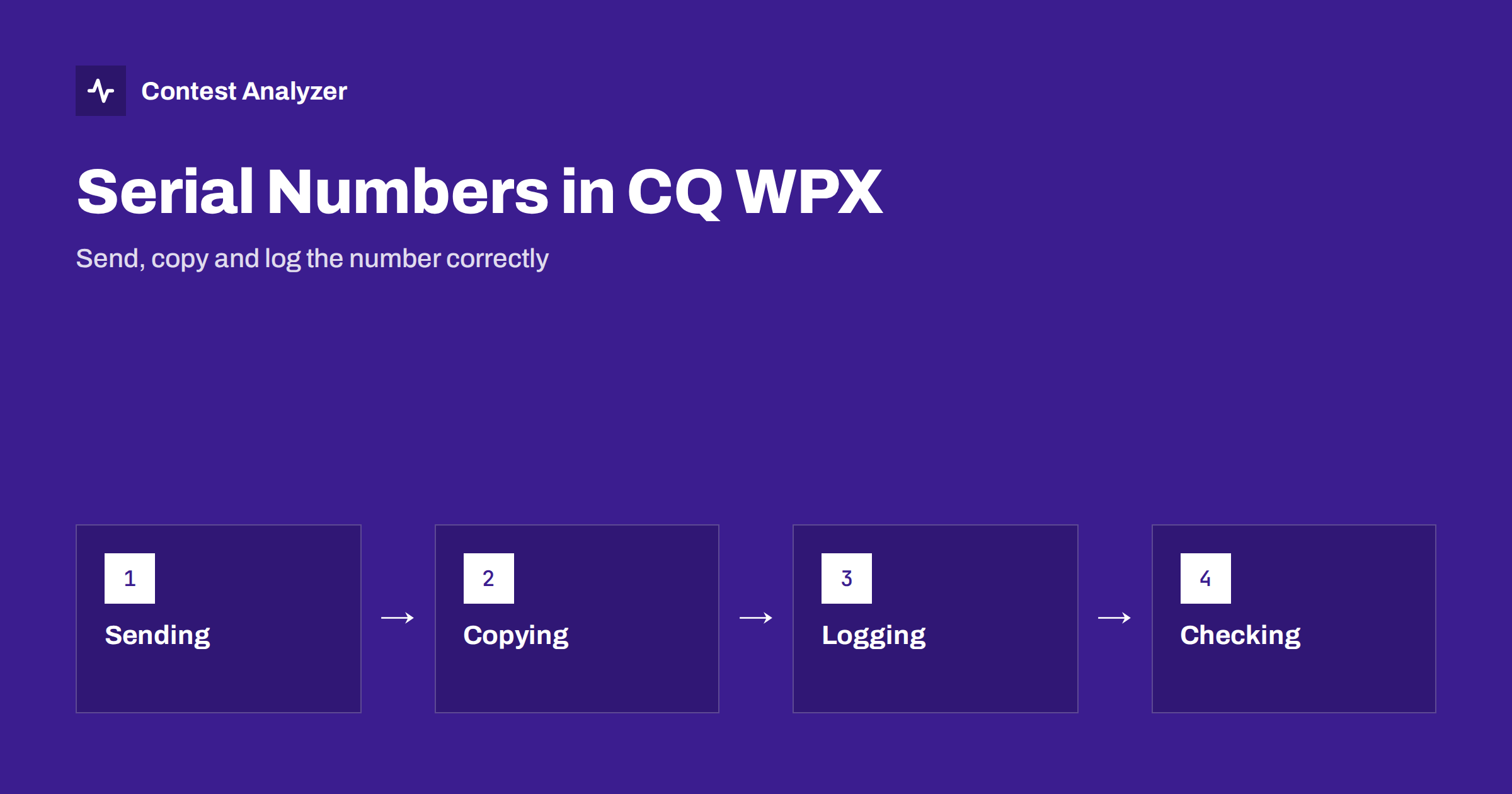
Short answer: In CQ WPX the exchange is a signal report plus a serial number, which starts at 001 and goes up by one with each QSO. Your logger normally sends the number for you, so your job is to copy and log the number you receive accurately. Gaps, repeated numbers and typos in the exchange column are the usual problems. Note that Contest Analyzer checks callsigns, not serial numbers, so the number you log is your responsibility. Check the current rules for the exact serial number requirements of your category.
How the serial number exchange works
CQ WPX is held twice a year, with SSB in spring and CW a couple of months later, and in both parts stations send a report and a serial number. The first contact is number 001, the next is 002, and so on. Your number is the count of QSOs you have made, including the one you are making now, and it goes up by one for each completed QSO. The other station does the same with its own count.
The idea is simple, and that is the strength of the exchange: it is easy to learn, easy to copy, and it requires no knowledge of the other station’s location. The multipliers in WPX are prefixes, not zones or states, which is why the number replaces the zone. We explain the prefix side in our article on WPX prefixes.
The exact rules for numbering, for example how multi-operator stations in different categories handle their numbers, are in the official rules at cqwpx.com. Read them before you enter a category you have not used before.
Sending your number clearly
Most loggers insert the number automatically in the exchange message and increase it after each logged QSO. This works well, provided that you remember the logger’s logic: the number sent in a QSO is the one the logger had when you pressed the key, and it increases only when the QSO is logged. If you send the exchange, the other station asks for a repeat and you send it again, the number should be the same, not the next one.
- Send at a speed the other operator can copy. A fast, correct number is better than a very fast number that must be repeated.
- Do not change the number during a QSO. If the logger advances before the QSO is complete, the repeated number will be wrong.
- Use your repeat key for “number again”. Do not retype the exchange by hand; typing is slower and gives more room for error.
- Say or send leading zeros consistently. The number 7 may be sent as 007 or as 7. Both are understood, but a consistent style helps copying.
In CW, many operators send the number with cut numbers, for example T for zero and N for nine. In SSB, speak the digits clearly and avoid ambiguous words.
Copying the number you receive
The number you receive is a short sequence of digits that you cannot predict, unlike a zone or a state where the logger can offer a likely value. This makes copying more important. A sequence of digits does not form a word or a pattern that your brain can fill in, and errors are common when the band is noisy or the other operator sends fast.
A few habits help:
- Copy before you answer. Do not start sending your own exchange until you have the digits.
- Ask for a repeat of the number only. A short “NR?” in CW or “number again” in SSB is understood quickly.
- Use the logical sequence. A station that has just made 600 QSOs will not send number 12. When the digits you copied do not fit the stage of the contest, ask again.
- Check the digits before you press Enter. Look at the entry field. A typing slip is as damaging as a copying error.
Common mistakes in the exchange column
The serial number is logged in the exchange part of the QSO line, one number sent and one received. Typical problems are these:
- Typing errors. A digit entered twice or in the wrong order.
- Numbers copied from an earlier QSO. The previous contact’s number remains in the entry field and is not overwritten.
- Misreading cut numbers. A letter decoded as a different digit.
- Numbering after a restart. If the logger is closed and reopened, or the contest is set up again, check that the next number continues from the last one and does not start again at 001.
- Deleted QSOs and gaps. If you delete a QSO, check that the numbering of the following QSOs is still the one you actually sent. The numbers you sent on the air are what counts, not a renumbering done afterwards.
Our article on the Cabrillo header deals with the top of the file; the QSO lines themselves are the other half of a correct log, and the exchange columns are where serial number mistakes appear.
Gaps, duplicates and what the log shows
When you read a log, it is easy to see how the numbers you sent progress: they should increase by one with each line, in time order. A gap suggests that a QSO was removed or never logged, and a repeated number may mean two QSOs share a number, or that the logger restarted. These are not always errors: a QSO that you started but did not complete may use a number that you then use again for the next one. But a log with several unexplained gaps is worth looking at before you send it.
Because the numbers you received are the other stations’ counts, you cannot verify them yourself. The best protection is careful copying at the moment of the QSO. A contest committee may compare the exchange that you logged with the exchange the other station says it sent, in the course of its own checking, and a mismatch can cost a QSO. We do not describe committee methods in detail here because they differ between contests; read the rules and any published checking reports for your contest.
Multi-operator and multi-transmitter stations
When more than one transmitter or more than one operator is used, the numbering needs a rule. Depending on the category, the station may use a single sequence shared by all transmitters, or separate sequences. Our article on multi-operator categories discusses the categories in general, and the WPX rules define what is required for the numbers. If you run a networked setup, make sure the loggers are configured to hand out the numbers as the rules require, and that the PC clocks are right.
Setting up the logger before the start
Most serial number problems can be prevented in the hour before the contest. Select the CQ WPX contest in the logger, and make sure the mode matches the part you are entering, CW or SSB. Check where the logger shows the next number to be sent, and test it with a dummy QSO. Then delete the test QSO the way the logger’s manual describes and confirm that the numbering starts at 001 for the real contest.
Next, look at what the logger does when you correct a QSO. Some programs keep the number you sent in the corrected line, and some let you edit it. Know which one yours is. It is also worth knowing how to set the next number by hand, because after a crash or a computer swap you may need to continue from a number such as 347. Keep a paper note of the last number every hour or so; it is a cheap backup when software fails.
Finally, set your clock to UTC and check the time source. Times matter for the log in general, and our article on UTC clock errors shows what can go wrong.
SSB and CW: small differences in practice
The rules of the exchange are the same in both parts, but the habits differ. In CW, numbers are short and fast, and cut numbers are common. The risk is that a cut number is decoded as a wrong digit, or that the operator hears the first digits and guesses the rest. In SSB, the numbers are spoken, and the risk is that similar-sounding digits, or a noisy channel, change the number. In both cases the remedy is the same: ask for a repeat of the number when you are unsure, and make your own number clear and steady.
In both modes the report is nearly always the same standard value, so the real content of the exchange is the number. That makes the number worth your full attention at the moment it is sent.
What Contest Analyzer does and does not check
Contest Analyzer checks every callsign and every zone against official license databases and several independent reference sources and shows only the few QSOs worth a second look. It does not check serial numbers, so the numbers in the exchange columns are not verified by the report. It does give you full statistics (rates, QSOs by hour and band, countries, continents, WPX prefixes, distance, beam heading, breaks and off time, callsign length and structure) and a year-on-year comparison with your own logs. You can edit calls in the report and download a corrected Cabrillo. Dupes are not treated as errors. The contests page lists the supported contests.
Related reading
- WPX prefixes explained
- Multi-operator categories and band changes
- Busted callsigns in contest logs
- How to check a contest log before you submit it
The bottom line
Serial numbers are the simplest exchange in contesting and one of the easiest to log wrongly. Send the number clearly, copy the number you receive before you answer, and read the exchange column once before you submit. The callsign check of a tool does not replace that, because the numbers are yours to get right.
FAQ
What is the exchange in CQ WPX?
A signal report and a serial number that starts at 001 and increases by one with each QSO. Check the current rules for your category.
Does Contest Analyzer check serial numbers?
No. It checks callsigns and zones. Serial numbers in the exchange are not verified.
What if I miss the number the other station sent?
Ask for it again before you log the QSO. A short request for the number only is understood quickly.
Can I renumber my QSOs after the contest?
The numbers you logged should be the numbers you sent on the air. If the log is changed afterwards, it will no longer match what the other stations received.
Where are the official rules?
On the official CQ WPX site, which publishes the rules for each year. Always use the current version.