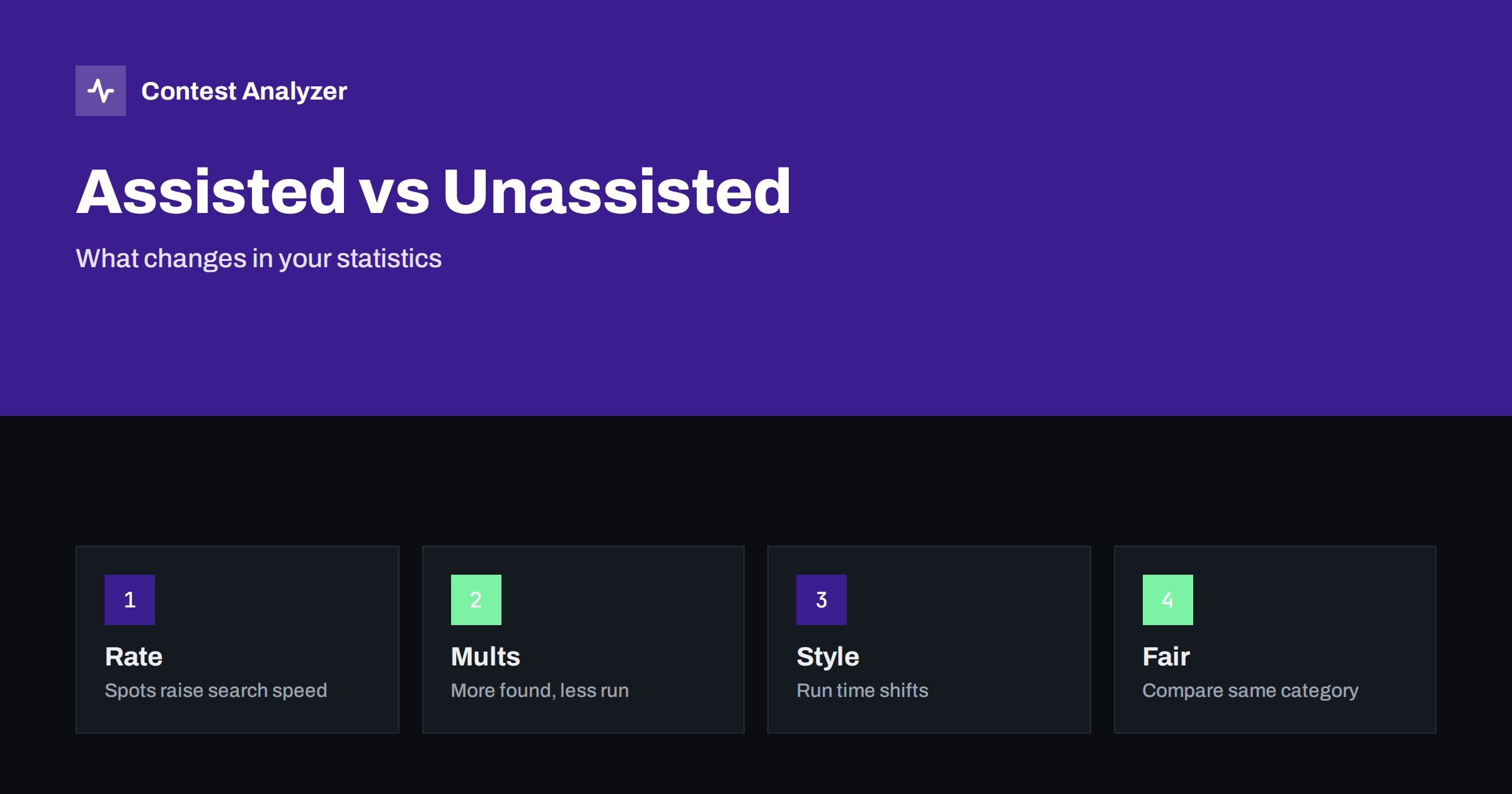
Short answer: Operating assisted, with spots from a network, usually changes your statistics in a recognisable way: faster search and pounce, more multipliers found, and a different split between running and searching. Operating unassisted shows more of your own listening and tuning. The numbers can be compared fairly only inside the same category, and the exact meaning of each category is set by the current rules of the contest.
Two ways to operate
Many contests have separate categories for single operators who use spotting help and those who do not. In general terms, the assisted category allows the use of information about other stations from outside sources, and the unassisted category does not. The names, the definitions and the exceptions are set by each contest, and you must read them in the current rules. The article on assisted versus unassisted categories describes the general principle and the choice.
The difference shows up in the log in a way that you can measure, even if you do not know the category of someone else. An experienced contester can often guess from a log whether it was operated with help or without it. This article looks at those patterns and explains what they mean for you when you compare your own results from different years or from different ways of operating.
Search and pounce speed
The biggest change is in the search and pounce phase. With help, an operator can go from one station to the next in seconds, because the next candidate is already known. Without help, the operator tunes across the band, listens and decides, which takes longer. In the statistics, assisted operation shows a higher rate during search and pounce periods, and unassisted operation shows a lower one. The effect is larger on bands with many stations and smaller on bands with few.
If you operate in both ways in different years, you can compare the search rates. The article on run versus search and pounce explains how to measure each phase in your log. A change in the search rate that matches a change in the category is no surprise, and it should not be read as an improvement of skill.
Multipliers and rare stations
With help, multipliers are easier to find. A rare station that has been spotted can be worked within a minute, and many operators use this to fill gaps in their multiplier lists. Without help, you find rare stations only if you hear them, which depends on your listening and your luck. In the statistics, the assisted log shows more multipliers per hour in the middle and late parts of the contest, and the number of multipliers worked on each band is often higher.
That does not mean that the unassisted station is worse. It shows a different kind of skill: the ability to find signals on the band by listening. The article on multipliers per hour and the one on planning for rare multipliers show how to look at multiplier growth in either case.
Running and the balance of time
Assistance changes the balance between running and searching. An assisted operator can leave the run frequency, work a few multipliers and return quickly, because the multipliers are known. An unassisted operator may prefer to stay on the run frequency longer, because each search takes time and costs rate. In the statistics, this appears as a different share of QSOs made by running and by searching, and as a different pattern of rate over the hour. Look at your rate by ten-minute period and at the sequence of QSOs: long series of calls to the same frequency suggest running, and short series with different frequencies suggest searching.
The article on the rate meter during the contest and hour-by-hour contest analysis explain how to read the rate curve. If you change from one category to the other, expect your curve to change shape, and do not judge the new curve by the standards of the old.
Band changes
With spots, an operator can see which bands are open and where the multipliers are, and can change bands at the right time. Without them, the operator has to test each band by listening. In the statistics, assisted entries often show more band changes and shorter stays, while unassisted ones show longer stays and slower changes. The article on rate versus band changes gives the cost of a band change in rate, and it is worth reading before you draw conclusions.
Look at the band distribution as well. The article on band ratio in contest statistics shows how to compare the share of QSOs on each band between two logs. If your share on the low bands changed together with your category, it may be because spots made the weaker bands more useful, or because you spent less time listening for weak signals.
Fair comparison
To compare two years fairly, compare the same category. If you changed category, compare the parts of the contest that do not depend on assistance: the rate during runs, the number of QSOs on the strongest band, the error rate. Do not compare the total number of multipliers or the search rate, as these are the most influenced. Also compare yourself with your own earlier results, and not with the results of others who may have different equipment, power and location.
The year-on-year comparison in Contest Analyzer works with your own logs, so you see the changes in the numbers that you can explain. It gives full statistics: rates, QSOs by hour and band, countries, continents, CQ and ITU zones, WPX prefixes, distance, beam heading, breaks and off time, and callsign length and structure. The article on year-on-year comparison of the same contest helps to avoid the usual traps.
Errors and accuracy
Assistance can also affect the error rate. When you work a spotted station, you may rely on the spot for the callsign instead of listening carefully, and a wrong spot can lead to a busted call. Without spots, you copy every call from the air, which is slower but often more accurate. After the contest, look at the QSOs that needed correction: were they mostly search and pounce QSOs? Did they come from stations that you found through spots? This is a useful check of your own habits, and it applies whatever the category.
Contest Analyzer checks every callsign and every zone against official license databases and several independent reference sources and shows only the few QSOs worth a second look. You can edit calls, zones, time and frequency in the report, mark QSOs checked in your own audio recording and download a corrected Cabrillo. It works with Cabrillo from N1MM Logger+, DXLog and Win-Test. See the contests page for the supported contests.
Choosing a category from the numbers
If you are not sure which category suits you, look at your numbers from past contests and from a contest in which you tried both. Which style gave you more fun, and which gave you a better result in your group? The article on choosing your contest category from your own statistics describes the method. The decision is yours, and it should follow the rules and your own preference, not the numbers alone.
What to record in your notes
To make the comparison between categories useful in future years, record a few facts with each log: the category you entered, whether you used spots, how many hours you operated, the bands you used and the conditions as you remember them. A short note of this kind takes a minute to write and turns a pile of numbers into a story. When you open the statistics next year, you will know why the multiplier curve looked different, or why the rate on a band was lower than expected.
It is also useful to note how you felt. An operator who was tired after a long night of search and pounce may find that the next day’s rate is lower, and the numbers show it. An operator who enjoyed the hunt for multipliers may prefer the assisted style even if the result is not better. The numbers describe what happened, and your notes explain why, and together they help you to choose the way of operating that suits you and your station.
Whatever you choose, follow the rules of the category you entered from the first minute to the last, and make sure that the category line in the Cabrillo header matches. A clean entry in the right category is worth more than a better number in the wrong one.
If the rules and your plans allow it, try the other style in a smaller contest, where the result matters less. Operate for a few hours the way you do not usually operate, and compare the statistics with your normal style: rate by hour, share of search and pounce, new multipliers per hour and number of corrections afterwards. A short experiment like this teaches you more about your own habits than a year of thinking, and it costs only a weekend afternoon.
Related reading
- DX cluster etiquette in contests
- Contest rates and QSOs per hour
- Comparing contest results across years
The bottom line
Assistance changes search speed, multiplier growth and the balance of running and searching. Compare your numbers only within the same category, and read the current rules for the definitions.
FAQ
Does assisted operation always give a higher score?
Not always. It changes the way you gain points, and the result depends on many other factors.
Can I compare an assisted log with an unassisted one?
Only in the parts that do not depend on assistance, such as run rate and error rate.
Where are the definitions of the categories?
In the current official rules of each contest.
Do spots increase errors?
They can, if you trust a spot instead of listening. Check the callsigns afterwards.
Will my own statistics show the difference?
Yes, in the rate by hour, the multiplier growth and the share of search and pounce QSOs.