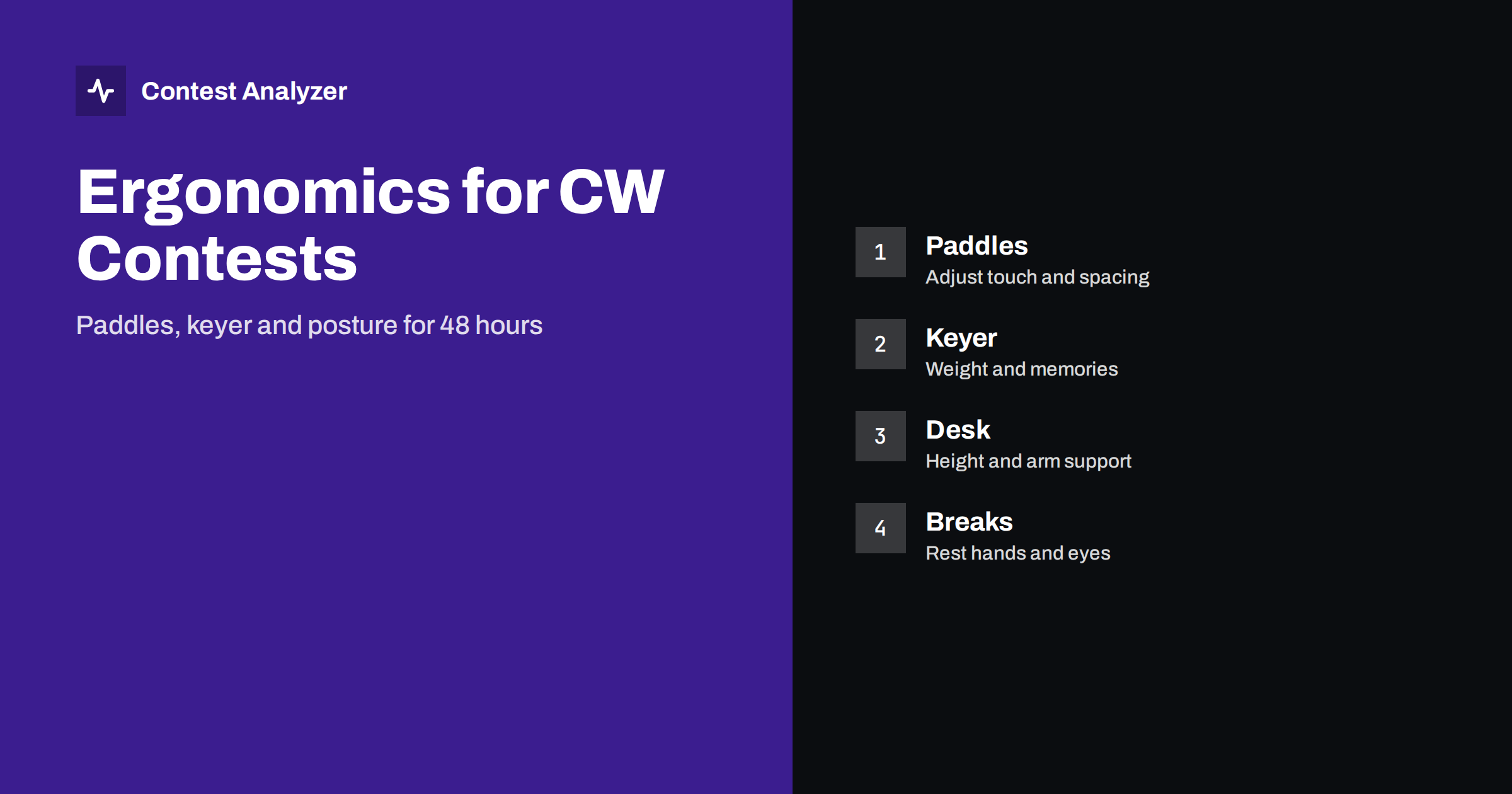
Short answer: A long CW contest is a physical event as much as a technical one. Adjust the paddles to a light and even touch, set the keyer weight and spacing to a clean rhythm, arrange the desk and the chair so that your arm and shoulder are relaxed and plan short breaks for hands and eyes. A comfortable position keeps your sending clean and your copying accurate in the late hours.
Why ergonomics belongs in a contest article
In a short contest, an uncomfortable position is an annoyance. In a 48-hour contest it becomes a limit. Pain in the wrist or shoulder lowers your speed, pulls your attention away from copying and makes mistakes more likely. Operators who finish a long contest in good shape are usually not stronger than others; they have simply made the small adjustments that allow them to sit and key for hours without fatigue.
The same fatigue shows up in the log. The article on operator fatigue in 48-hour contests describes the effect of tiredness on rate and accuracy, and the article on headphones, filters and listening fatigue covers the listening side. Here we look at the hands, the keying equipment and the working position.
Choosing and setting the paddles
Paddles come in many designs, and the best ones are those that feel natural to you. A few settings matter for almost all of them. The spacing between the contacts should be small enough that your fingers move only a little, but large enough to avoid false contacts. The tension of the springs should give a light touch that does not tire the thumb and finger, and the same on both sides. A base that is heavy or fixed to the desk prevents the paddles from moving during sending, which is a frequent cause of wrong characters at a high speed.
Check the contacts before the contest. Dirty or oxidised contacts produce irregular dits and dahs, and a loose cable can cut the signal for a moment. Clean the contacts and test them at the speed you plan to use. If you use a straight key or a bug for some part of the work, have it ready, and know how to switch to it at once if the paddles fail.
Keyer settings that keep the rhythm clean
Most electronic keyers allow you to set the speed, the weight and sometimes the spacing between characters. A weight that is a little heavier can make characters easier to read under noise, but too heavy a weight blurs them. Test your sending with a second receiver or a recording, and listen to it as if you were a caller. Ask a friend for an opinion. Clean, regular characters with clear spaces are more important than a few extra words per minute, as discussed in the choice of speed in a contest.
Take care with the keyer mode and the memory features. If you use a keyer with insertion or with a memory that you can start with a key, test each function and know how to stop a message at once. Many mistakes in a contest come from a message that cannot be stopped or from a key that starts the wrong message. The planning of messages is a part of the set-up that is covered in the article on your first CW contest.
Desk, chair and arm support
The position of the arm decides how long you can key without discomfort. The forearm should rest on the desk or on a support, with the wrist in a neutral line and not bent upwards. A desk that is too high forces the shoulder up; a desk that is too low makes you lean forward. A chair with adjustable height and with good support for the lower back is a large part of the answer. Place the keyboard and the mouse so that you can reach them without stretching, because in a contest you use them as much as the paddles.
Put the paddles in the position where your hand falls naturally and not at the edge of the desk. A small pad under the paddles prevents sliding. If you use a second computer or a second radio, arrange the monitors and the controls so that you do not twist your neck again and again. A short walk around the station before the contest, with a sitting test of a few hours, often reveals problems that a quick check does not.
Hands, wrists and breaks
Plan short breaks for the hands. Every hour or two, stretch the fingers and the wrist, move the shoulders and look away from the screen. These breaks need not reduce the rate if you place them at moments when the band is slow or between runs. Some operators also keep a small cushion or a gel pad for the wrist. If you feel pain, do not ignore it: change the position, reduce the speed or take a longer break, because a strain that grows in the first night will be worse on the second.
The rules about breaks and off time are in the contest rules of your category. For example, in CQ WW the single-operator off time counts only for breaks of at least 60 minutes, so short breaks of a few minutes do not change the off-time total. Check the current official rules and read the article on off time and breaks for the general idea.
The operator’s body: food, drink and sleep
Ergonomics also includes what you put into the body. Heavy meals make you sleepy, and very sweet snacks give a short boost followed by a drop. Many contesters prefer small portions of simple food at regular times, and plenty of water. Caffeine can help in moderation, but too much late in the night can make rest impossible when you finally go to bed. Decide your food plan before the contest, prepare it and keep it near the station.
Sleep is the most important of all. A plan with one or two proper rest periods, according to the rules of your category, usually gives a better result than trying to stay awake the whole time. An operator who sleeps for a few hours returns with a clear head, copies more accurately and works faster. Test your plan in the days before the contest, and decide in advance the hours of rest, so that the decision does not have to be made at the moment of greatest tiredness.
Light, temperature and the room
Small details of the room also affect accuracy. A screen that is too bright in a dark room tires the eyes, and a screen that is too dim makes you lean forward. Use a lamp that lights the keyboard but does not shine into the screen. Keep the room a little cooler than you would normally choose, because a warm room increases sleepiness at night. Keep water and light food within reach so that you do not have to leave the position.
Think about noise in the room, too. A fan, a heater or a computer with a loud cooling system adds to the noise in your headphones and makes weak signals harder to copy. Fixing it before the contest is much easier than fixing it at three in the morning.
Reading the effect in your statistics
You can see whether ergonomics helped by looking at the rate and the error count in the late hours. If you compare two years in which you changed the position or the equipment, the late-hour numbers show the difference. Contest Analyzer gives rates, QSOs by hour and band, breaks and off time and year-on-year comparison with your own logs. It checks every callsign and every zone against official license databases and several independent reference sources and shows only the few QSOs worth a second look, so you can compare the number of flagged QSOs by hour. It works with Cabrillo from N1MM Logger+, DXLog and Win-Test. The article on a station notebook shows how to record what you changed so that you can link it to the numbers.
A short ergonomic checklist
Print this list and check it at the station, sitting in your normal position, a few days before the contest. Adjusting the equipment now costs a few minutes, and the same change in the middle of the contest costs rate and attention.
- Paddles: clean contacts, even touch, fixed to the desk.
- Keyer: weight and spacing tested by listening to a recording.
- Desk and chair: forearm supported, wrist straight, shoulders relaxed.
- Screen and light: no glare, no strain on the eyes.
- Breaks: planned for hands, eyes and the back.
- Room: cool, quiet, with water and food at hand.
Related reading
The bottom line
Comfort is part of performance. Set the paddles and keyer for clean sending, arrange the desk and chair for a relaxed arm and take small breaks, and your accuracy will hold in the hours when the contest is decided.
FAQ
Which paddles are best for contests?
The ones that feel natural to you and can be fixed firmly to the desk. Adjust the spacing and the tension for a light even touch.
Does a heavier keyer weight help?
A slightly heavier weight can help under noise, but too much blurs the characters. Listen to a recording of your own sending.
How often should I take breaks?
Short hand and eye breaks every hour or two, and longer rest according to the rules and your plan.
Can ergonomics change the score?
Indirectly. Less fatigue means a steadier rate and fewer errors in the late hours.
What should I check first?
Sit at the station for a few hours before the contest. Pain or strain shows which adjustment you need.