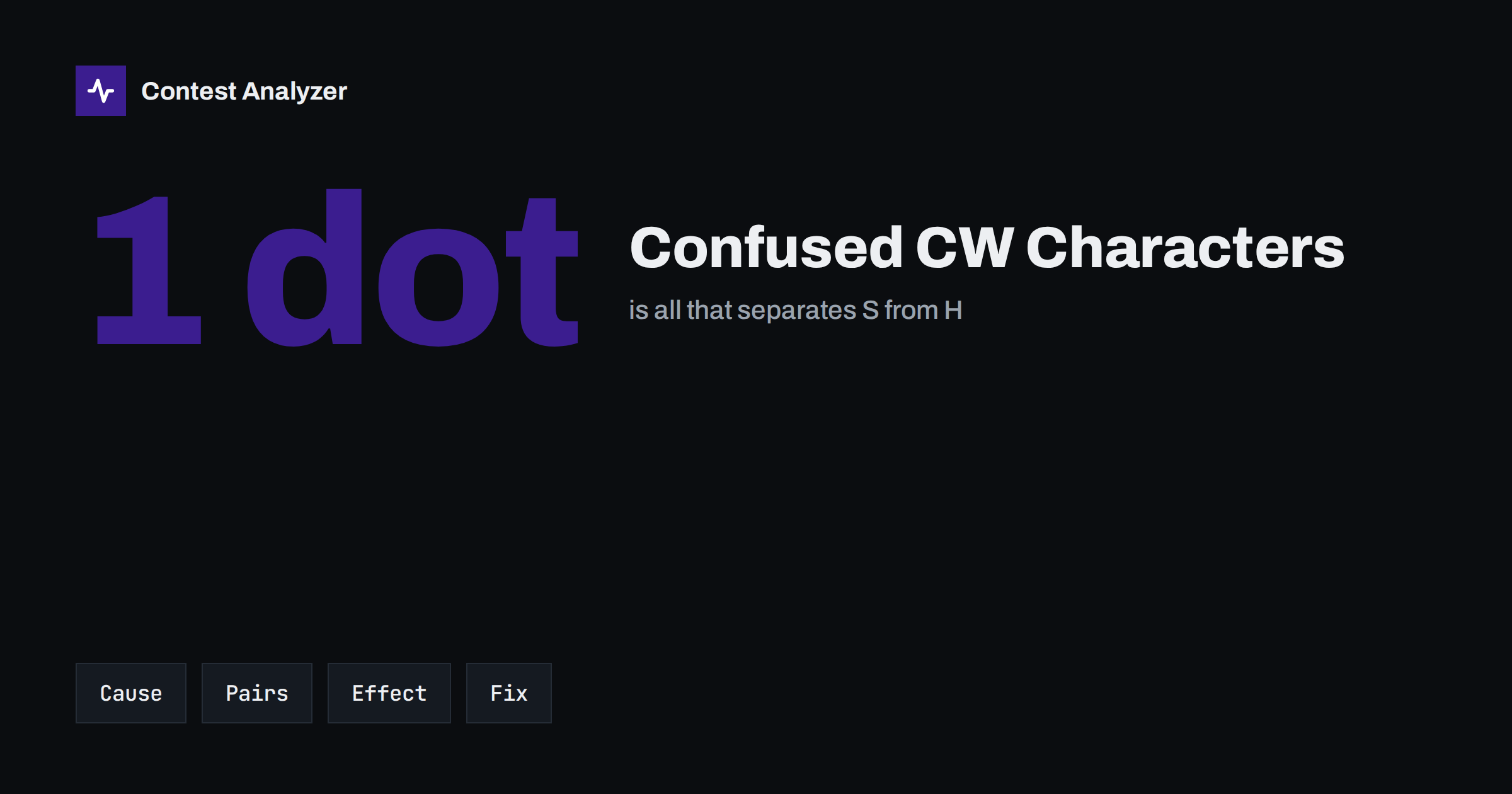
Short answer: In Morse code, many characters differ by only one element, so a small disturbance can turn one into another. H and 5, B and 6, D and B, U and V, S and H are the classic pairs, and in a contest they appear in the log as callsigns with a single wrong character. You cannot remove the noise, but you can reduce the errors by slowing down on the doubtful characters, asking for a repeat, using your logger as help and not as proof and checking the likely pairs when you review the log.
Why Morse is easy to confuse
Morse characters are built from short and long elements, dots and dashes, with short gaps between the elements and longer gaps between the characters. A character is recognised by its rhythm. This works well in a clean signal, but a contest signal is rarely clean. Fading makes elements shorter or weaker, a click or a strong neighbour can add an element that was not sent, and a key that is not perfectly timed can change the length of a space. When the sending is fast, a small change in the spacing is enough to make the receiving operator hear another character.
Several characters are special cases because they are almost the same as another one with one more element or with a slightly different space. The brain, which expects a callsign of a typical form, will often choose the character that makes the call look right, even when it is the wrong one. The result is a call that is plausible but wrong.
The pairs that appear most often
| Pair | Why they are confused |
|---|---|
| H and 5 | Four dots against five dots; one lost or added dot changes the character. |
| S and H | Three dots against four dots; the same problem in a shorter form. |
| B and 6 | The two characters have a similar start, and the end differs by a dash or dots. |
| D and B | One element is added at the start of the character. |
| U and V | The last dot of V is either added or lost, which turns one into the other. |
| G and Z, Q and Y | Their elements are close, and a misplaced space turns one into the other. |
| Numbers and cut numbers | In an exchange where letters replace numbers, the confusion between the two systems adds to the errors. |
The point is not to memorise a list but to recognise that when a call includes one of these characters, it is more at risk. If you hear a callsign with an H, a 5 or an S, think of the others in the family before you accept it.
How the errors appear in a log
A confused character leads to a call that differs from the real call by a single character. The result is a busted call. The call may belong to another real station, or it may not exist. In both cases, the QSO is wrong. The article on busted callsigns explains what such errors cost, including the multiplier that may be lost with the QSO.
The error also appears in the exchange. A number copied wrongly, for example a 5 instead of an H in a field where the other station used a cut number, can give a wrong serial number or a wrong zone. The article on cut numbers in CW exchanges explains how the shortened forms of numbers add to the confusion.
Reduce confusion on the sending side
Not all the errors come from the receiver. A sender who forms the characters carelessly, with poor spacing or a variable speed, makes copying harder. Good sending is one of the best investments in accuracy, and it helps the other operators too.
- Keep the spacing even. The space between characters should be the correct length, neither too short nor too long.
- Use a keyer and macros for the call. A computer-sent call is exact, and the speed can be set to match the conditions.
- Adjust the speed. If the stations calling you often ask for repeats, a small decrease in the speed saves time in the end.
- Send the call twice when necessary. In a pile-up or in poor conditions, a second sending of the call increases the chance to be copied correctly.
- Check your own keying. Listen to the monitor tone from time to time and watch for any irregularity.
Reduce confusion on the receiving side
- Listen for the whole character, not for the first elements. Do not decide before the character is finished.
- Use the filter that fits the conditions. A very narrow filter reduces noise, but it can also cause ringing and make the spacing of characters harder to hear.
- Ask for the doubtful character. Some operators send the question mark and the part of the call that they have. Others ask for a repeat of the whole call.
- Confirm back. Send the call you copied with your report. If you are wrong, the other operator will usually correct you.
- Do not type before you are sure. The logger will fill in the rest, and that is where the plausible but wrong call comes from.
The article on CW copying accuracy in contests describes the speeds, the repeats and the fills in more detail. When only part of a call has been heard, the safest choice is to ask for it again before you log anything.
Be careful with suggestions
The logging software can suggest calls, and a call that you have heard only in part may match one of them. The match can be right, but it can also hide the very error described in this article: a call with an S in the suggestion and an H on the air, or the other way round. The article on Super Check Partial and the one on call history files give the principles of using such tools. The rule is the same as in other modes: the suggestion helps you to decide, but the decision belongs to you.
Finding confusion in the log afterwards
After the contest, look first at the QSOs that include characters from the confusing pairs and that were made in difficult conditions, such as the low bands at night or the hours of poor propagation. Contest Analyzer checks every callsign and every zone against official license databases and several independent reference sources and shows only the few QSOs worth a second look. When you go through the list, think about the pairs described above and ask whether a nearby character would fit your memory of the call. You can edit calls or zones in the report and download a corrected Cabrillo. The report also gives full statistics, with rates, QSOs by hour and band, countries, continents, CQ and ITU zones, WPX prefixes, distance, beam heading, breaks and off time and callsign length and structure, and allows comparison with your own logs from earlier years. It works with Cabrillo from N1MM Logger+, DXLog and Win-Test and supports 22 contests; the contests page has the list. Serial numbers are not checked and dupes are not errors, so exchanges with confused characters remain a matter for your own check.
A habit worth building
A simple habit for the end of each contest is to keep a list of the corrections you made, written in the form of “heard X, was Y”. After several contests, the list will show which pairs trouble you most. Some people discover that most of their errors come from one or two pairs, and then a little focused practice on those characters, for instance with a training programme or by listening to callsigns at a higher speed than in the contest, produces a clear improvement. You can also compare the lists from different years, and the statistics of your log, such as the callsign structure figures described in the article on callsign length and rate, may show whether certain call shapes cause more problems for you.
Speed, conditions and the choice of what to copy
Confusion depends strongly on the speed. At moderate speeds, most of the pairs are easy to separate, because the difference of one element is clearly audible. At high speeds, particularly when the signal is weak, the same difference becomes a matter of a few milliseconds, and the operator relies more on the pattern of the whole call than on single characters. This is why the experienced CW contester often copies a call as a shape, and why the errors appear when the shape is unusual: a call with a rare prefix, an unfamiliar suffix or a portable indicator.
Conditions matter in the same way. Quick fading, called QSB, can remove an element in the middle of a character. Static crashes can add one. Interference from another CW signal can add elements that are not part of the call at all. For this reason, calls from the same station can be heard differently from one minute to the next. If a call looks different on the second sending, trust neither version until you have a clear copy.
It also helps to think about what you are copying. In a run, you hear many calls in a row, and your attention goes mainly to the call, while the exchange is often short and expected. In search and pounce, you copy the call of a station that is calling CQ, and you have time to listen to it a few times before you answer. Use that time. A second sending of the call before you call is the cheapest way to confirm it, and it costs only what you would have spent waiting for your turn.
Related reading
The bottom line
A single dot is enough to turn one character into another, and a contest has plenty of noise to move that dot. The cure is a combination of clear sending, careful listening, repeats for the doubtful characters and a review that looks first at the pairs that are known to cause trouble. Keep your own list of the confusions, and you will see them fall in number over the seasons.
FAQ
Which CW characters are confused most often?
H and 5, S and H, B and 6, D and B and U and V are the classic pairs, although everyone has a personal list.
Does a lower speed help?
Often it does, because the spacing is easier to hear. A small decrease costs little rate and may save repeats.
Should I use a narrow filter?
A narrow filter reduces noise but can make characters run together. Choose the width that fits the conditions.
How do I find these errors in my log?
Look at the flagged QSOs and consider whether a similar character would fit. Check also calls with the confusing characters from difficult hours.
Are cut numbers part of the problem?
They can be, because shortened numbers change the pattern of the character. Keep the form that the contest rules allow and confirm doubtful numbers.