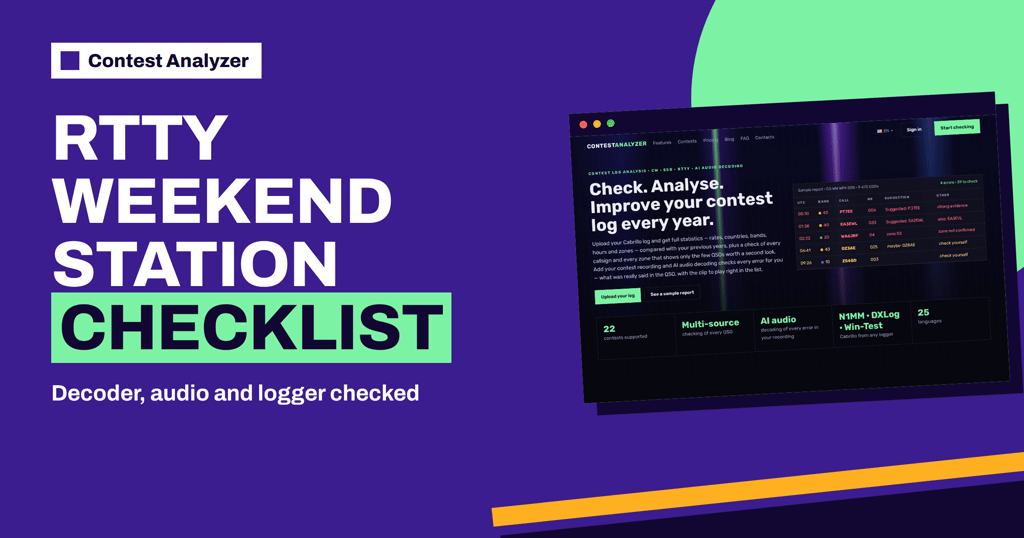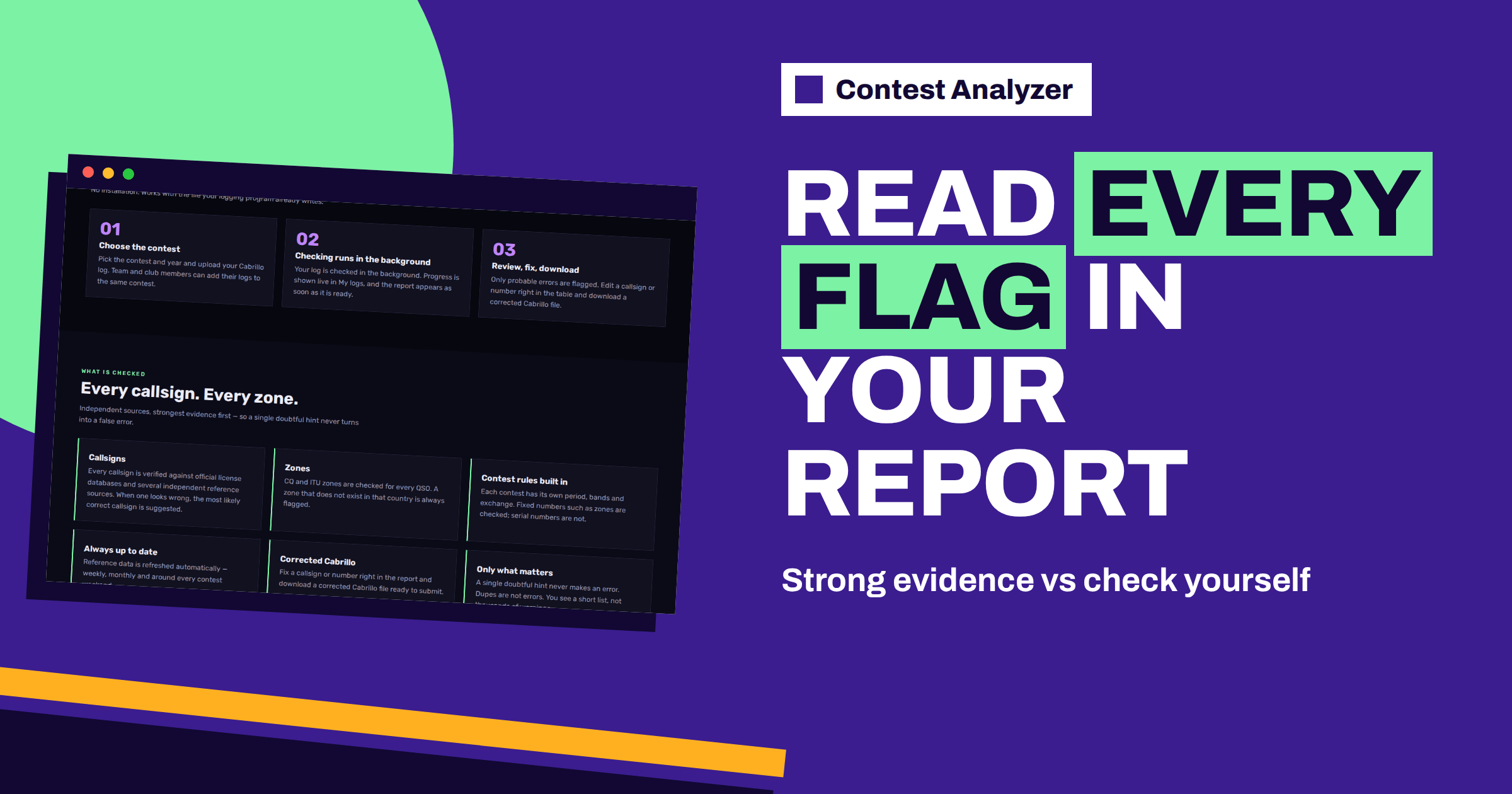
Short answer: The sample report on the Contest Analyzer home page shows a table with the columns UTC, Band, Call, Nr, Suggestion and Other. Some suggestions say “strong evidence”, some say “maybe”, some offer a second option with “also”, one says “zone not confirmed” and some simply say “check yourself”. They are different levels of certainty, and each one asks for a slightly different reaction from you. This article walks through them one by one.
What the sample report shows
The home page includes a sample report for a CQ WW WPX SSB log with 9,475 QSOs. Its header reads “4 errors · 39 to check”. That single line tells you how the report thinks about your log: out of nearly ten thousand QSOs, only a handful are called errors, a few dozen are worth a look, and the rest are left alone. The aim is not to produce a long list of warnings but a short one that you can really work through in an evening.
Below the header is a table. Each row is one QSO with its UTC time, the band, the callsign as logged and the number or exchange. Then comes the Suggestion column, and an Other column for extra notes. The rows in the sample are typical of what a real log produces: a callsign that is probably one letter wrong, a callsign with two possible corrections, a zone that does not fit and a few QSOs where the report simply asks you to look yourself.
“Strong evidence”: the clearest case
One sample row shows a call logged as PT7EE with the suggestion PJ7EE and the words “strong evidence”. This is the most definite kind of entry. The report found enough independent support for the alternative call that it is willing to say so plainly. In practice, such rows are the first ones to review, because the likely correction is already in front of you.
Even so, the decision stays with you. You were at the station and you may have your own audio recording. A callsign that looks wrong on paper can be right on the air, for example when a station signed an unusual call that day. Use the suggestion as a strong hint, check it in your recording if you have one, and then change the call in the report if you agree. The service lets you edit calls, zones, time and frequency in the report and mark QSOs as checked in your own audio recording.
“Also”: more than one candidate
Another sample row shows EA3EWL with the suggestion EA2EWL and a second option, “also: EA3EVL”. Here the logged call is again probably wrong, but there are two plausible corrections that differ by one letter in different places. The report names the more likely one first and does not hide the second.
This is the typical situation for a suffix error, and the general article on suffix errors in callsigns explains why the last letters cause most of the trouble. When you see two candidates, think about what you heard. Which letter was likely to be confused with which? Was the signal weak? Did the other station repeat the call? If you recorded the contest, listening to that minute is the surest way to decide. Without a recording, accept that you may not be able to settle the question, and choose the option you remember as more likely.
“Maybe”: a softer suggestion
A third type is the “maybe” suggestion, shown in the sample as “maybe: OZ8AE” for a call logged as OZ3AE, followed by “check yourself”. This is a softer statement. The report sees a possible alternative but does not have enough support to be firm. A single doubtful hint never turns into an error, which is a principle stated on the site: the service shows only what matters and does not fill the list with unlikely cases.
For you, a “maybe” row is a prompt, not a verdict. Look at the callsign, the band and the time. If you remember the QSO, you may know at once. If you do not, mark the row for a listen. And if you cannot listen, leave the logged call as it was: a correct log entry that is questioned is better than a wrong change made in a hurry.
“Zone not confirmed”: the exchange
The sample also contains a row for WA6JRF with the number 04 and a note “zone 03, zone not confirmed”. Zones are fixed exchange values in many contests, and the report checks CQ and ITU zones for every QSO. A zone that does not exist in that country is always flagged. Here the case is a little different: the zone logged looks questionable, but the report does not say it is certainly wrong, only that it could not confirm it.
What should you do? Think about what the other station sent and what your logger filled in. A large country can have several zones, and the station may have been in a different part of it than the usual one. The article on zone errors in multi-zone countries goes through these cases. If the logged zone is what you copied from the air, and the signal was clear, keep it. If the number came from a prefilled field, check it against your recording or your notes.
“Check yourself”: when the report asks you
Several sample rows end with “check yourself”, including ZS4GD with number 003 and no alternative at all. This is the report’s way of saying that the QSO is worth a second look but that it does not offer a clear answer. It may be a call that appears unusual, a number that does not match the pattern, or a QSO in which several small points add up.
These are the rows where your own record counts most. If you recorded the contest, the audio is your best evidence. If you did not, use your memory and the notes in the log. It is also fine to decide that the QSO is correct and leave it. Not every row needs a change; the list is only a list of places to look.
From suggestions to a corrected log
A sensible order is to work from the strongest evidence to the weakest. First, accept or reject each “strong evidence” row. Then handle the rows with “also” and “maybe”, and finally the zone and “check yourself” rows. Edit the entries you want to change in the report, mark the QSOs you have verified, and download a corrected Cabrillo file ready to submit. The article on making a corrected Cabrillo file before you submit lists what to check in the final file.
Keep in mind what the report does not check. Serial numbers are not checked, because they change in every QSO. Dupes are not errors; they are listed separately. QSOs outside the contest period or outside the band limits for your ITU region are marked, with split QSOs shown as a note. Those marks are separate from the suggestion levels described above.
A short worked review
Imagine that you have just received a report like the sample. You open it and count: a few errors, a few dozen QSOs to check. That is a task of perhaps half an hour, not a whole weekend. You start with the PT7EE row, listen to the minute in your recording, hear that the other station said Papa Juliet and accept the change. You open the EA3EWL row, listen twice, decide for the first suggestion and mark the QSO as checked. You see the OZ3AE row, cannot decide, and leave it for the end. You look at the zone row and recall that the station was in the western part of its country, so you keep the logged number.
At the end you have a short list of rows that you could not settle. Decide on each one, accept the uncertainty and move on. A log with a few honest doubts is normal; every contester has them. What matters is that the obvious errors are gone and that the decisions you made were based on something real.
Why graded suggestions are useful
A report that treated every doubt as an error would be exhausting. A report that treated every doubt as nothing would be useless. The graded approach sits in between. It lets you spend your limited time on the rows with the strongest evidence and treat the weaker rows as questions. Over a few contests you will also learn your own patterns: which kinds of calls you often log wrongly, which bands bring most of the doubtful rows and at which hours they pile up. That knowledge is as valuable as the individual corrections.
If you want to see how plans and limits work, the pricing page lists them, and the FAQ answers the usual questions about loggers, privacy and checking time.
Related reading
- Checking Your Log for Likely Errors Before Submitting
- Busted Callsigns in Contest Logs: Why They Happen
- Using Your Audio Recording to Fix Log Errors
The bottom line
Strong evidence, also, maybe, zone not confirmed and check yourself are five levels of confidence. Treat them accordingly: review the strongest first, listen to your recording for the doubtful ones, change only what you can support and download a corrected Cabrillo when you are done.
FAQ
Does “strong evidence” mean I must change the call?
No. It means the report found strong support for the alternative. You decide, ideally after checking your own recording or notes.
What does “check yourself” mean?
The QSO is worth a second look but the report has no clear answer. Use your recording, notes or memory.
Are all flagged rows errors?
No. The sample header separates a few errors from a larger number of QSOs to check.
Can I change a zone in the report?
Yes. You can edit calls, zones, time and frequency in the report and download a corrected Cabrillo file.
Are serial numbers checked?
No. Fixed values such as zones are checked, but changing serial numbers are not.