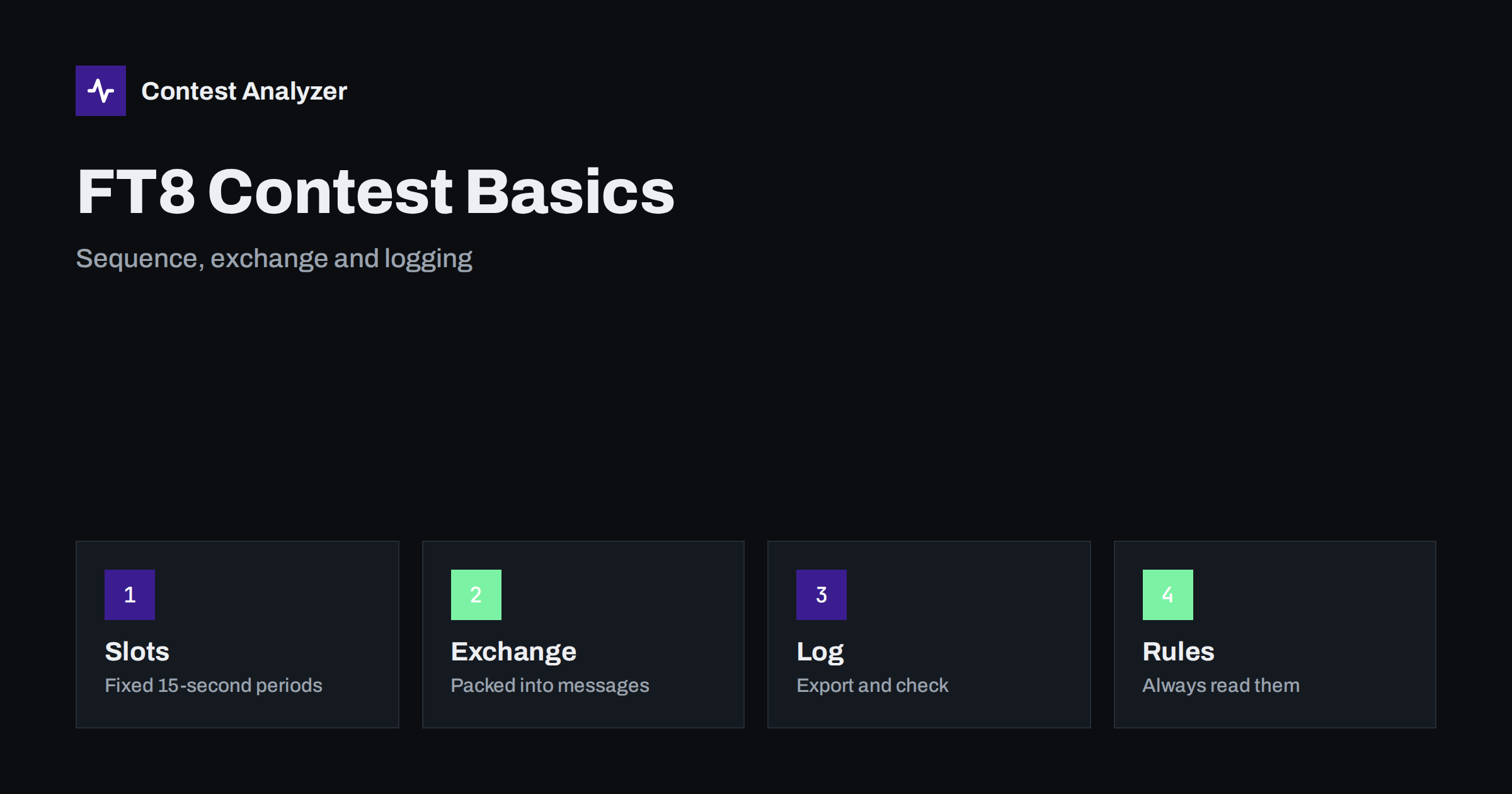
Short answer: FT8 is a weak-signal digital mode in which stations transmit in fixed time slots, so a contest QSO follows a strict sequence of short machine-made messages instead of free-form speech or Morse. Some contests and operating activities define special message formats for the exchange. The rules differ from event to event, so read the current rules, set your software to the matching mode and check the exported log as carefully as you would a CW or SSB log.
What makes FT8 different from CW and SSB
In CW and SSB a contest operator decides in the moment what to send, how fast and when to repeat. FT8 removes most of that freedom. Transmissions last a fraction under fifteen seconds and start at fixed times, so stations alternate in even and odd periods. The software decodes everything it can hear in the passband and lists the decoded messages on screen. Instead of copying a callsign by ear, you read it from the decode list and click on the station you want to answer.
This changes where mistakes happen. A busted callsign caused by a poor ear is rarer, but other errors take their place: answering the wrong line in a crowded decode window, a transmit period that is not the one you meant, or a QSO that the other station never completed. The habits that make a clean log in other modes, such as confirming the exchange and keeping the clock exact, still apply. Our article on wrong PC clock and UTC errors matters even more here, because the whole mode depends on accurate time.
The QSO sequence in general terms
A typical FT8 exchange has a few steps. One station calls CQ. Another answers with its own callsign and some information, such as a locator or a signal report. The first station replies with a report, the second acknowledges, and a final message closes the contact. Each step is one transmission, which is why a complete QSO takes at least a minute even under good conditions.
Contest-oriented message formats compress the exchange for the event. Instead of a locator, the message may carry a serial number, a zone, a state or another item that the organiser defines. The exact formats depend on the version of the software and on the event, so do not rely on memory from last year. Open the settings, find the operating mode that matches the contest and read the short description supplied with the software. If the organiser requires a particular mode or version, the rules will say so.
Reading the exchange from the decode window
The decode window shows what was received, and this is a real advantage for logging accuracy: the callsign and the exchange are text, not sound. Still, a decode is not guaranteed to be right. Weak signals can produce a wrong but plausible decode, and a strong neighbour on a nearby frequency can leave fragments. Treat a decode that looks odd, for example a callsign with an impossible prefix, as doubtful and wait for the next period to confirm it.
When the exchange contains a fixed item such as a zone, remember that the software logs what it decoded, not what is correct. If a station is shown in a zone that does not match its country, the mistake may be theirs or a decoding error. The article on zone errors with stations from multi-zone countries explains how to think about this, and the principle is the same in every mode: log what was actually exchanged.
Logging and exporting
Most FT8 programs write an ADIF file of completed QSOs, and many contest loggers can read it directly or receive the contacts through a network connection. The route you choose affects the quality of the log. If a logger receives QSOs automatically, check that the contest, the exchange fields and the band are set correctly before you start, because every QSO will inherit those settings. A wrong band setting or a missing exchange item is easy to repeat a hundred times.
At the end, the logger exports the file that the organiser asks for. Many contests accept Cabrillo, others ask for ADIF or have their own upload form. The article on Cabrillo QSO lines describes the format in detail. Whatever the format, open the file and read a few lines before you send it, and verify the callsign, category and contest name at the top.
Dupes, timing and band activity
With a fixed period structure, the rate in FT8 depends on how many stations you can work in each period rather than on how fast you can talk. Operators often work several stations by splitting their time between different frequencies in the passband, and the band can become very crowded during a popular event. Dupes are common in a crowded window, because the same station may call you again after a failed attempt. Your logger should flag the repeat so that you can avoid sending a second full exchange. Rules about dupes differ, so check the current rules for the event.
The clock deserves a separate mention. A computer clock that drifts by a second or two can make decodes disappear, and one that is off by many seconds makes logged times wrong. Use a time synchronisation program and test it before the start. In the log, an incorrect time can place a QSO outside the contest period or make it impossible to match with the other station’s entry.
Where this fits with your other contesting
If you mostly operate CW or SSB, FT8 contests are a different style of event with different skills: station automation, careful screen reading and good computer hygiene. The statistics you gather after the contest still help. Hourly counts show when activity was highest, and the band split shows where you spent your time. For the contests Contest Analyzer supports, the contests page lists the modes as CW, SSB, RTTY or mixed; FT8 events are not among them, so use this article as general background and not as a description of the service.
A short pre-contest checklist
- Read the current rules: mode, message format, bands, category and log format.
- Update the software to the version the organiser expects.
- Synchronise the computer clock and test it.
- Set the contest, exchange and band in the logger and log a test QSO.
- Decide how you will export, and test the export.
- Plan breaks, as in any contest, and check the off-time rules for your category.
Scoring and multipliers in digital events
Each event defines its own scoring, and digital contests are no exception. Some count every QSO as one point and multiply by the number of different grid squares, states, zones or countries; others weight contacts by distance or by band. Because the exchange is packed into a short message, the multiplier item is often the same item that the software places in the message, so a wrong setting at the start can ruin the multiplier count for the whole event. Before the start, read how the multiplier is defined, check how your logger identifies it and run a few test QSOs to see that the right field is filled.
It also helps to know whether multipliers count once per band or once per contest. A station that appears on a new band can be a new multiplier, and in a mode where every contact takes a minute or more, it pays to choose carefully. The statistics you gather afterwards, such as new multipliers per hour, show how well your plan worked. The article on new multipliers per hour describes the idea for other modes, and the same logic applies.
Common mistakes in digital contest logs
A few errors appear again and again. The first is a wrong band or frequency in the log, usually because a rig and the software disagree about the dial frequency. The second is an incomplete QSO that was logged anyway: the software shows a final message, but the other station never received your acknowledgement and does not log the contact. The third is a wrong exchange item copied from an earlier QSO into the next one, because a field was not cleared. The fourth is a clock error that shifts every time by the same amount.
None of these is specific to FT8, but the speed and automation of the mode make them easy to repeat. A quick review of the first ten QSOs of the contest is a cheap insurance: check the band, the time, the callsign and each exchange item against what you remember. If everything is right at the start, the setup is probably right for the rest. Check again after any restart of the software or computer, since settings may return to their defaults.
Related reading
- RTTY Decoding Errors and How They Reach Your Log
- Logger Settings to Check Before a Big Contest
- Dupes in Contest Logs: Work Them or Refuse Them?
The bottom line
FT8 contesting trades the skill of the ear for the discipline of the screen and the clock. Learn the sequence, use the message format the event requires, keep time accurate and read the exported log before you send it. The rules come first, and they change, so check them each time.
FAQ
Is every FT8 contest the same?
No. Message formats, bands and scoring differ from event to event, so read the current rules and use the matching software mode.
Why does the clock matter so much?
The mode relies on fixed time slots, and logged times are used to match your QSOs with other entries.
Can I use an ordinary contest logger?
Often yes, either by importing the ADIF file or by receiving QSOs over a network link. Test the setup before the contest starts.
Are dupes allowed?
That depends on the rules. In many events a dupe simply scores nothing, but check the current rules for yours.