Short answer: A Cabrillo QSO line is a row of fields separated by spaces: frequency, mode, date, time, your callsign, your sent exchange, the other station’s callsign and their exchange. The order of the exchange fields is defined by each contest, and the receiving software reads them by position. If your logger writes them in a different order, or leaves out an element, the log may be rejected or misread. Check a sample of lines before you submit.
The structure of a QSO line
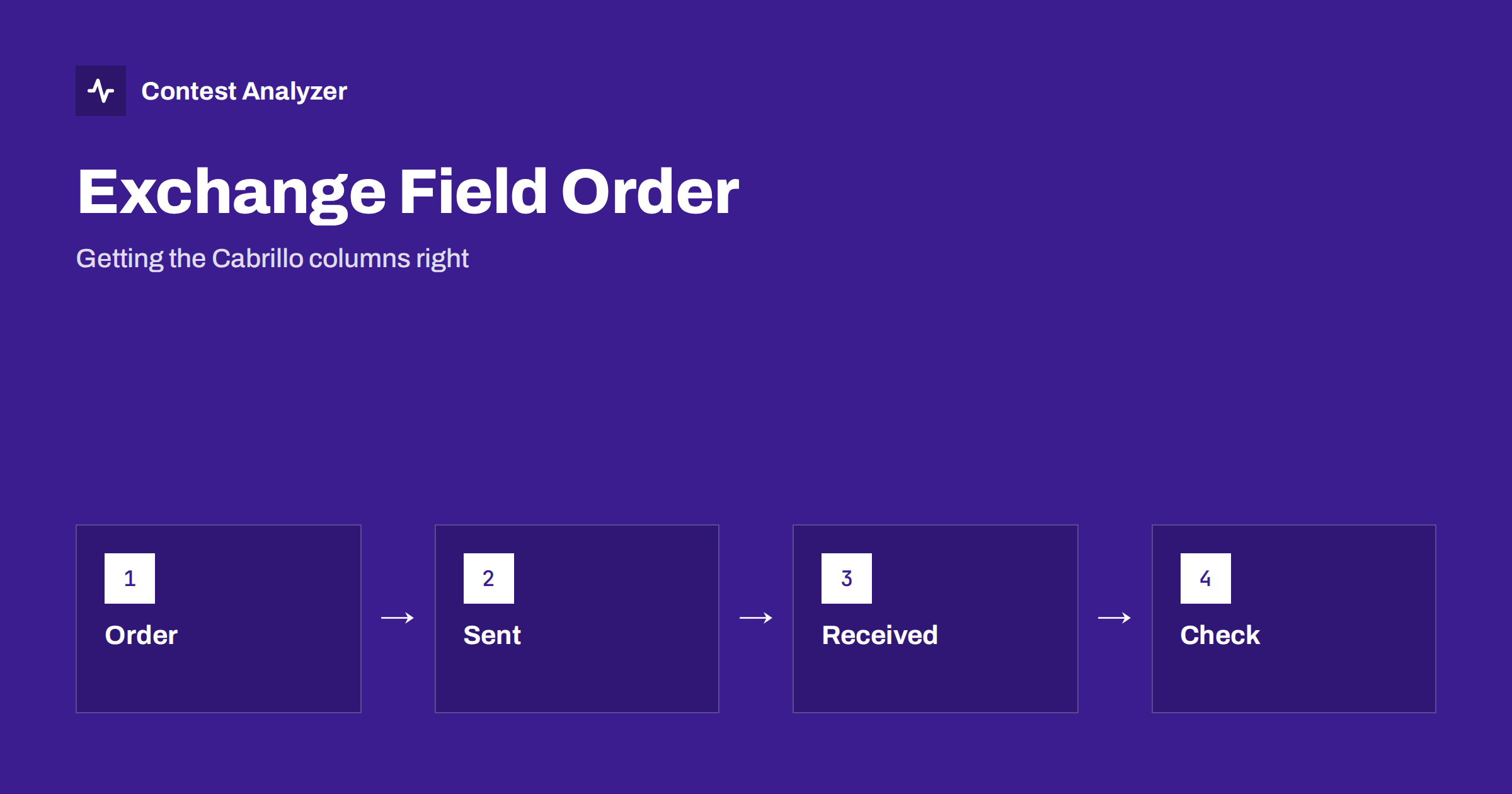
A Cabrillo file has a header and then a list of lines that start with the word QSO followed by a colon. Each line describes one contact. The first fields are the same in all contests: the frequency, the mode, the date, the time in UTC, and your own callsign. After that comes the exchange you sent, then the callsign of the other station, then the exchange you received. Some contests add one more field, such as a transmitter number, at the end.
Because the fields are separated only by spaces, the software that reads the file must know how many fields to expect in each part. It gets that knowledge from the contest definition, not from the line itself. This is why the contest name in the header matters, and why the number of exchange fields must match what that contest requires. For the larger picture of columns and format errors, see Cabrillo QSO lines explained.
Why order matters
Imagine a contest in which the exchange is a signal report followed by a zone. A correct line has, after your callsign, the report and then the zone. If a logger writes the zone first and the report second, the reader will take the zone as the report and the report as the zone. The result may be a QSO that is valid in the file but wrong in meaning, and it may be rejected or marked with a bad exchange. The same applies to the received exchange.
The order is not a matter of taste. It is defined by the organiser for each contest, often with a table in the rules or on a page about the log format. Logging programs usually have this table built in for each contest they support, and a mistake appears when the wrong contest is chosen in the program, when a custom exchange is defined by hand, or when a file is edited manually. For the contest-specific details, always check the current rules.
Sent part and received part
A frequent confusion concerns the two halves of the line. The sent exchange is what you transmitted to the other station, and it is the same, or nearly the same, in every line of your log. The received exchange is what the other station transmitted to you and differs from line to line. If the two get swapped, the log looks as if you were sending the other station’s data. For example, your own zone should appear in the sent part in every line; if you find your zone in the received part, something is wrong.
A quick test is to check one line from the middle of the file. Find your callsign, then read the next fields: they should match what you set in the contest settings. Then find the other station’s callsign and read the next fields, which should be what you copied. If the first looks like the second, the logger setup needs fixing before you export again.
Typical formatting mistakes
- An exchange field left empty, so that the next field moves into its place.
- Extra spaces or tabs inside a field, which split it into two.
- A missing leading zero in numbers where the format requires fixed width.
- Letters in lower case where the format expects capitals, or the reverse.
- A comma, a slash or another punctuation mark inside an exchange field.
- An extra column, such as a transmitter number, in a contest that does not use it.
Some readers are tolerant and some are strict. For example, different spacing and an extra TX column are handled by the Contest Analyzer reader, but a strict log robot at the organiser may reject the file. Do not rely on tolerance; produce a file that follows the official format. Characters that do not belong in a Cabrillo file are another source of trouble; see characters that do not belong in a Cabrillo log.
Blank and special exchange items
Some contests allow a field to be empty or to carry a special value. A station that does not send a certain element, such as a special-purpose abbreviation, may be logged with a placeholder. Loggers handle this in various ways, and the way chosen must be one the organiser accepts. If you are not sure, consult the rules, and test with the organiser’s own log checker if one is offered.
For contests with a serial number, the number must be present in both halves of the line and must be a number. If your logger uses a leading zero in one place and not in another, the reader may accept both, but it is safer to follow the example in the rules. Serial numbers are not checked by Contest Analyzer, so errors there will not be flagged by it; you must look at them yourself.
How to inspect your file
Open the exported file in a plain text editor, not in a word processor. Use a font with fixed width, so that columns line up. Look at the header to confirm the contest name and your callsign, then read the first five QSO lines, five from the middle and the last five. Check that the number of fields is the same in all lines. If the editor can show invisible characters, switch them on to see tabs and unusual spaces.
It is also a good idea to count the lines. The number of QSO lines should equal the number of QSOs in your logger. A mismatch points to lines that were lost or duplicated in the export. After this check, run any checking tool you use. Contest Analyzer reads Cabrillo from N1MM Logger+, DXLog and Win-Test, and the corrected file it produces is ready to submit, but the original export is still yours to inspect; see how to export Cabrillo from these loggers.
What the log robot tells you
Many organisers run an automatic reader that sends a message after you upload. If the field order is wrong, the message may say that the exchange is invalid or that a QSO was rejected. Read these messages carefully, since they are the most direct feedback you get. The article on log robot error messages explains the common ones. When you correct a problem, correct the cause in the logger settings as well, so that it does not return next time.
Keep the version of the file that you submitted, together with the date and time. If a question arises later, you will be able to show exactly what the organiser received.
A worked reading of one line
Take a typical line and read it from left to right. First comes the word QSO and a colon, then the frequency in kilohertz, the mode, the date, and the time in UTC. After these, your callsign is written. Then the sent exchange follows: for a contest with a report and a zone, those are two fields. Next is the callsign of the other station, and finally the received exchange, again two fields. If you count the fields in a line, you should get the same total in every line of the file, unless the contest allows variable parts.
Now read the line as the log reader would. It knows that after the sixth field it expects the sent exchange, and that this part has a fixed number of fields. If your exchange has three words because of a stray space, the reader will take the third word as the start of the other callsign, and everything after it shifts by one position. The callsign it reads may then be a number or a zone, and the QSO will be reported as invalid. This simple picture explains why a single extra space can affect a whole line.
When you see a strange message from a log robot about a callsign that is actually a zone, suspect a shifted field. The same is true when a QSO is marked as having a bad exchange although you are sure of what you copied. Count the fields on that line and compare it to a line that was accepted. The difference is often visible at once.
Keep a template
For each contest that you play regularly, keep a text file with one correct QSO line as a template, together with the header you use. When you export a new log, compare the first lines with the template. It takes less than a minute and catches changes caused by a new version of the logger, a changed setting or a different contest definition. If the format of the contest changes, update the template from the current rules. Over the years, this small file becomes a reliable reference, and you will be able to answer questions from other operators who have a similar problem.
Related reading
- Cabrillo QSO Lines Explained: Columns and Format Errors
- Common Cabrillo Header Mistakes and How to Avoid Them
- Cabrillo File Problems: Names, Encoding and Line Endings
The bottom line
The order of the exchange fields in a Cabrillo line follows the contest definition and is read by position. Choose the right contest in the logger, keep the sent part and the received part apart, avoid stray spaces and extra columns, and open the file in a text editor before you submit. A few minutes of inspection prevent most format problems.
FAQ
Who decides the order of the exchange fields?
The contest organiser. Your logger usually has the format built in, but check the current rules if you use a custom setup.
What if my logger writes the fields in the wrong order?
Check that the right contest is selected and look at the export settings. As a last resort, correct the file carefully in a text editor and keep the original.
Are extra spaces a problem?
Possibly. Some readers accept them and others do not, so produce a file that follows the official format.
How do I know the number of lines is right?
Count the QSO lines in the file and compare them with the QSO count in your logger.