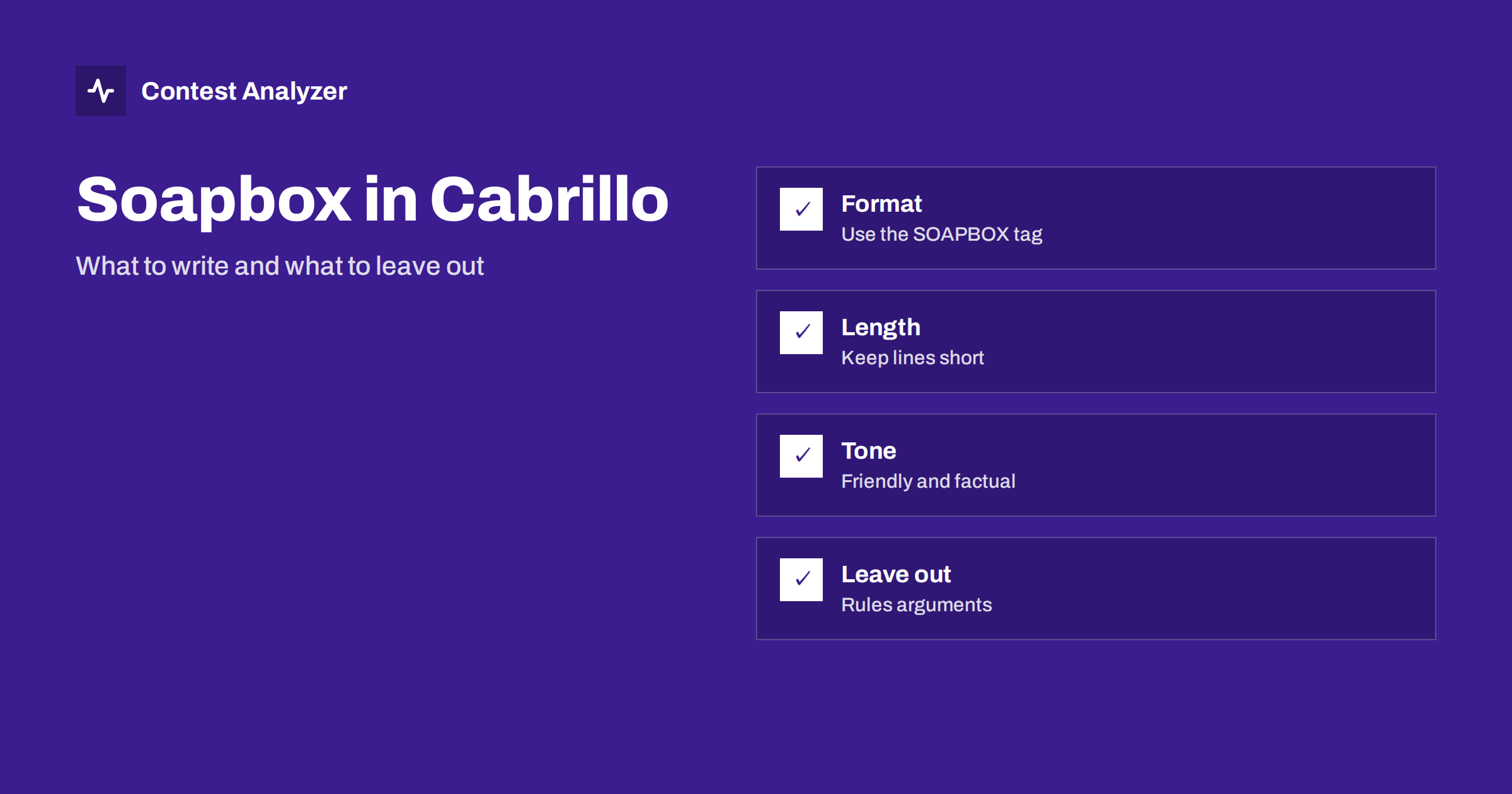
Short answer: A Cabrillo file can carry short comments in SOAPBOX lines in the header, and many organisers read them or publish them with the results. Keep them brief, factual and friendly: conditions, equipment, a thank-you, a note about a problem that affected the log. Do not put complaints, corrections to the scoring or anything that the contest rules ask you to send in another way into the comments, and check the current rules of the contest for what they accept.
What a SOAPBOX line is
The Cabrillo format has a set of header lines that describe the entry. Among them is an optional line type for free text that the operator wants to add, usually called SOAPBOX. Each line begins with the tag, followed by a colon and the text. You can use several lines, one after the other, and each carries a short part of the message. The format specification is published by the community and explained on the Cabrillo page of the WWROF site, and the individual contest says which tags it reads. Check the current rules for yours.
The soapbox is not part of the scoring. It is a place for a human comment, and its main readers are the people who handle the logs and the people who read the published results. Some contests publish the comments together with the scores, which makes them one of the most read parts of the results pages, and some ignore them entirely. For a general view of the header lines, see the Cabrillo log header guide.
What organisers usually like to see
A good soapbox is short and says something that other contesters would like to know. Typical examples are conditions: which bands were good, how the noise was, whether a storm interrupted the operation. Equipment is also welcome in brief: antennas, a new setup, a special experiment. Many operators thank the organisers or the stations that gave them a new multiplier, and some mention a personal goal that was reached. These lines make the results feel like a conversation among people, and not just a table of numbers.
A comment about the log itself can also help the organisers. If you lost the clock for an hour, if a computer failed or if you made a mistake in the exchange for a part of the contest, a short sentence can explain the unusual lines. It does not change the rules, but it may help a committee member to understand what happened, and the note does no harm. The article on comments and notes in contest logs and the one on writing a useful post-contest report with photos describe related habits.
What to keep out
Keep out anything that is not a comment. A change of category, a request to remove QSOs, a claim about another station or an objection to the rules should not be hidden in the soapbox. If the contest has a procedure for such things, such as an email to the committee, use it. Comments in the file may not be read by the right person at the right time, and they do not replace a proper message.
Avoid negative remarks about other stations by name and anything that could be read as accusing someone of breaking the rules. If you believe that a station did something wrong, tell the organisers in a calm and direct way, with facts, and leave the log comments out of it. Also avoid long texts. A soapbox that runs to a page is usually not read, and some systems cut it off or reject lines that are too long.
Format and technical limits
Each SOAPBOX line is plain text, and the length of a line is limited in many programs and robots. A safe approach is to keep each line well below eighty characters and to use several lines for longer comments. Use simple characters: avoid unusual symbols and special letters, since the file may be read with a different character set. The article on invalid characters in Cabrillo and the one on Cabrillo file encoding and line endings explain why this matters.
Do not put anything into the soapbox that looks like a Cabrillo tag, such as a line that begins with a word and a colon, in a way that confuses the reader. Keep the lines simple, with normal sentences. Test your file with the upload system if the contest has one, and read the answer from the log robot. The article on log robot error messages helps to understand the response, and the one on submitting a Cabrillo log describes the upload.
Where your logger writes the comment
Most loggers have a field for the soapbox in the contest settings or in the export dialog. Some write it into the file automatically from a text box, and some need you to edit the file by hand after the export. If you edit by hand, use a plain text editor and keep the original, as you would for any other change. The article on exporting Cabrillo from N1MM Logger+, DXLog and Win-Test shows the usual steps, and the details differ from one version to another.
After the export, open the file and read the header from top to bottom. Is the soapbox in the right place? Does it contain what you meant to write? Are the lines complete? A comment that was cut in the middle of a sentence looks careless, and a comment with a mistake in a name may annoy the people you wanted to thank.
Comments and the log check
When the log is checked, the comment is not used to judge QSOs. The checking works on the QSO lines, and the header lines define the category and the identity of the entry. A comment cannot make a busted call correct or a QSO valid. Do the checking before you write the comment, so that what you write is true. Contest Analyzer checks every callsign and every zone against official license databases and several independent reference sources and shows only the few QSOs worth a second look. You can edit calls, zones, time and frequency in the report, mark QSOs checked in your own audio recording and download a corrected Cabrillo, and then add your soapbox to the file.
It gives full statistics as well, which are a rich source for the comment: rates, QSOs by hour and band, countries, continents, CQ and ITU zones, WPX prefixes, distance, beam heading, breaks and off time, and callsign length and structure. A sentence like “best hour 14 UTC on 15 metres” is easy to write when the numbers are in front of you. It works with Cabrillo from N1MM Logger+, DXLog and Win-Test, and the contests page lists the supported contests.
Examples of good and weak comments
A good comment: “Good conditions on 15 and 20 metres, noisy on 80. New vertical worked well. Thanks for the QSOs.” It is short, factual and friendly. A comment with context: “Lost the computer clock for one hour on Saturday, corrected from audio.” This helps the organisers to understand the log.
A weak comment: a long list of every station worked, a complaint about the rules or a remark about another operator. These add nothing and may harm you. If you are not sure whether a comment is useful, leave it out. A log without a soapbox is perfectly normal.
A short checklist for the comment
Before you finish the file, run through a few quick questions. Is the comment true? Would I be comfortable if every contester read it? Is it short enough to be read in a few seconds? Does it contain anything that belongs in a message to the organisers instead? Have I checked the spelling of the callsigns and names in it? If the answer to all of these is yes, the comment is ready.
It also helps to keep a small text file with the comments of past years. Reading what you wrote last time shows how your station and your habits have changed, and it gives you a starting point so that you do not need to invent a new sentence each time. Many operators reuse a simple pattern: one line about conditions, one about the station, one thank-you. This is enough, and it is always welcome.
Think too about the language. Contest results are read around the world, and the readers are not all native speakers of English. Short and simple sentences are easier to understand than long, clever ones, and a plain “thanks for the QSOs” is understood by everybody. Avoid jokes that depend on local culture, and avoid abbreviations that only your own club uses. The aim is a friendly note that anybody can read in a few seconds.
Finally, remember that the comment is a small thing compared with the log itself. A good comment cannot rescue a bad log, and a missing comment does not harm a good one. Spend most of your time on the checking of the QSOs, and write the comment last, when you know what really happened in the contest.
Related reading
- Claimed score and soapbox posting
- The Cabrillo QSO line format
- Club name in Cabrillo for club competition
The bottom line
Use the soapbox for short, friendly and factual notes, keep official matters out of it and check the current contest rules for what they accept. Always read the finished file before you submit it.
FAQ
Is the soapbox required?
No. It is optional, and a log without one is normal.
Will my comment be published?
Some contests publish comments with the results. Write as if everyone could read it.
How long can the comment be?
Keep each line short and the total small. Check the current rules for limits.
Can I use the soapbox to correct my category?
No. Use the procedure that the rules describe, or write to the organisers.
Can special characters cause problems?
Yes. Use plain characters to avoid trouble with encoding.