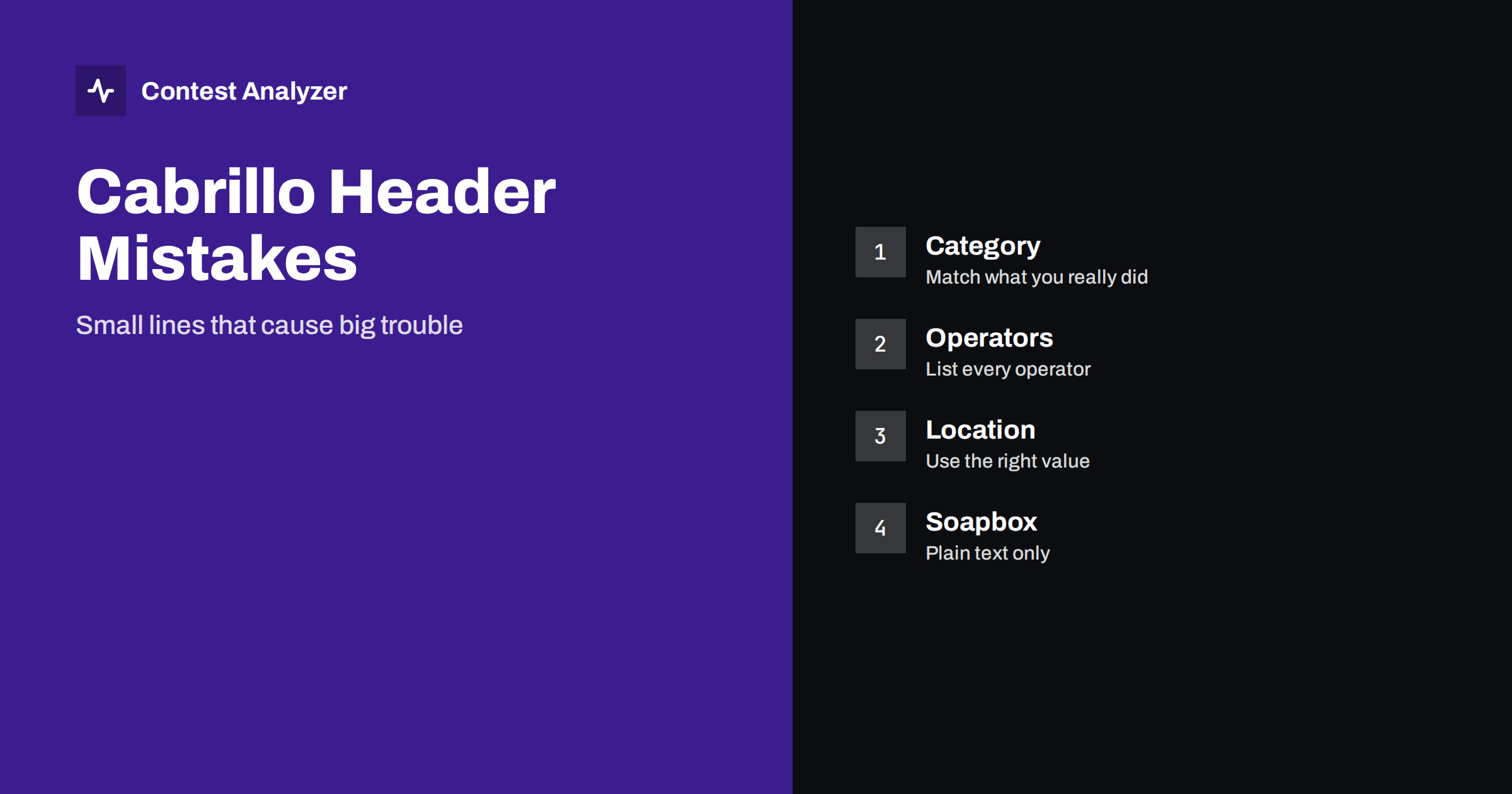
Short answer: Most Cabrillo problems are not in the QSO lines but in the header: a category line that does not match how you operated, an operator list that is incomplete, a location value that the contest does not accept or a soapbox with strange characters. Open the file in a text editor before you submit, read every header line against the current rules and correct what the logger filled in by default.
Why the header matters
The header is the part of the file that tells the contest committee who you are and how you want to be scored. The QSO lines say what you did on the air; the header says in which class you want to be judged. If a header line is wrong, the result can be a log that is rejected by an automatic robot, moved to another category or counted as a checklog. None of this is caused by bad operating, and all of it can be avoided by a few minutes of reading.
The full list of fields is explained in the Cabrillo header guide. This article looks at the mistakes that appear again and again, and at the habits that remove them. Rules differ between contests, so the current official rules always decide which lines are required and which values are accepted.
Category lines that do not match reality
The category lines are the most important part of the header. Typical lines describe the operator class, the band, the power, the mode, the assistance, the transmitter class and sometimes the time class or an overlay. Loggers fill them from a setup dialog, and the setup is usually made once and then forgotten. A station that entered with high power last year and low power this year may still send the old value, because nobody opened the dialog.
Check each category line against what you really did. Did you use any assistance such as spots or a decoding aid? Did you operate one transmitter or more? Was the operating time limited by a category rule? If the answer does not match the header, change the header, not the facts. The articles on assisted and unassisted categories and on QRP and low-power categories describe the general differences, and the contest rules give the exact definitions.
Values that the contest does not accept
Cabrillo allows a set of standard values for most category lines, and each contest decides which of them it uses. A line can be correct in the format and still be wrong for the contest, for example a band value that does not exist in that contest or a mode value that is not offered. A robot that reads the file may reject the log or put it in a default category. Always use the values that the contest rules list, and if the logger offers a different word, correct it by hand.
The contest name line is a similar case. It must match the name that the committee expects, and a name from another contest or from another year is a typical copy-and-paste mistake. If you start a new contest in the logger from a copy of an old one, check this line first.
The callsign and the operators
The callsign line should show the call that you used on the air. If you operated with a special call, a club call or a call with a portable suffix, the header must show it exactly as it was sent. Using your home call in the header for a log made with another call is a common cause of mismatch between the file and the QSO lines.
The operators line is another source of trouble. In a single-operator entry the line often shows only the main callsign, but in a multi-operator entry every operator should be listed, and a guest operator at a club station is easy to forget. Use the format that the contest asks for, with calls separated by spaces, and check that the station call is added or left out as the rules require. For a station with several operators, collect the list before the log is closed, not after, as described in merging logs from several computers.
Claimed score and club lines
The claimed score line is optional in many contests, but it is often filled by the logger with a number that is calculated from the QSO lines. If you made manual changes after the export, the number is out of date. A claimed score that is far from what the committee calculates does not decide your result, but it makes you look careless, and it helps nobody. The article on claimed versus final score explains why the two numbers differ.
Club lines have their own risk. Spelling and capitalisation matter when the committee adds up the scores of a club, because a small variation of the name creates two clubs. Use the name exactly as the club competition rules describe it, as explained in club name in Cabrillo.
Location, name and address
For many contests the location line is more than a courtesy. A value such as a state, a province, a section or a country code may decide the category or the multiplier of the station. If the contest asks for a specific location code, use that code and not the name of the town. Names and addresses are less critical, but the fields must not contain characters that break the line, such as a very long text or a line break in the middle of the address.
If you operate from a place that is not your home, make sure that the location in the header describes the place of operation when the rules ask for that, and check how the logger treats the home setup. The same care applies to portable operation, as described in portable and mobile indicators.
Soapbox and comments
The soapbox lines are free text, and that is why they cause surprises. Characters outside the basic set, a very long line or a line that begins with a keyword can confuse a reader or a robot. Keep the text short and plain, in ASCII characters if possible, and put no header keywords in the middle of the text. The ideas for good soapbox text are in soapbox and photos after the contest and notes and comments in a contest log.
The same applies to the created-by line, which tells the committee which program made the file. Do not change it by hand, because it helps the organisers to understand an odd format when something goes wrong.
A header check in five minutes
A short routine is enough. Open the Cabrillo file in a plain text editor, not in a spreadsheet. Read the first lines from the start-of-log line to the first QSO line. Compare each line with the current rules: contest name, callsign, category lines, location, operators, club, name and address, soapbox. Then look at the end of the file: the end-of-log line must be there. If your logger has a function that checks the header, use it, but read the lines yourself, because a program cannot know what you did on the air.
The same check belongs to the final steps described in the pre-submission checklist and in uploading the Cabrillo log. After a change, save the file under a new name, and keep the old one until the log has been accepted.
Typical mistakes after the log has been changed
A header that was right at the export can become wrong later. If you correct a callsign, remove a QSO or add a missing line in a report, the claimed score and the number of QSOs change, and some loggers do not update the header when the file is edited outside the program. Another case is a second export of the same log with a different setup: the new file can have a different category or a different operator list than the first one. When you have more than one file, give each a clear name with the date, and submit only the last one that you have checked.
A further mistake is to change the category in the header to fit the result. The header should describe what you did, not what would give a better placing. If your real operating time or the assistance that you used does not fit the category you wanted, choose the category that matches the facts. The committee compares the log with the rules, and an honest header is the safest way to avoid a reclassification.
How Contest Analyzer helps with the file
Contest Analyzer works with Cabrillo from N1MM Logger+, DXLog and Win-Test. It checks every callsign and every zone against official license databases and several independent reference sources and shows only the few QSOs worth a second look. It marks QSOs outside the contest period and outside the band limits for your ITU region, with split QSOs shown as a note. In the report you can edit calls, zones, time and frequency, mark QSOs checked in your own audio recording, duplicate a QSO line and download a corrected Cabrillo. The header remains your responsibility, so read it once more after the download, and see the list of 22 contests for the supported rules.
Related reading
- Cabrillo log header explained
- A corrected Cabrillo before you submit
- Export Cabrillo from N1MM Logger+, DXLog and Win-Test
The bottom line
The header is short, and it decides how the whole log is read. Check each line against the current rules, correct the defaults of the logger and read the file in a text editor before you submit it.
FAQ
Which header line is most often wrong?
The category lines, because the logger fills them from an old setup. Check them against what you did.
Can a wrong header change my category?
Yes. The committee may move the log to another category or reject it. The rules decide.
Do I need to list all operators?
In multi-operator entries, yes, in the format that the contest asks for. Check the rules.
Is it safe to edit the header by hand?
Yes, in a plain text editor, if you keep the line format. Keep a copy of the original file.
Which characters are safe in the soapbox?
Plain ASCII text on short lines. Avoid special characters and keywords.