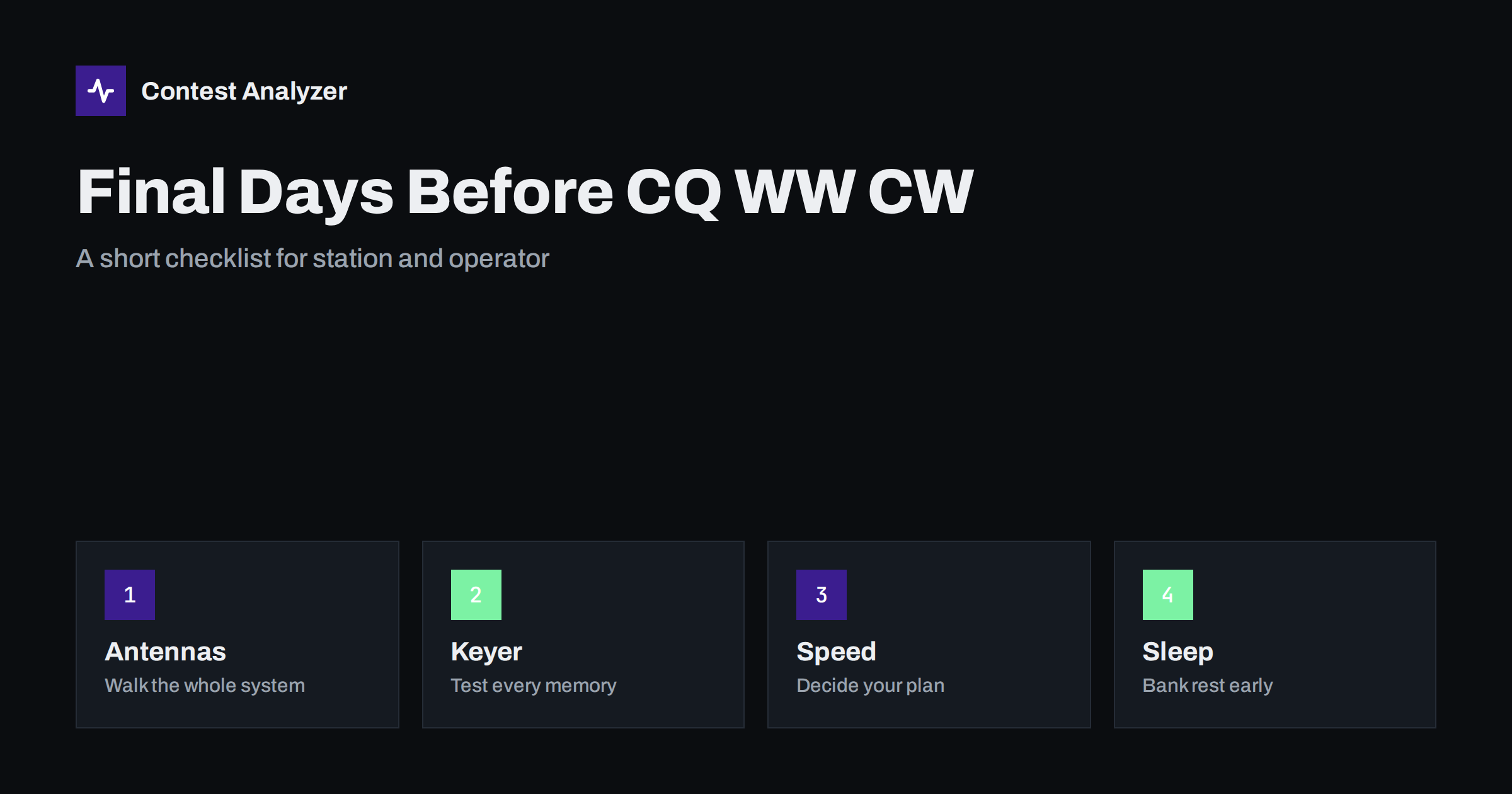
Short answer: In the final days before CQ WW DX CW, stop building and start verifying. Walk through the antennas and cables, send every keyer memory into a dummy load, decide your CW speed plan, update the logger and rest early so that you start the 48 hours fresh. Changes made on the last evening cause more problems than they solve.
Switch from improving to verifying
Most contesters know the feeling of a station project that is finished at midnight on Friday. The new switch, the new filter or the new software version then meets its first real test at the busiest moment of the contest. The final days are the time to freeze the station. Anything that has not been tested on the air by now should be left out, or should have a clear fallback to the old way of working.
A good habit is to write a one-page list of what you changed since last year and what you have tested since the change. If an item has no test next to it, test it today or remove it. This list is also useful after the contest, when you want to explain a change in your statistics. The article on a station notebook describes how to keep such notes over the years.
Antennas, cables and connectors
Walk the whole antenna system in daylight if you can. Look at guy ropes, traps, balun housings, connectors and any place where water can enter. Autumn weather is hard on outdoor connections, and a high SWR that appears only after rain is a classic problem. Check the SWR on every band you plan to use, not only on the bands you used last week. Write down the values so that you can compare them with the contest weekend.
Check the antenna switch, the band decoder and the relays by changing bands several times and watching that the right antenna is selected. A relay that sticks on 80 m can cost hours of confusion at night. If you use a rotator, test the full rotation and the position display. Keep a spare for the small parts that fail most often, such as a patch cable, an adapter and a fuse.
Keyer, paddles and macros
Send every memory of the keyer or the logger into a dummy load or a monitor receiver and listen to it, character by character. Typical mistakes are a changed callsign in one message, a wrong zone in the exchange message or a memory that still holds the text of another contest. In CQ WW the exchange is the signal report plus your CQ zone, so check that the zone is right in all messages, including the ones used for repeats and corrections. The article on first CW contest tips gives ideas for the set-up, and your logger’s manual describes how to enter them.
Test the paddles as well. Contact springs, a loose cable or an unstable base can produce extra dits that you do not notice in a casual QSO but that appear in a long run. If you use a computer keyer, test what happens when the computer is busy, and make sure that you can switch to a manual key or a second keyer if needed.
Logger, files and clock
Install updates a week ahead rather than the night before. Load the current country file, because new prefixes and changes in the list affect the multiplier count. The reasons are explained in the article on updating the country file before a big contest. Create the contest entry, enter your callsign, your zone and your category, and run a test with fake QSOs. Export a Cabrillo from this test and look at it, so that you know that the header and the QSO lines are right before the real work begins.
Synchronise the computer clock and check that the time zone is set so that the log shows UTC. A clock that is off by minutes will hurt every QSO. Plan the backups too: where the log is saved, how often, and to which second device. The article on protecting your log during the contest has a routine that takes only a minute every few hours.
Decide your CW speed and plan
Do not decide your speed at the start of the contest. Think about it now. In CQ WW most operators run at a speed that they can copy comfortably for many hours, and they raise it only when the band is full of strong stations and slow it down when copying becomes difficult. Decide how you will handle stations that send much faster than you, and how you will answer a caller who needs a repeat. A calm routine at the start keeps the accuracy high.
Also plan the bands and the hours roughly. Look at last year’s statistics and at the expected conditions, and write a short plan: which bands for the first hours, when to try the low bands, when to rest. The plan will change on the day, but a plan that exists is easier to adjust than a decision made from nothing at three in the morning.
Sleep, food and the operating position
The operator is part of the station. In the last days, go to bed on time and do not try to catch up on sleep only on the Friday night. Prepare food and drinks that are easy to eat with one hand, and put water within reach. Arrange the chair, the lighting and the headphones so that you can sit for long periods without pain. The article on headphones, filters and listening fatigue explains why small comfort details matter for accuracy in the late hours.
Plan your breaks in line with the rules. For a single operator, CQ WW counts off time only for breaks of at least 60 minutes, so a short rest does not change the off-time total. Check the current official rules for your category and your time limits, and read the details in the article on off time and breaks.
Prepare for the log after the contest
Good preparation includes the end of the weekend. The CQ WW log deadline is 48 hours after the end of the contest under the current rule, so plan some time on Monday for the check and the upload. If you record audio, test the recording today and make sure that the disk has space. If you keep notes during the contest, keep a paper or a text file ready and note questionable QSOs with the time.
After the contest, a report from Contest Analyzer helps with the check. It checks every callsign and every zone against official license databases and several independent reference sources and shows only the few QSOs worth a second look. It also gives full statistics, including rates, QSOs by hour and band, countries, continents, CQ and ITU zones, breaks and off time. You can edit calls, zones, time and frequency in the report and download a corrected Cabrillo. It works with Cabrillo from N1MM Logger+, DXLog and Win-Test. See the contests page for supported contests.
A short list for the last evening
- SWR checked on all bands, antenna switch tested.
- All keyer memories sent and listened to, zone correct.
- Logger updated, country file current, test Cabrillo exported.
- Clock synchronised, backups set up.
- Speed and band plan written down.
- Food, drinks, chair and headphones ready.
- Alarm and rest times planned.
Check the radio and the power supply
The radio deserves its own test. Run the transmitter at the power that you plan to use for several minutes on each band, and watch for heating, fan noise, drifting frequency and a change in the audio of the sidetone. A power supply that is fine for an hour of casual operating may reach its limit in a long run on a low band. Check the fuses, the connectors on the power cable and the voltage under load. If you use an amplifier, make sure that it can work at the planned duty cycle, and that the cooling is free of dust.
Check the filters and the receiver settings that you plan to use. Many operators have a filter bandwidth that works for the whole contest and a narrower one for crowded moments. Write down which one is which. If you use a second receiver or a band-pass filter, test the effect on a strong signal from a nearby station. Small faults found now are annoying; the same faults found at the start of the contest cost points.
Think about interference at your own station
Noise at the receiving location is a part of the station too. If a neighbour’s equipment, a switching power supply or a lamp creates noise on the low bands, find out now whether it can be reduced. Turn off the equipment that you do not need, and test your own computers and chargers one by one, because they often generate noise close to the antenna leads. A quiet receiver makes weak calls easier to copy, and fewer repeats mean fewer busted calls in the log.
Note also the local conditions that can limit your work, such as storms, winter ice on antennas or a planned power cut. If the weather forecast is bad, decide in advance what you will do, for example which antennas can be lowered or which bands you will avoid. A safety decision made in the calm days before the contest is better than one made in a storm.
Related reading
The bottom line
Use the last days to verify rather than to build. A tested antenna system, correct keyer memories, a current logger, a speed plan and enough sleep give you more points than any last-minute change.
FAQ
Should I change my station in the last week?
Only if you can test the change on the air and have a fallback. Otherwise leave it for after the contest.
What is the most common keyer mistake?
A memory that holds the wrong zone or the text of another contest. Send each memory into a dummy load and listen.
How early should I update the logger?
About a week ahead, so that you can test it and still go back if there is a problem.
When is the CQ WW log due?
Under the current rule, 48 hours after the end of the contest. Always check the current official rules.
How much should I rest before the start?
As much as you can in the final days. Do not leave sleep for the last night only.