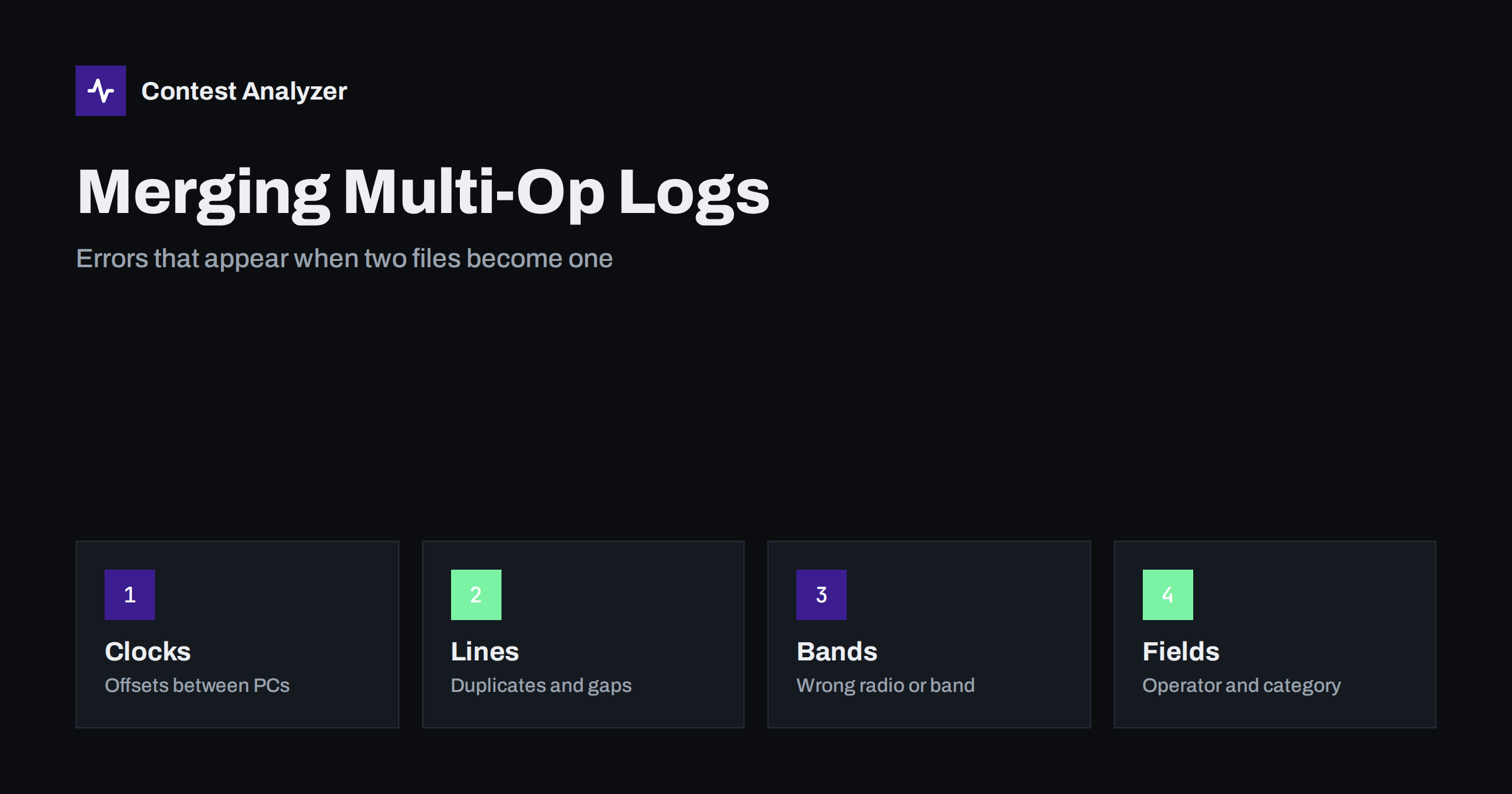
Short answer: When two or more computers log the same contest, the merged file can hide problems that were not visible in each log separately: clock offsets between the computers, duplicate lines, QSOs missing on one side, wrong band or radio fields and mixed-up operator names. Most of them can be found by sorting the merged log by time and looking at the transitions between the sources. Fix the cause in the stations before the next contest and fix the data with evidence after this one.
Why merging creates new problems
A multi-operator station often has one computer per band or per radio, and the loggers share data over a network. During the contest each computer writes its own file. After the contest, or sometimes during it, these files are combined into one Cabrillo log. The combination has to answer questions that no single computer asked. Which QSO is the same as which? Which clock is the right one? Which operator made which contact? If the answers are not clear, errors appear.
The article on merging logs from several computers describes how to prepare the stations. This article looks at what can go wrong afterwards, and how to recognise it in the merged data.
Clock offsets between computers
The most common problem is a difference between the clocks. If one computer is two minutes ahead of another, the merged log contains QSOs in the wrong order, and sometimes QSOs that appear before the start or after the end of the contest. The offset is often small and constant, but it can also drift if one computer has no time synchronisation. A drift of a few seconds per hour becomes minutes in a 48-hour contest.
You can find the offset by looking at the transition points in the sorted log. If the same station is worked on two bands in a very short time and the order looks impossible, check the clocks. If the last QSOs of one computer appear after the end of the contest while the others do not, that computer is probably ahead. The article on UTC clock errors and the article on fixing a wrong time explain how to measure and correct such an offset when you have proof.
Duplicate lines
If the computers exchange data over a network, the same QSO may be written in more than one file. When the files are merged, the line appears twice. A true dupe, which is the same station worked twice on the same band, is a legitimate situation and is not an error. A duplicated line, where the same QSO with the same time appears twice, is an export error. The difference matters, because a double line can count as an extra QSO in your claimed score.
To find duplicated lines, sort the merged log by time and callsign, and look for pairs with identical or almost identical data, often with the same time to the minute. If the logger has a function to remove duplicates by exact match, use it with care and review what it removes. The article on dupes in contest logs shows the difference.
One more point concerns the merge tool itself. Some programs decide that two QSOs are the same if the callsign, band and time are close, and they remove one of them. In a busy contest, two real QSOs with the same station on the same band are rare, but short intervals with partial calls and repeated attempts can fool the rule. Always look at the list of removed lines instead of trusting the count, and keep a copy of the merge before the removal.
It also helps to agree who has the final word. In a team, one person should own the merged file, and the others should send corrections to that person instead of editing their own copies after the merge. Otherwise several versions of the log circulate, and nobody knows which is the latest. A simple rule such as one owner, one folder and one version number avoids most of the confusion.
Missing QSOs
The opposite problem is a QSO that exists on one computer and is missing from the merge. This happens when a computer was disconnected from the network, when a file was exported before the last hour was written or when a computer crashed and its last minutes were lost. Look for a gap in the sorted log that is not matched by a break in the operating. If a band has no QSOs for an hour while the operator says that he was active, the file for that band is probably incomplete.
Compare the number of QSOs per computer with the number that the operators remember or with the counters on the screens at the end of the contest. A small difference is possible, but a large one means that something was lost. The article on protecting your log during the contest describes the habits that prevent this.
Band, radio and frequency fields
In a multi-op station, each computer is tied to a radio. If the wrong radio is selected, or if the data connection reads the frequency from the wrong radio, the log shows a band that does not match the real one. After the merge such QSOs are easy to see, because the sequence of bands in time does not make sense. For example, a QSO on 15 m between two QSOs on 40 m, written by the 40 m computer, is a sign that the frequency was wrong. The article on frequency errors in the logger explains the usual causes.
Band changes also have to be checked against the rules of your category. In some multi-operator categories the number of band changes is limited, and the log should show them. A merge can create an apparent band change that did not happen in reality, or hide a real one. The article on multi-operator band-change rules gives the general idea. Check the current rules of the contest.
Operator and header fields
The header of a multi-op log lists the operators, the category and the station information, and the QSO lines may contain an operator field in some loggers. After a merge the names may be spelled in different ways, or the list may contain only the operators of one computer. Check that every operator who worked is listed, and that the category in the header matches what was done. A merged header copied from one computer may show a single-operator category when the entry was a multi-operator one. The Cabrillo header guide explains the fields.
A routine for checking a merged log
- Keep every source file untouched, and work on a copy of the merge.
- Sort by time and read the transitions between sources.
- Check the first and last QSO of each computer against the start and end of the contest.
- Look for duplicated lines, and for gaps without a break.
- Check that bands and frequencies follow the logical order of operating.
- Check the header and the operator list.
- Export a new Cabrillo and compare the number of QSOs with the total of the sources, minus the removed duplicates.
How a report helps with the merged file
The statistics of the merged log are a useful test of its quality. A rate chart with sharp steps at the points where the sources change shows a problem with the merge. Contest Analyzer gives rates, QSOs by hour and band, countries, continents, CQ and ITU zones, breaks and off time, and it marks QSOs outside the contest period and outside the band limits for your ITU region, with split QSOs shown as a note. It checks every callsign and every zone against official license databases and several independent reference sources and shows only the few QSOs worth a second look. In the report you can edit calls, zones, time and frequency and download a corrected Cabrillo. It works with Cabrillo from N1MM Logger+, DXLog and Win-Test. See the contests page for the supported contests.
Preparing the next contest
Most merge errors have their cause before the contest. Synchronise all clocks from the same source before the start, and check them again once a day. Give each computer a clear name, and agree on the list of operators and their spelling. Test the network and the data exchange in a short practice contest. Write down who exports which file and when, and when the final merge will be done. The preparation takes an hour and saves many hours of work after the contest.
Related reading
The bottom line
A merged multi-op log can contain clock offsets, duplicate lines, missing QSOs and wrong fields that no single file shows. Keep the sources, sort by time, check the transitions and fix the causes before the next contest.
FAQ
How do I find a clock offset in a merged log?
Sort by time and look at the transitions between sources. Impossible sequences or QSOs outside the contest period point to the computer that is off.
Is every repeated callsign a duplicate line?
No. The same station worked twice on a band is a dupe, which is not an error. A duplicate line is the same QSO written twice.
Should I merge during the contest?
It can help to find problems early, but keep the original files and do the final merge after the contest.
Who should be listed as operators?
Everyone who operated, spelled consistently. Check the current rules for the category and header.
How can I check that no QSOs were lost?
Compare the counts per computer with the merged total after removing true duplicate lines, and look for gaps.