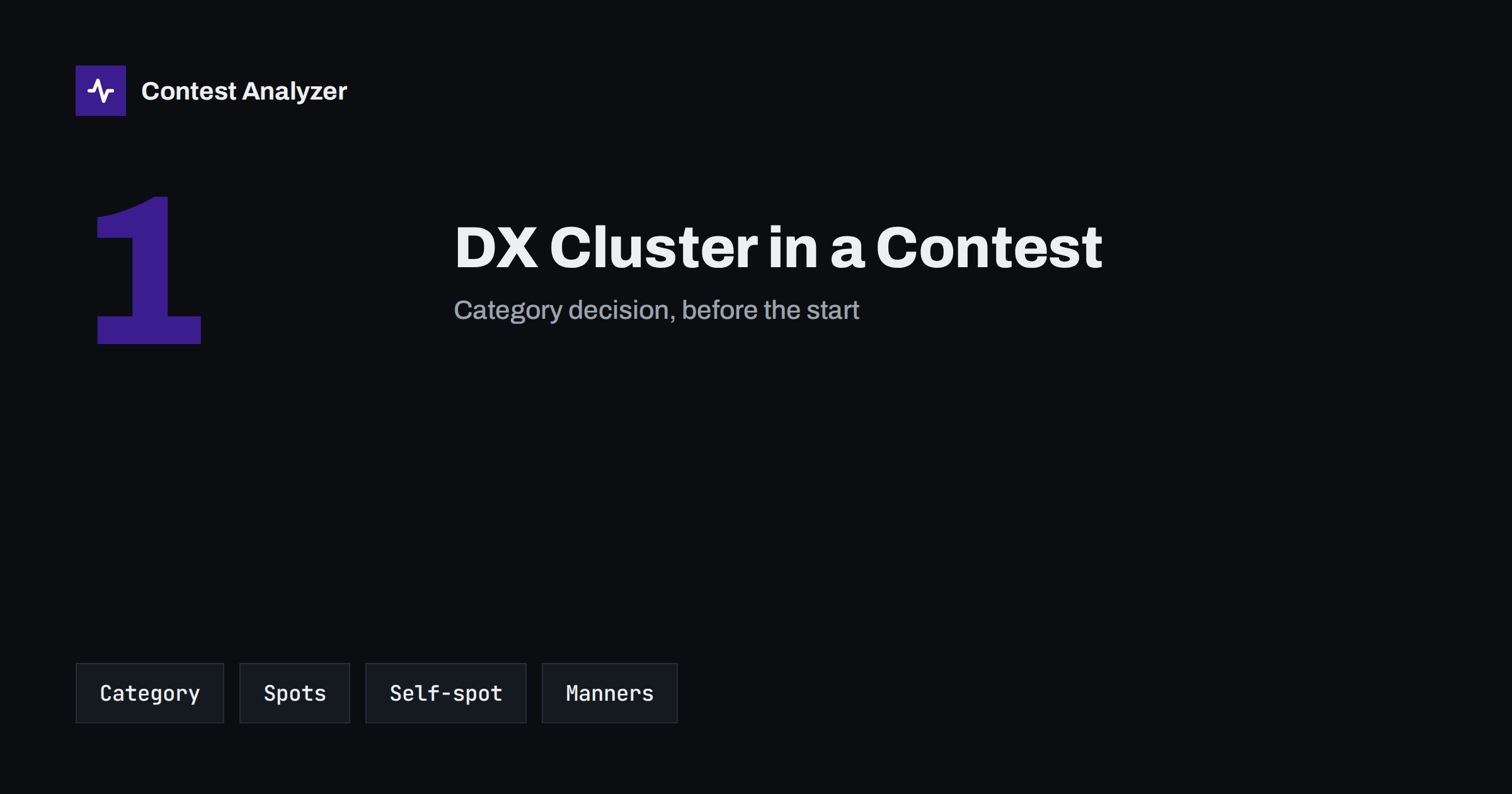
Short answer: The DX cluster is a network on which stations report who they have heard and where. In a contest, using it decides your category: most contests have an assisted class that allows spots, and an unassisted class that does not. The rules on self-spotting and on asking others to spot you differ, so check the current rules of the contest. Remember also that a spot is a report from someone else, and it can be wrong, so listen before you log.
What the DX cluster is
The DX cluster is a system of connected servers to which amateurs send short messages, called spots. A spot says that a station with a certain callsign was heard on a certain frequency at a certain time. Other users receive the spot on their computers and can tune to the station at once. The idea is simple and useful, and it has changed the way stations hunt for countries and multipliers. In a contest, it makes it easy to find a station that is active on a band, and to see where the multipliers are.
The same feature that makes it useful makes it a question of fairness. A station that uses spots finds new stations faster than a station that tunes the band by ear, so contest organisers have decided that these two ways of operating belong to different categories.
Assisted and unassisted in general terms
Most large contests have a single-operator class in which you may use outside information, such as spots, and one in which you may not. Names differ: in some contests the second class is called unassisted, in others it is called classic, and the exact definition of what counts as assistance is written in the rules. As a general principle, the assisted class allows the use of packet or internet spotting networks, while the unassisted class expects the operator to find stations by his own work and by what he hears. The article on assisted versus unassisted categories explains the choice in more detail, and the overlays article explains related classes.
The key rule for you is simple: decide your category before you start, and do not change your behaviour in the middle. If you enter unassisted, do not look at the cluster at all, not even once to check where a country is. Many operators close the cluster window and the cluster connection before the start, so that a spot cannot appear by accident. If you enter assisted, then you may use spots, but the other rules of the contest still apply to everything else.
Self-spotting and asking to be spotted
Self-spotting means that you send a spot about your own station. Some contests allow it and some do not, and some allow it only in certain categories. A related question is whether a friend may spot you, or whether you may ask other stations to do so. Rules about this are also different from contest to contest, and some contests explicitly forbid asking others to post spots for you. Since this is an area where rules can change, always check the current rules of the contest, not what was true last year.
Even if the rules allow it, think about the effect on the bands. A flood of spots from a single station, or spots for a station that is not really on the frequency, are a nuisance for other users. Good manners say that one spot per frequency change is enough, that the information must be accurate and that the spot should not be repeated every few minutes. The same applies to the comments: keep them short and to the point.
A spot can be wrong
A spot is a message from a person, or from a program, to other people. It may contain a wrong callsign, a wrong frequency or a wrong time. The common errors are the same as in the log: a letter or digit that is wrong, a similar callsign, a station that was heard on the frequency but was not the one that was spotted. Some spots are created from the callsign of a station that another station was calling, and not from the station that was actually transmitting. If the operator who uses the spot logs the callsign without listening, a wrong callsign can be copied from the cluster into the log.
This is a well-known source of busted calls in contests: several stations log the same wrong callsign because they all took it from the same wrong spot. The best defence is the old habit of listening. Tune to the frequency, hear the station send its callsign, and only then call and log. If the callsign on the air differs from the spot, trust your ears. If you are not sure, ask the station for the callsign. The article on partial callsign copies describes how to ask, and the one on busted callsigns shows what the cost of a wrong call is.
Good manners for the assisted operator
- Listen before you call. The spot says where to listen, not what to log.
- Do not spot what you have not heard. If you are not sure of the callsign, do not send it as a spot.
- Do not call a station that is working another. A spot may bring many callers, so wait for your turn and keep your call short.
- Do not use spots as a source for exchanges. The exchange must be taken from the QSO, not from the cluster comment.
- Keep the comments clean. Short and factual comments are useful; rude remarks and jokes are not.
- Correct a wrong spot if you can. If you find that a callsign was wrong, a short corrected spot helps others.
Spots and the log
For your own log, the important point is that the QSO is logged from what you copied, not from what the screen says. A good logger shows the spots in a list, and lets you click one to set the frequency and the callsign. Use this to move quickly, but always check the callsign by ear. The cluster is a pointer, and your log is the record of your work. In an assisted category, the use of spots does not make a busted call acceptable; the contest committee will check your log in the normal way.
When the contest is over, the log should be checked as with any other. Contest Analyzer checks every callsign and every zone against official license databases and several independent reference sources and shows only the few QSOs worth a second look, so you can see which callsigns need your attention. You can edit calls or zones in the report and download a corrected Cabrillo. It also gives statistics such as rates, QSOs by hour and band, countries, continents, CQ and ITU zones, WPX prefixes, distance, beam heading, breaks and off time and callsign length and structure, and allows comparison with your own logs from earlier years. It works with Cabrillo from N1MM Logger+, DXLog and Win-Test, and supports 22 contests; see the contests page. The category that you chose is entered in the header of the file, and it is your own responsibility; read the Cabrillo header guide to see how.
The cluster and your learning
There is also a longer-term view. An operator who always depends on spots may not learn to read a band, to judge the openings and to listen for stations that are not spotted. An operator who never uses them may miss multipliers that were on the air for only a few minutes. A reasonable approach is to enter unassisted in some contests and assisted in others, and to compare your statistics afterwards: the rate, the multipliers and the QSOs by band. The numbers show what the cluster really gives you, and they are the best basis for your next decision. Keep a short note of the category in your station notebook so that the comparison with the earlier year is fair.
How to decide your category
If you are not sure, think about what you want from the contest. If you want to learn how to find stations by yourself, and to measure your own skill, the unassisted class is a good teacher, and it is the class where small stations can compare themselves honestly. If you want to work as many multipliers as possible and to see how a whole band looks, the assisted class is more suitable. Both are valid ways to enjoy a contest, and neither is better in itself. What is important is to keep to the rules of the class that you chose. A wrongly chosen category can lead to a reclassification of the log, and the rules of the contest say how that is done.
Related reading
The bottom line
The DX cluster is a helpful tool and a rule that decides your category. Choose the category before the start, read the current rules on spotting, listen before you log and keep your spots accurate and sparse. Then the cluster helps your result instead of your busts.
FAQ
Can I use the DX cluster in an unassisted category?
Generally not. Unassisted classes expect you to find stations without outside spots. Check the current rules for the details.
Is self-spotting allowed?
It depends on the contest and the category. Read the current rules before you do it.
What should I do if a spot gives a different callsign from the one I hear?
Trust your ears. Listen again and ask the station to repeat the callsign if you are not sure.
Can a wrong spot cause busted calls?
Yes. If several operators log a callsign without listening, the same wrong callsign can appear in many logs.
Where is my category written in the log?
In the category lines of the Cabrillo header. Check them before you submit.