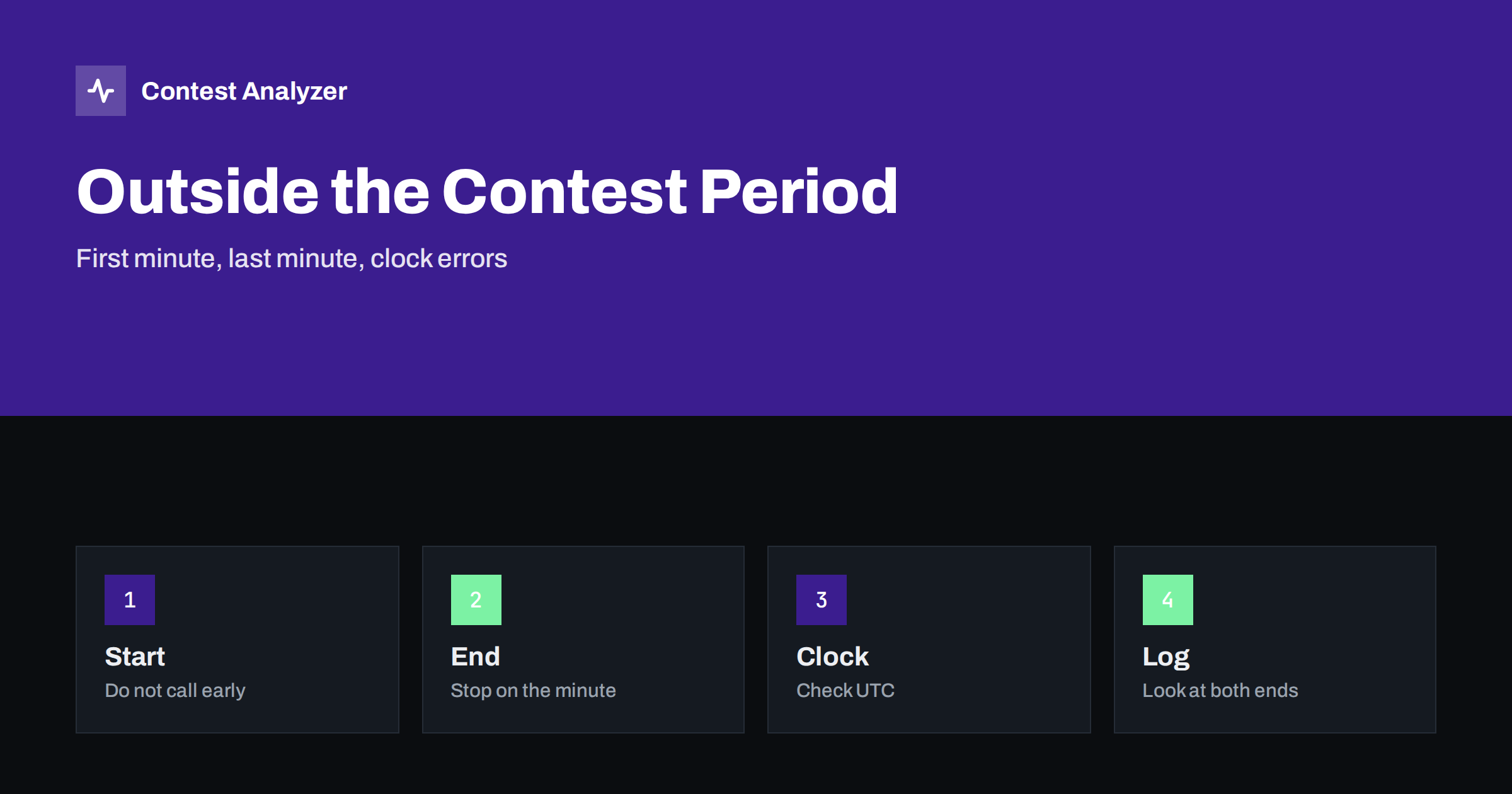
Short answer: Every contest has a start and an end in UTC, and a QSO outside this period is not valid for the contest. Such QSOs usually come from a wrong computer clock, from an eagerness to start early or from a contact finished a moment after the end. Log checkers handle them according to the rules, so the safest approach is to check the clock before the contest and the first and last QSOs of the log after it.
The contest period is part of the rules
A contest is defined by two moments: the start and the end, both in UTC. For CQ WW DX, for example, the period is 48 hours on a fixed weekend, and other contests have their own length, such as 24 hours or 36 hours. The rules of each contest state the exact times, and these can be changed from year to year, so always read the current official rules. A QSO that is made outside this period belongs to no contest, and the organisers do not count it.
The rules usually apply to your own station as well. Many contests also limit the operating time within the period, for example through an off-time rule, which was discussed in the article on off time and breaks. But the contest period is a simpler thing: either the QSO was made inside it or it was not.
How QSOs end up outside the period
- The computer clock is wrong. If the clock is a few minutes fast, QSOs made just before the start get a time inside the period. If it is slow, QSOs at the very end get a time after the end, or QSOs at the start look as if they were made earlier.
- Wrong time zone setting. A logger set to local time instead of UTC puts all the QSOs in the wrong hours. This is a larger error than a few minutes, and it is usually visible at once.
- Early starting. The operator calls CQ a minute before the start to be the first on the band. The QSO that results is not valid, even though it feels like a normal QSO.
- The last QSO. A QSO started before the end but finished after it. The time written in the log depends on the logger, and the rules may or may not give you the right to finish it.
- Practice QSOs. A test QSO or a QSO on a different day was left in the log file when the contest log was created.
- Date errors. A QSO with the wrong date, for example when the contest crosses midnight UTC and the logger date was not updated.
The article on wrong PC clock or UTC errors in a contest log describes the clock problems and their symptoms in detail, and the same problems apply here.
The first minute
Everybody wants to make the first QSO in the first minute. A common mistake is to start slightly before the beginning, because the clock on the wall, the clock on the radio and the clock on the computer show slightly different times. The rules of the contest give the start as an exact minute, and the QSOs made before it are not counted. The best approach is to use one reference for the whole station, the computer clock synchronised to a time server, and to start when it shows the first minute. The notes on the first hour of a contest give more advice on how to use this time.
Some loggers let you set the contest period, and then refuse to log a QSO outside it or warn you. If yours has this function, switch it on. It will not repair a wrong clock, but it protects against operator errors. If your logger accepts all QSOs, then remember that practice QSOs and early QSOs will be saved in the file and exported.
The last minute
At the end of the contest, the question is what counts as the QSO time. In most loggers, the time of the QSO is the time when the QSO was logged or when the callsign was entered. Some operators finish a QSO that began before the end and log it a few seconds later, and in that case the time may fall after the end. The rules of the contest may say something about this, or may say nothing, so the safe way is to stop calling CQ and answering calls in good time, and to complete only the QSO that is already in progress if the rules allow it. Check the current rules.
A good habit is to look at the last minute on the clock and to say to yourself that the QSO after the last minute is a QSO for the next contest. The last hours have their own considerations; the article on the last hours of a contest covers the choice between rate and multipliers.
What log checkers do
Contest committees check logs in various ways, and the details differ. In general, a QSO with a time outside the contest period is marked as outside the period and removed from the score, and in some contests it is reported in the checking result. In a few cases, a large number of such QSOs, or a clearly wrong time for the whole log, can lead to a more serious treatment of the log, for example a check log, depending on the rules. Do not rely on a certain result. A small number of QSOs outside the period is simple to prevent and not worth the risk.
It is useful to understand how a result is described in the log checking report. A line in the report saying that a QSO was outside the period is a clear signal that the clock or the habits need work. The article on claimed and final scores explains how the difference between the two grows with such removals.
A five-minute check of the log
- Sort the log by date and time and look at the first ten QSOs. Is the first QSO at or after the start?
- Look at the last ten QSOs. Is the last QSO at or before the end?
- Check that no QSO has a date outside the contest weekend.
- Check that the times are in UTC. Look at one QSO whose real time you remember.
- Look for gaps or jumps in the time which could mean a change in the clock during the contest.
- If something is wrong, find the cause before you correct a single QSO.
If you find a QSO outside the period, remove it or mark it as not valid in the logger before you export. If the whole log has a clock offset, do not try to repair it QSO by QSO; a whole-log offset is a different problem from a single mistake, and it needs a different approach. For the general routine before submitting, see how to check a contest log before you submit it.
Contest Analyzer and the contest period
Contest Analyzer checks every callsign and every zone against official license databases and several independent reference sources and shows only the few QSOs worth a second look. You can edit calls or zones in the report and download a corrected Cabrillo. The report also gives full statistics, including QSOs by hour and band, and breaks and off time, which makes a gap or a strange hour in your own log easy to see. The report also marks QSOs logged before the start or after the end of the contest, and you can correct the time of a single QSO directly in the report. The tool works with Cabrillo from N1MM Logger+, DXLog and Win-Test and supports 22 contests, as listed on the contests page. Dupes are not errors, and serial numbers are not checked.
Prevention in three habits
First, synchronise the computer clock automatically and check it before the contest against a reliable source. Second, decide how you will handle the first and the last minute and tell any other operators. Third, remove test QSOs and old data before the contest, by starting a clean log file. These habits take little time and remove nearly all the cases in which QSOs fall outside the period. If you operate at a multi-operator station, make sure that every computer in the network uses the same time source, as the notes on merging multi-op logs explain.
Related reading
The bottom line
A QSO outside the contest period is not valid, and the usual causes are a wrong clock, an early start or a late finish. Check the clock before the contest, respect the first and the last minute, and look at both ends of the log before you submit it.
FAQ
Is a QSO one minute before the start counted?
No. The contest period is defined in the rules, and QSOs outside it are not counted. Check the current rules for the exact times.
Can I finish a QSO after the end?
The rules may or may not allow it. The safe approach is to finish before the end of the period.
What if my clock was wrong during the whole contest?
Find the size of the offset, then decide how to correct it. Then check the rules of the contest on corrections.
Does my logger stop QSOs outside the period?
Some loggers do, and some only warn. Check your own settings before the contest.
What happens to such QSOs in the checking?
They are normally removed from the score. The exact handling depends on the rules of the contest.